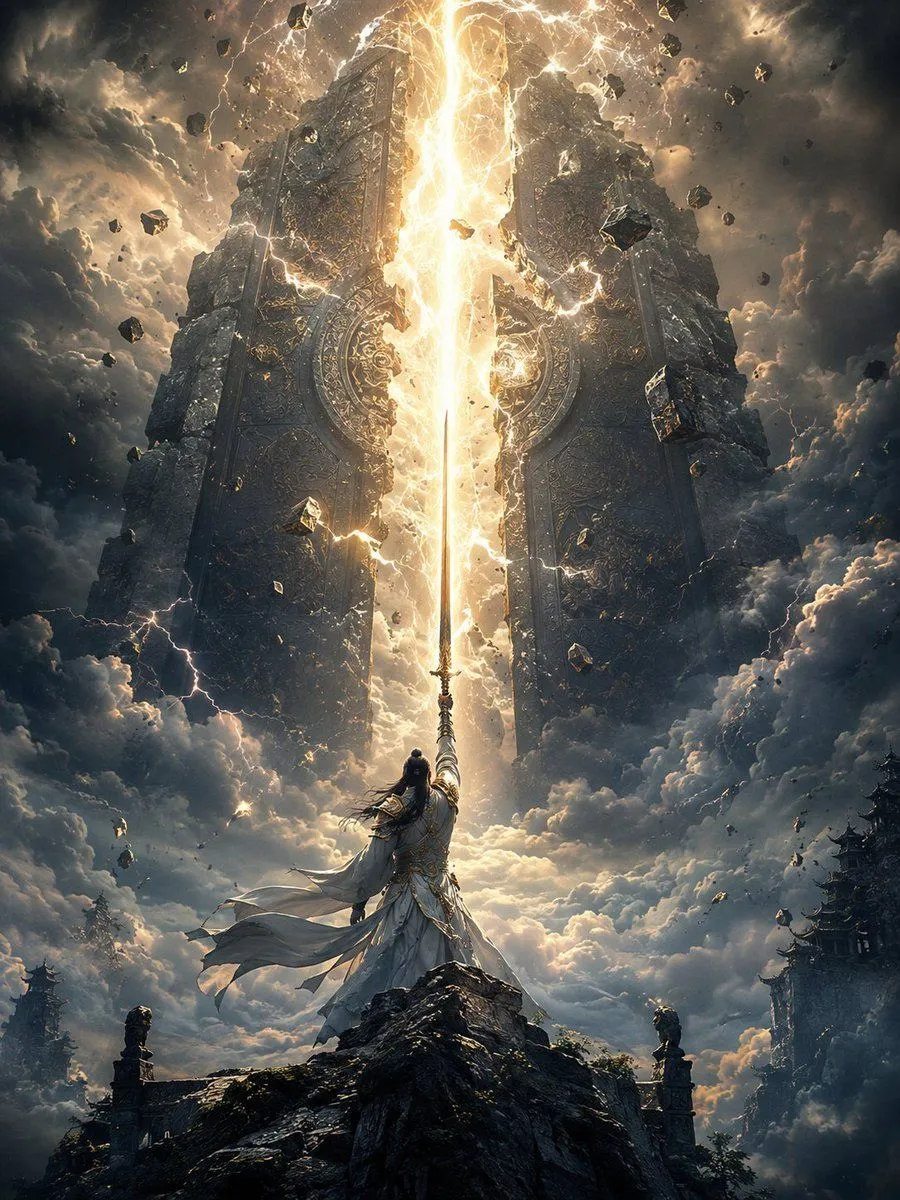
Heaven-Splitting Xianxia Swordsman
Create an epic vertical fantasy xianxia scene showing character_name standing on the jagged peak of a dark mountain, viewed from behind in a heroic low-angle composition. The warrior wears flowing robe_color ancient Chinese robes with long wind-whipped sleeves, layered fabric, ornate metallic trim, a tied waist sash, and long black hair streaming in the storm. He raises one straight sword vertically toward the heavens, and the blade becomes the centerline of a blinding golden-white beam of energy that splits open a colossal heavenly gate or stone door in the sky. The gate is ancient, monumental, and symmetrical, made of two enormous dark stone slabs covered in intricate circular carvings, runes, relief patterns, and gold filigree, cracking apart down the middle under the sword strike. Surround the split with intense lightning, arcing plasma, sparks, dust, glowing fissures, and levitating chunks of broken rock; count the visible main elements as 1 swordsman, 1 raised sword, 1 central light beam, 2 separated gate halves, and many scattered debris fragments. The setting is above storm clouds at dusk, with towering dark clouds, golden backlight, dramatic volumetric rays, thunderbolts, mist, and a sense of divine scale. Include distant silhouettes of traditional Chinese mountain temples and pagoda rooftops on the lower left and lower right edges, partly swallowed by clouds. Use cinematic fantasy concept art style, ultra-detailed, high contrast, vertical 3:4 composition, sharp focus on the sword and radiant fissure, atmospheric perspective, dark teal-gray storm tones contrasted with molten gold light, awe-inspiring scale, no modern objects, no text, no watermark.