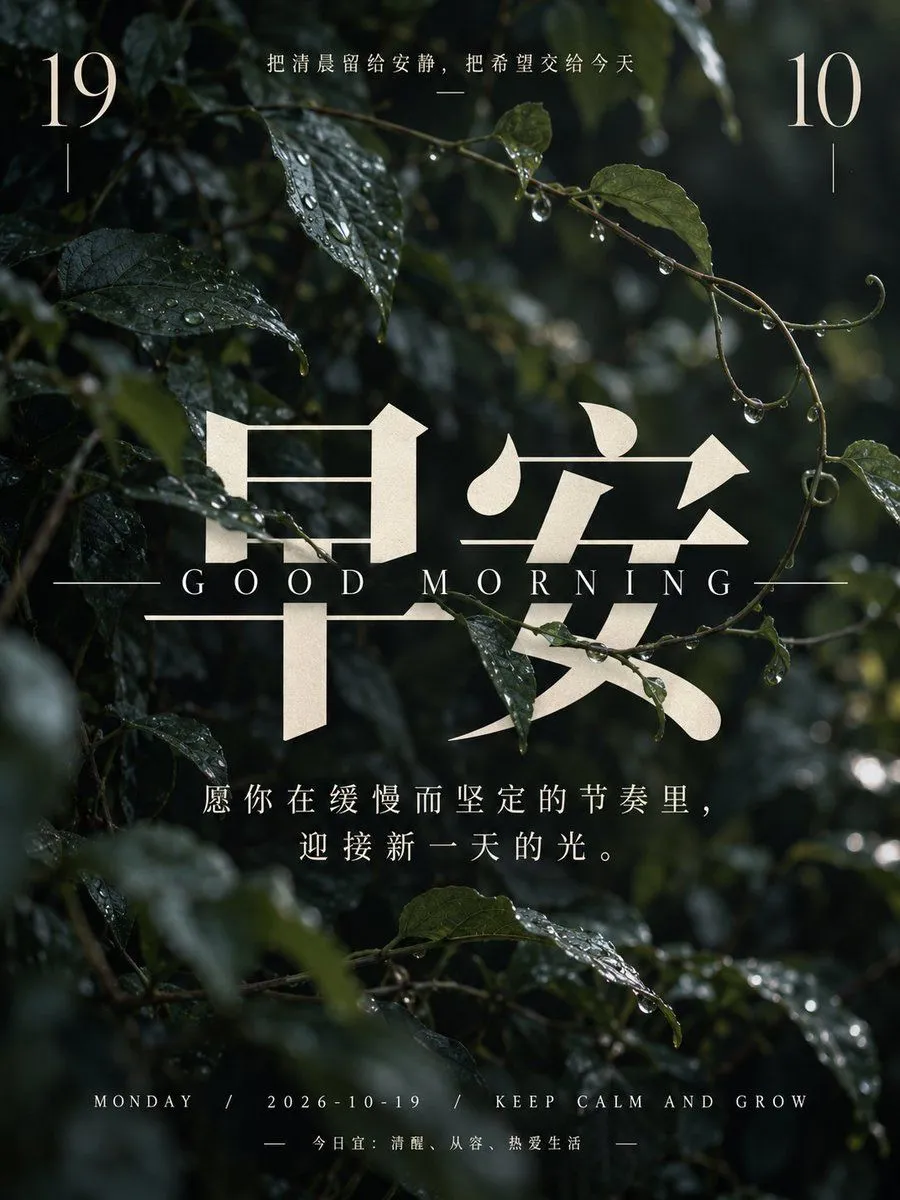
Healing Morning Poster with Dewy Leaves
Create a vertical, high-resolution healing-style morning greeting poster. The background is a close-up photograph of dark green leaves and thin vines covered in clear water droplets, with soft natural light filtering through the foliage to create a moody, serene atmosphere. In the top left corner, display the number "19" in a large, elegant serif font in cream color, with a short vertical line beneath it. In the top right corner, display the number "10" in the same style and color, also with a short vertical line beneath it. Centered at the very top, between the numbers, is a small horizontal line followed by the Chinese text: "把清晨留给安静,把希望交给今天" (Leave the morning for quietness, entrust hope to today) in a delicate white sans-serif font. Dominating the center of the image are two massive Chinese characters "早安" (Good Morning) in a bold, stylized serif typeface. These characters are rendered in a textured cream/beige color that looks slightly translucent against the dark leaves behind them. Directly below these large characters is the English text "GOOD MORNING" in widely spaced, uppercase serif letters, flanked by long horizontal lines on either side. Below the main title, centered in the lower-middle section, is an inspirational quote in white sans-serif text spanning two lines: "愿你在缓慢而坚定的节奏里,迎接新一天的光。" (May you welcome the light of a new day in a slow and steady rhythm.) At the bottom of the poster, there is a footer section. The first line reads "MONDAY / 2026-10-19 / KEEP CALM AND GROW" in small, spaced-out white capital letters. Below this, centered between two short horizontal dashes, is the text "今日宜:清醒、从容、热爱生活" (Today's advice: Be awake, be calm, love life).