Headphone Product Poster Prompt
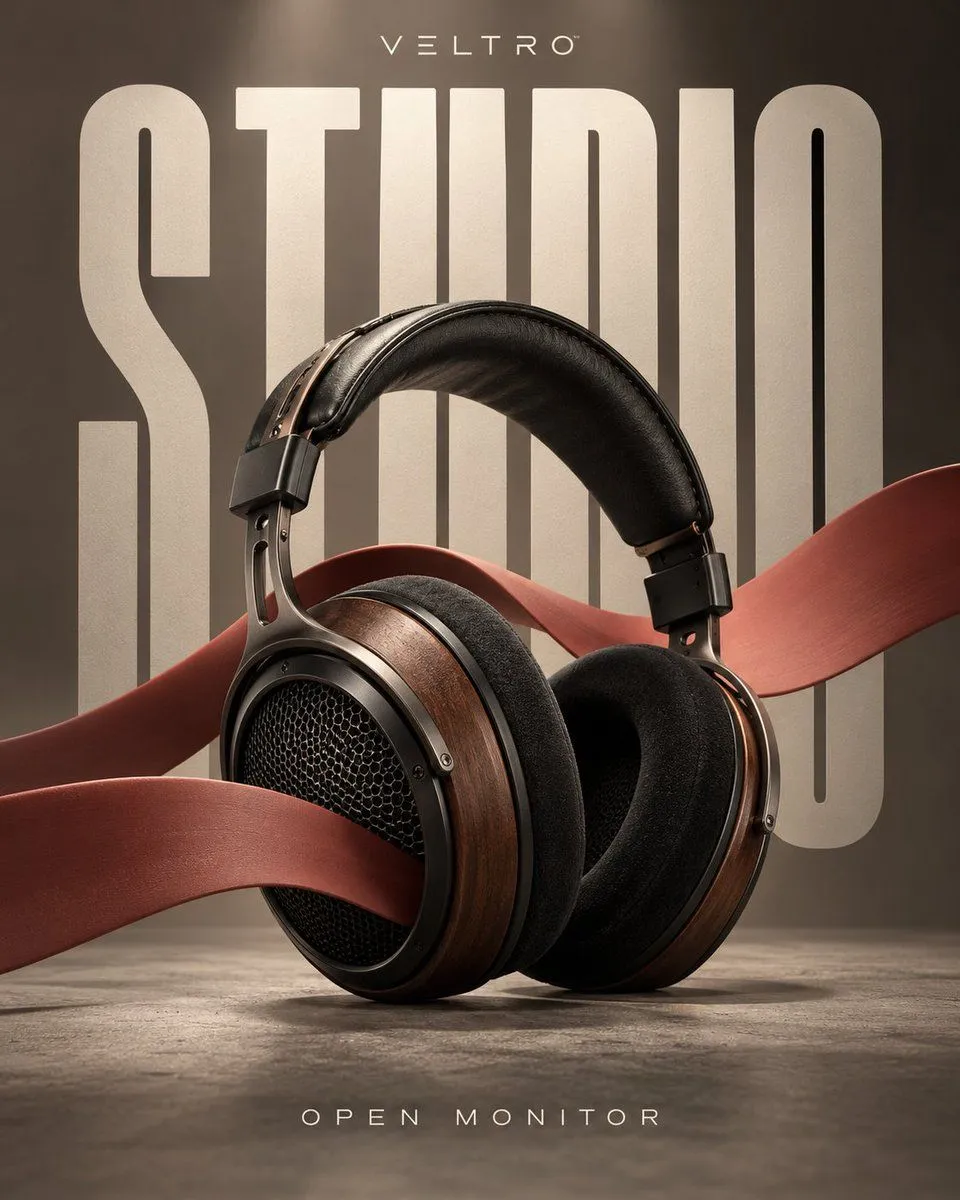
Output a standalone aspect_ratio vertical commercial poster, no collage, no multi-grid. Use an original fictional brand, do not imitate existing brand packaging, logos, or ads. Text must only use the brand name, main title, and category explicitly listed in the prompt; do not invent prices, awards, specs, dates, origins, or slogans. The image should reach creative direction review quality: realistic structure, credible materials, clear typography, no watermarks. Theme: Headphone review sample. Original brand "brand_name", product "product_model", main title "main_title". Place a pair of graphite black over-ear headphones in a creamy white studio. Ear cups facing camera, headband slightly tilted back, real cushioning and metal hinges clearly visible. A matte cobalt blue solid sound wave ribbon, varying in width from narrow to wide, enters from bottom-left, passing sequentially through the left ear cup, space behind the headband, and right background, creating a gentle undulation. It is not glowing audio waves nor decorative curves, but flexible material with thickness, edges, and shadows. Composition Core: "Product suspended on solid sound ribbon — Title forms sound chamber." Huge condensed font "main_title" arranged in depth behind the scene as six character frames. Headphones and sound ribbon weave alternately in front of and behind these frames, creating clear occlusion and spatial layers. Brand "brand_name" at top, bottom text only "product_model / HEADPHONES". Colors: Black, Warm White, Cobalt Blue. Direct soft lighting, still-life ad quality. No people, stage lights, music festivals, EQ UI, spectrograms, red idol covers, neon, extra headphones, or meaningless tags.