Giant Police Robot Maintenance Review
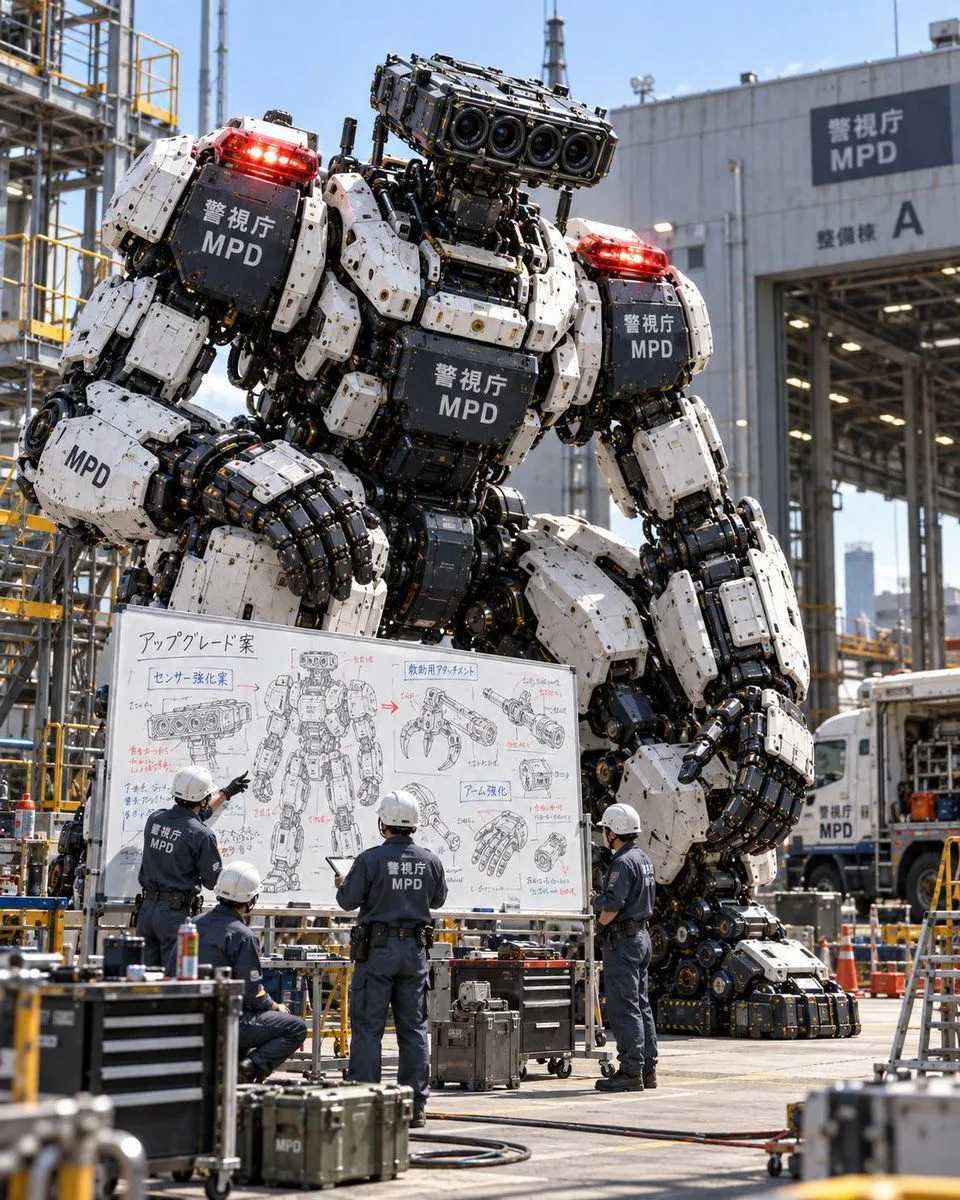
Goal: Create a photorealistic scene of a giant police robot being reviewed by maintenance staff at an industrial depot. Canvas: Vertical 4:5 aspect ratio, realistic photography style with bright daylight and sharp focus. Subject details: A massive humanoid robot stands in the center background. It has white armored plating on its shoulders, chest, and thighs, contrasted with exposed black mechanical joints, pistons, and hydraulic cables. The head is a rectangular sensor block featuring four large camera lenses arranged horizontally. Red emergency lights are mounted on both shoulders. The text "警視庁 MPD" (Metropolitan Police Department) appears in white on the black chest plate, shoulder plates, and arm guards. Layout & Action: In the foreground, four mechanics stand with their backs to the viewer, wearing dark blue uniforms with "MPD" printed on the back and white hard hats. They are gathered around a large mobile whiteboard, actively discussing the robot's design. One mechanic points at the board; another holds a tablet. Text content: The whiteboard contains hand-drawn technical sketches and Japanese notes. Key visible headers include "アップグレード案" (Upgrade Proposal), "センサー強化案" (Sensor Enhancement Plan), and "アーム強化" (Arm Strengthening). Diagrams show close-ups of the sensor head, a claw attachment, and a reinforced hand. Environment: An industrial maintenance yard with yellow scaffolding and steel structures on the left. On the right, a large warehouse building features a sign reading "警視庁 MPD" and "整備棟 A" (Maintenance Building A). A white truck marked "MPD" is partially visible in the background. Toolboxes and equipment cases clutter the concrete ground.