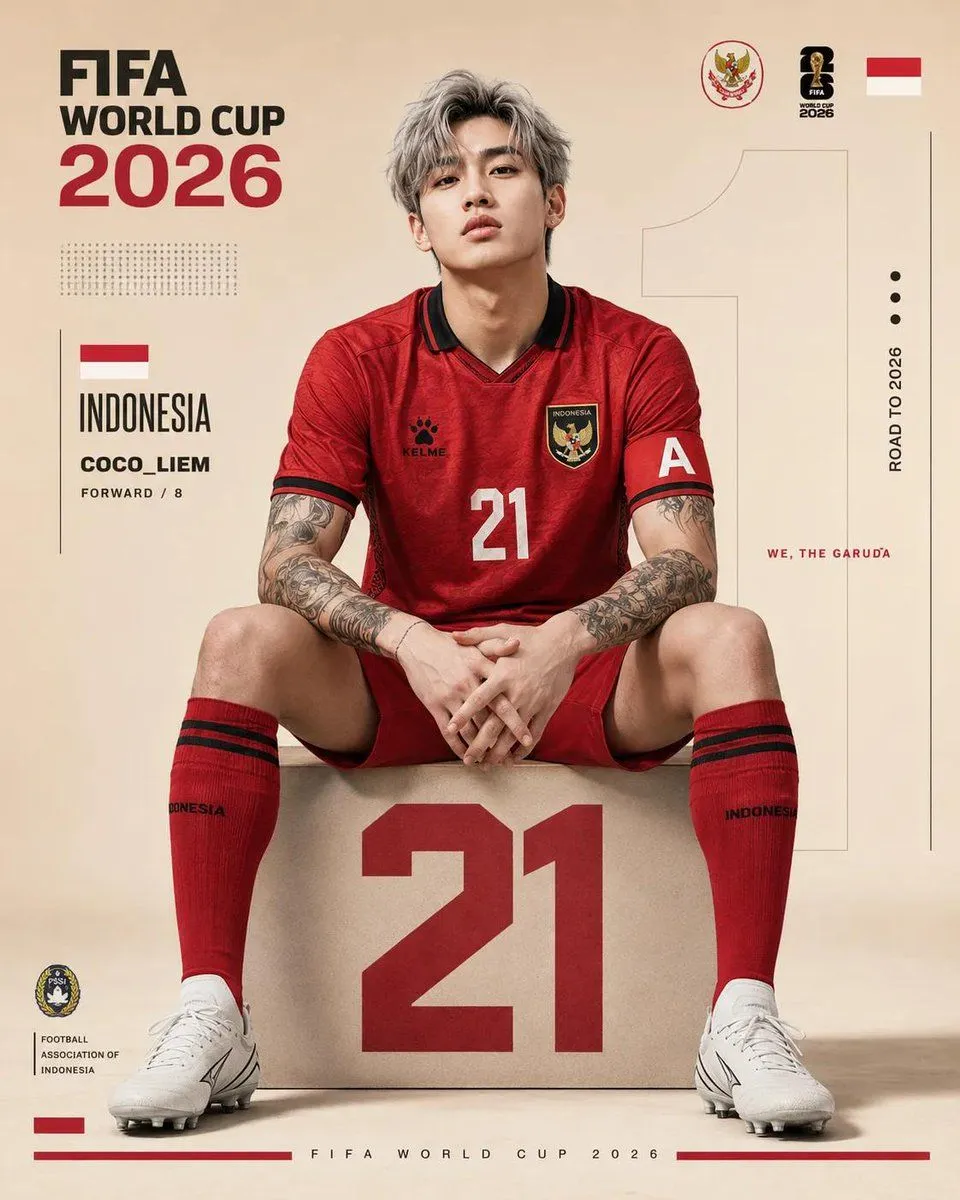
FIFA World Cup Poster Design
Ultra-realistic FIFA World Cup 2026 poster design, vertical format 4:5, clean premium sports editorial aesthetic with minimalist beige studio background. Center composition featuring a player_identity sitting confidently on a large geometric block with the player_number printed in bold red on the front.The player wears a modern Indonesia national team football kit in kit_color with black collar trim, black kelme logo, Indonesia football crest, captain armband with white “C”, red socks with black stripes, and white football boots. The player has messy silver-gray hair, sharp jawline, pale skin, tattoo-covered neck and arms, fashionable K-pop inspired appearance, intense facial expression, relaxed pose with elbows on knees and hands clasped. lighting is soft and cinematic with subtle shadows and ultra-detailed skin texture, fabric folds, tattoos, and realistic reflections. Background includes oversized transparent number “7” behind the player, modern graphic layout elements, thin black divider lines, minimalist dots, Indonesia flags, football federation inspired logos, typography blocks, and editorial text placements. Include text such as: “FIFA WORLD CUP 2026”, “INDONESIA”, “name”, “FORWARD / 7”, “ROAD TO 2026”,“WE, THE GARUDA”. Design style combines luxury sports branding, FIFA promotional poster aesthetics, modern magazine layout, Korean street-fashion influence, and premium football campaign visuals. Symmetrical composition, centered framing, ultra-sharp details, realistic textures, high contrast, soft beige and red color palette, photorealistic quality, 8k resolution, professional typography hierarchy, clean spacing, modern poster grid system.