Epic Fantasy Battle Memory Poster
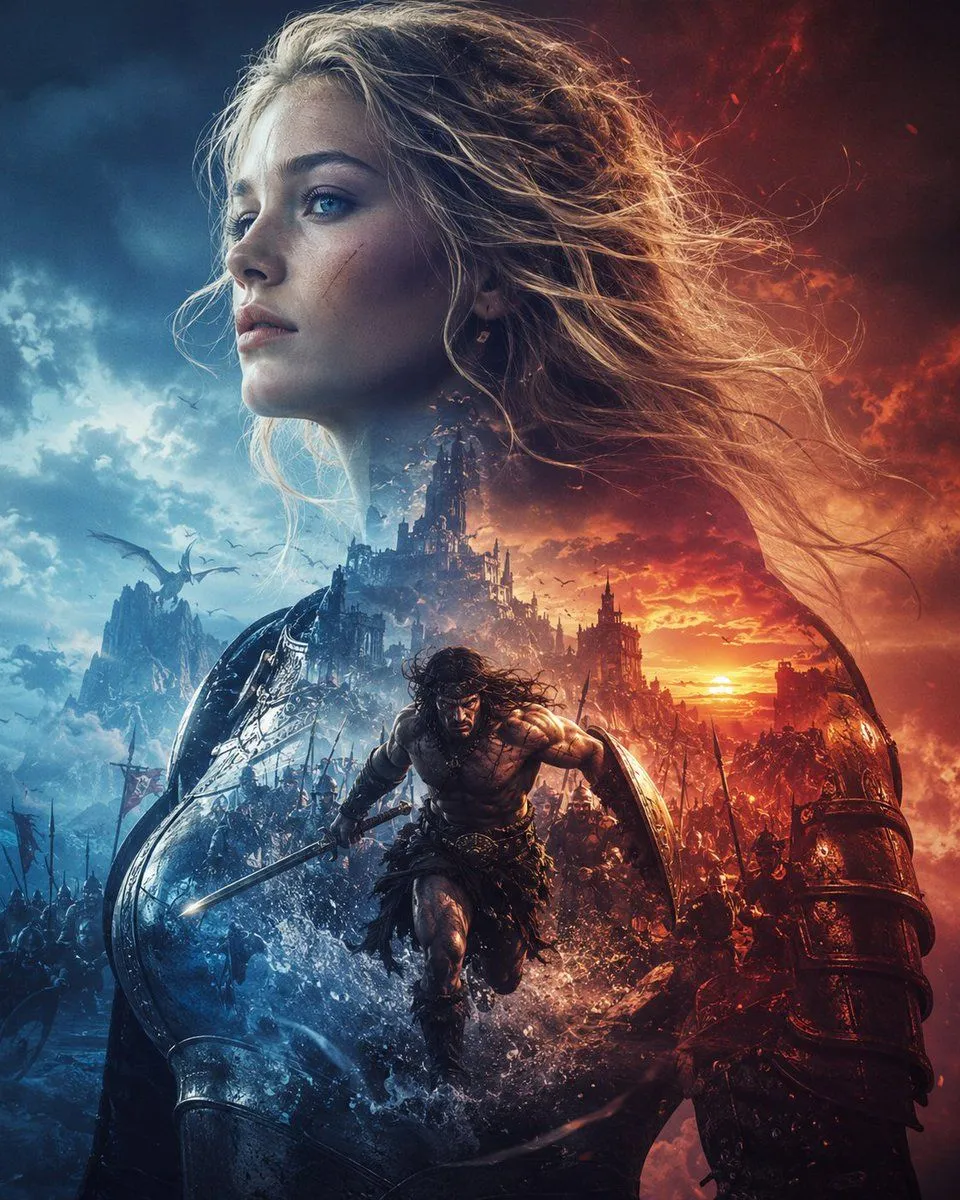
Create an epic dark-fantasy cinematic poster titled by mood rather than typography, evoking theme: a colossal blonde female warrior or goddess fills the entire composition from the upper left to the lower right, her long windblown hair streaming across the fiery sky, her face intentionally covered by a large plain square gray censor block in the upper center-left. Below her, a muscular barbarian hero with long dark hair charges forward through splashing water and battlefield debris, holding a sword in his right hand and a round shield on his left arm, with his face also obscured by a small soft dark square blur. Surround the hero with a massive medieval battle: armies with spears and banners, ruined gothic castles, jagged mountains, flying dragons or large birds, smoke, sparks, and silhouettes of soldiers. Split the lighting dramatically into two opposing color worlds: icy blue storm clouds and cold mist on the left, burning orange-red sunset, fire, and embers on the right. In the foreground, show huge dark armored forms and shields curving up from both lower corners, including a red-lit armored limb or gauntlet on the right and a blue-lit metallic shield-like structure on the left, framing the charging hero. Use hyper-detailed fantasy realism, high contrast, extreme dynamic motion, volumetric clouds, rain spray, glowing sunset horizon, cinematic concept art, intricate armor textures, chaotic war atmosphere, vertical poster composition, no readable text, no logo, no watermark. Customize the central hero as hero_archetype, the giant figure as giant_figure, the left-side palette as cold_color_palette, and the right-side palette as warm_color_palette.