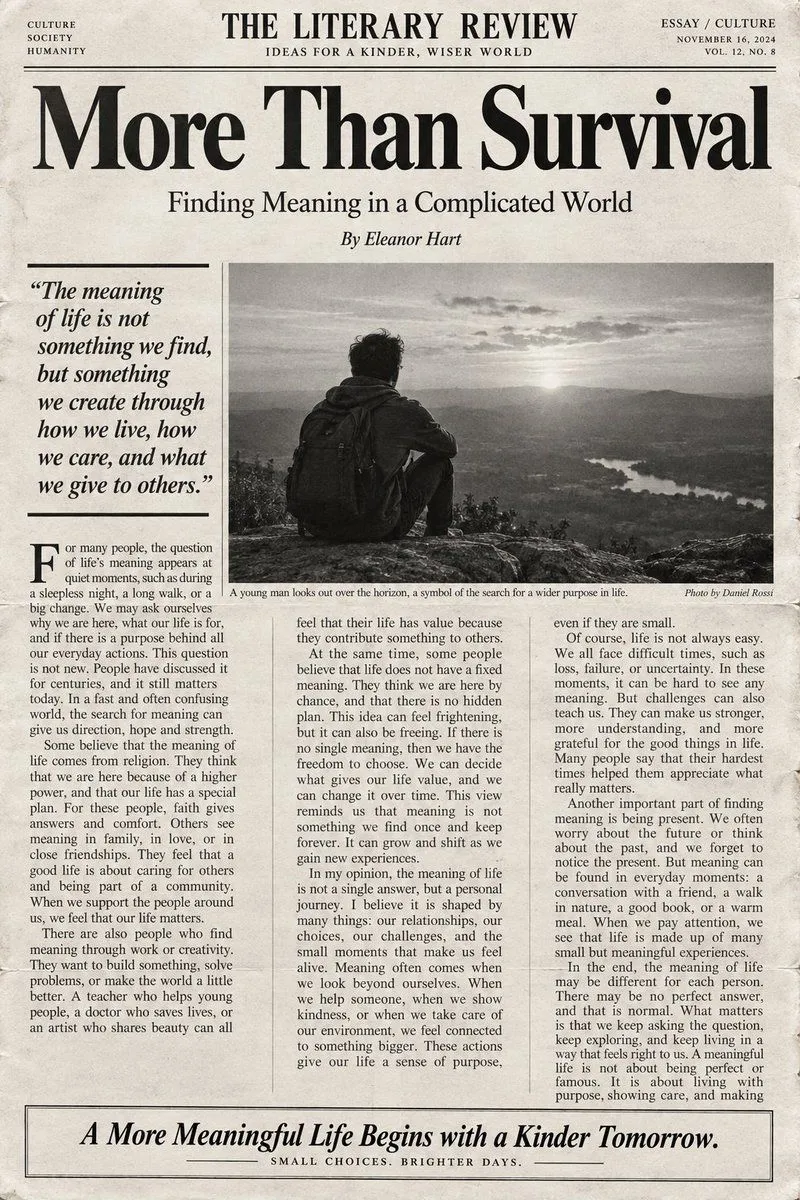
English Editorial Newspaper Layout
Subject: subject / English Level: english_level / Word Count: word_count Generate a high-end black-and-white editorial-style English article layout that resembles a premium literary magazine, cultural journal, or newspaper feature page. The article language must be English, and writing must strictly follow the CEFR English level specified in the first line. The English level can be A1, A2, B1, B2, C1, or C2; "Subject" is the article topic; "Word Count" is the target number of English words. English difficulty requirements: - A1: Very basic, high-frequency vocabulary and simple short sentences. - A2: Common life vocabulary, simple connectives, and basic compound sentences. - B1: Richer daily and abstract vocabulary, including reasons, examples, and opinions. - B2: Mature argumentative expression, rich vocabulary, and complex sentence structures with logical layers. - C1: Advanced, accurate, and natural English with literary quality. - C2: Near-native cultural commentary or literary editorial level with nuanced rhetoric and abstract concepts. The article must center on the specified subject and stay within ±10% of the word count. The layout should include a clean masthead at the top (e.g., "THE LITERARY REVIEW"), a large elegant high-contrast serif font for the main headline, an author byline, and a three-column editorial grid. Include a prominent bold italic pull-quote on the left and a large black-and-white documentary photograph in the center with a caption. The overall aesthetic should be restrained, rational, and scholarly, using off-white newsprint textures with slight ink bleed and grain. Only black, dark gray, and cream-white colors are allowed. The bottom should feature an information box with a large italic call to action.