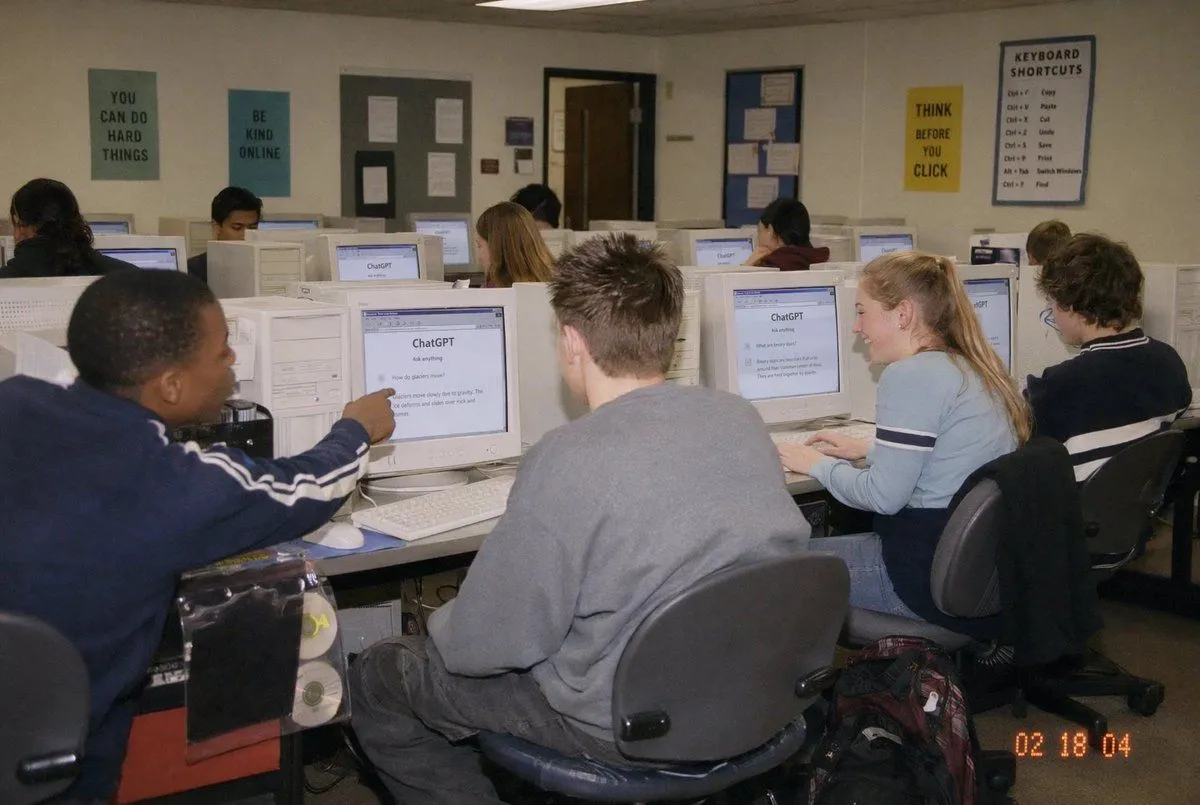
Early 2000s Computer Lab With ChatGPT
A candid documentary-style photo of a setting filled with exactly 10 students seated at rows of bulky off-white CRT desktop computers, viewed from the back-left corner of the room at a slight wide angle. The scene should feel like an early-2000s snapshot taken on a consumer digital camera with direct flash, soft grain, slightly warm indoor fluorescent lighting, and a timestamp in the bottom-right corner reading timestamp. In the foreground left, a student in a navy track jacket with white sleeve stripes points at a CRT monitor; in the center foreground, another student with short spiky hair wears an oversized gray sweatshirt and sits facing away from the camera; on the right foreground, a blonde student with a ponytail wears a light blue long-sleeve top with dark horizontal arm stripes and types at a keyboard; far right, another student with curly dark hair sits at a workstation. Several other students occupy the middle and back rows, all facing their screens. The monitors prominently display the ChatGPT interface, with the visible heading reading screen_title and simple prompt text beneath it. The room has beige walls, drop ceiling tiles, and multiple motivational classroom posters: exactly 4 readable posters on the back wall saying poster_one, "BE KIND ONLINE", "THINK BEFORE YOU CLICK", and a larger poster titled "KEYBOARD SHORTCUTS" with a list beneath it. Include bulletin boards, a classroom door at the back, rolling office chairs, white keyboards and mice, and a backpack on the floor near the right foreground desk. Faces should be partially obscured or softly anonymized, preserving the look of a real classroom photo while keeping the focus on the students using ChatGPT in an old computer lab.