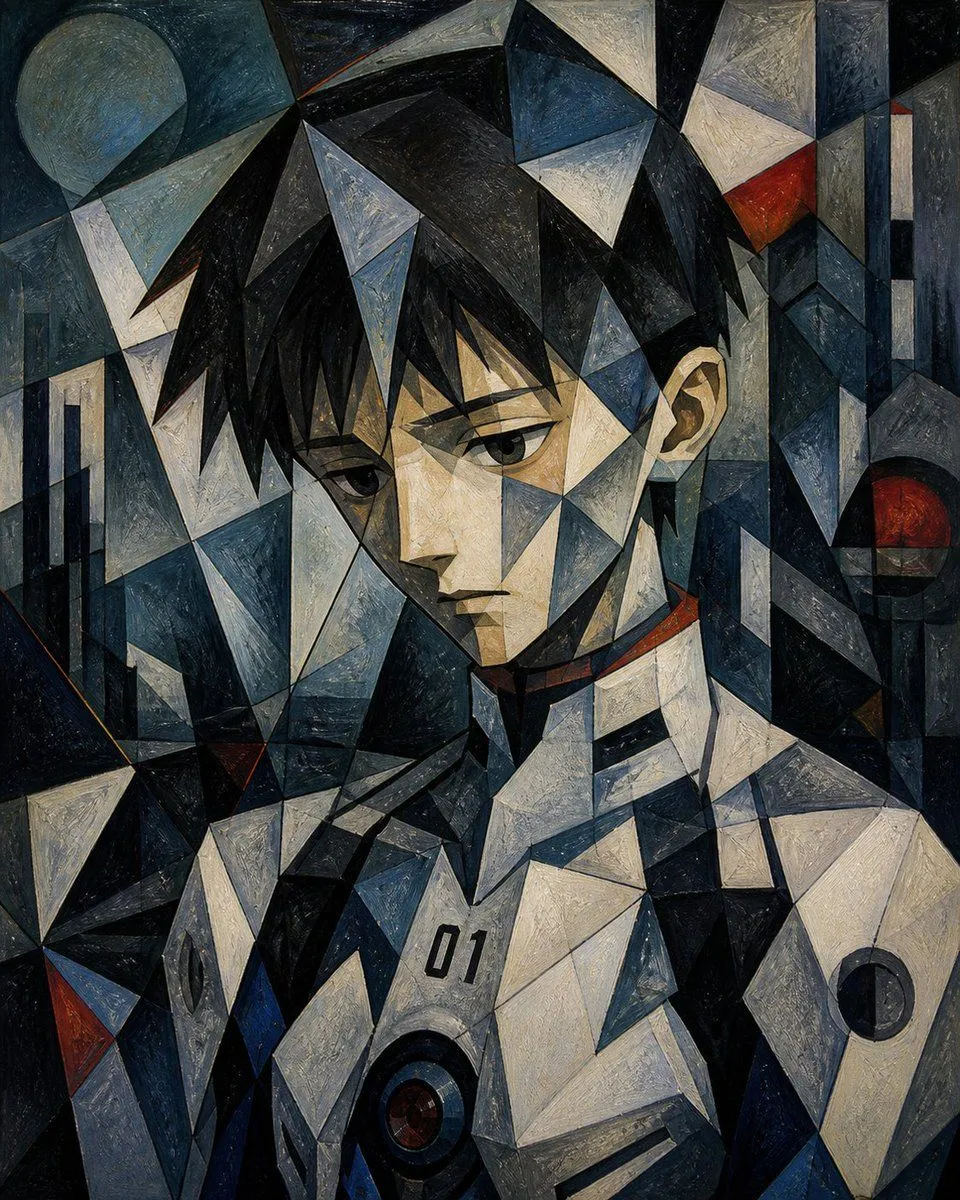
Cubist Futuristic Android Portrait
A moody cubist geometric portrait of a futuristic humanoid figure, shown from the chest up and filling the frame, with the face intentionally obscured by a large soft-edged rectangular blur centered over the facial area. The composition is built from sharp interlocking triangular and polygonal planes, like fractured glass or faceted metal, forming the hair, head, neck, shoulders, and body armor. Use a dark palette dominated by navy blue, slate, charcoal, black, steel gray, and off-white, with small but striking accents of deep red and muted rust. The figure has angular black hair rendered as jagged crystalline shards, one visible ear on the right side, a pale faceted neck, and broad armored shoulders. The torso resembles a sci-fi mech or android shell in white and blue-gray panels, with the printed number chest_marking on the upper chest and 2 visible circular mechanical ports or lens-like details: 1 large dark circular component near the lower center chest and 1 smaller dark circular component on the right shoulder plate. In the background, include 2 circular celestial or abstract orb forms: 1 pale moon-like circle in the upper left and 1 dark red orb on the right side, plus 2 sets of vertical architectural bar shapes, one along the left edge and one near the upper right edge, integrated into the same faceted abstract structure. Style it as an oil painting with heavy brush texture on canvas, combining cubism, futurist portraiture, and abstract sci-fi design. The mood is somber, enigmatic, and cinematic, with strong contrast, fragmented lighting, and a symmetrical-but-broken composition. Portrait orientation, tightly cropped, highly detailed, textured, gallery-quality artwork.