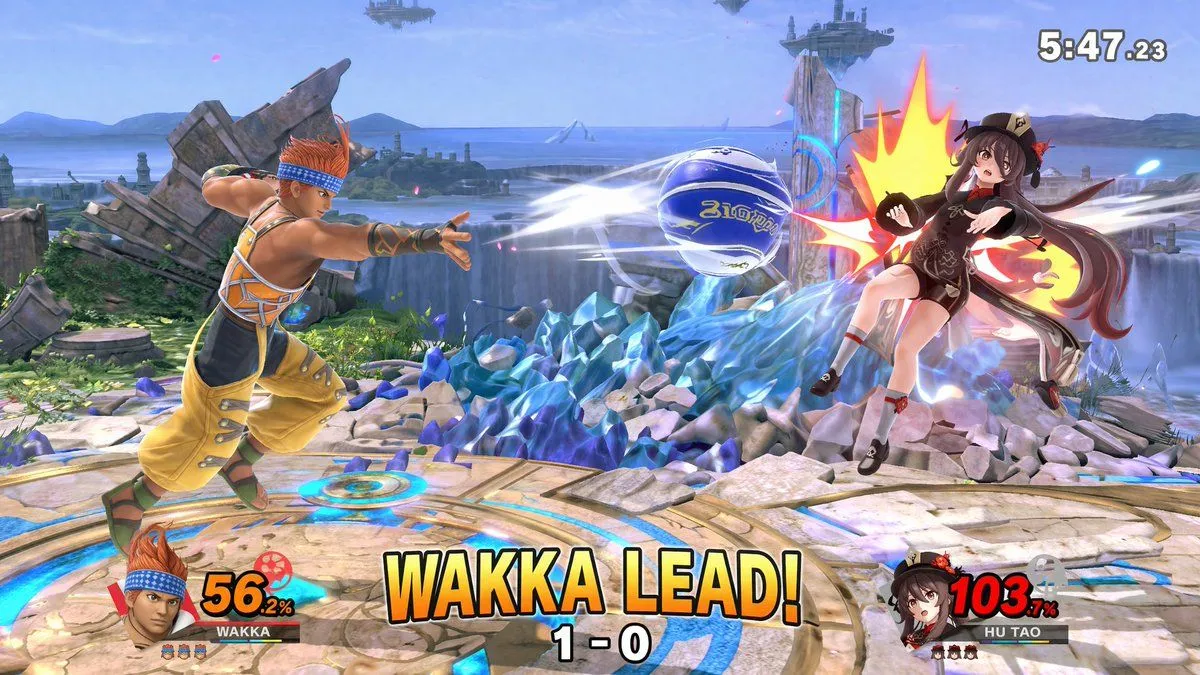
Crossover Platform Fighter Screenshot
"type": "3D platform fighting game screenshot", "style": "high-fidelity 3D render, vibrant colors, dynamic action camera angle, video game UI overlay", "environment": "stage": "argument name=\"stage background\" default=\"circular stone platform with glowing blue runes, surrounded by jagged blue crystal formations, waterfalls, ocean, and floating islands in the sky\"" , "characters": [ "role": "Player 1", "description": "argument name=\"player 1 character\" default=\"Wakka from Final Fantasy X, wearing yellow and orange outfit with blue headband\"", "action": "lunging forward and throwing a argument name=\"projectile\" default=\"blue and white blitzball\" with white motion blur trails", "position": "left side" , "role": "Player 2", "description": "argument name=\"player 2 character\" default=\"Hu Tao from Genshin Impact, wearing black and brown outfit with a floral hat\"", "action": "getting hit by the projectile, reeling backward with a large stylized yellow and red impact flash", "position": "right side, mid-air" ], "ui_components": [ "position": "top right", "type": "match timer", "text": "5:47.23" , "position": "bottom left", "type": "player 1 HUD", "elements": [ "character portrait of Player 1", "nameplate reading 'WAKKA'", "damage meter showing '56.2%' in yellow text", "3 small character stock icons" ] , "position": "bottom right", "type": "player 2 HUD", "elements": [ "character portrait of Player 2", "nameplate reading 'HU TAO'", "damage meter showing '103.7%' in red text", "3 small character stock icons" ] , "position": "bottom center", "type": "match status overlay", "main_text": "argument name=\"center text\" default=\"WAKKA LEAD!\"", "sub_text": "1 - 0" ]