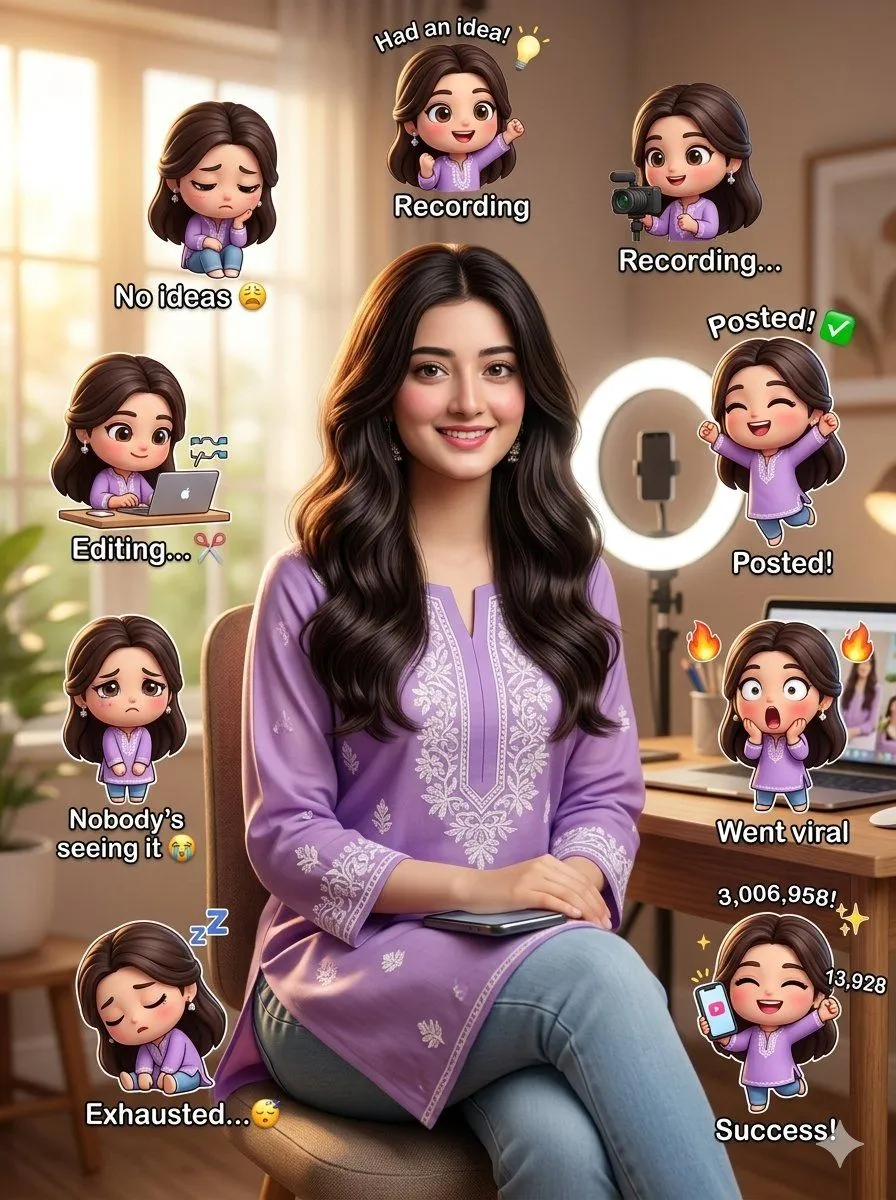
Content creator journey infographic
Create a hyper-realistic, ultra-detailed, DSLR-quality vertical portrait scene using the provided reference image, keeping the face, identity, facial structure, skin tone, hairstyle, soft expression, and authentic ethnicity features exactly the same with no distortion or stylization, featuring a subject with glowing natural skin, long slightly wavy dark hair, minimal influencer-style makeup, wearing a stylish modest outfit_color full-sleeve influencer suit with soft white embroidery details, paired with light blue denim and minimal silver accessories, standing or sitting confidently in a setting creator setup with a wooden desk, smartphone, ring light, laptop, aesthetic neutral decor, plants, shelves, warm daylight from a window, shallow depth of field, and soft cinematic lighting, while multiple cute glowing 3D chibi mini versions of the same girl float around the scene in kawaii cartoon style showing different content creation stages including a sad chibi with blank notebook and text “No ideas 😩”, excited chibi with bulb and text “Had an idea! 💡”, recording chibi using phone and ring light, editing chibi on laptop with text “Editing... ✂”, celebrating upload chibi with text “Posted! ✅”, sad ignored chibi with text “Nobody’s seeing it 😭”, shocked happy viral chibi with text “Went viral 🔥”, sleepy exhausted chibi with text “Exhausted... 😴”, and successful final chibi holding a phone with huge engagement numbers and text “Success! ✨”, all rendered in ultra-realistic 8K quality with cinematic composition, vibrant details, soft shadows, influencer aesthetic, clean modern atmosphere, realistic textures, and highly engaging viral social media poster style in 4:5 portrait orientation.