Cinematic Sakura Ronin Poster
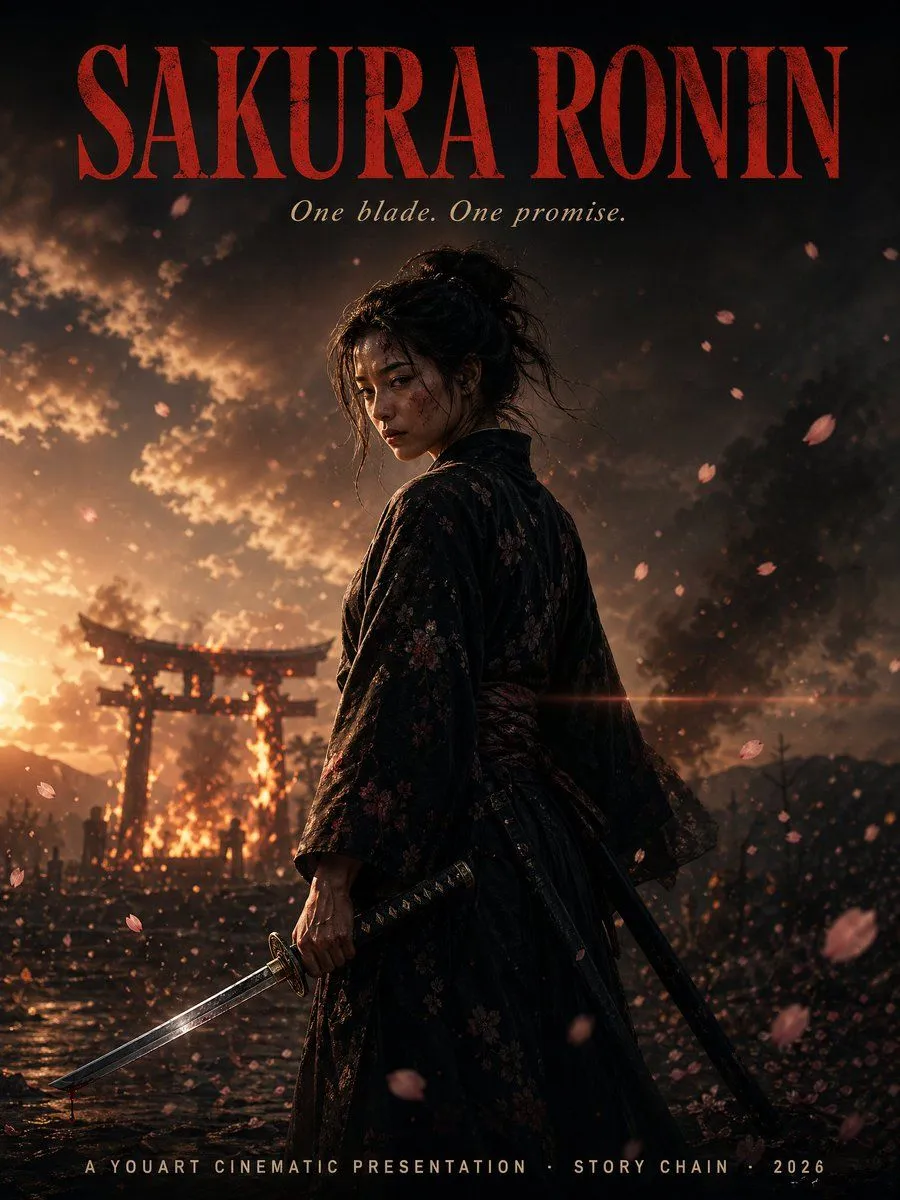
A cinematic vertical movie-poster composition for a samurai drama titled title_text. Place a lone female ronin in the center foreground, shown from about mid-thigh up in a three-quarter back view, her head turned slightly toward camera, with dark messy hair tied in a loose bun and a few stray strands. She wears a dark black-to-deep-burgundy floral kimono with subtle sakura patterns and a tied obi, realistic textured fabric, weathered and dramatic. In her right hand she grips a katana angled downward toward the lower left corner; a second sheathed sword hangs at her side. Her stance is calm, resolute, and battle-worn. Fill the scene with falling sakura petals, some sharp and some motion-blurred in the foreground and background. Set the background at dusk with a blazing fire behind a Japanese torii gate, smoke billowing into a stormy sky, wet reflective ground, tiny silhouetted figures near the gate, distant mountains, drifting embers, and a strong warm backlight from the left. Use high-contrast cinematic lighting with orange fire glow against deep shadowy blacks, volumetric smoke, dramatic rim light on the ronin, shallow depth of field, anamorphic lens flare crossing the mid-frame, ultra-detailed photorealistic rendering, moody epic atmosphere, premium film poster styling. Add precise typography integrated into the poster: at the very top, huge tall condensed serif letters in dark crimson reading title_text; directly below, a smaller elegant italic serif tagline in pale ivory reading tagline_text; at the bottom center, small spaced uppercase credits in light beige reading bottom_credits. Ensure the text is clean, centered, and highly legible. 2 swords total are visible: 1 unsheathed katana in hand and 1 sheathed sword at her hip.