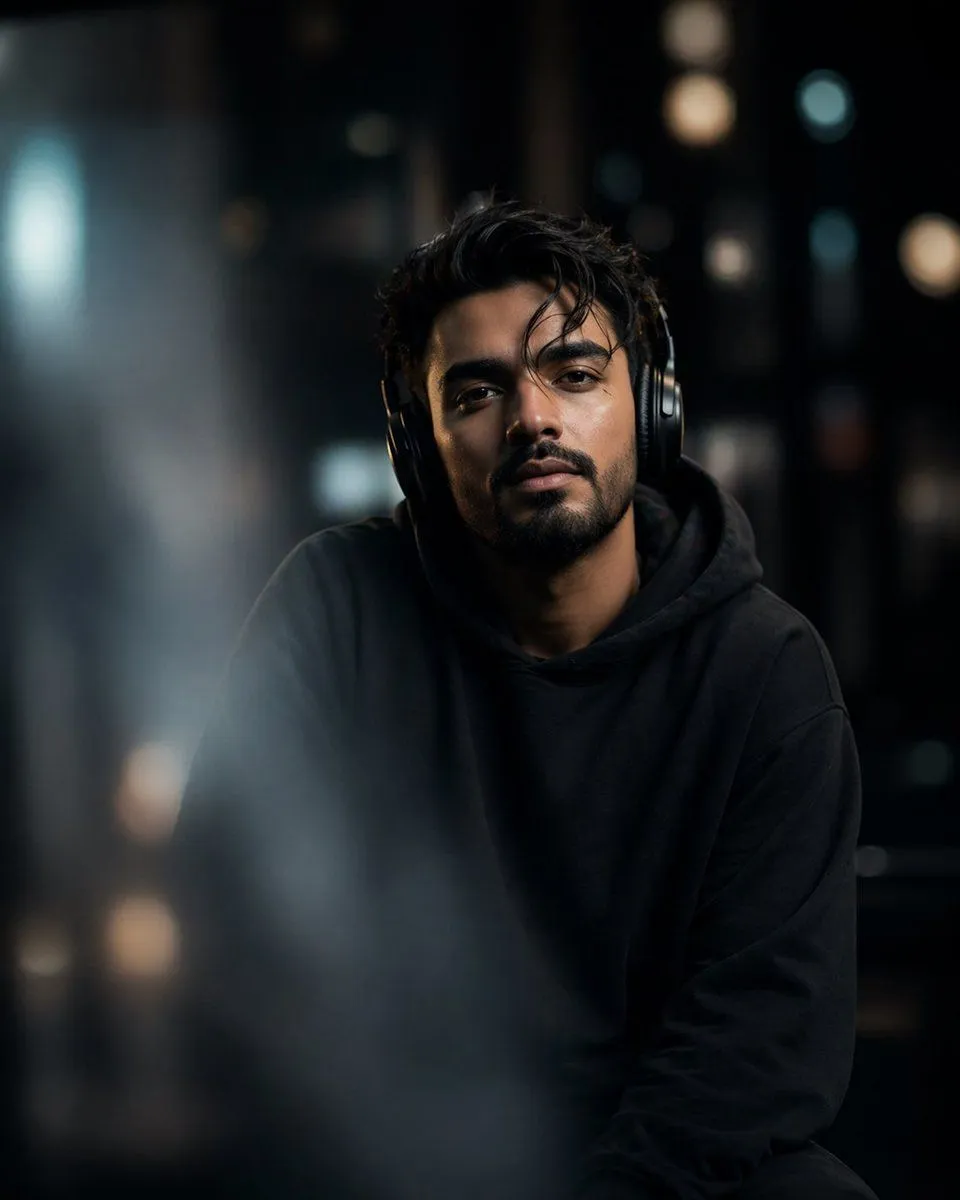
Cinematic Moody Portrait
A cinematic, ultra-realistic portrait of subject, seated indoors at night. He has slightly messy dark hair, a full beard, and a calm yet introspective expression. The subject is centered in frame, looking either directly into the camera or slightly off to the side in a candid moment. He is wearing over-ear headphones, adding a subtle modern, urban mood. Lighting is soft, moody, and low-key, with a color_palette. Gentle, diffused light falls across his face, highlighting natural skin texture with visible pores while maintaining a clean, cinematic look. Shadows are soft but present, creating depth and contrast without harsh edges. The background is heavily blurred with a strong bokeh effect—suggesting an indoor environment with distant lights (possibly a café, studio, or night-lit interior). The depth of field is very shallow, mimicking an 85mm lens at f/1.8, with creamy, circular bokeh highlights scattered behind him. Foreground includes slight blur elements (like passing shapes or objects) to create depth layering and a voyeuristic, cinematic framing. Composition feels natural and slightly editorial, as if captured during a quiet moment. Color grading is cool and desaturated with subtle teal-blue tones, giving a modern, atmospheric aesthetic. Skin tones remain natural but slightly muted to match the overall mood. Style: hyper-realistic, cinematic photography, shallow depth of field, DSLR quality, soft grain, high dynamic range, professional portrait lighting, Instagram editorial style. Camera details: 85mm lens look, f/1.8 aperture, sharp focus on eyes, background falloff, natural lens compression. Aspect ratio: aspect_ratio, optimized for social media. Generate image using uploaded image as reference