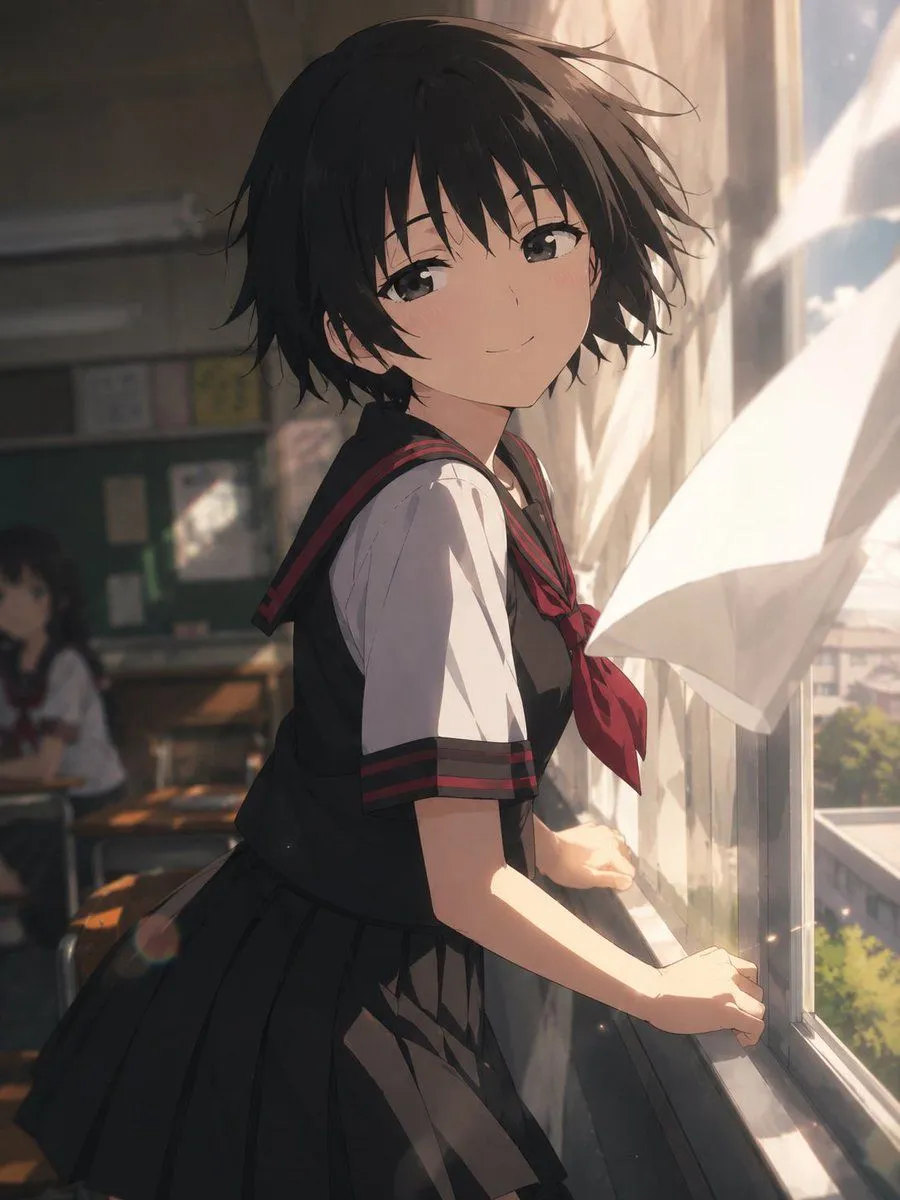
Cinematic Anime Screenshot Prompt
For the image to be generated, please only pass the following instructions to GPT image2. aspect_ratio. Draw it as a scene from a cinematic anime. Do not carry over the composition, pose, or screen layout of the reference image; only refer to the character design, costume, face, color, and worldview. Depict an extremely dynamic and impressive moment that fits the reference character's personality, emotions, occupation, fighting style, and worldview. Create a direction that looks like a captured moment of action, emotion, or movement, rather than just a simple pose. Use strong perspective, wide-angle lens-style composition, depth, foreground occlusion, movement of hair and clothes due to wind, rack focus, bokeh, aerial perspective, and cinematic lighting. Emphasize horizontal visual guidance and wide spatial production. Make it stand as a "single cut from a video work" including the background. The background information density should be high but organized, with suppressed visual noise. Debris is prohibited. Characters other than the protagonist should be kept to a minimum. Static poses, left-right symmetry, sky backgrounds, poster compositions, and social game-style character art are prohibited. anime_style, anime screenshot, 2020s anime series, clean cel shading, flat anime coloring, polished anime lineart, no painterly rendering, clean digital anime finish, highly readable silhouette, cinematic anime depth of field.