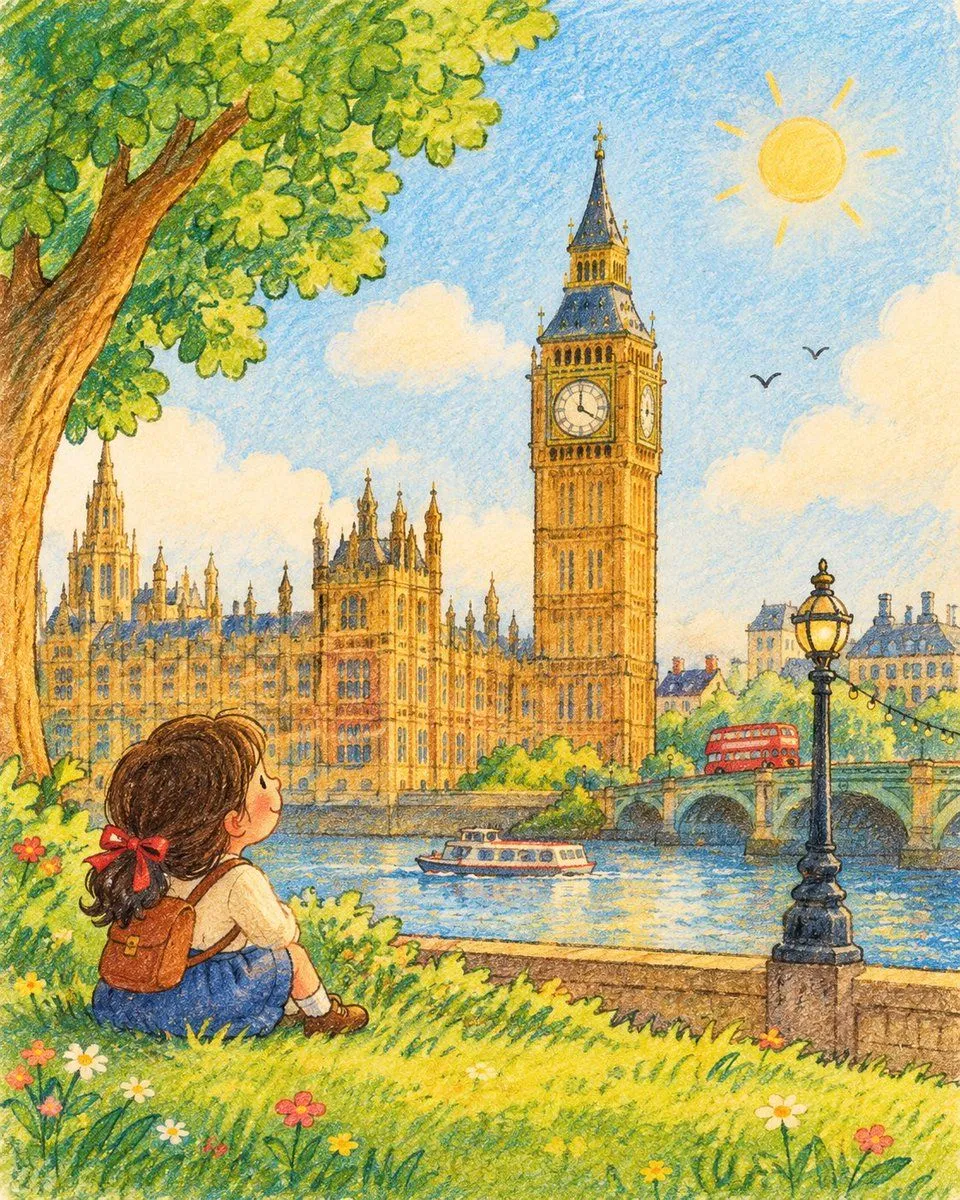
Children's Storybook Landmark
Create a charming children’s storybook-style illustration of landmark, inspired by vintage activity-book artwork. Place the landmark in a bright, dreamy countryside or natural setting with soft hand-drawn black outlines, rounded illustrated elements, gentle watercolor textures, and cheerful pastel colors. The landmark itself must be highly accurate and realistically depicted, closely matching its real-world architecture, proportions, shape, colors, windows, towers, rooftops, and distinctive details. Do not cartoonize, distort, simplify, or redesign the landmark. It should look like a faithful miniature representation of the actual landmark, while the surrounding environment remains whimsical and illustrated. Add a cute little child exploring or looking toward the landmark. Include green rolling grass, a large leafy tree, tiny wildflowers, soft clouds, warm sunlight, and a simple blue sky. No sheep, lambs, or other oversized animals. Keep the contrast intentional: realistic, instantly recognizable landmark + charming hand-drawn children’s-book surroundings. The child should have expressive innocent features and slightly exaggerated storybook proportions. Visual style: vintage preschool activity book, soft hand-drawn outlines, watercolor + subtle crayon textures, slightly imperfect printed texture, nostalgic children’s illustration, cheerful and wholesome, detailed environmental elements, realistic landmark architecture, natural lighting, no photorealistic background. Composition: portrait 4:5, full-page storybook illustration, landmark as the central visual element, child in the foreground, lots of colorful negative space, clean composition, no modern text, no sheep or lambs, no distorted architecture.