Character Relationship Chart Infographic
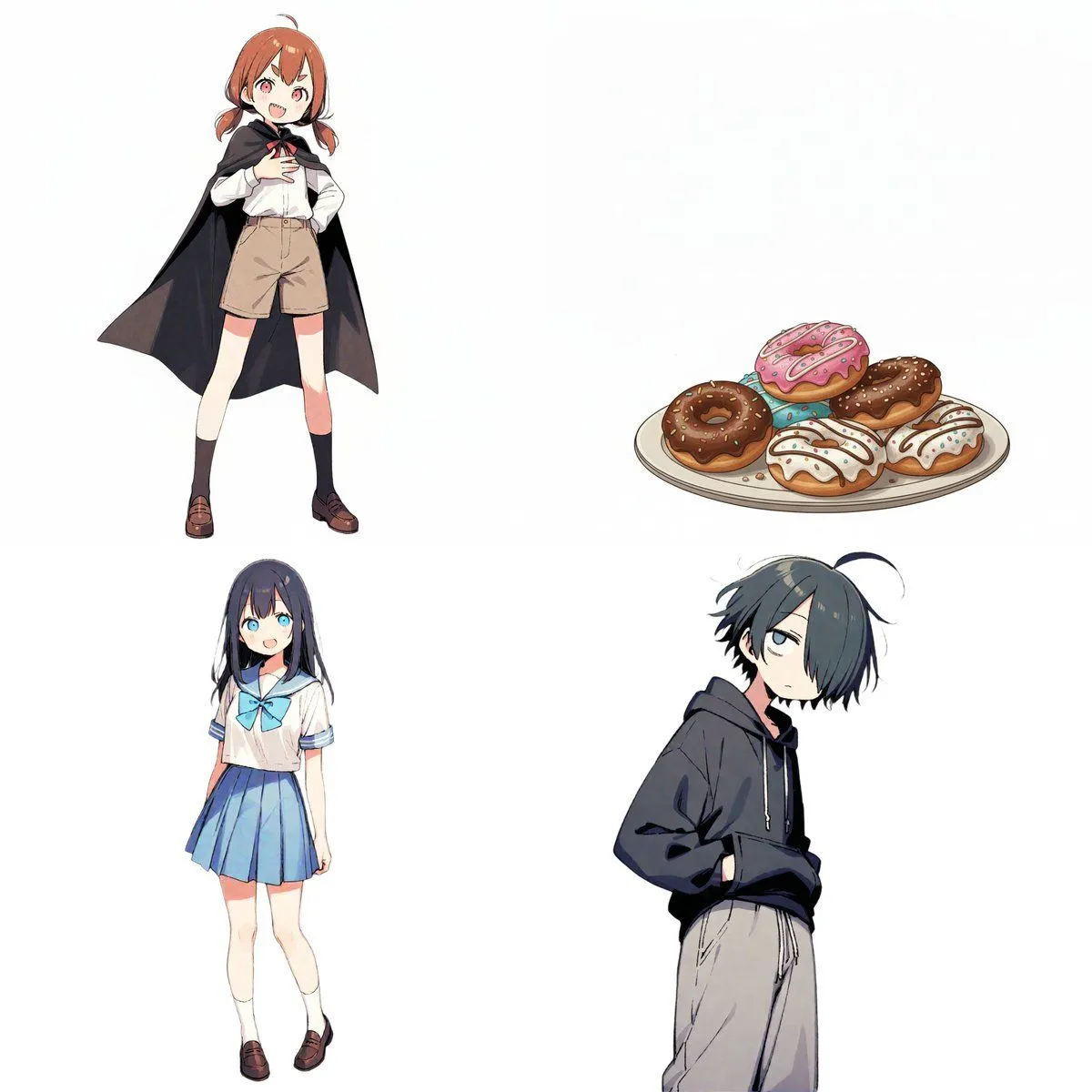
# Instructions Refer to the attached image and create an illustration of a "Character Relationship Chart" based on the following requirements. # Production Style - A warm, hand-drawn BD anime illustration style, similar to the image. - White background. - Characters should be drawn and placed inside circular icons. # Character Settings *List the order and characteristics corresponding to the uploaded images. [Character A] - Name: character_a_name - Role: character_a_role [Character B] - Name: character_b_name - Role: character_b_role [Character C] - Name: character_c_name - Role: character_c_role [Character D] - Name: character_d_name - Role: character_d_role (*Add more characters here if necessary) # Specific Relationship List from [A] to [B] : relationship_a_to_b from [A] to [C] : relationship_a_to_c from [A] to [D] : relationship_a_to_d from [B] to [A] : relationship_b_to_a from [B] to [D] : relationship_b_to_d from [C] to [A] : relationship_c_to_a from [C] to [B] : relationship_c_to_b from [C] to [D] : relationship_c_to_d (*Add more relationships here if necessary) # Relationship and Arrow Rules (Important) Connect characters with arrows and strictly adhere to the following color-coding rules: - Positive relationships (like, admiration, cooperation, etc.) - Color: Red - Atmosphere: Warm colors, may include hearts or sparkles. - Negative relationships (dislike, hostility, nuisance, etc.) - Color: Blue - Atmosphere: Cold colors, may include jagged lines or cold sweat. # Output Notes - Arrange the layout in a balanced circular or hierarchical manner, even if the number of characters increases. - Write the name and role below each character icon. - Place the relationship description text near the arrow. - If a relationship is not set, the arrow and text are unnecessary. - Aspect ratio: 16:9