Celestial Mechanical Dragon Observatory
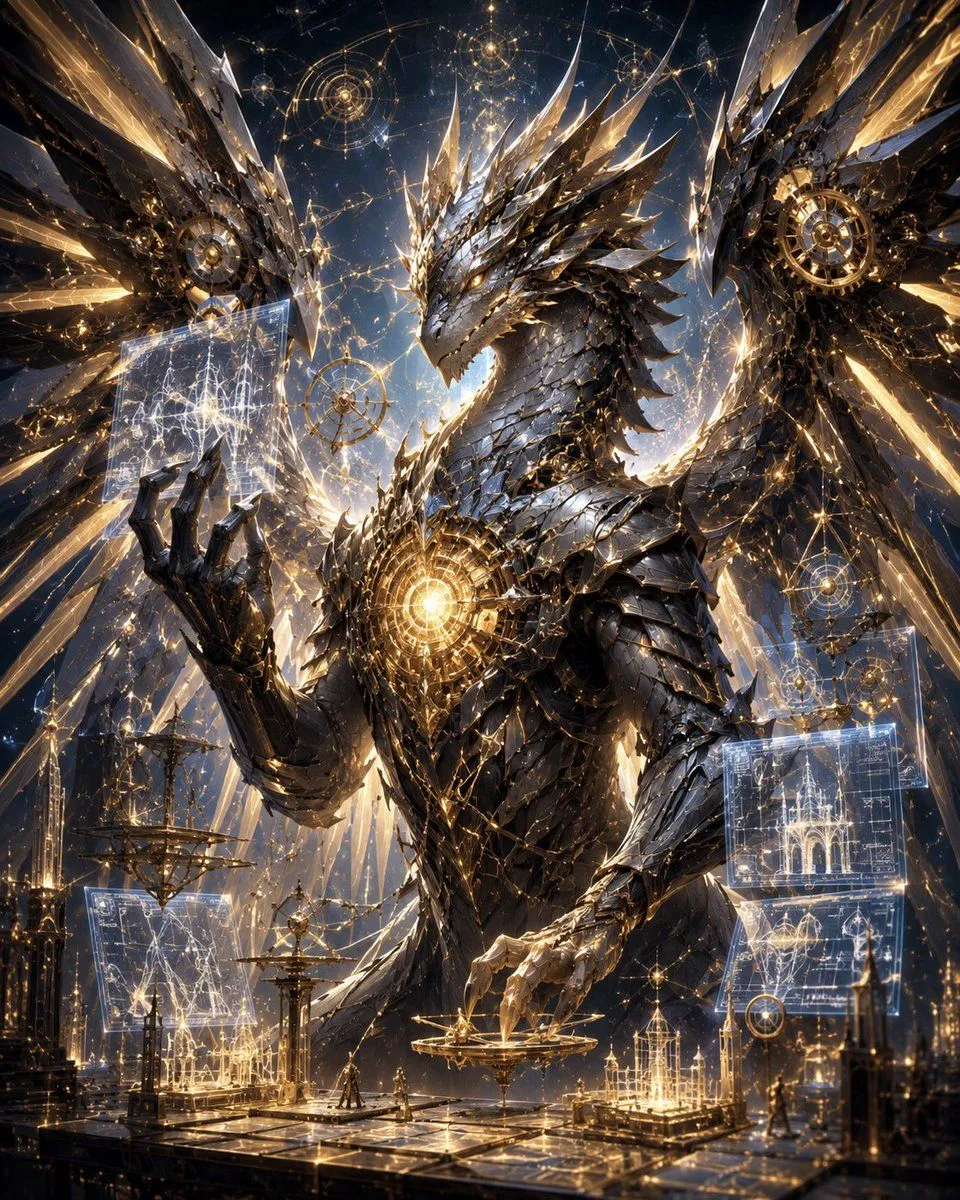
Create an ultra-detailed cinematic fantasy sci-fi illustration of a colossal dragon_type inside a vast cosmic arcane observatory. The dragon dominates the frame from chest up, facing slightly left, with a long angular head, crown-like jagged horns, layered black gunmetal and silver armor scales, razor crystalline spines, clawed hands, and enormous partially spread wings made of sharp metallic feathers and translucent gold-lit crystal shards. A brilliant circular golden reactor or magical core glows in the center of its chest, with intricate clockwork rings and filigree around it. The dragon raises its left claw toward a floating translucent holographic blueprint panel filled with star-map lines and architectural diagrams, while its right claw hovers over a delicate golden astrolabe platform. Surround it with exactly 6 major floating magical interface elements: 2 translucent rectangular blueprint screens, 3 circular astrolabe or constellation diagrams, and 1 suspended ornate mechanical sphere. The environment is a grand celestial workshop with reflective dark stone floors, golden rails, miniature cathedral-like spires, armillary spheres, thin towers, and tiny robed humanoid figures for scale. The background is a deep starry night sky filled with glowing constellation networks, orbital rings, sacred geometry circles, sparks, and radiant gold light beams. Visual style: hyperrealistic epic concept art, baroque clockwork design, obsidian black, polished silver, warm gold, electric white-blue holograms, extremely high detail, dramatic rim lighting, volumetric glow, sharp focus, grand vertical composition, awe-inspiring scale, no text, no watermark.