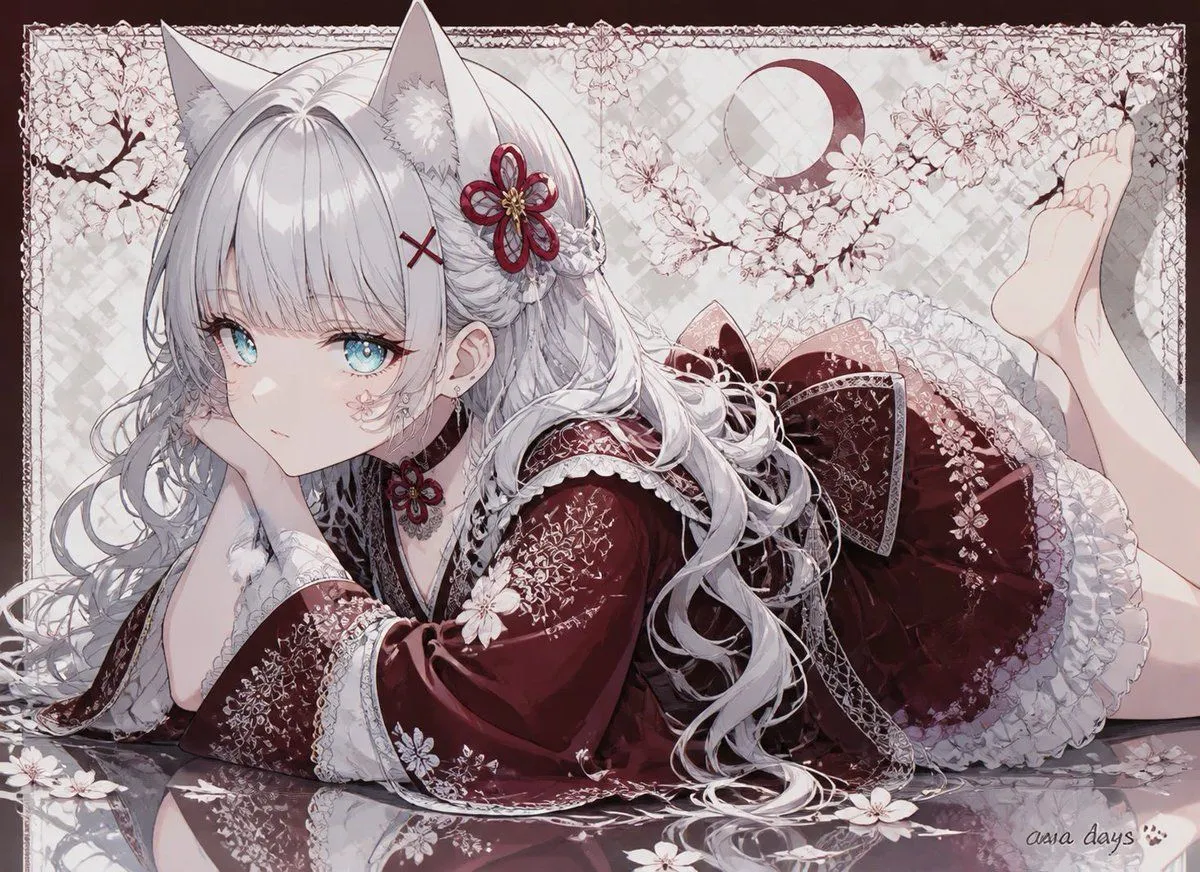
Cat-Eared Kimono Girl
Create a highly detailed anime illustration of one cat-eared girl named character_name lying on her stomach in a graceful side pose, propping her chin on one hand and gazing softly toward the viewer with bright eye_color eyes. She has very long flowing hair_color hair with curled strands spread across the floor, straight bangs, two large fluffy white cat ears, one burgundy flower hair ornament with a gold center, one small burgundy X-shaped hairpin, small earrings, and one matching flower choker. Dress her in an ornate kimono_color gothic-lolita kimono dress with wide sleeves, intricate white floral embroidery, lace trim, layered ruffled skirt, patterned bow at the back, black inner collar details, and delicate translucent lace accents. Show her bare legs bent upward behind her, with both feet visible near the upper right. The setting is a pale decorative Japanese floral backdrop with cherry blossom branches, scattered white petals and flowers, a burgundy crescent moon motif, faint checkered texture, an ornate thin lace-like rectangular border, and a glossy reflective floor that mirrors her sleeve, hair, and blossoms. Use a soft pastel palette of burgundy, white, pale pink, and gray, with clean polished line art, luminous highlights, delicate shading, and an elegant dreamy AI-anime art style. Include exactly these visible repeated elements: one girl, two cat ears, two raised bare feet, three main burgundy accessories on her head/neck area, one crescent moon symbol, many cherry blossom branches and scattered petals. Add a small handwritten signature reading signature_text with a tiny paw mark in the bottom right corner. No extra characters, no modern objects, no watermark besides the small signature.