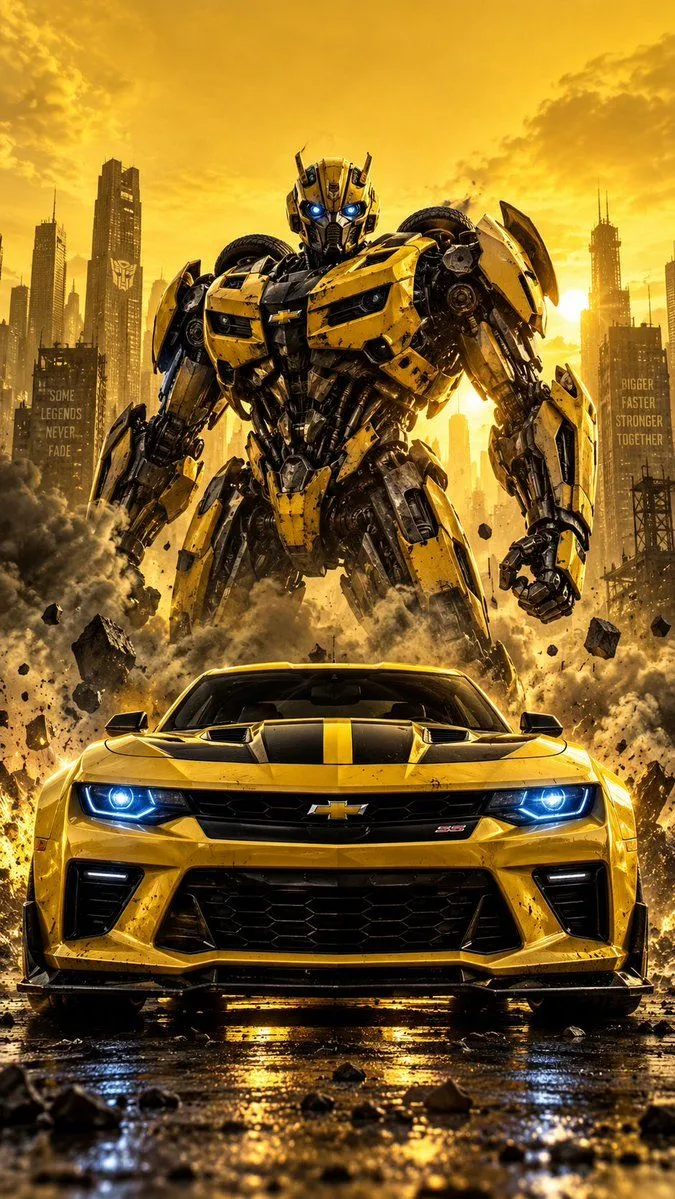
Camaro and Giant Robot Poster
Create a cinematic vertical automotive action poster featuring a yellow Chevrolet Camaro-inspired muscle car positioned in the foreground, viewed from a dramatic low, straight-on front angle. The car has a glossy metallic yellow body, aggressive black front grille, sculpted bumper, black hood vents with a central yellow stripe, sharp body lines, muscular proportions, and intense electric blue glowing headlights. Keep the car large and dominant in the lower half of the composition. Standing directly behind the car is a massive futuristic robot_colors humanoid battle robot, inspired by a heroic transforming robot, with highly detailed mechanical armor, exposed gears and pistons, layered metal panels, glowing blue eyes, powerful shoulders, armored arms and legs, and a strong intimidating stance. The robot should appear physically connected to the scene but clearly positioned behind the car. Create a dramatic yellow monochromatic environment with a bright golden-yellow sky and a distant industrial city skyline in silhouette. Add huge clouds of dark smoke and dust erupting around the robot and behind the car, with flying debris, dirt particles, sparks, and fragments suspended in the air. Strong backlighting creates a glowing golden atmosphere around the robot. Use high contrast cinematic lighting, realistic metallic reflections, volumetric light, atmospheric haze, dramatic shadows, detailed mechanical textures, sharp focus on both the car and robot, powerful blockbuster action movie poster aesthetic. Composition: vertical 9:16, centered symmetrical framing, car dominating the foreground, robot centered behind it, skyline in the background, generous yellow negative space in the upper portion, ultra detailed, photorealistic, epic scale, cinematic depth, 4K.