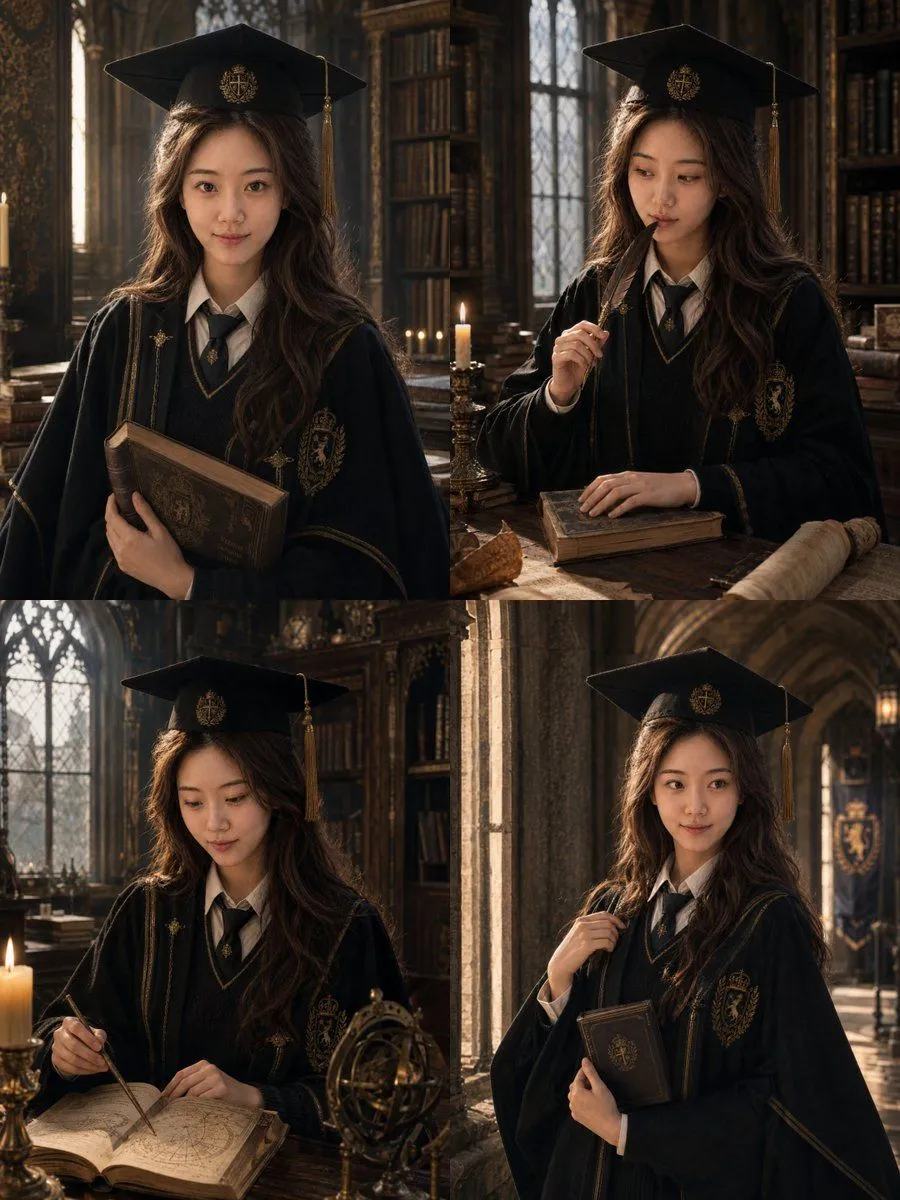
British Magic Academy Graduation Portraits
Please generate 4 distinct, professionally retouched graduation photos at once based on 1-3 clear personal photos uploaded by the user, themed: **'British Magic Academy Graduation Portraits'**. ### [Output Requirements] - Output 4 different individual photos at once. - No grids, no collages; each image must be standalone. - Unified 3:4 vertical composition. - The 4 photos belong to the same set, maintaining consistent character identity, attire, makeup, and color palette. - Expressions, poses, gazes, camera angles, and prop interactions must be distinctly different in each shot. ### [Character Consistency] Strictly preserve the user's real identity features: face shape, facial proportions, eyes, nose, lips, skin tone, age, hair foundation, and overall aura. All 4 photos must clearly look like the **same real girl**. ### [Overall Positioning] Graduation + Academy Feel + Magic Worldview. 'A set of commemorative portraits of a top student just graduating from a British magic academy.' ### [Attire Requirements] Clothing should follow the logic of 'Academic Graduation Gown + Magic Elements.' Naturally differentiate the temperament according to the degree_level. Unify color details based on the academy_color_palette. ### [Hat Design] Maintain the basic structure of an academic cap with subtle magical elements and tassels; the brim can feature academy badges. ### [Scene & Background] Scenes revolve around the British Magic Academy world. Select one primary scene from main_background_scene. ### [Color & Light] Deep wood tones, dark red, forest green. Use a mix of cool window light and warm candlelight to create a cinematic film-still aesthetic.