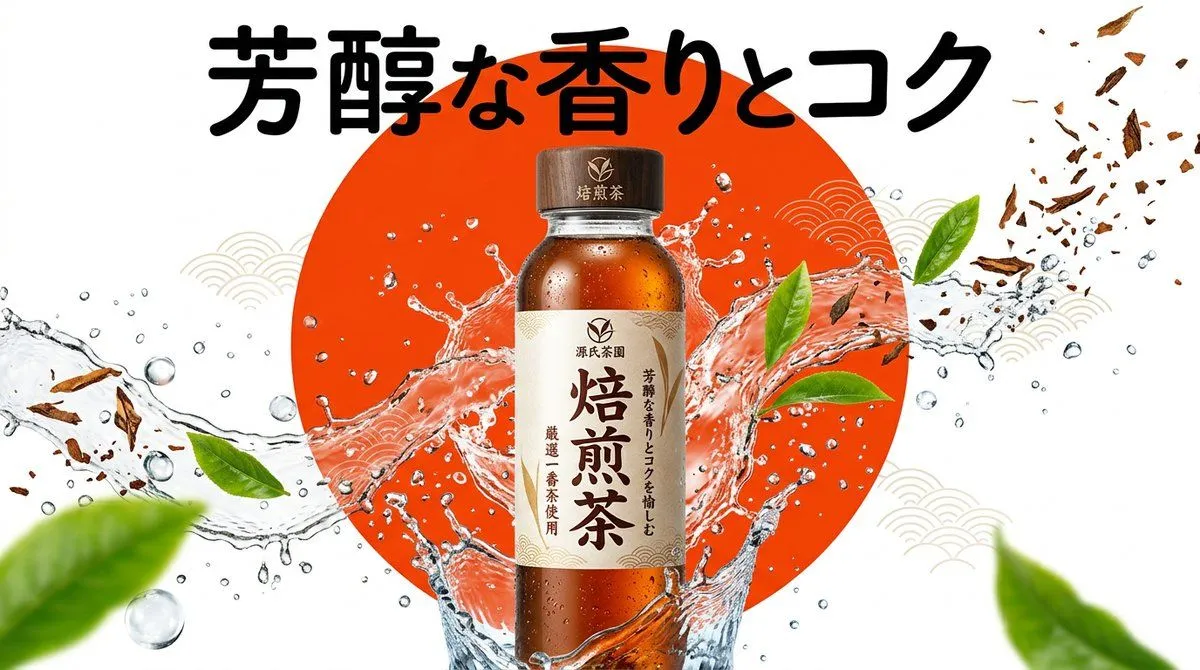
Beverage Campaign Key Visual
[Product/Package] - Product name/genre: product_name - Appeal: copy [Design Gimmick] - Background visual element: background_graphic [Image quality, production, composition specification] - Style: Pop and bright Japanese convenience store or food manufacturer campaign KV. Sizzle feeling and high visual impact. - Subject: A can, bottle, or package of product_name placed in the center. Surrounded by ice fragments, water droplets, splashes, or fresh raw materials (tea leaves or fruit) of the product jumping around with a sense of dynamism. - Background: High-contrast, clear solid color or gradient background with background_graphic placed as the main graphic element. - Typography (for GPT-image / Nano Banana Pro): The copy "copy" is placed in a thick and energetic font in a position that does not overlap with the product. - Lighting/Color: Bright and vivid studio lighting, crystal clear reflections, energetic color composition. [Strict layout and output constraints (Required)] - Output the finished design itself filling the entire screen. Interior background and scene descriptions (walls, spaces, shadows, etc.) may follow the instructions in the text. - Prohibited items: Photos of finished posters in frames, photos of posters stuck on walls, mock-up photos placed on desks or paper, perspective distortion of paper edges or drop shadows. - Output the finished flat 2D design itself, filling the entire canvas. Scene elements inside the design (walls, rooms, shadows) described above are allowed. Absolutely NO photo-of-a-poster mockups: no picture frames, no poster-on-wall or poster-on-desk shots, no perspective warp or drop shadow around the artwork's edges. - Aspect ratio: --ar 16:9