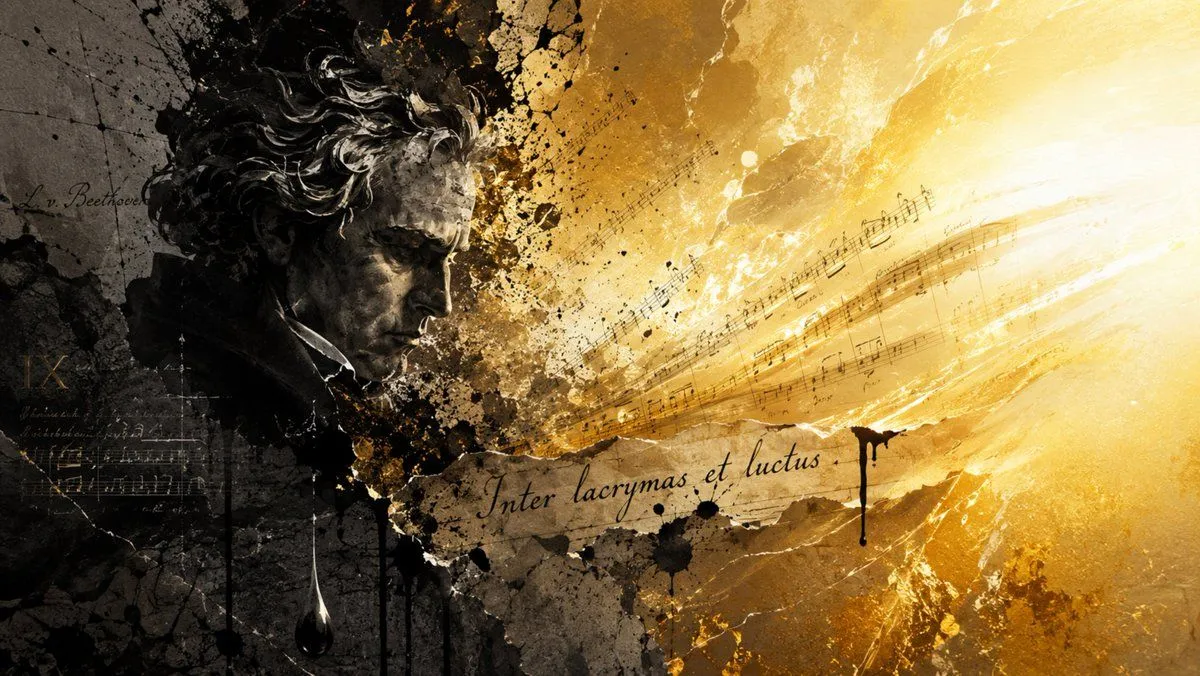
Beethoven Grief to Light Artwork
Create a dramatic cinematic mixed-media artwork about composer and the paradox of grief transforming into radiant music. Use a wide 16:9 horizontal canvas. On the left third, show a dark, sculptural, grayscale portrait bust of Beethoven in profile facing right, with wild curly hair, heavy brow, and a solemn downward gaze; the face and hair should look like charcoal, stone, and oil paint combined, partly dissolving into black ink splatters and cracked parchment texture. Behind him, include faint handwritten manuscript marks and the readable signature-like text “L. v. Beethoven” in cursive. Across the center and sweeping toward the right, depict musical staff lines and notes bursting outward like a stream of sound, transitioning from smoky sepia darkness into intense golden-white light. Place a torn strip of aged manuscript paper across the lower center with elegant cursive inscription inscription_text. The right half should be overwhelmingly luminous: glowing gold, amber, and white rays, scratches, dust, and abstract brush strokes, as if music is becoming light. Add black ink drips, stains, cracks, and splattered paint throughout, especially near the central transition and under the inscription. Color palette: left side nearly black, charcoal gray, and muted brown; right side radiant gold, ochre, cream, and white. Style: expressive classical-meets-contemporary collage, painterly texture, high contrast chiaroscuro, manuscript paper, ink wash, grunge splatter, emotionally intense and poetic. Avoid modern instruments, avoid extra people, avoid clean digital vector graphics, and keep all visible text limited to the composer signature and the central Latin inscription.