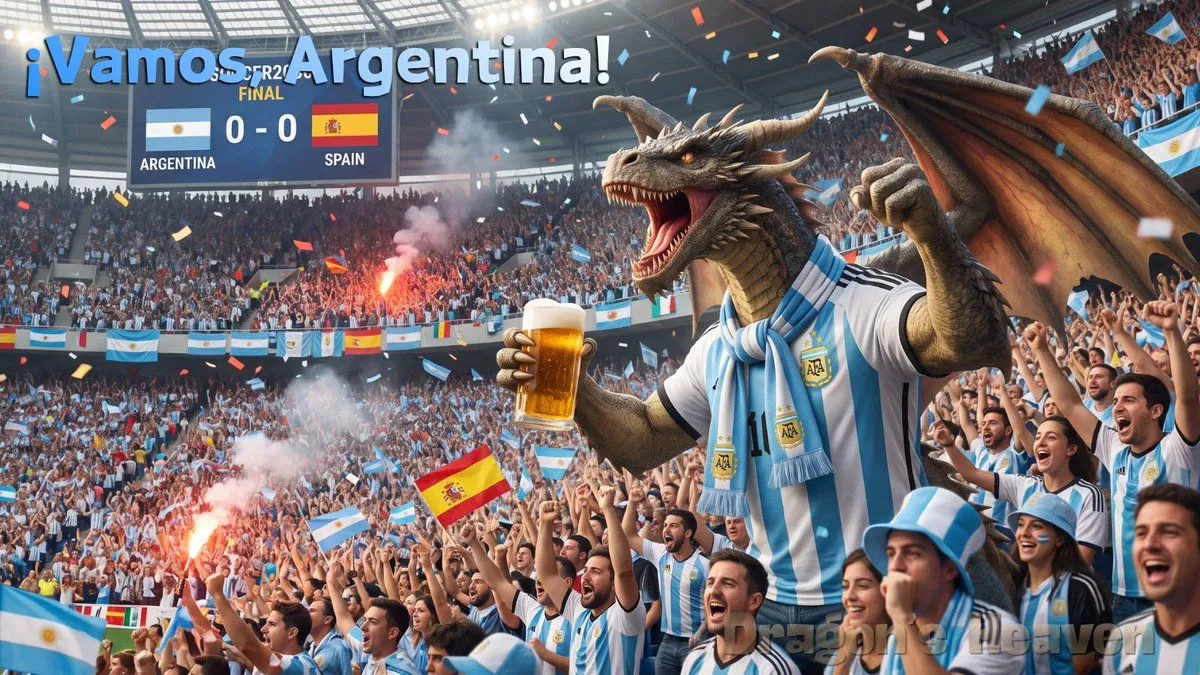
Argentina Dragon Stadium Celebration
Create a cinematic, ultra-detailed wide stadium celebration scene for an Argentina vs Spain football final. A huge muscular fantasy dragon dominates the right side of the frame, standing among fans like a mascot, with gray-brown scaly skin, long horns, sharp teeth, glowing amber eyes, open roaring mouth, one raised clawed fist, and one large bat-like wing spread upward. Dress the dragon in an Argentina national team home jersey with sky-blue and white vertical stripes, black trim, a visible number 10, Argentina crest patches, and a pale blue-and-white supporter scarf around its neck; the dragon holds a large foamy beer mug in one hand. The packed stadium crowd should be overwhelmingly Argentina supporters wearing striped jerseys, waving many Argentina flags, cheering with raised arms, while a few Spain flags are mixed in. Include exactly 2 bright red flare/smoke sources in the crowd, producing pink-gray smoke, plus colorful confetti raining through the air. At the upper left, add a large digital scoreboard showing Argentina and Spain flags with the score 0 - 0 and team labels ARGENTINA and SPAIN, with a small broken-looking tournament/final label above it. Across the top left, place huge bold 3D blue text reading headline_text. Use a modern covered football stadium with glass roof panels, bright floodlights, dense stands, banners, and Argentina flag bunting around the balcony. Make the image photorealistic with dramatic sports-event lighting, energetic composition, shallow atmospheric haze, crisp foreground faces, and a triumphant chaotic fan atmosphere. Use a 16:9 horizontal canvas. Avoid cartoons, avoid empty seats, and do not add extra headline text beyond the specified chant.