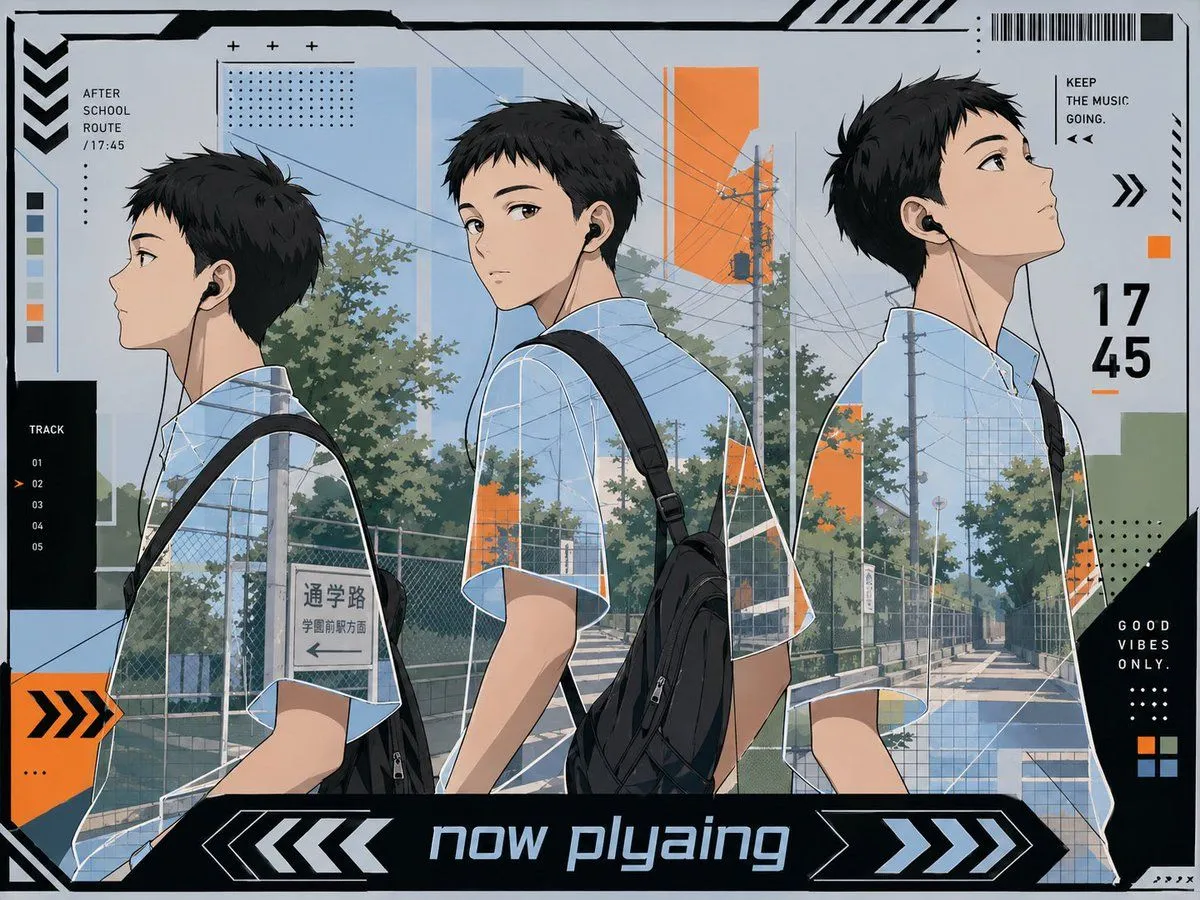
Anime Now Playing School Route Poster
A stylish anime illustration designed like a futuristic music player poster, showing 3 views of the same high-school boy walking home in a quiet suburban Japanese street at late afternoon. The character is a slim handsome teenage boy with short tousled black hair, light skin, and black wired earbuds, wearing a pale blue short-sleeve check-pattern school shirt and a black backpack slung over one shoulder. Arrange him in 3 large overlapping side-profile figures across the image from left to right, each showing a slightly different walking pose and angle, with his face intentionally obscured by a soft blurred rectangular block. The background is a sunlit residential school-route road with utility poles, dense overhead power lines, chain-link fences, trees, sidewalk shadows, and a visible Japanese street sign reading 通学路 and 学園前駅方面. Use a clean cool palette of light blue, gray, black, white, and muted green, accented with bright orange geometric blocks. Frame the image as a graphic design composition with dense UI-like overlays, including a large bottom banner reading headline_text, a large right-side time display reading time, a top-left label reading AFTER SCHOOL ROUTE / 17:45, a left vertical track list labeled TRACK with 5 numbered entries 01, 02, 03, 04, 05 and 02 highlighted, a top-right phrase reading KEEP THE MUSIC GOING., and a bottom-right black panel reading GOOD VIBES ONLY. Add barcode-like stripes, arrows, chevrons, dotted grids, thin technical lines, cropped corner borders, and layered translucent panels for a modern posterized techno-aesthetic. Make it feel like an ikemen anime playlist cover, calm, urban, fashionable, and cinematic.