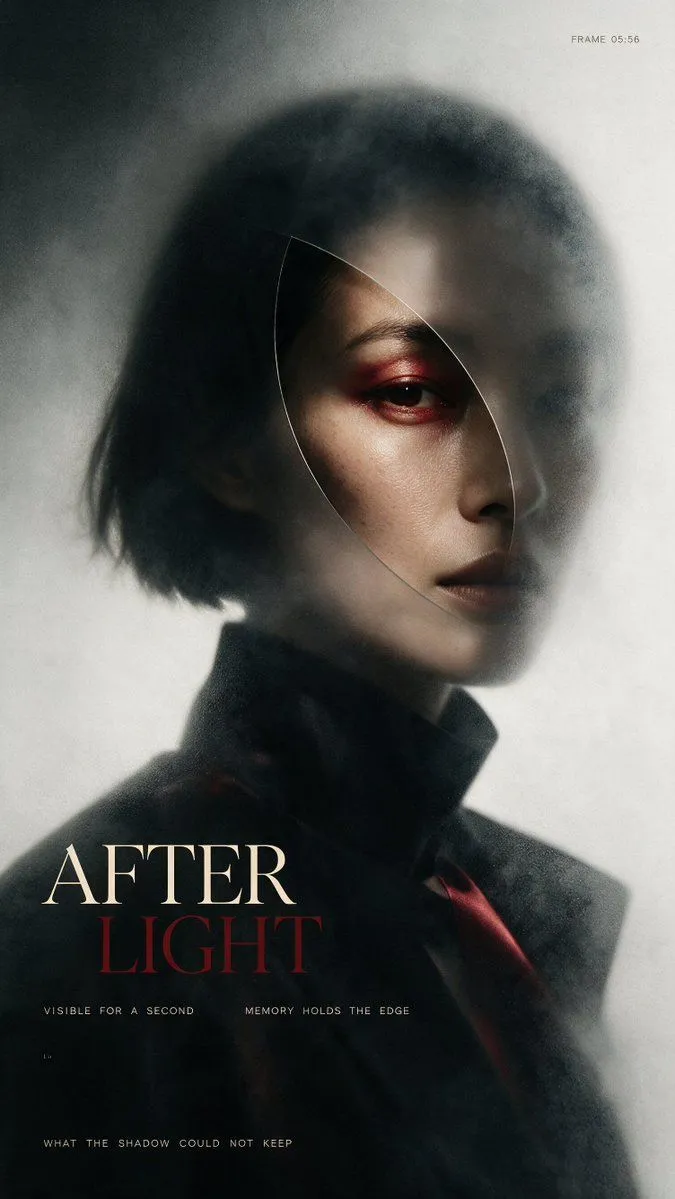
After Light Cinematic Portrait Poster
Create a vertical cinematic fashion poster in a dark, atmospheric editorial style. The image shows a close-up portrait of an androgynous young woman with a short messy black bob haircut, pale skin, sharp cheekbones, and a serious distant expression, turned slightly three-quarters to the viewer. Only one eye is clearly visible, accented with deep red smoky eye makeup; lips are dark muted plum. Her face is partially obscured by soft gray fog, translucent haze, and a delicate curved oval shard-like outline crossing over the face, as if seen through a thin piece of glass or a memory fragment. She wears a high-collared black coat or tailored jacket with a subtle dark red accent near the lower right. Lighting is moody and low-key, with a soft highlight on the visible cheek and forehead, heavy shadows, shallow depth of field, film grain, and a blurred charcoal-to-off-white background. Composition: portrait centered slightly to the right, head occupying the upper half, shoulders fading into darkness at the bottom. Add elegant magazine/poster typography in the lower left: large serif title text with exactly 2 stacked words, “top_title_word” in warm ivory and “bottom_title_word” in dark blood red. Include exactly 4 additional small text elements: top-right tiny monospaced text “frame_label”; beneath the title a thin spaced-out line reading “VISIBLE FOR A SECOND MEMORY HOLDS THE EDGE”; a tiny mark near the lower-left reading “1.9”; and a bottom-left spaced-out line reading “bottom_caption”. Use a refined art-house film poster aesthetic, smoky texture, muted desaturated palette, off-white margins of haze, realistic skin detail, no extra people, no extra text, no logos, no watermark.