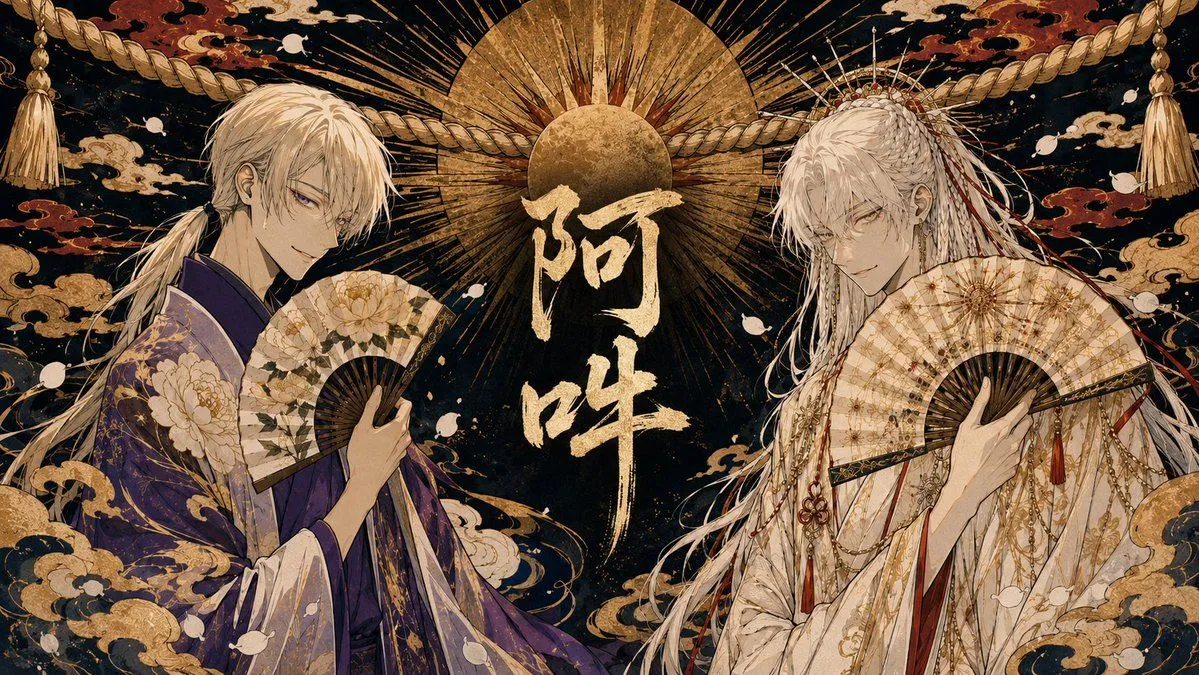
Twin Deity Anime Calligraphy Art
Create a wide horizontal anime-style Japanese mythological illustration featuring two elegant white-haired male shrine-deity figures facing inward toward the center. The left character has long pale blond-white hair tied low, sharp purple eyes, a calm sly smile, and wears a luxurious deep left_robe_color kimono with gold peony and cloud patterns; he holds an open folding fan decorated with cream peonies and dark ribs. The right character has very long silver-white hair with braids, ornaments, dangling red cords, a radiant crown-like hairpiece, pale intense eyes, and wears an ornate ivory-white ceremonial robe layered with gold chains, red tassels, floral motifs, and fine embroidery; he holds an open cream-and-gold folding fan across his chest. Place them symmetrically on the left and right sides with their bodies angled inward, occupying most of the frame. In the center, add large vertical Japanese calligraphy reading central_calligraphy in rough metallic gold brush strokes. Behind the text, depict a huge golden sun disk with a smaller dark-gold circular disk and many radiating black and gold rays, like a sacred halo. Across the upper background, stretch one thick twisted shimenawa rope from left to right with tassels hanging at both far corners. The background is deep black-blue with antique gold texture, red and gold swirling clouds, scattered white petal-like shapes, and dense ukiyo-e decorative patterns. Use a lavish Edo-period fantasy aesthetic, highly detailed line art, metallic gold leaf texture, ornate kimono fabric patterns, dramatic symmetry, refined bishonen character design, cinematic composition, no modern objects, no watermark, and keep the image in a 16:9 landscape ratio.