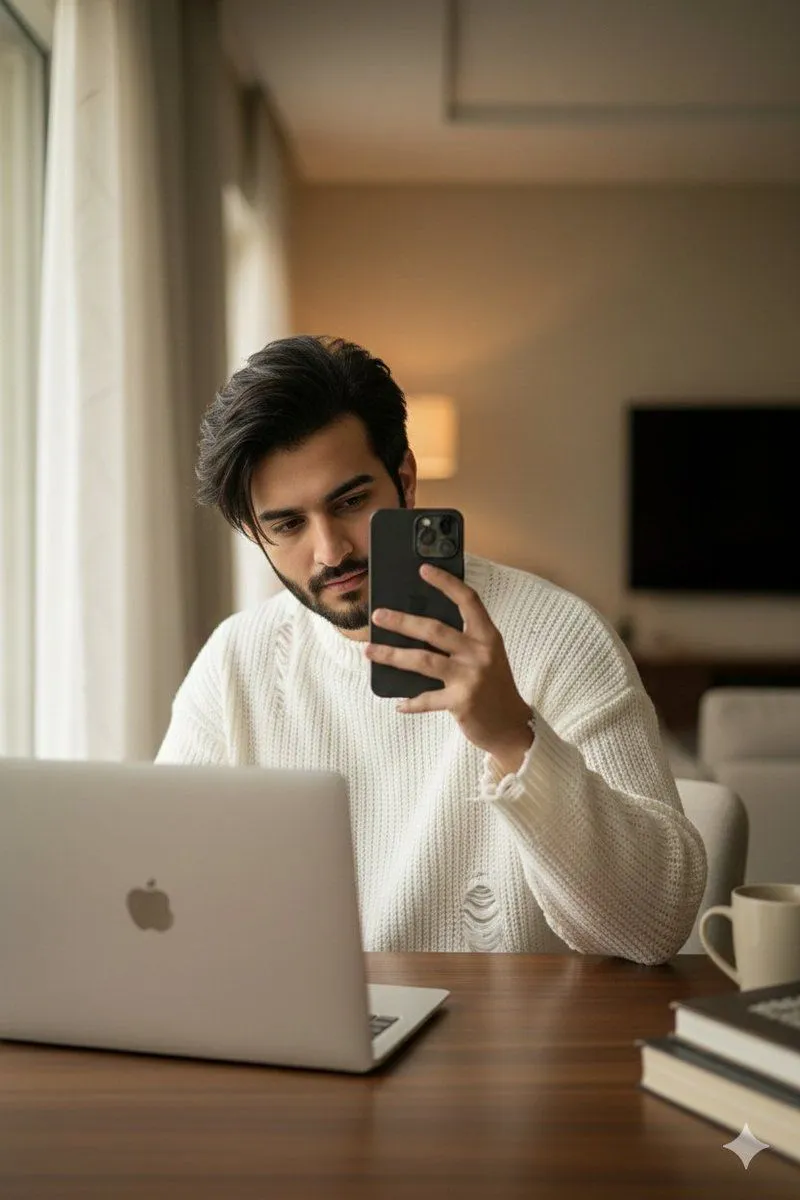
Structured Candid Indoor Portrait Prompt
"Objective": "Generate a realistic indoor candid photograph of the subject based on the provided reference image.", "Identity_Safety": "Maintain facial features, hairstyle, and appearance consistent with the provided reference image.", "Subject": "Appearance": "Age": "age", "Hair": "Naturally tousled black hair framing the face softly", "Expression": "Calm, casual, candid moment" , "Pose": "Body_Position": "Sitting at a desk in front of an open laptop", "Hands": "Right_or_Left": "Holding an phone_model as if checking something or capturing a mirror-style selfie" , "Vibe": "Realistic, relaxed, effortlessly cool" , "Wardrobe": "Sweater": "Type": "sweater_type", "Details": "Oversized fit with small rips, loose threads, and frayed texture for a trendy casual look" , "Scene_Description": "Environment": "Setting": "Indoor workspace or cozy room", "Desk": "Simple desk with an open laptop in front of the subject", "Lighting": "Type": "Soft natural or warm indoor lighting", "Effects": [ "Gentle highlights on facial features", "Subtle shadows for realism", "Clean candid feel" ] , "Atmosphere": "Authentic, modern, slightly lifestyle-inspired candid moment" , "Visual_Style": "Quality": "High-resolution realistic photo", "Aesthetic": "Candid indoor portrait with trendy fashion details", "Color_Profile": "Soft neutrals, clean whites, and natural skin tones", "Detail_Characteristics": [ "Visible sweater texture and frayed knit details", "Realistic skin texture and hair definition", "Candid photographic depth of field" ] , "Output_Requirements": "Format": "Image", "Orientation": "Portrait or medium close-up", "Quality": "Ultra-realistic, photography-grade rendering"