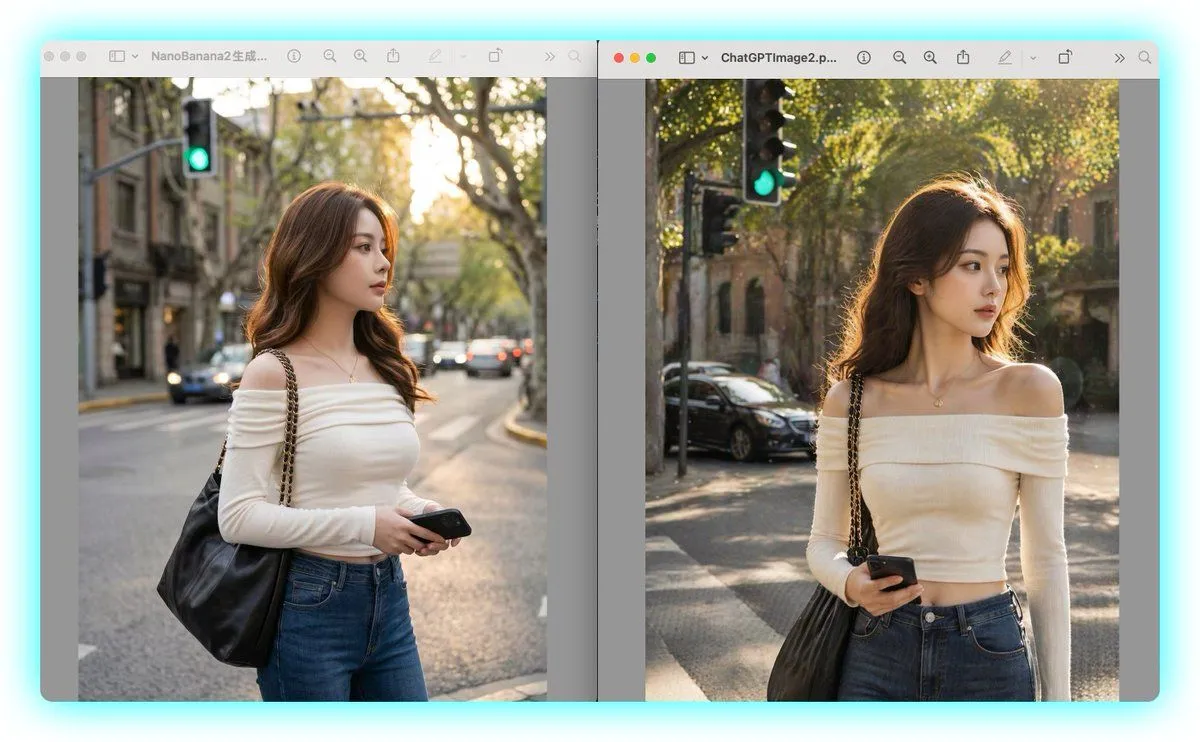
Side-by-Side AI Portrait Comparison
A side-by-side desktop screenshot comparing two nearly identical AI-generated street portraits in separate macOS-style image viewer windows against a light cyan background. The layout has exactly 2 vertical image panels, left and right, each inside a rounded gray window with a toolbar at the top. The left window title begins with "NanoBanana2" and the right window title begins with "ChatGPTImage2". In both panels, show the same scene concept: a fashionable young woman standing on a city street corner during golden hour, framed from about mid-thigh to head, with her face obscured by a soft rectangular blur block. She has long wavy brown hair, a slim figure, and wears an off-shoulder fitted cream long-sleeve top, high-waisted blue jeans, a delicate small pendant necklace, and a large black leather shoulder bag with a gold-tone chain strap over one shoulder. She holds a black smartphone in one hand near her waist. The background in both panels is an upscale tree-lined urban street with warm sunlight filtering through leaves, shallow depth of field, parked and passing cars, old stone buildings, and a visible green traffic light near the upper left area of each image. Keep the two portraits very similar but not identical: the left image is slightly cooler, softer, and more muted with a centered street perspective; the right image is slightly warmer, brighter, and crisper with stronger sunlight on the hair and more dramatic bokeh. Include exactly 2 viewer windows separated by a narrow vertical gap, with subtle drop shadows and a clean tech-comparison presentation, as if capturing a visual comparison between two image generation models.