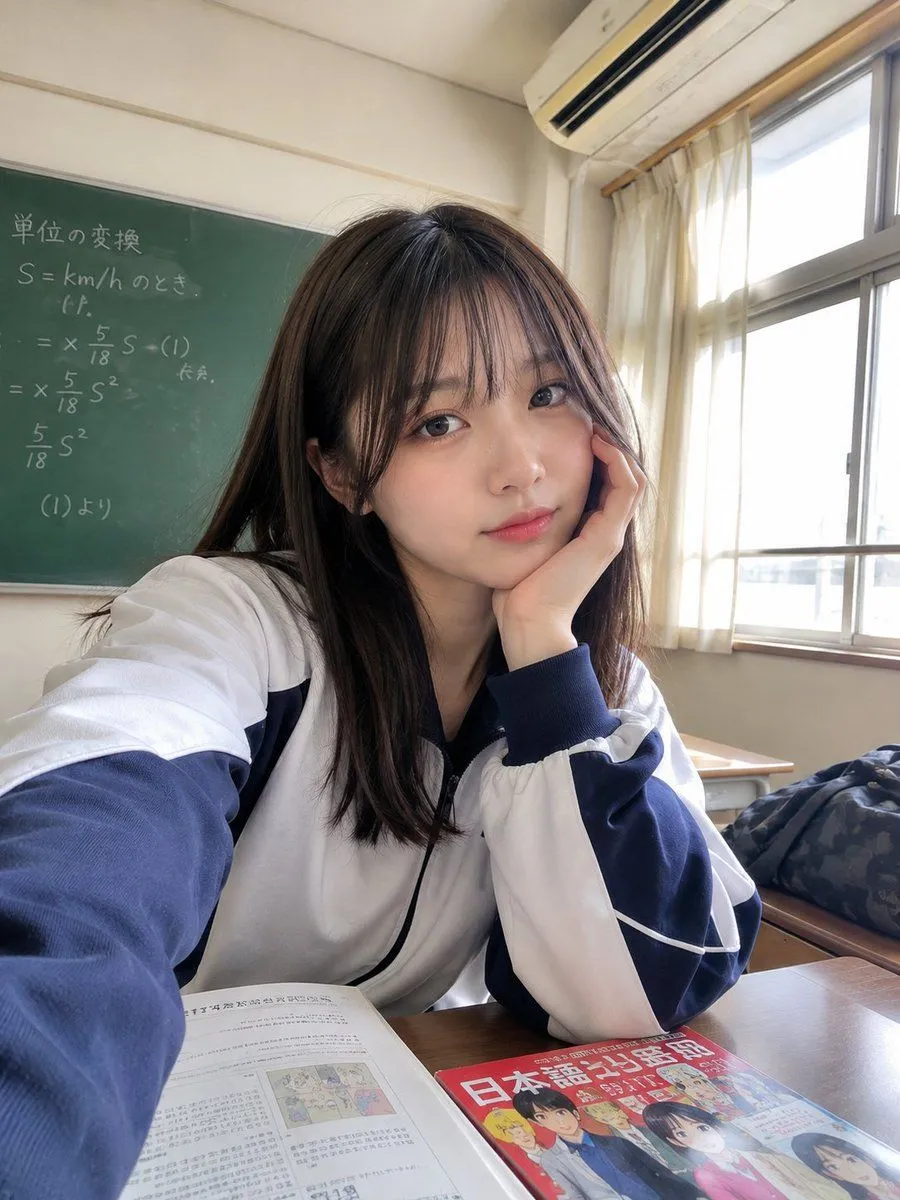
Realistic Japanese Classroom Selfie
Ultra-realistic candid smartphone selfie of a subject sitting at a wooden desk in a setting. She has shoulder-length straight dark brown hair with soft wispy bangs framing her face, natural makeup, clear fair skin, subtle pink lips, and a calm slightly dreamy expression. She rests her cheek gently against the back of her right hand, with her elbow placed on the desk, looking directly into the camera. She is wearing a clothing with dark navy panels, white piping details, ribbed cuffs, and a black collar. Her pose is relaxed and natural, as if casually taking a selfie during class. On the wooden desk in front of her are an open textbook and a colorful Japanese-language manga/textbook with illustrated characters. In the background, there is a large green chalkboard with handwritten Japanese equations and notes, a wall-mounted air conditioner, large classroom windows with white curtains, and bright daylight streaming through the windows. A dark patterned school bag or jacket is visible on the right side. Photography: handheld smartphone front-camera selfie, slightly wide-angle perspective, camera positioned close to her face at desk level, natural arm-length framing, realistic lens distortion, soft daylight, authentic classroom atmosphere, subtle imperfections, highly detailed realistic skin and hair, natural shadows, photorealistic, candid Japanese school-life aesthetic, 4K, no studio lighting, no artificial beauty filter. Negative prompt: anime girl, cartoon, CGI, plastic skin, excessive makeup, over-smoothing, unrealistic eyes, distorted face, extra fingers, malformed hands, duplicate limbs, blurry face, artificial pose, oversaturated colors, studio portrait, watermark, logo, unreadable distorted text.