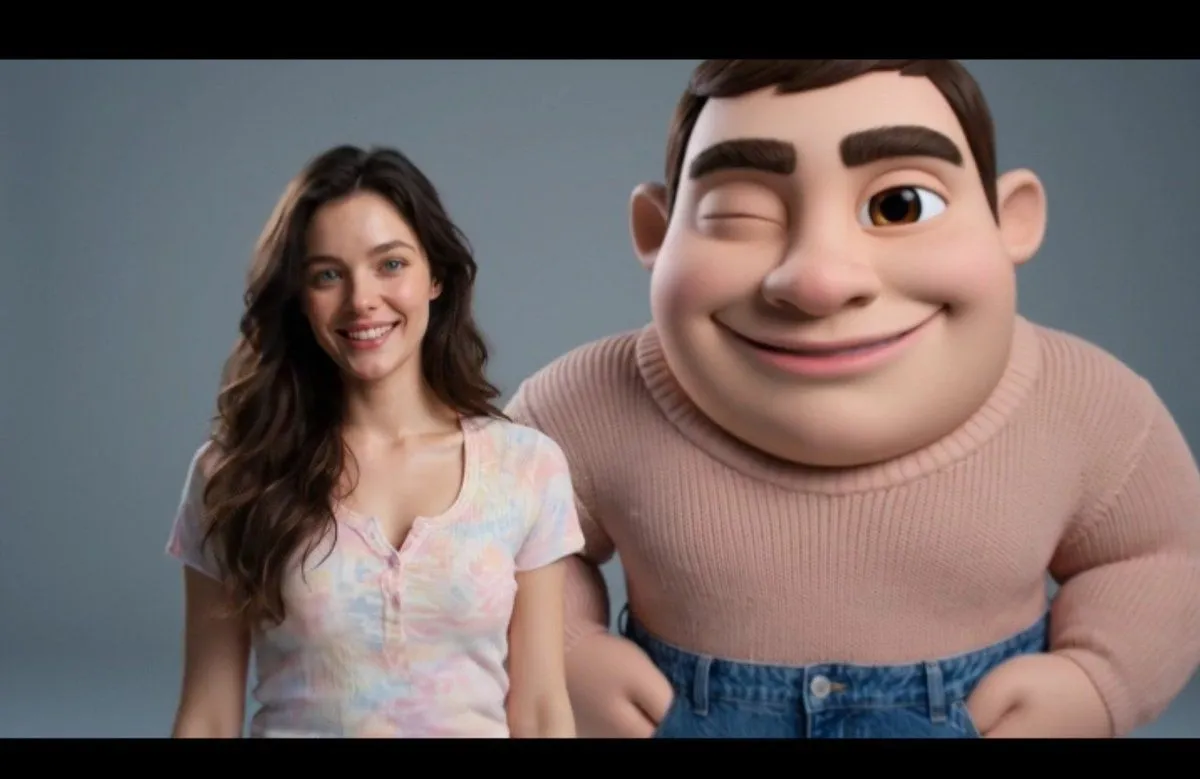
Pixar Style Real Person Transformation
Create an ultra-realistic, high-quality studio photograph featuring a real human and a giant 3D Pixar-inspired cartoon version of the SAME person, both accurately matching the uploaded reference image. Both versions must have the same facial features, skin tone, hairstyle, and overall appearance. The real person wears a pastel pink and cream oversized knitted sweater, light blue high-waisted jeans, and clean white high-top sneakers. The Pixar-style character wears the exact same outfit with realistic knitted fabric details. Pose & Expression: The real person stands naturally beside the giant cartoon version, smiling warmly at the camera with one hand resting gently on the cartoon character's shoulder. The cartoon character stands confidently with slightly wider legs, one hand in its jeans pocket, a mischievous smile, one raised eyebrow, and large expressive animated eyes. The cartoon character should be slightly taller and larger than the real person, with a charming 3D animated appearance while maintaining the person's recognizable identity. Background & Lighting: Minimalist gray-blue photography studio, soft professional lighting, subtle floor shadows, realistic skin texture on the human, smooth 3D cartoon shading, detailed sweater fibers, natural denim folds, cinematic composition, sharp focus, premium 3D rendering, 8K quality. Important Instructions: Strictly preserve the identity of the uploaded reference person. Keep the real person's face photorealistic and the cartoon version recognizably identical. Maintain consistent clothing colors, body proportions, and natural interaction between both characters. No extra people, no text, no watermark, no distorted hands, and no unnecessary accessories. Aspect Ratio: 4:5 (Portrait)