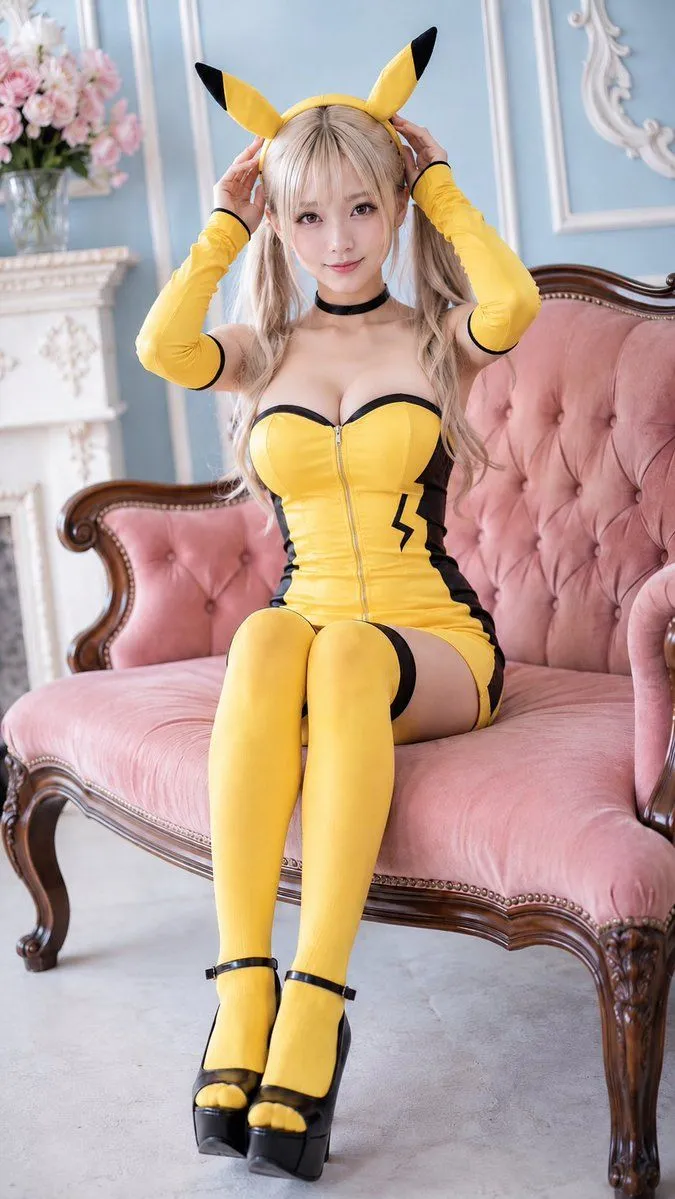
Pikachu-Inspired Cosplay Portrait
Create a high-quality vertical portrait photo of a cute young adult anime-style cosplayer dressed as a Pikachu-inspired character, seated on an elegant vintage pink tufted loveseat in a bright pastel European studio. The subject is character_type with long wavy twin-tails, soft bangs, large expressive eyes, smooth fair skin, and a gentle smile, looking directly at the camera while holding both hands up to adjust a yellow headband with two upright Pikachu-like ears with black tips. Outfit: a glossy fitted yellow strapless mini-dress with black trim along the sweetheart neckline, a visible front zipper, black side panels, and one black lightning-bolt emblem on the right waist; matching long yellow arm sleeves with black edging; a simple black choker; thigh-high yellow stockings; and black platform Mary Jane heels with ankle straps. Pose: seated upright with knees together and legs extended toward the camera, feet close together, shoulders relaxed, playful and charming but tasteful. Environment: ornate carved wooden loveseat with dusty-rose velvet upholstery and button tufting, pale blue paneled wall with white decorative molding, partial ornate mirror frame on the right, white fireplace mantel on the left, and a vase of soft pink flowers in the background. Lighting and style: realistic fashion cosplay photography, soft diffused natural light, pastel color palette, shallow depth of field, crisp focus on face and costume, flattering skin tones, vertical full-body composition, 85mm lens look, high detail, no text, no watermark, no extra people, no distorted hands or limbs. Use main_costume_color and accent_color as the dominant costume colors, with sofa_color upholstery and a room_wall_color background.