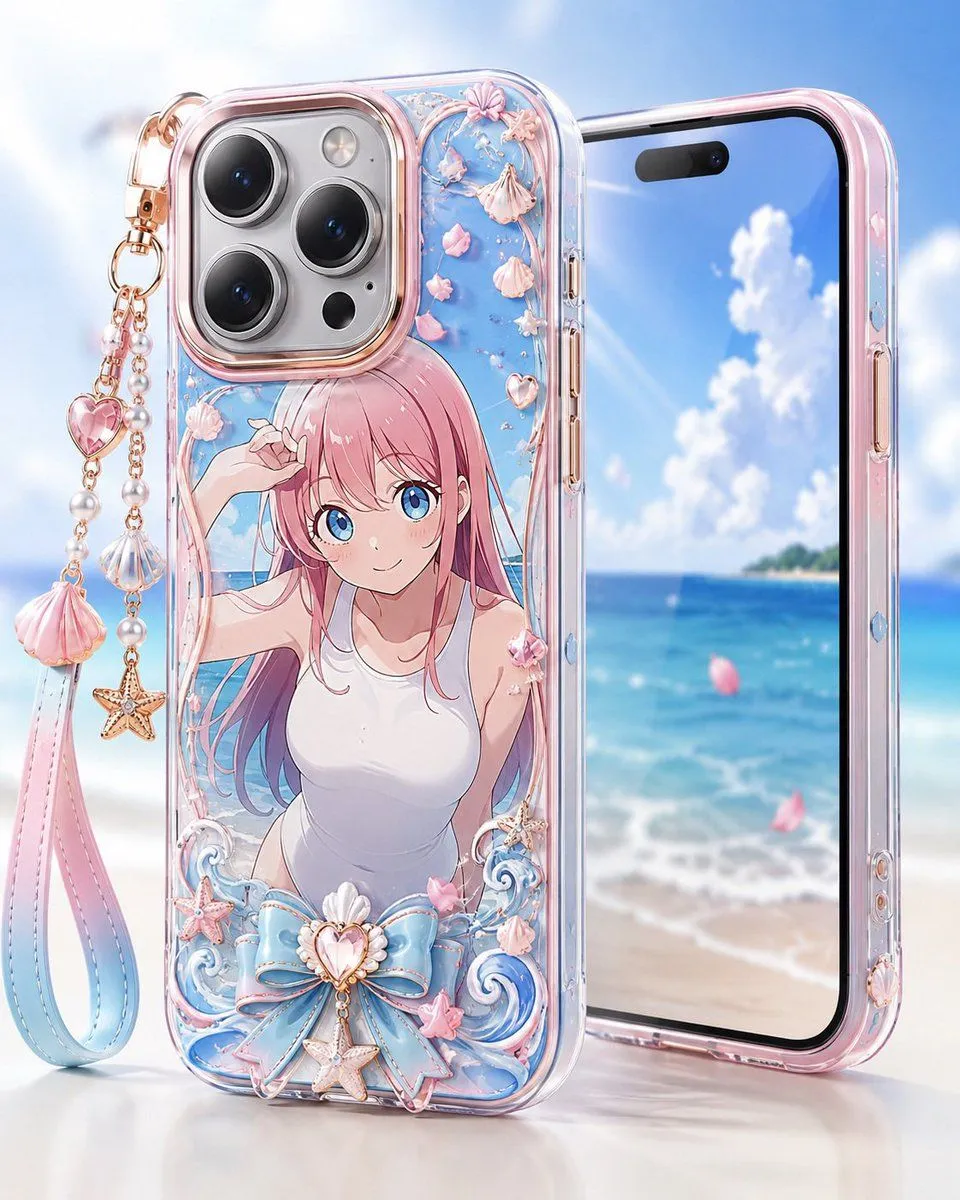
Pastel Anime Beach Phone Case
Create a glossy high-end product render of a custom transparent smartphone case displayed in front of a dreamy tropical beach background. The main object is one clear iPhone-style case standing upright, decorated with anime_illustration. Use a pastel ocean theme with translucent resin, rose-gold metallic edging, and shiny beveled plastic. The case must show a large triple-lens camera cutout at the top left with three black lenses, one flash, and small sensor details. Behind it, place exactly one second phone angled slightly to the right, showing a bright screen with blue sky, white clouds, turquoise sea, sandy beach, and a distant island. Add exactly one dangling wrist strap charm attached to the top-left corner of the case: a long loop strap with a pink-to-blue gradient, rose-gold chain links, pearl beads, one pink heart gem, one scallop shell charm, one starfish charm, and one large pink shell tassel-like charm. On the case decoration, include exactly four main shell ornaments on vines near the top, exactly five small pink flower petals scattered around the illustration, exactly two curled blue wave ornaments at the bottom, exactly one oversized pastel blue bow at the bottom center, exactly one central heart-shaped shell jewel on the bow, exactly two starfish ornaments near the lower area, and exactly one small pink bow on the character shoulder. Use case_color_palette, ultra-polished reflections, soft studio lighting, shallow depth of field, and a clean luxury accessory advertisement composition. The background should be bright and airy with bokeh, sunlit highlights, and a white tabletop reflection. No logos, no readable text, no watermark, no extra phones, no extra characters.