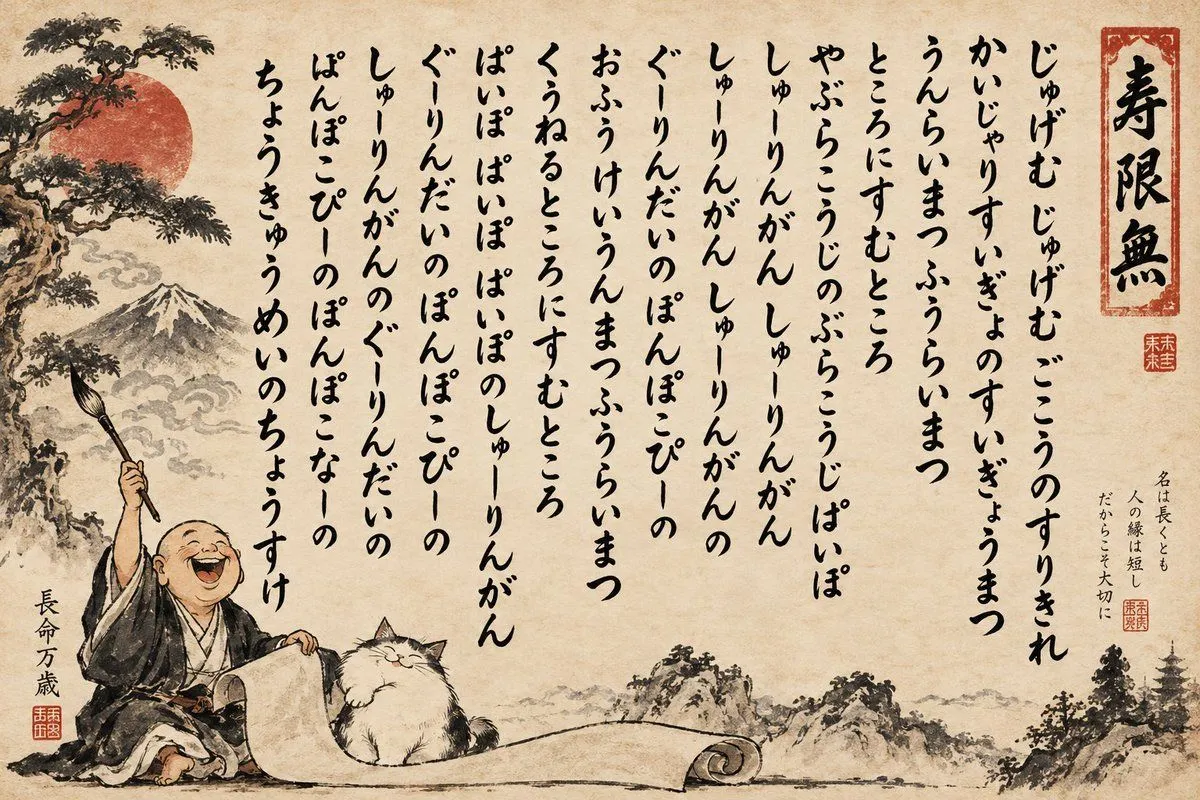
Humorous Sumi-e Jugemu Calligraphy Poster
Create a humorous traditional Japanese ink-and-wash calligraphy poster on aged parchment paper. The composition is a wide horizontal ukiyo-e/sumi-e style artwork with a warm beige, stained washi texture background, black brush ink, muted red seals, and subtle gray mountain washes. On the left foreground, show a bald laughing monk in dark robes sitting on the ground, holding a large calligraphy brush raised high in his right hand and steadying a long blank scroll that curls across the bottom. Beside him sits one fluffy white cat with closed eyes and a content smile. Behind them, paint a bonsai-like pine tree, a large muted red sun, distant Mount Fuji, misty clouds, rocky hills, and small pagoda silhouettes at the far right. Fill the upper and central area with many vertical columns of playful handwritten Japanese-style kana calligraphy, imperfect and organic like wet brush strokes, evoking a silly chant rather than readable formal prose. Include exactly one tall red-outlined title seal at the upper right containing large black kanji text title_seal_text. Add exactly three small red square artist seals: one beneath the title seal, one near a small vertical inscription on the right, and one beside the monk’s signature at lower left. Include exactly two small side inscriptions: at lower left, vertical black text monk_signature; at mid-right, a small vertical proverb-like note side_inscription. The main calligraphy should be arranged in about eleven vertical columns from right to left, using the default chant text main_calligraphy_chant. Make the brushwork expressive, slightly uneven, and intentionally imperfect; preserve ample negative space around the calligraphy; no modern typography, no digital UI, no English text, no photorealism.