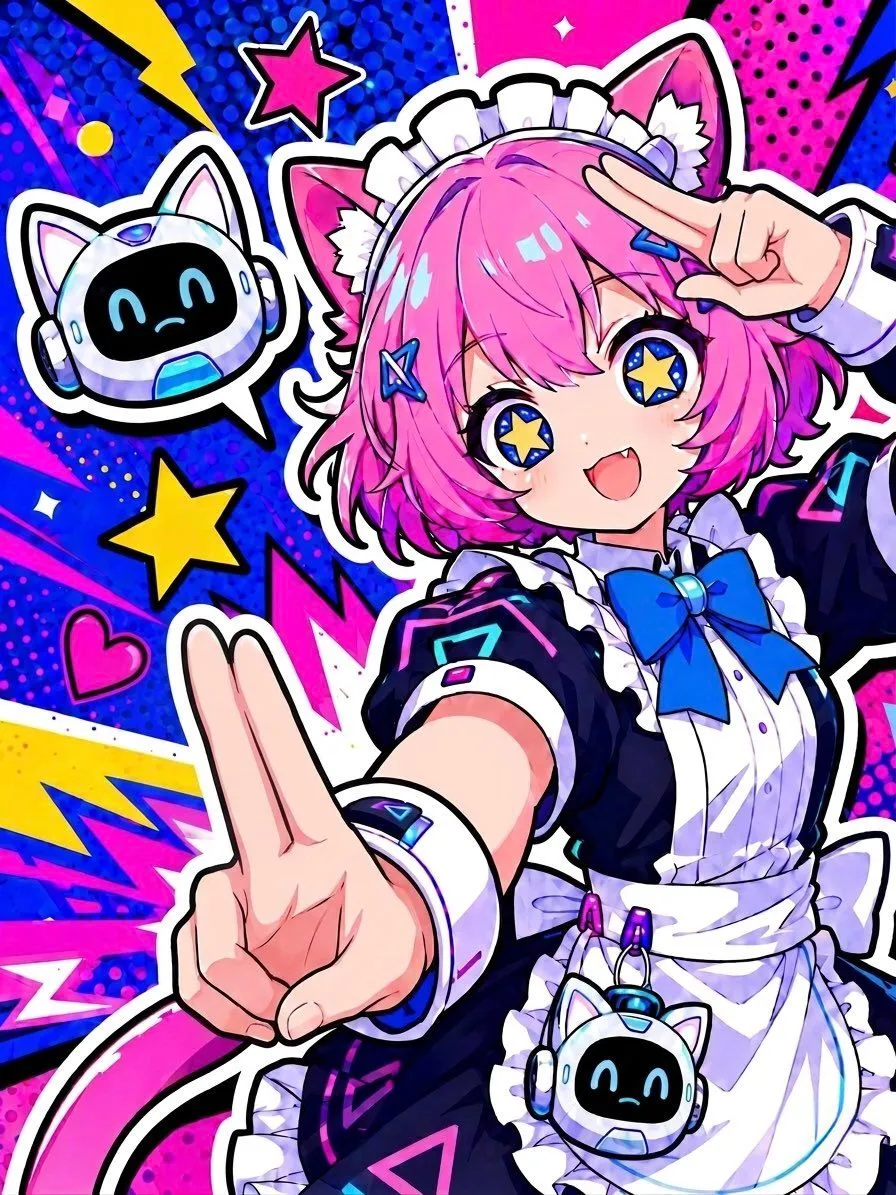
Cyber Cat Maid Peace Pose
Create a vibrant single-panel anime sticker-style illustration of a cheerful cat-eared maid idol in an energetic pop-art composition. The character is a young anime girl with hair_color short bob hair, fluffy cat ears, a white frilled maid headband, blue star hair clips, huge sparkling blue eyes with yellow star-shaped pupils, tiny fangs, and a joyful open-mouth smile. She wears a navy-and-white futuristic maid dress with puff sleeves, white apron, ruffled trim, a large bow_color bow at the collar, neon cyan and magenta geometric accents, wrist cuffs, and a small cat-robot pouch clipped at the waist. Pose her in a dynamic close-up fisheye perspective, leaning toward the viewer, making a large two-finger peace sign with one hand in the foreground and another peace sign near her face, emphasizing exaggerated foreshortening and playful idol energy. Include exactly 2 cute floating robot cat mascots: one in a white speech-bubble-like outline on the upper left with a black digital smiling face and headphones, and one smaller matching robot-cat pouch at her waist. Surround her with a thick white sticker outline and bold black shadow lines. The background should be a high-saturation comic pop-art explosion with main_background_colors, halftone dots, jagged lightning bolts, angular speed lines, and graphic decals. Include exactly 3 prominent star decals: one pink outlined star near the top, one yellow star on the left-center, and one small white sparkle near the top; include exactly 1 pink heart decal on the lower left. Use crisp clean line art, glossy highlights, cel shading, ultra-bright contrast, kawaii cyber-maid aesthetics, vertical portrait composition, no text, no watermark.