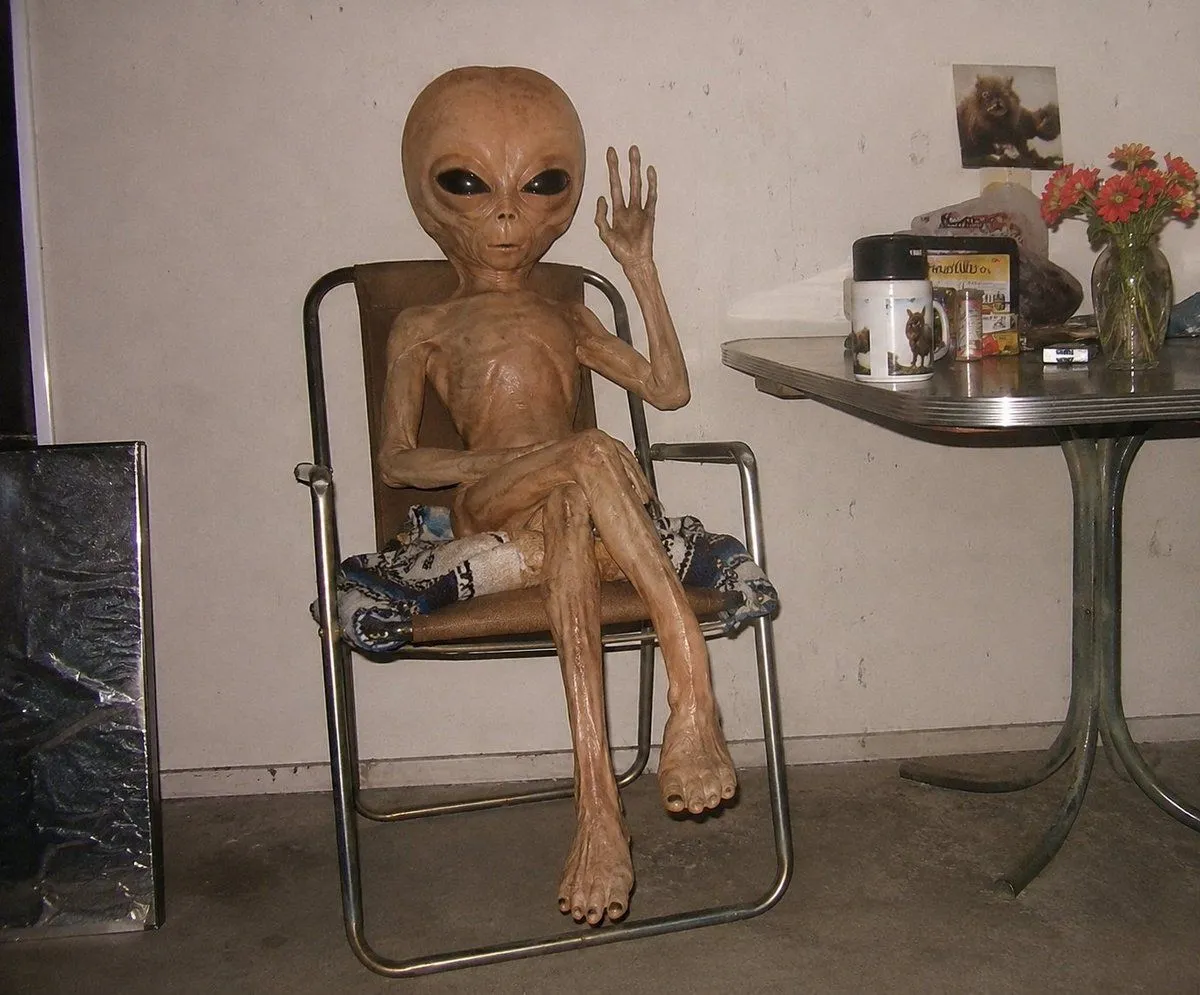
Censored Humanoid Snapshot
Create a candid flash-photography snapshot in a dim, cluttered indoor room, styled like an early-2000s digital camera photo. The scene shows one extremely thin, hairless, elderly-looking humanoid figure with glossy tan-brown leathery skin sitting in one metal-framed folding lounge chair with a brown backrest and patterned cushion. The figure has an oversized oval head but its face is covered by a solid square censor block in censor_block_color; its ribcage, tendons, bony arms, long legs, large feet, and wrinkled texture are highly visible. Pose: seated casually with one leg crossed over the other, the left arm resting across the torso, and the right arm raised beside the head with an open hand as if waving. The setting is a plain off-white stained wall and gray concrete floor, with harsh direct flash, strong shadows, low contrast, and slightly grainy amateur realism. Include exactly one black reflective rectangular panel leaning on the floor at the far left. On the right, include exactly one small retro dinette table with a gray metal edge and greenish pedestal legs. On the tabletop show exactly seven visible objects: one white cylindrical container with an animal illustration, one colorful box behind it, one small framed or propped animal photo at the back, one dark rock-like object, one small dark rectangular object, one clear glass vase, and one bouquet of red-orange flowers in the vase. Keep the composition horizontal, centered on the seated figure, with the table cropped at the right edge. Do not add text, logos, extra people, or additional furniture. Use photo_style and make the room feel mundane, unsettling, and documentary.