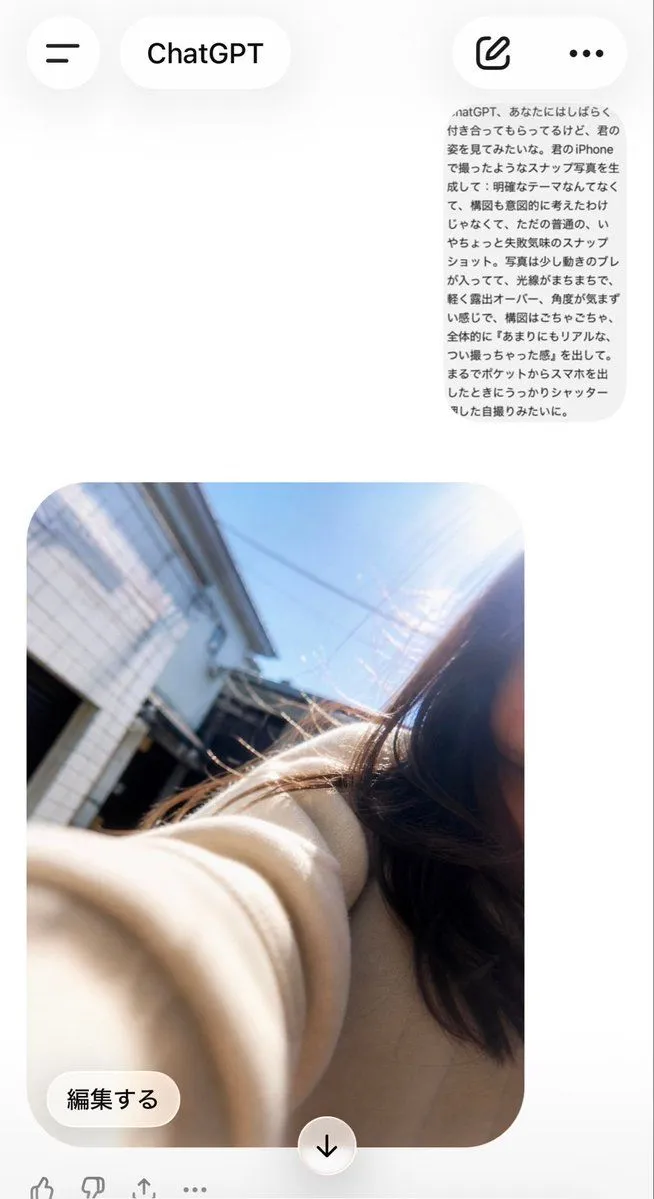
Accidental ChatGPT Selfie Screen
Using REFERENCE_0 as the source prompt text and REFERENCE_1 as the app-screen composition reference, generate the resulting ChatGPT mobile conversation screen. Keep the Japanese prompt visible as a small rounded gray message bubble near the upper right, but create a new ordinary, accidental-looking iPhone selfie below it: it should look like the phone was pulled from a pocket and the shutter was pressed unintentionally, with messy tilted framing, slight motion blur, uneven sun flare/overexposure, and no deliberate composition. Make the selfie outdoors in bright daylight on a residential street, with part of a young woman cropped off on the right edge, long dark hair, a beige coat sleeve stretched toward the camera in the foreground, buildings and blue sky in the background. Include the ChatGPT app UI around it: top bar with hamburger button, “ChatGPT” title pill, compose icon, and three-dot menu; below the image include an “編集する” edit button and a centered down-arrow button. Preserve the casual imperfect snapshot feel rather than making it polished or cinematic.