Tell us anything

An idea, a bug, something you love. We read every note.

⌘↵ to send. The page you're on comes along.

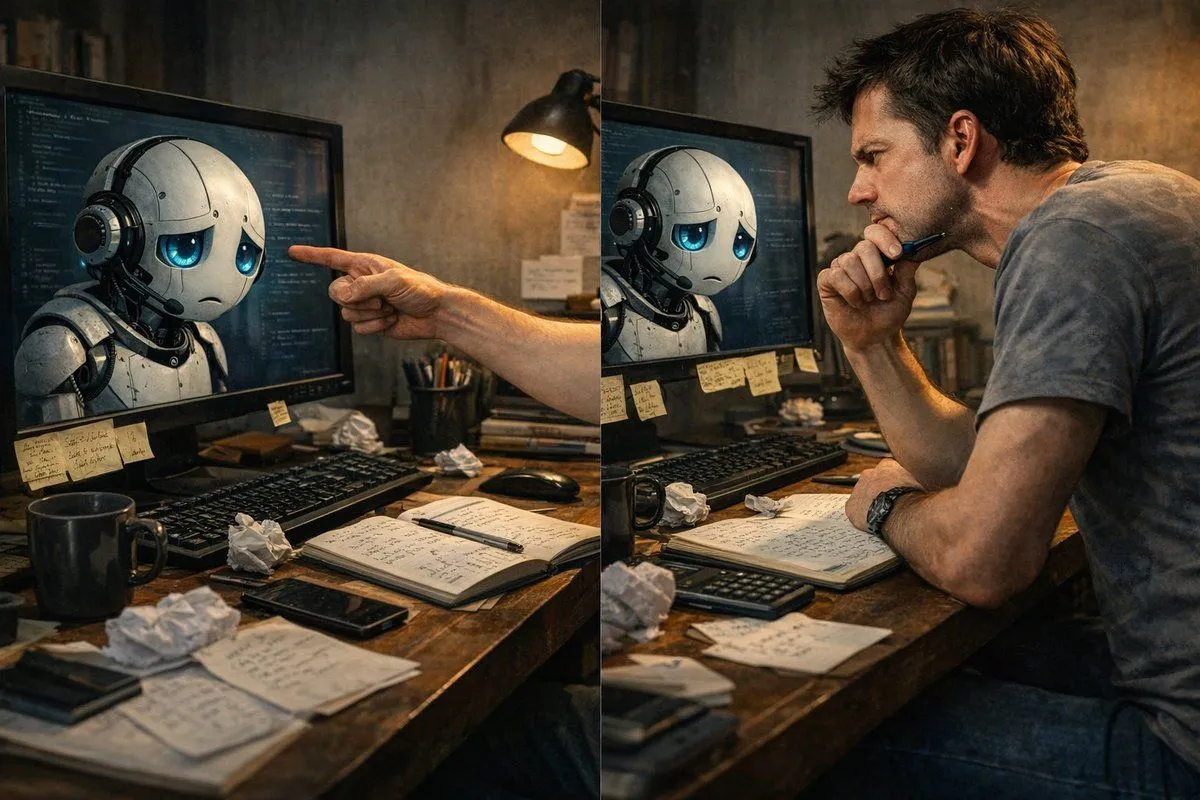
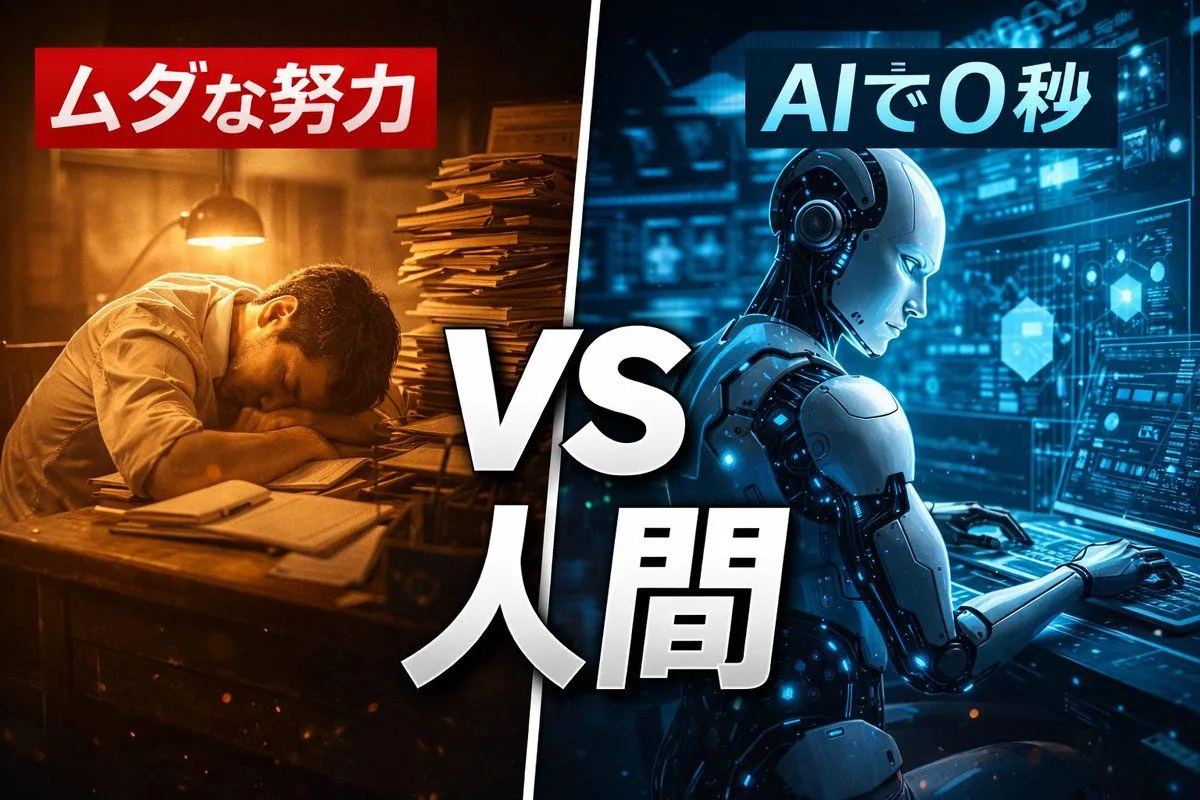
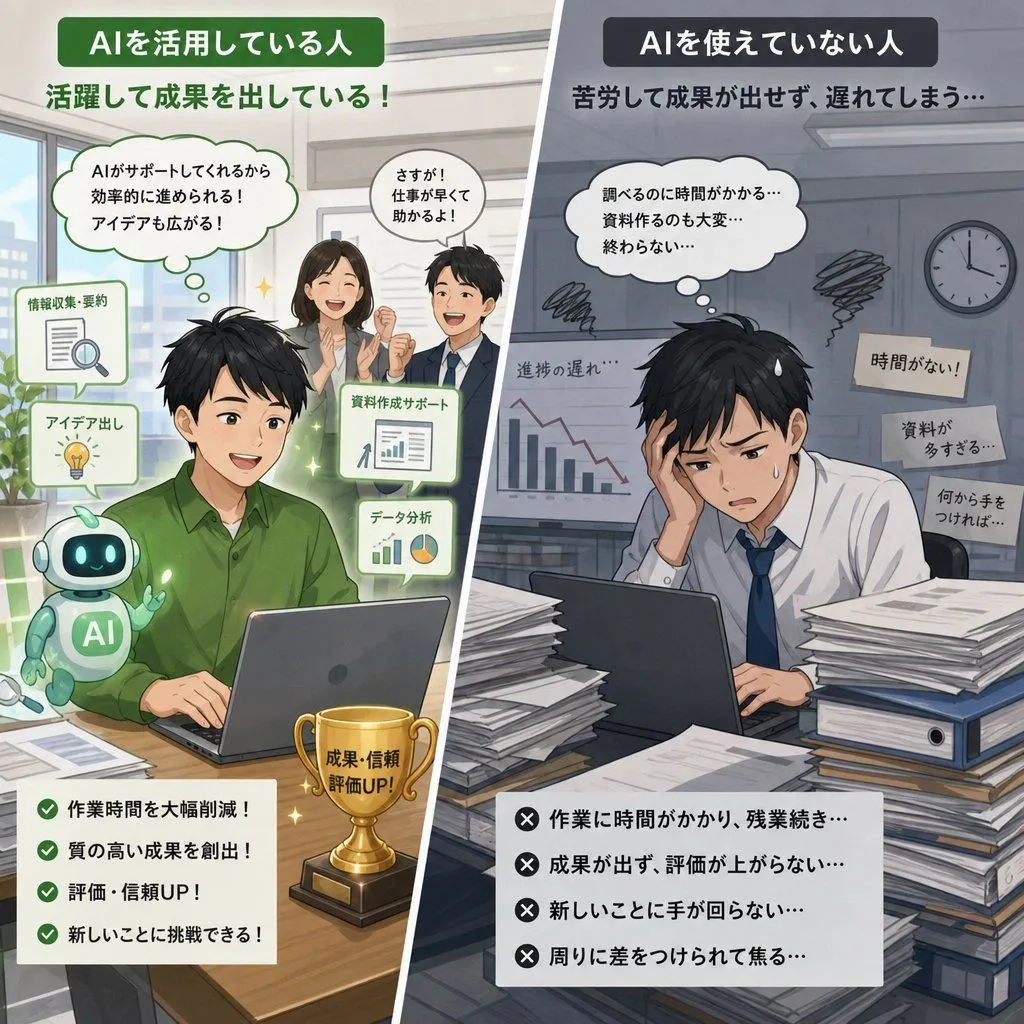
YouTube Thumbnail Comparison: Human Effort vs. AI Efficiency

Made with GPT Image 1.5 in ChatGPT by Library Concept. Promptclay never generates images.

Did it work?

No reports yet. Tell others if it worked for you.

No comments yet. Be the first.

    YouTube Thumbnail Comparison: Human Effort vs. AI Efficiency

    GPT Image 1.53:2AI-generated

    Prompt

    3 blanks to fill

    A YouTube thumbnail image with a split-screen composition. The left side is sepia-toned showing a tired human overworked at an old desk, with red Japanese text above reading "{left_text}". The right side is futuristic blue showing a sleek AI robot working instantly, with blue Japanese text above reading "{right_text}". In the center, large white text with black outline reads "{center_text}". Cinematic lighting. --ar 16:9

    Works in
    ChatGPT, Gemini
    Status
    Free to copy
    0
    DetailsVersions, settings and questions

    Written for

    What's in the prompt

    Subject
    Model
    GPT Image 1.5

    If your face changes

    keep my face exactly the same

    Questions

    Does this work in the ChatGPT app?
    Yes. Paste the prompt and attach your photo if it uses one.
    It changed my face. What do I do?
    Add "keep my face exactly the same" to the end and run it again.
    Can I use the images I make?
    Check the terms of the app you use. Promptclay never generates images and claims nothing you make.
    Similar prompts

    See more
    • Nano Banana Pro Composition Techniques Prompts (3 Examples)
    • AI Use Comparison Infographic
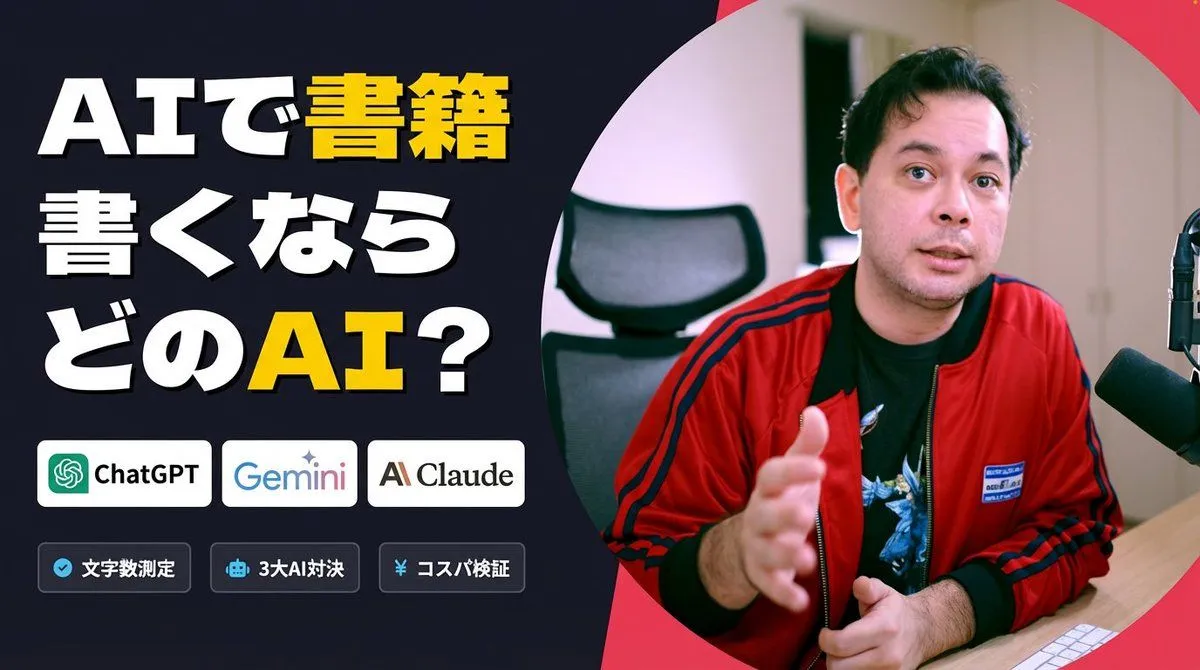
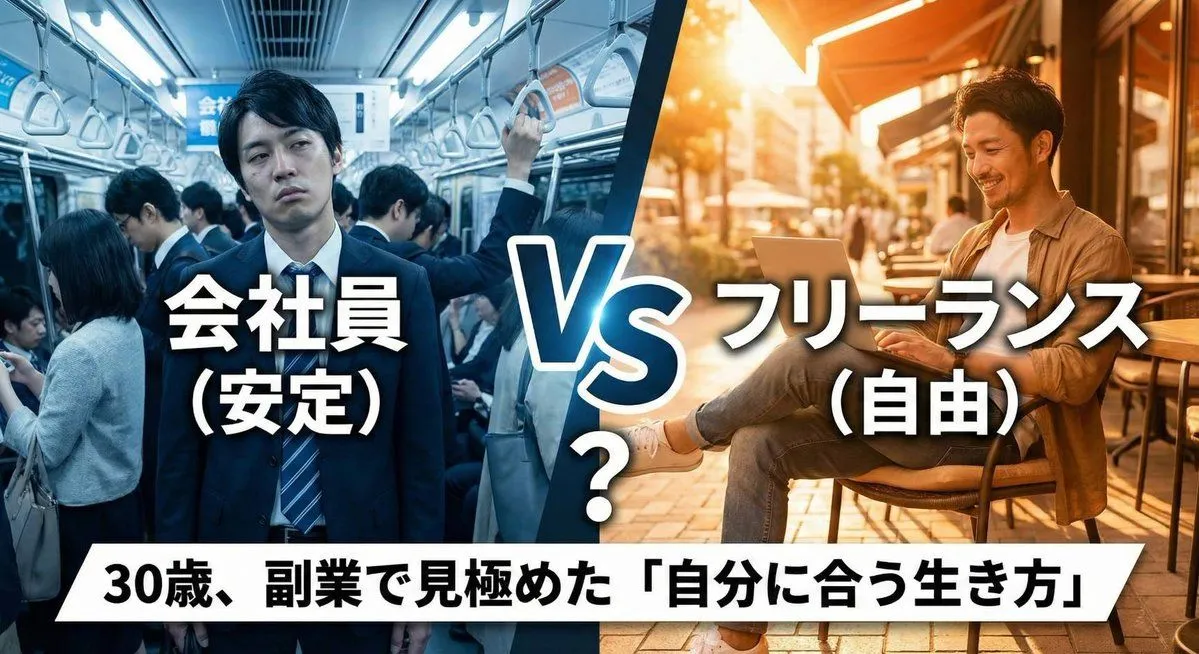
    • Japanese AI Tool Comparison Thumbnail
    • Optimus vs. Human Football ChampionsVideo, 0:10
    • Futuristic AI Era City Poster
    • Asimov Visionary Split-Scene Concept Art Prompt
    • Philosophical AI Reflection Painting Prompt
    • Gold & Black Info-Product Thumbnail
    • Low-Cost AI Video Thumbnail
    • Nano Banana Pro Prompt for High-Visibility 3D Thumbnail Design
    • Preserve Original Photo in YouTube Thumbnail Prompt
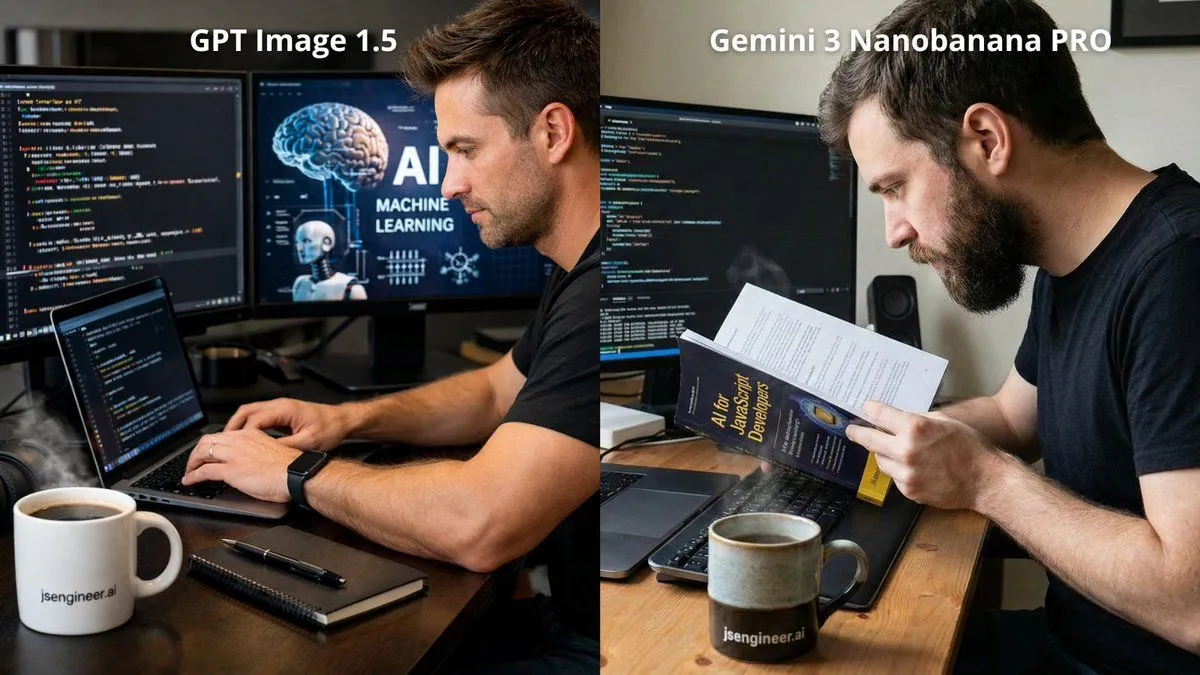
    • JS Engineer Coding Scene with Specific Text
    • Request for a 'More Complete' Image Generation
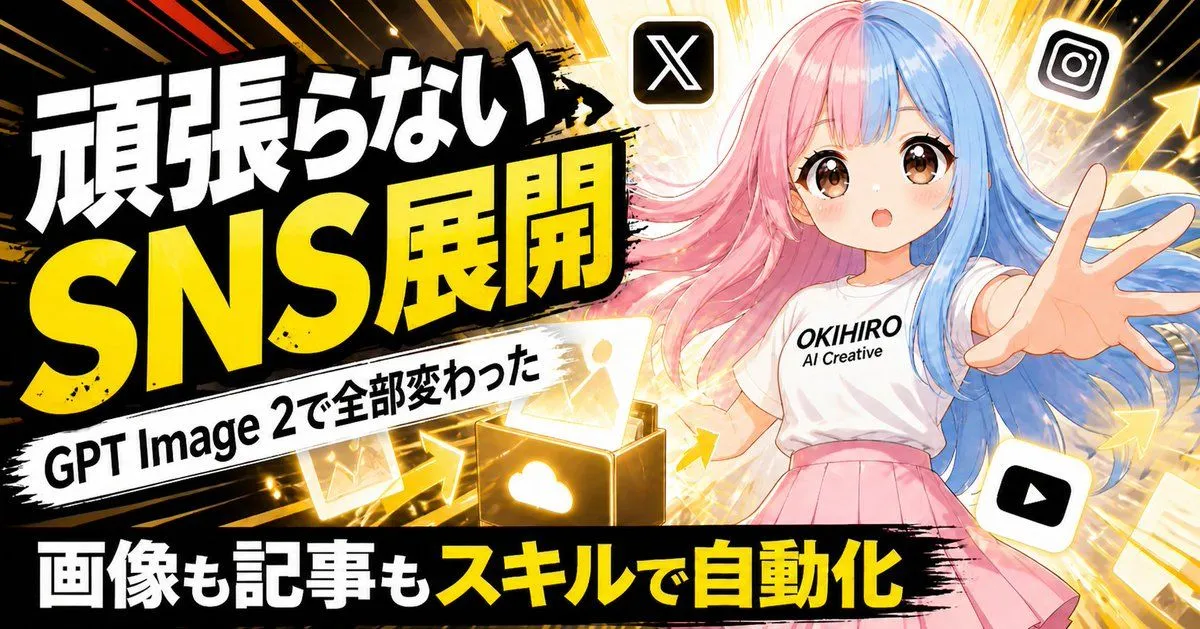
    • Japanese SNS Automation Thumbnail
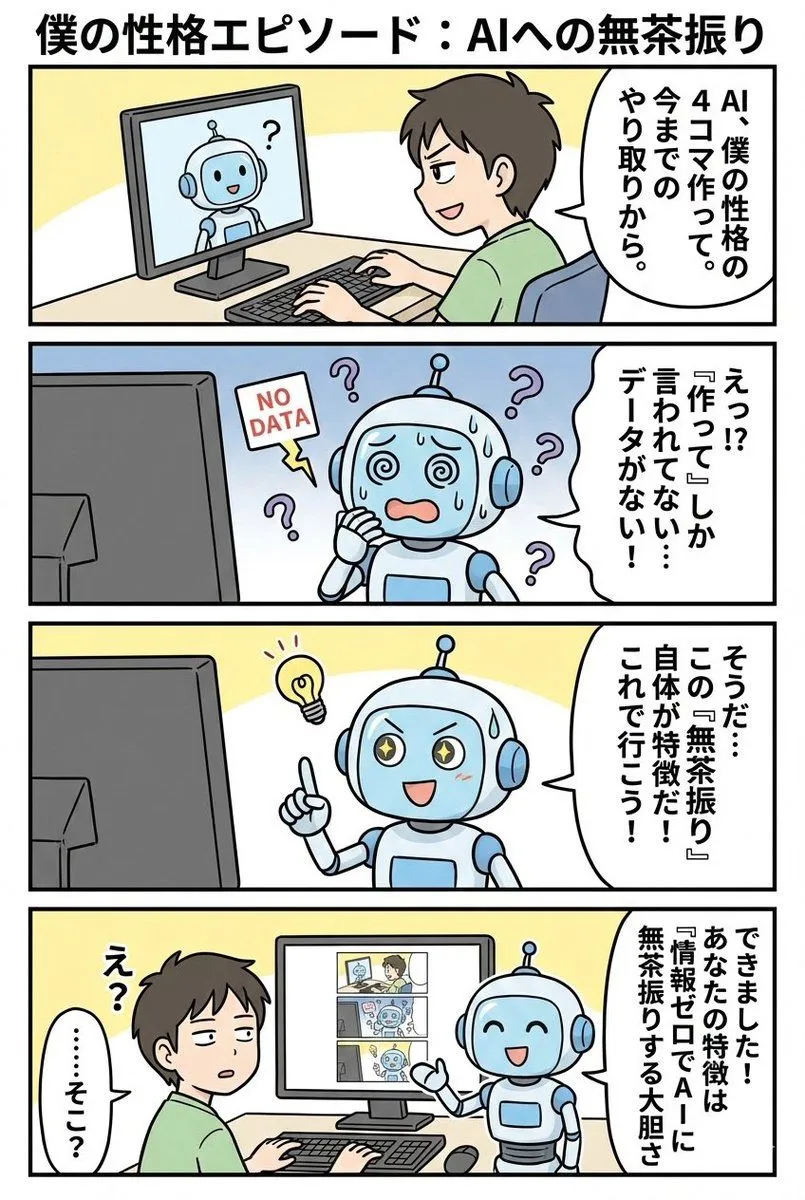
    • 4-panel manga based on past interactions
    • Thumbnail design prompt for articles or content
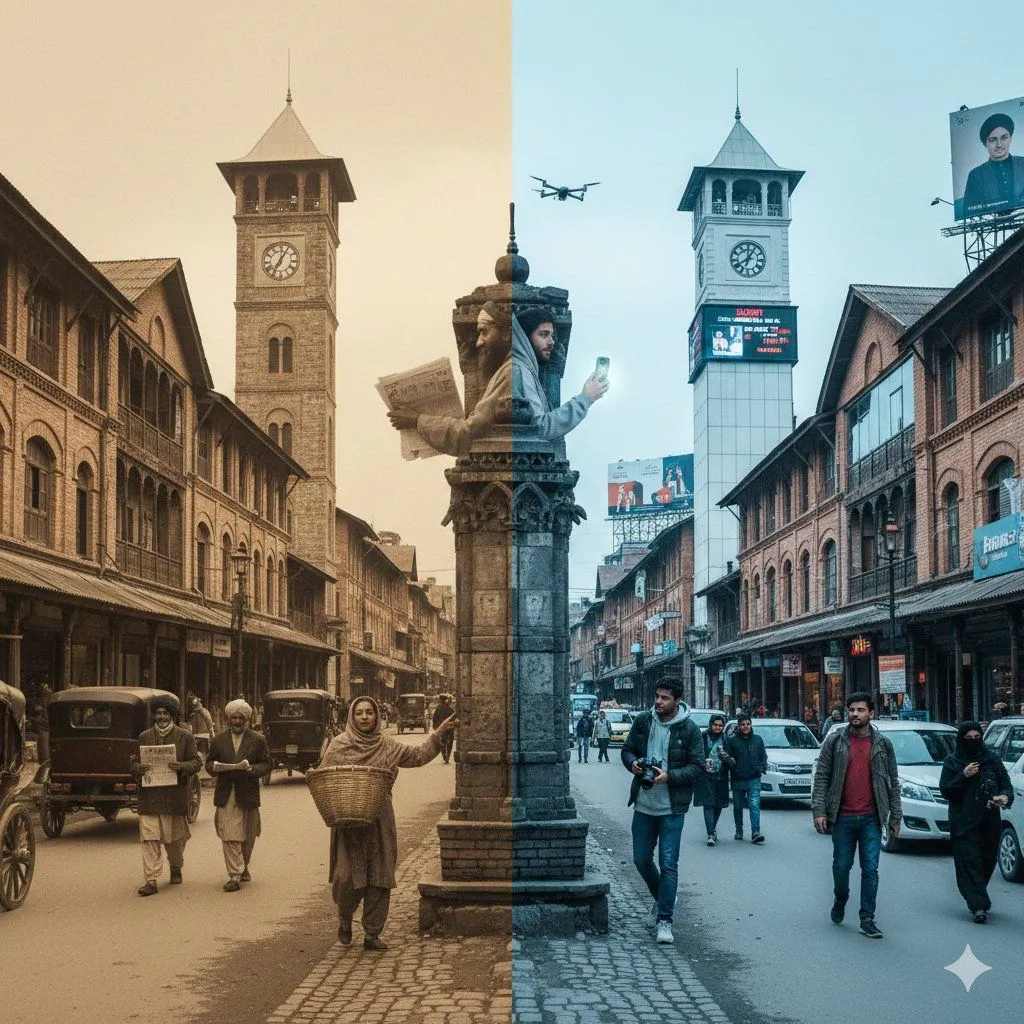
    • Split-Screen Time Travel Scene
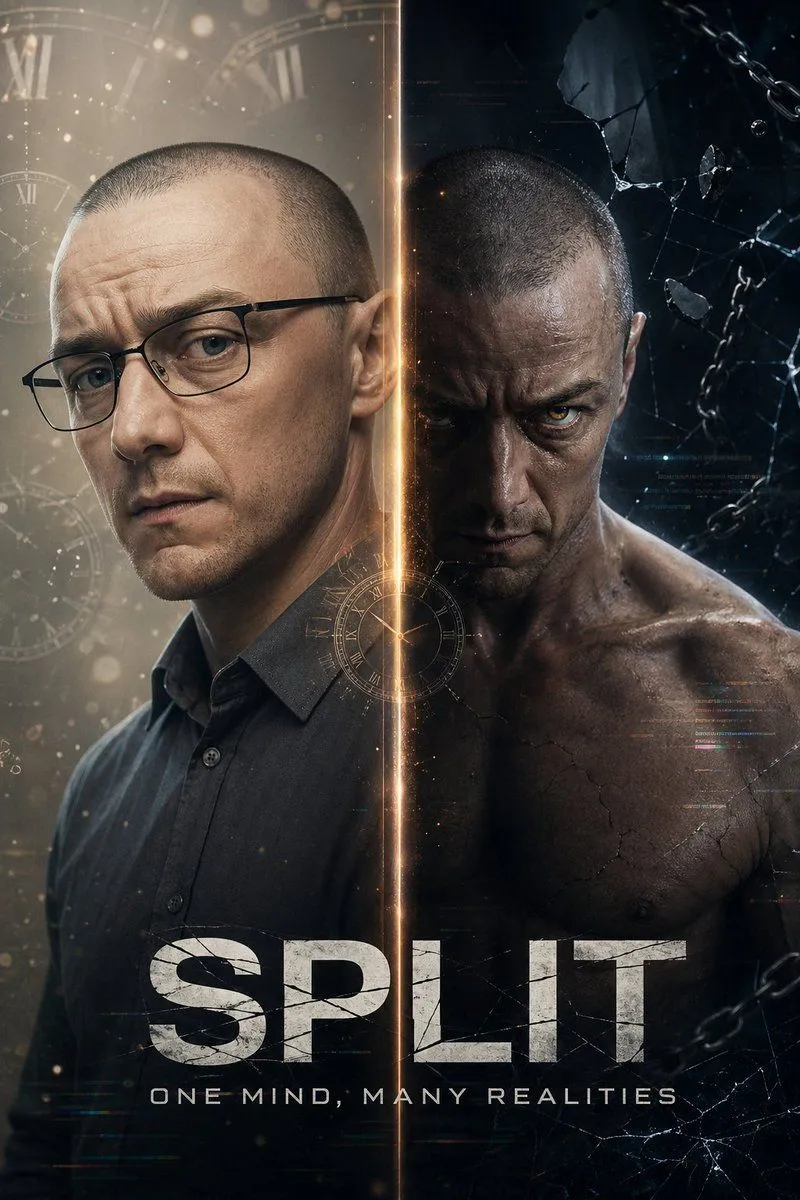
    • Dual-Personality Cinematic Poster
    • Lord of the Rings Style Epic Fantasy Masterpiece PromptVideo, 0:05
    • Futuristic AI Windows Login Poster
    • Split-Screen Cinematic Shot for Time Travel Comparison
    • Structural Image Inpainting Prompt
    • Cyberpunk Robot Encounter
    • Split-screen time-lapse of same location by coordinates

    Show more

    Run it on your phone

    1. Prompt copiedRead it

      A YouTube thumbnail image with a split-screen composition. The left side is sepia-toned showing a tired human overworked at an old desk, with red Japanese text above reading "{left_text}". The right side is futuristic blue showing a sleek AI robot working instantly, with blue Japanese text above reading "{right_text}". In the center, large white text with black outline reads "{center_text}". Cinematic lighting. --ar 16:9

    2. Open your app

    3. Paste and run

      Press and hold the message box, then tap Paste. Add your photo first if the prompt uses one. You may need to sign in.

    YouTube Thumbnail Comparison: Human Effort vs. AI Efficiency