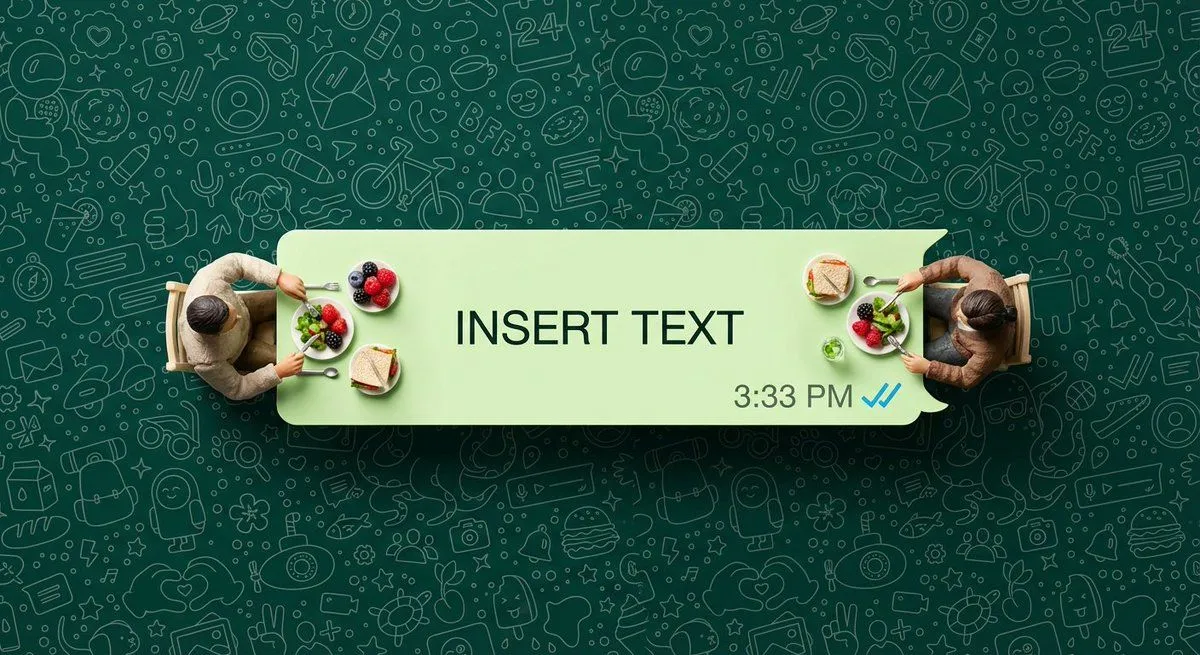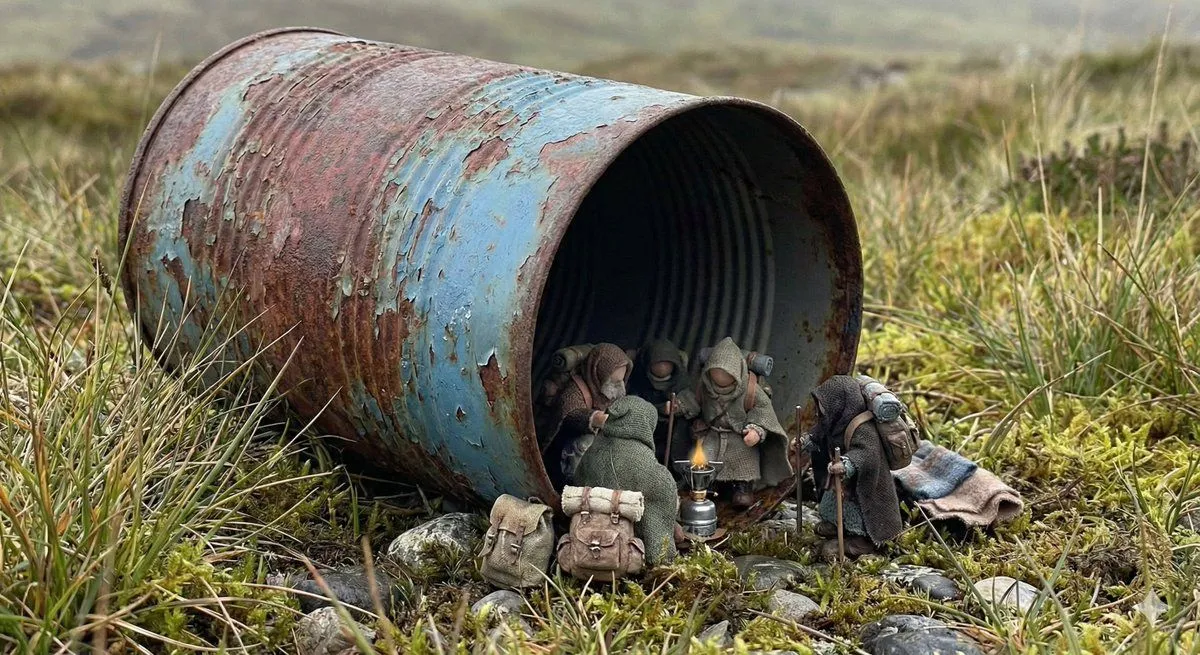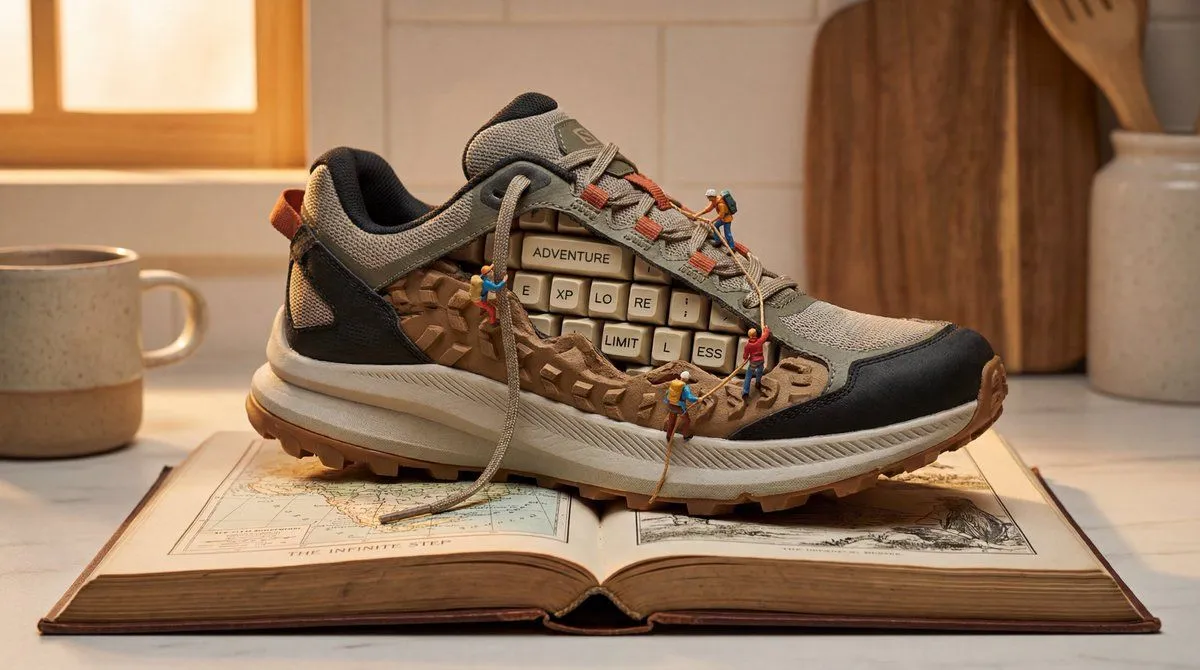
Made with Nano Banana Pro in Gemini by Library Social. Promptclay never generates images.
Did it work?
No reports yet. Tell others if it worked for you.
WhatsApp Speech Bubble Bridge Macro Photography
Prompt
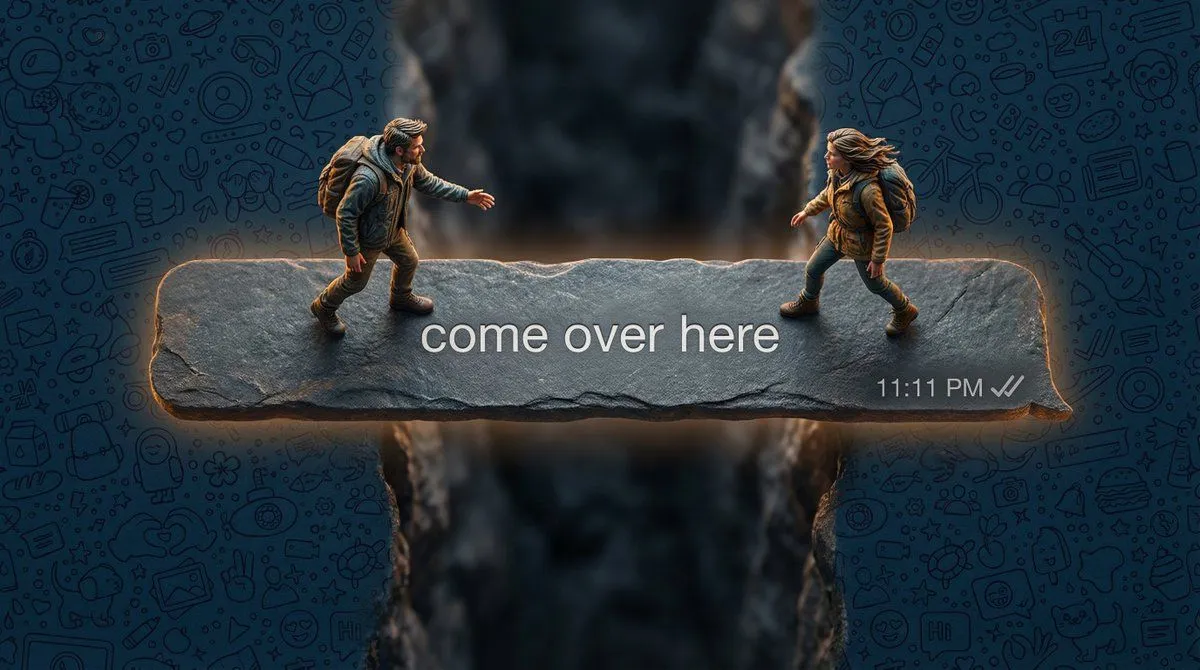
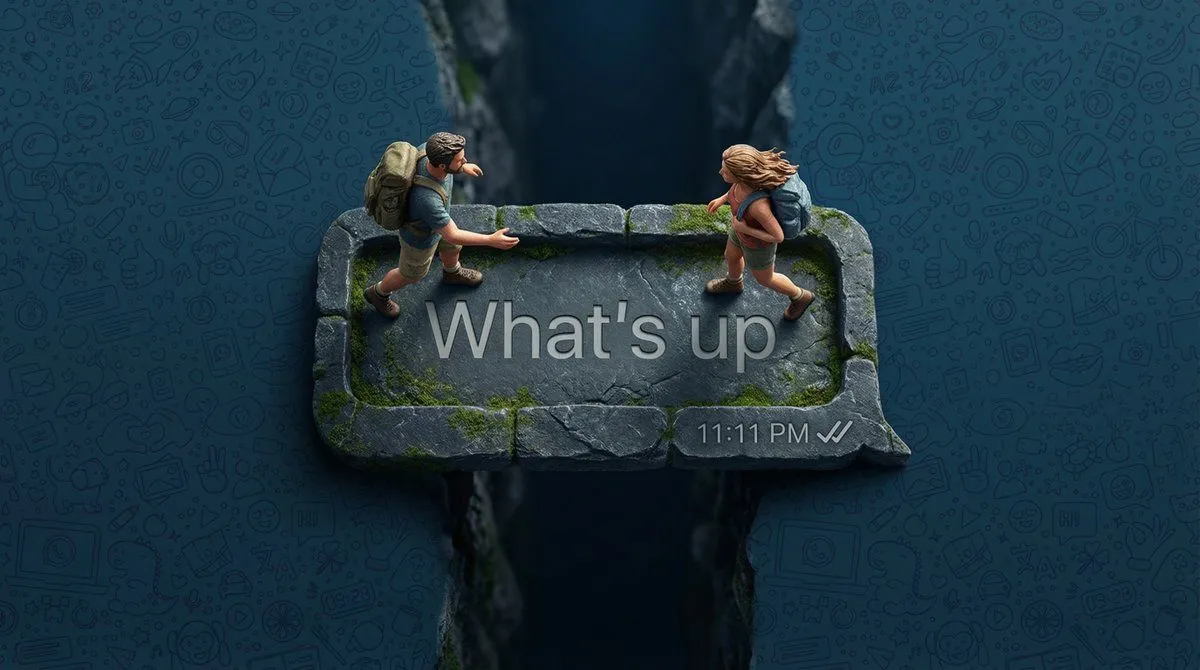
1 blank to fillHyper-realistic top-down macro photography. A long, dark-grey WhatsApp speech bubble (outgoing message style) acting as a narrow stone bridge over a deep void. Two real living humans—a man and a woman shrunk to tiny scale—are cautiously walking toward each other from opposite ends. They are NOT plastic figures; they have visible skin texture, wind-blown natural hair, and realistic fabric textures on their hiking gear. One person is reaching out a hand. The text inside the bubble reads: '{bubble_text}'. Bottom right has a timestamp '11:11 PM' and grey ticks (unread). The background is completely filled with a high-density, seamless WhatsApp doodle pattern in a deep midnight blue, covering the entire surface edge-to-edge. Professional cinematic lighting with a slight glow emitting from the bubble’s edges, 8k resolution, sharp focus on the people.
Preview of your prompt
Hyper-realistic top-down macro photography. A long, dark-grey WhatsApp speech bubble (outgoing message style) acting as a narrow stone bridge over a deep void. Two real living humans—a man and a woman shrunk to tiny scale—are cautiously walking toward each other from opposite ends. They are NOT plastic figures; they have visible skin texture, wind-blown natural hair, and realistic fabric textures on their hiking gear. One person is reaching out a hand. The text inside the bubble reads: 'What's up'. Bottom right has a timestamp '11:11 PM' and grey ticks (unread). The background is completely filled with a high-density, seamless WhatsApp doodle pattern in a deep midnight blue, covering the entire surface edge-to-edge. Professional cinematic lighting with a slight glow emitting from the bubble’s edges, 8k resolution, sharp focus on the people.
DetailsVersions, settings and questions
Written for
What's in the prompt
- Subject
- Model
- Nano Banana Pro
If your face changes
keep my face exactly the sameQuestions
- Does this work in the Gemini app?
- Yes. Gemini runs Nano Banana, so paste the prompt and attach your photo if it uses one.
- It changed my face. What do I do?
- Add "keep my face exactly the same" to the end and run it again.
- Can I use the images I make?
- Check the terms of the app you use. Promptclay never generates images and claims nothing you make.