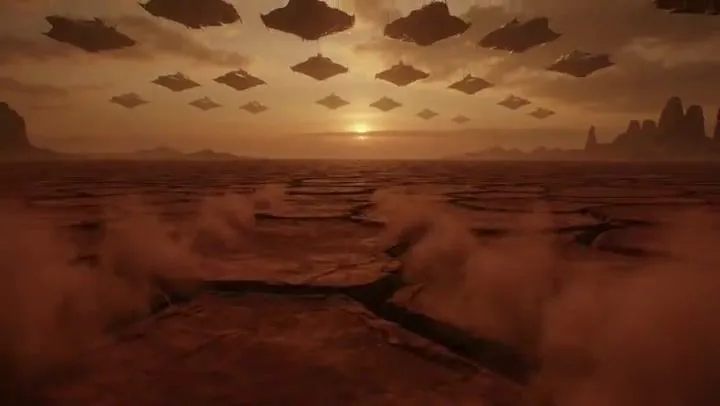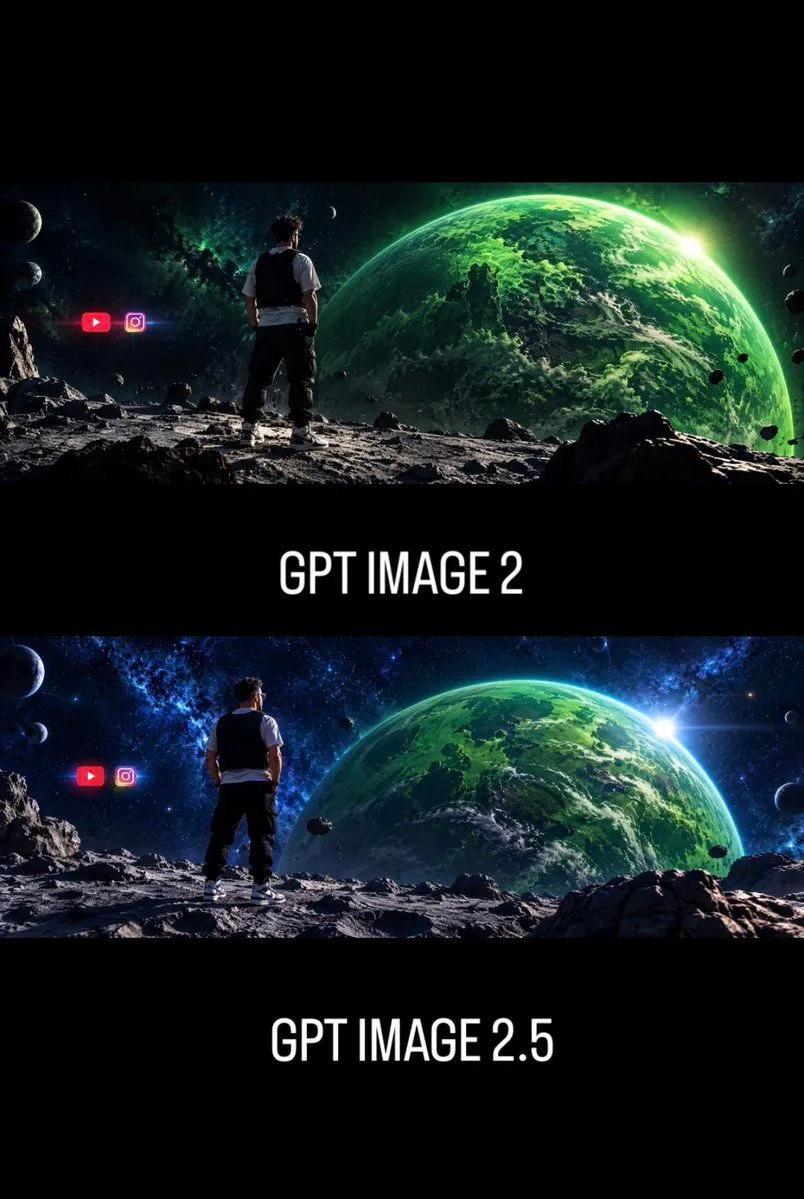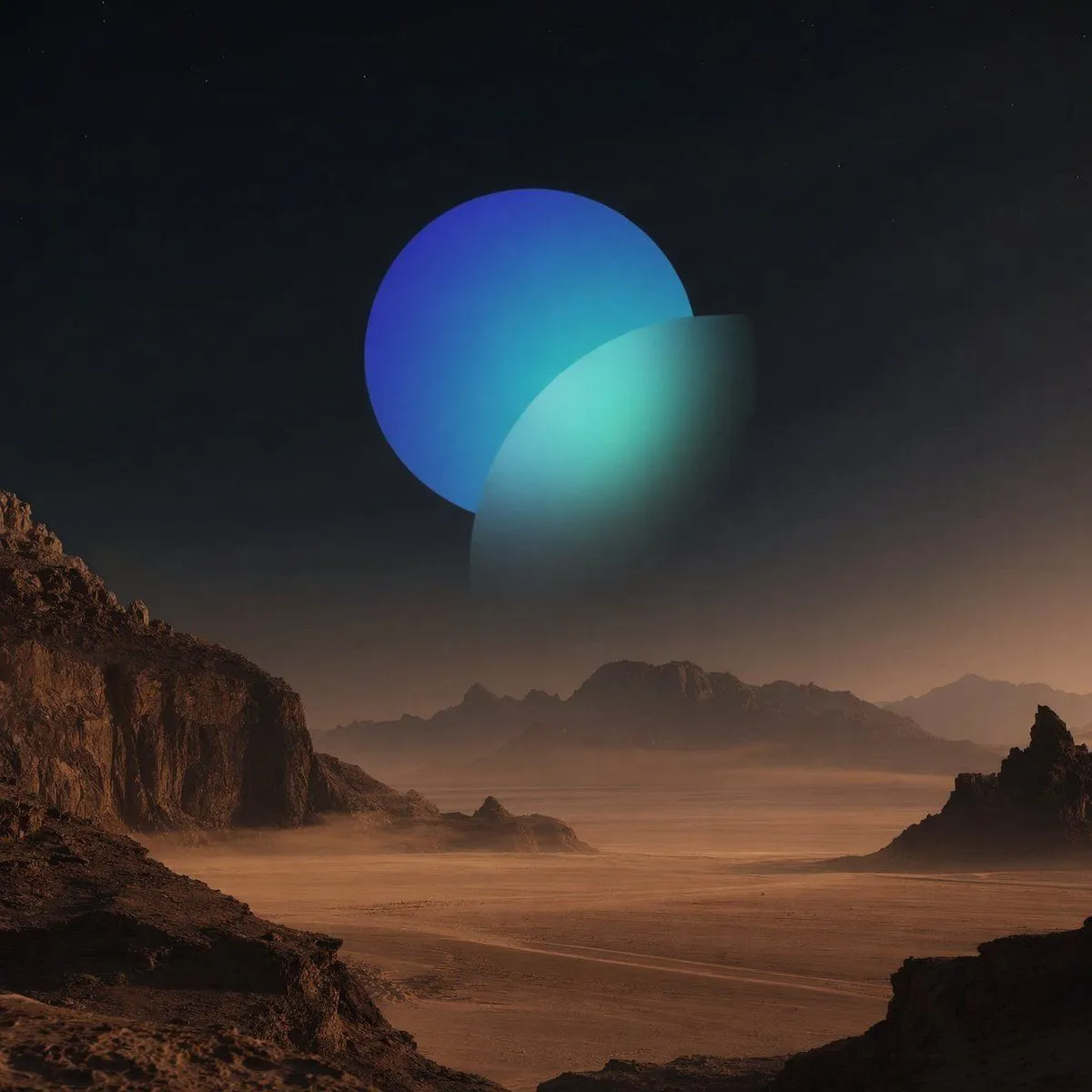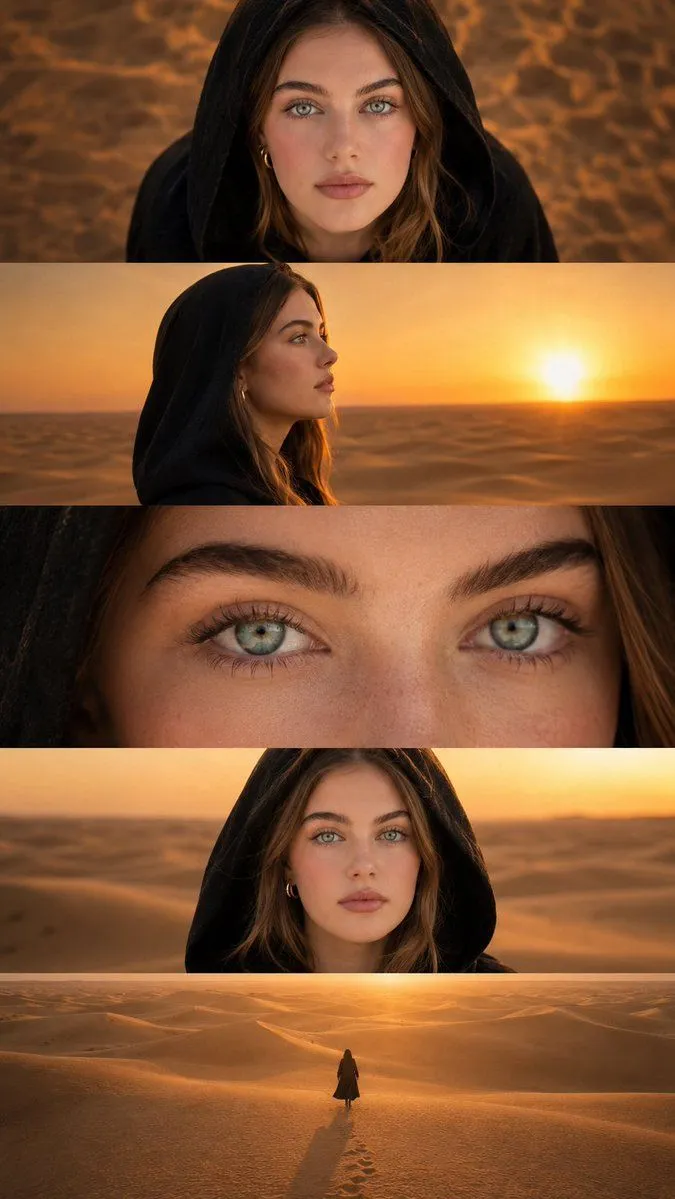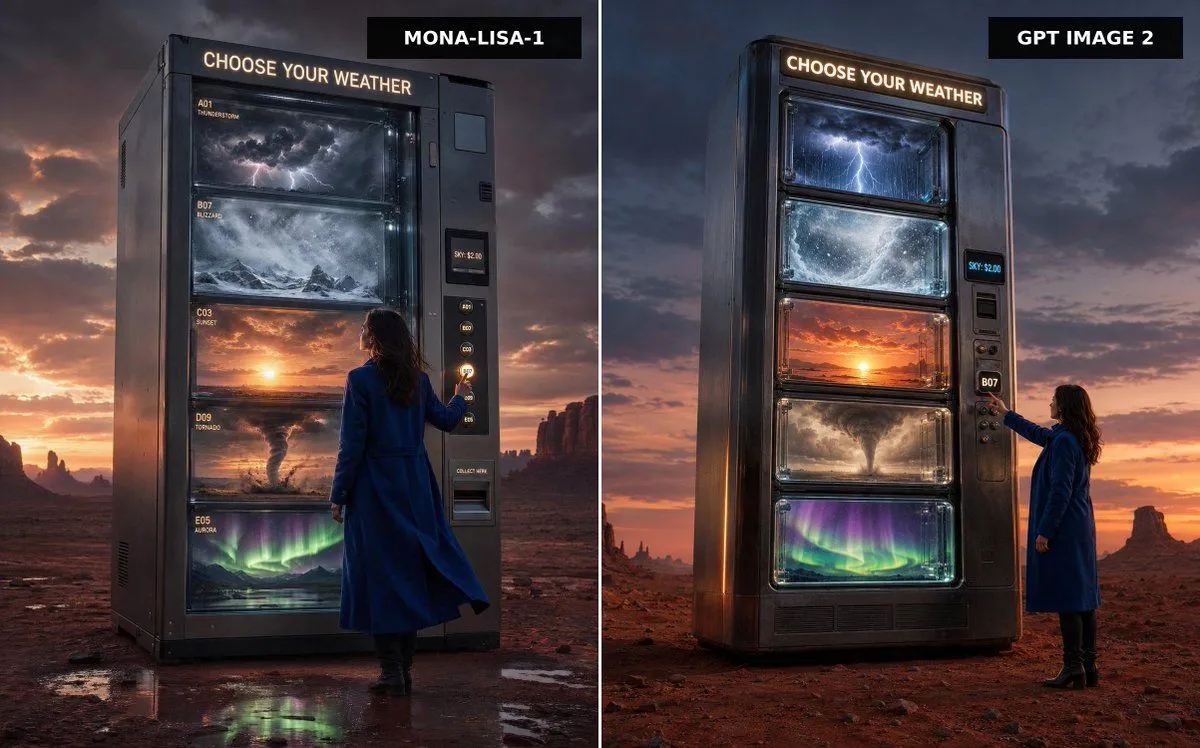
Made with GPT Image 2 in ChatGPT by Library Lifestyle. Promptclay never generates images.
Did it work?
No reports yet. Tell others if it worked for you.
Weather Vending Machine Comparison
Prompt
2 blanks to fillCreate a split-screen comparison image showing two premium cinematic advertising photographs side by side, separated by a thin vertical white divider. The scene is a vast red desert at dusk with dramatic storm clouds, orange sunset glow on the horizon, distant mesas and rock spires, and wet reflective patches on the desert floor. In both panels, place a colossal dark metallic vending machine standing alone, labeled at the top with glowing warm-white text: “CHOOSE YOUR WEATHER”. The machine sells weather instead of snacks, with exactly five large glass display shelves containing: 1) a miniature thunderstorm with dark clouds and lightning, 2) a swirling blizzard over snowy mountains, 3) a glowing sunset sky, 4) a tornado over dusty plains, and 5) green-purple aurora lights over a night landscape. Include a woman in a long cobalt-blue coat and black boots standing beside the vending machine, seen from behind or side-back, reaching toward the selection buttons. The vending machine has a side payment/control panel with small glowing code buttons, a digital price display reading “SKY: $2.00”, and a collection slot. Add black rectangular title tags at the top of each panel: left tag reads {left_model_label}, right tag reads {right_model_label}. Make the left panel slightly closer and more imposing, with readable small shelf labels such as A01 THUNDERSTORM, B07 BLIZZARD, C03 SUNSET, D09 TORNADO, and E05 AURORA; make the right panel a cleaner vertical machine design with the same five weather windows. Use ultra-realistic photography, cinematic lighting, high contrast, glossy glass reflections, moody atmosphere, premium sci-fi advertising style, sharp detail, 16:9 landscape composition, no extra text beyond the vending machine signage, shelf labels, price display, and model tags.
Preview of your prompt
Create a split-screen comparison image showing two premium cinematic advertising photographs side by side, separated by a thin vertical white divider. The scene is a vast red desert at dusk with dramatic storm clouds, orange sunset glow on the horizon, distant mesas and rock spires, and wet reflective patches on the desert floor. In both panels, place a colossal dark metallic vending machine standing alone, labeled at the top with glowing warm-white text: “CHOOSE YOUR WEATHER”. The machine sells weather instead of snacks, with exactly five large glass display shelves containing: 1) a miniature thunderstorm with dark clouds and lightning, 2) a swirling blizzard over snowy mountains, 3) a glowing sunset sky, 4) a tornado over dusty plains, and 5) green-purple aurora lights over a night landscape. Include a woman in a long cobalt-blue coat and black boots standing beside the vending machine, seen from behind or side-back, reaching toward the selection buttons. The vending machine has a side payment/control panel with small glowing code buttons, a digital price display reading “SKY: $2.00”, and a collection slot. Add black rectangular title tags at the top of each panel: left tag reads MONA-LISA-1, right tag reads GPT IMAGE 2. Make the left panel slightly closer and more imposing, with readable small shelf labels such as A01 THUNDERSTORM, B07 BLIZZARD, C03 SUNSET, D09 TORNADO, and E05 AURORA; make the right panel a cleaner vertical machine design with the same five weather windows. Use ultra-realistic photography, cinematic lighting, high contrast, glossy glass reflections, moody atmosphere, premium sci-fi advertising style, sharp detail, 16:9 landscape composition, no extra text beyond the vending machine signage, shelf labels, price display, and model tags.
DetailsVersions, settings and questions
Written for
What's in the prompt
- Subject
- Model
- GPT Image 2
If your face changes
keep my face exactly the sameQuestions
- Does this work in the ChatGPT app?
- Yes. Paste the prompt and attach your photo if it uses one.
- It changed my face. What do I do?
- Add "keep my face exactly the same" to the end and run it again.
- Can I use the images I make?
- Check the terms of the app you use. Promptclay never generates images and claims nothing you make.