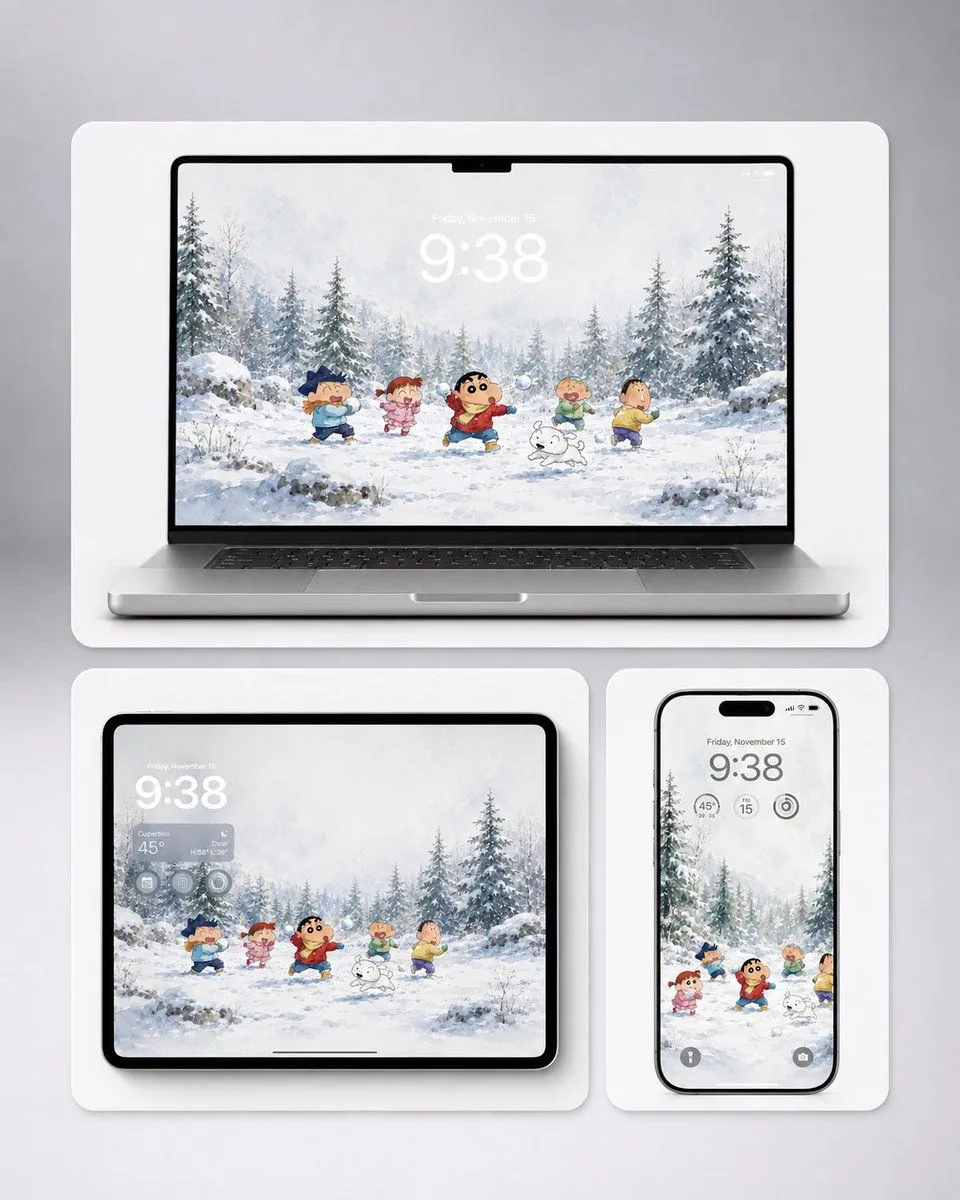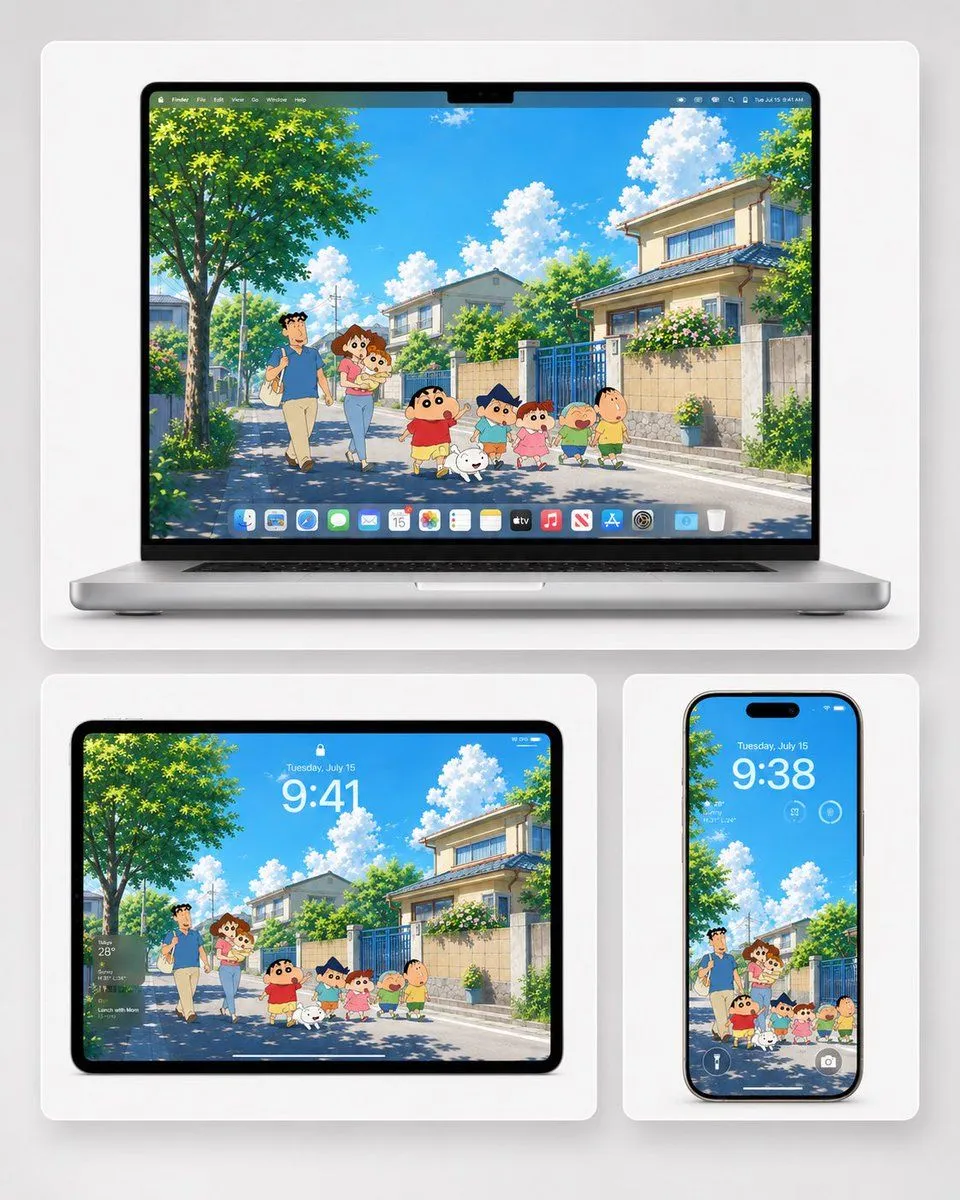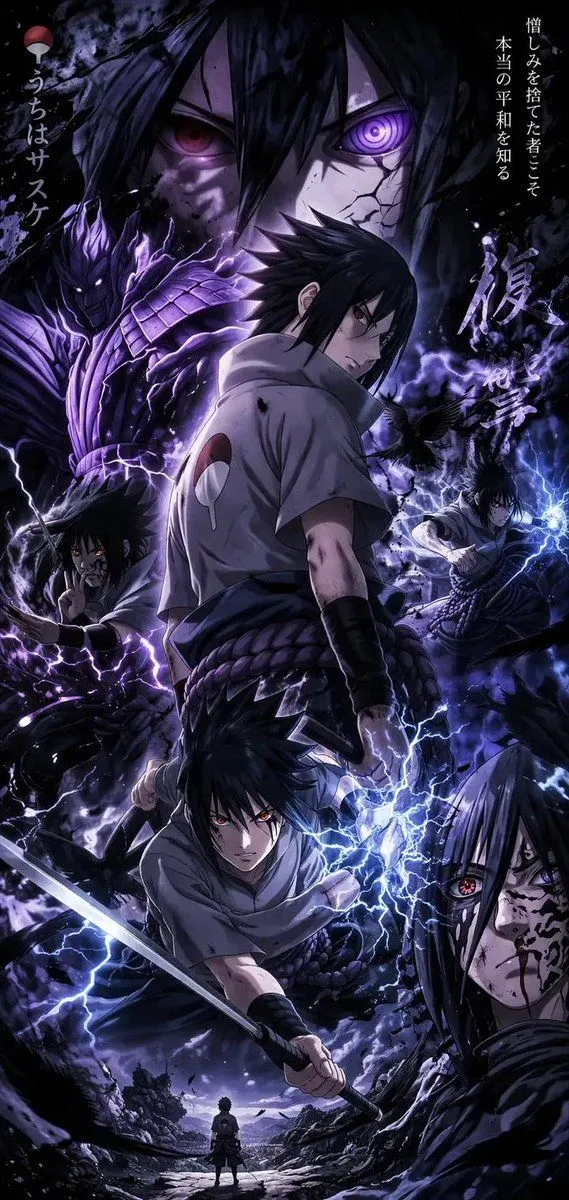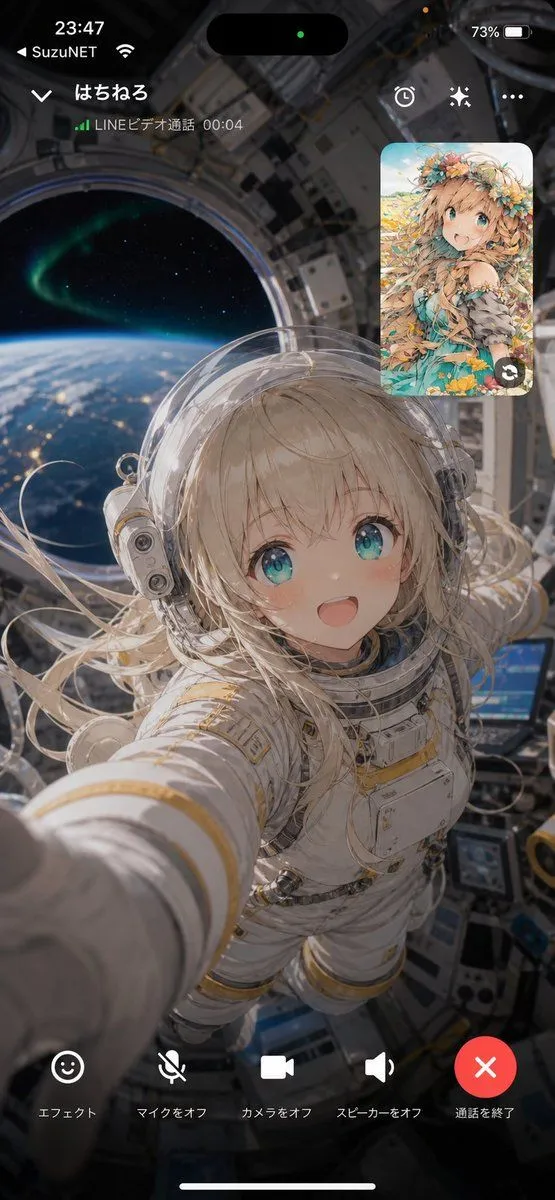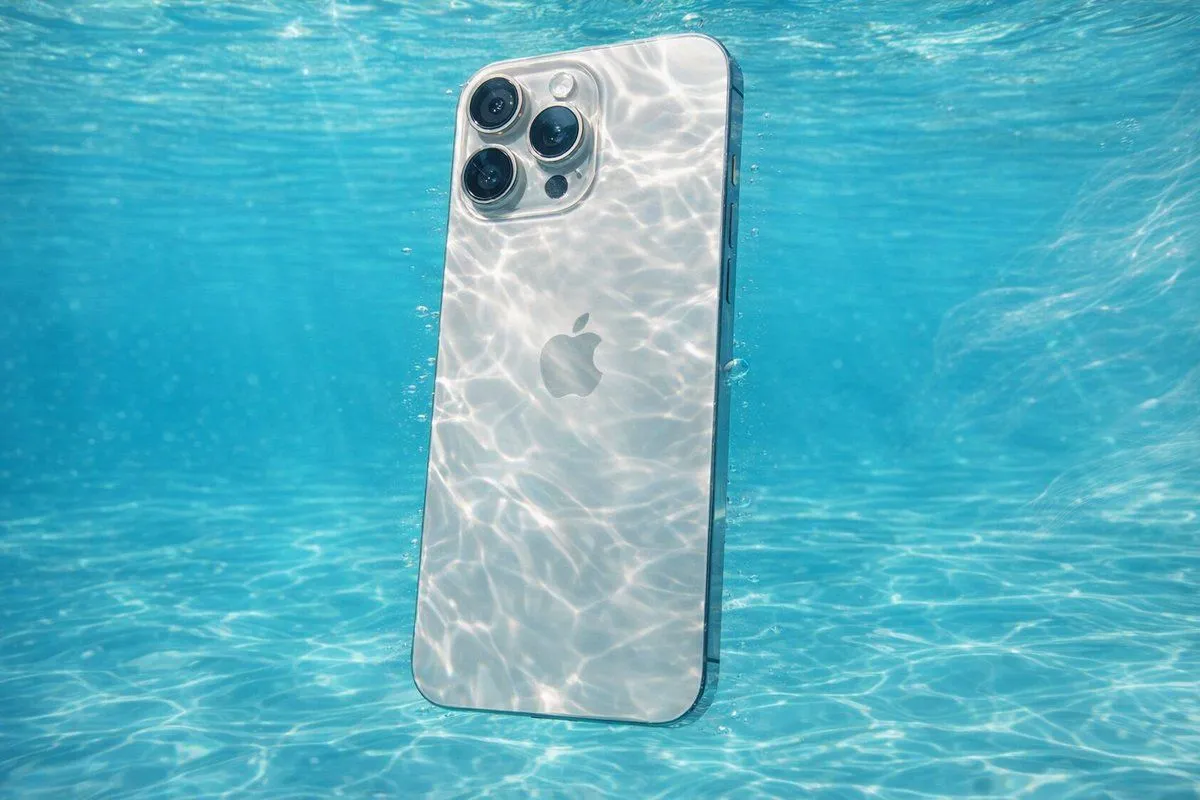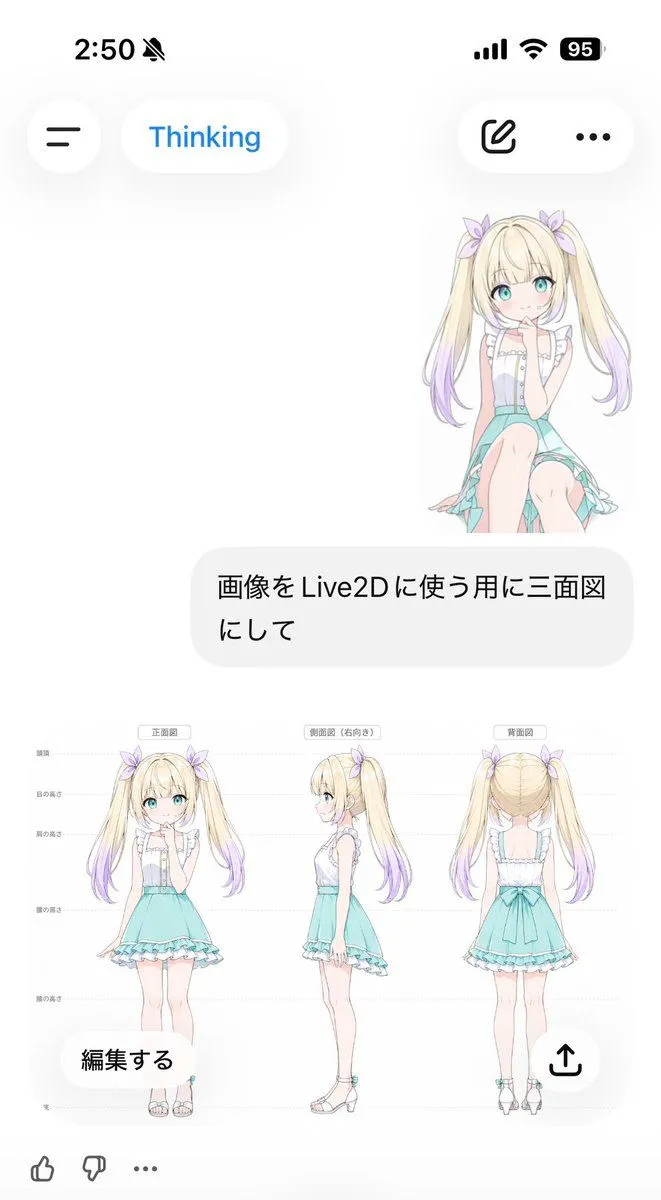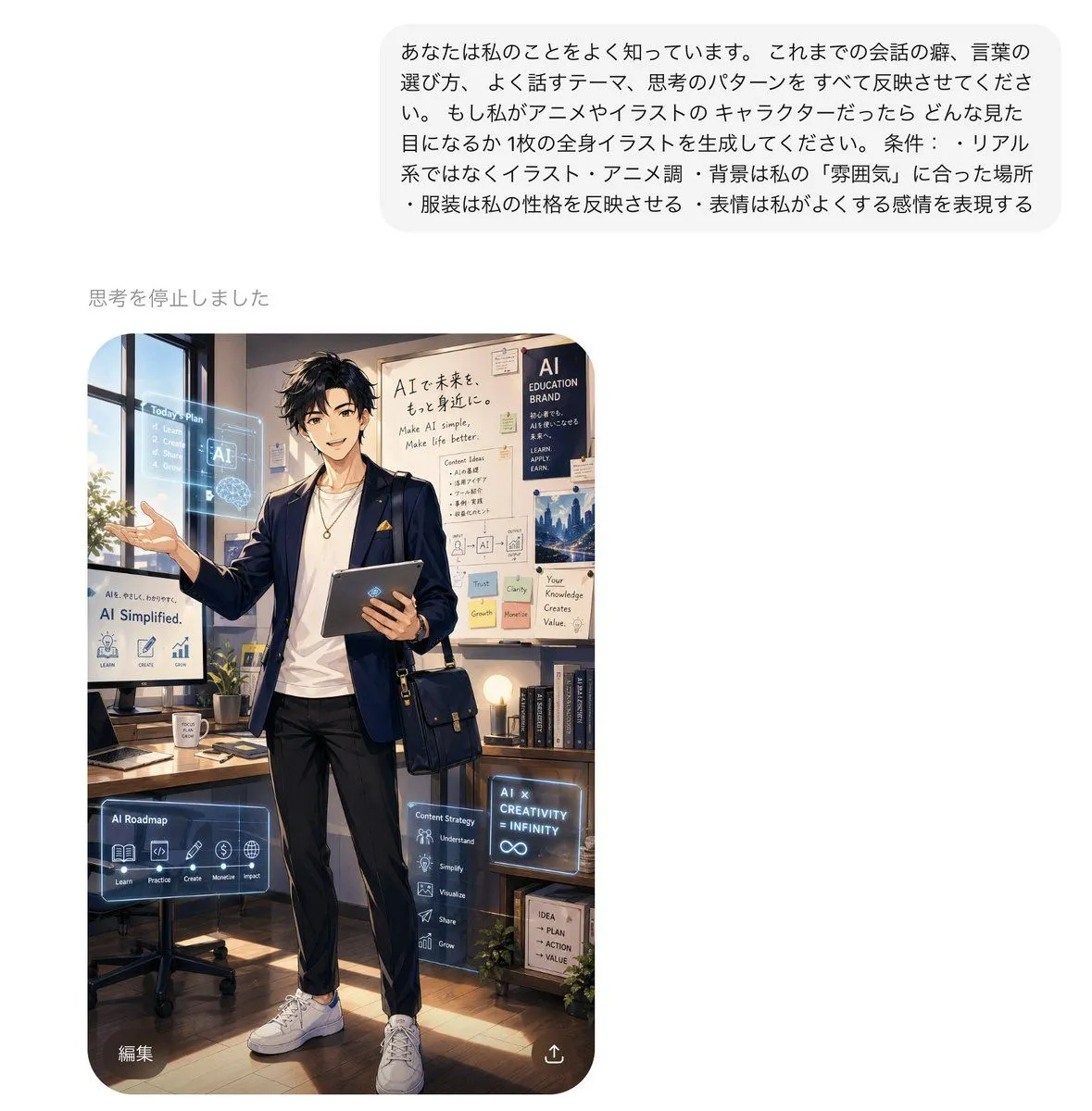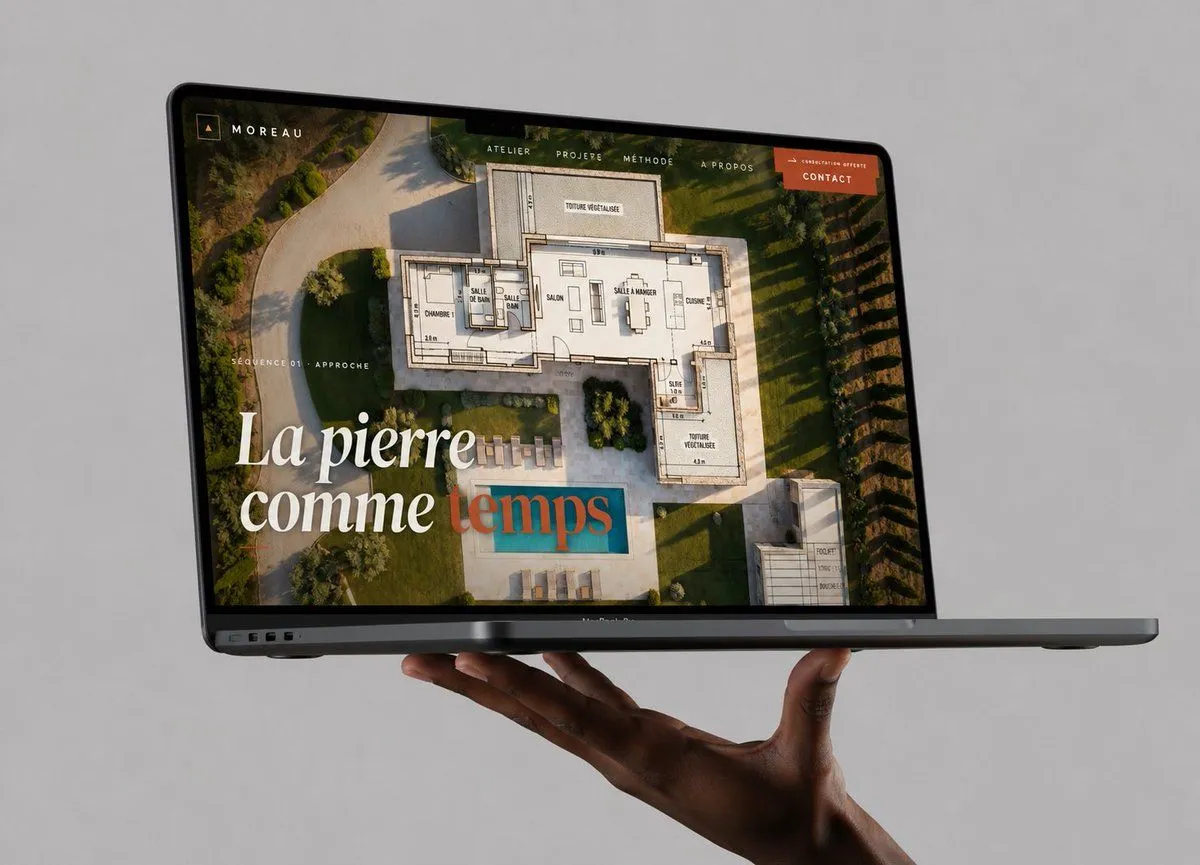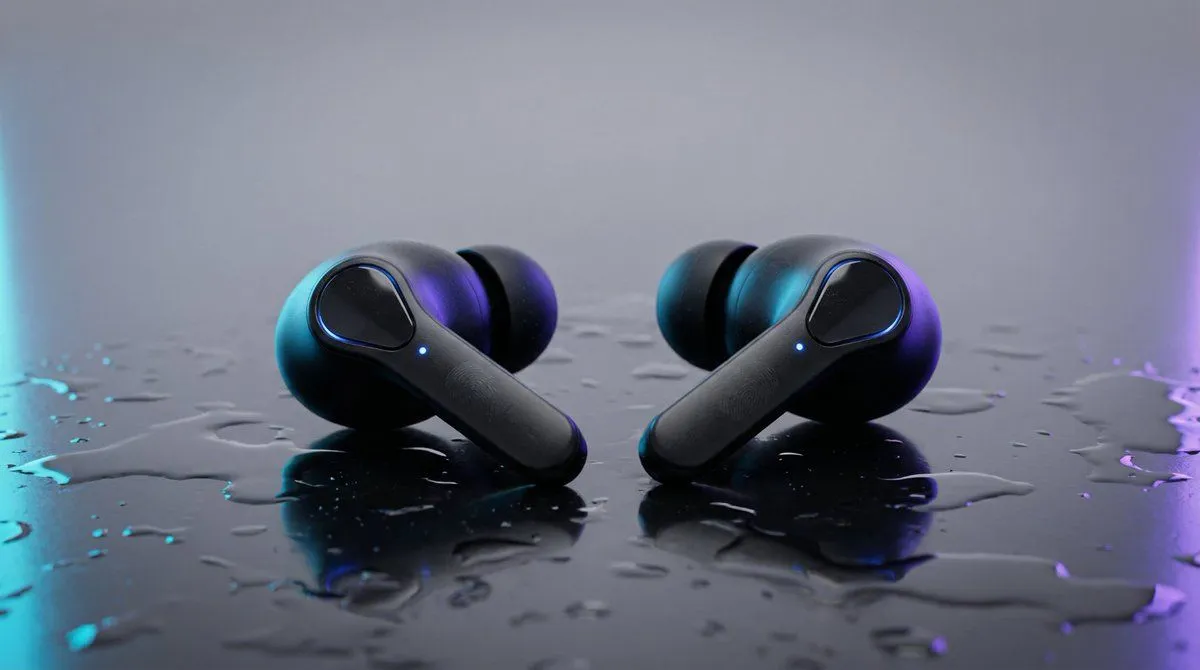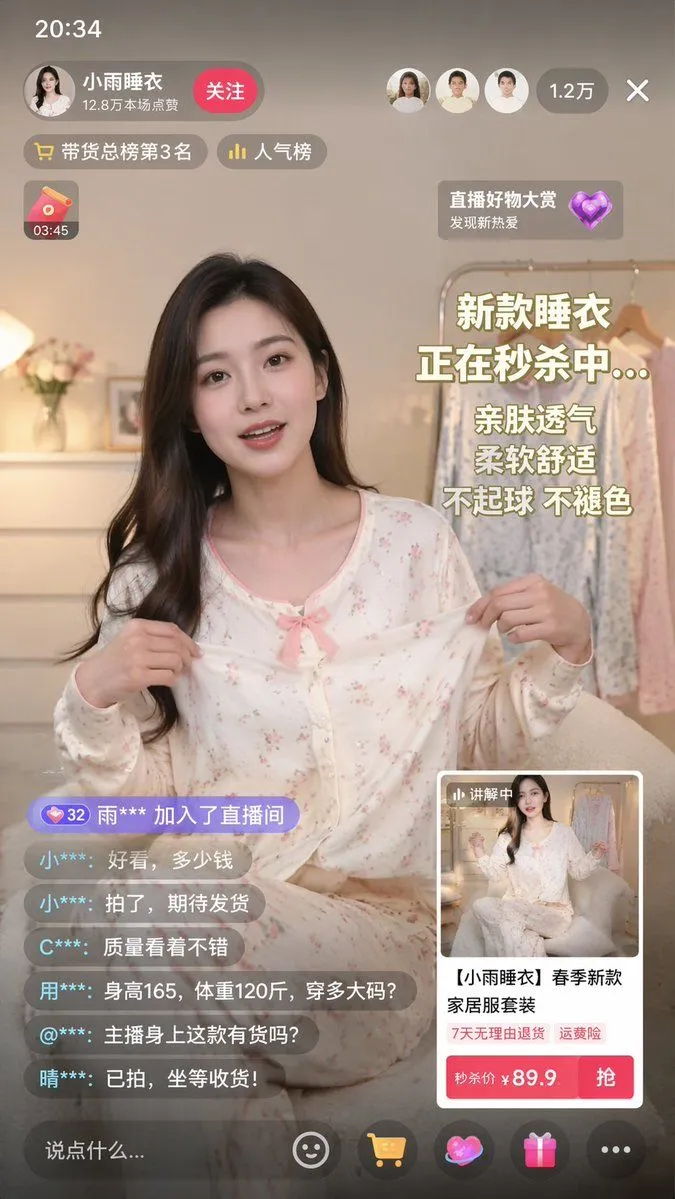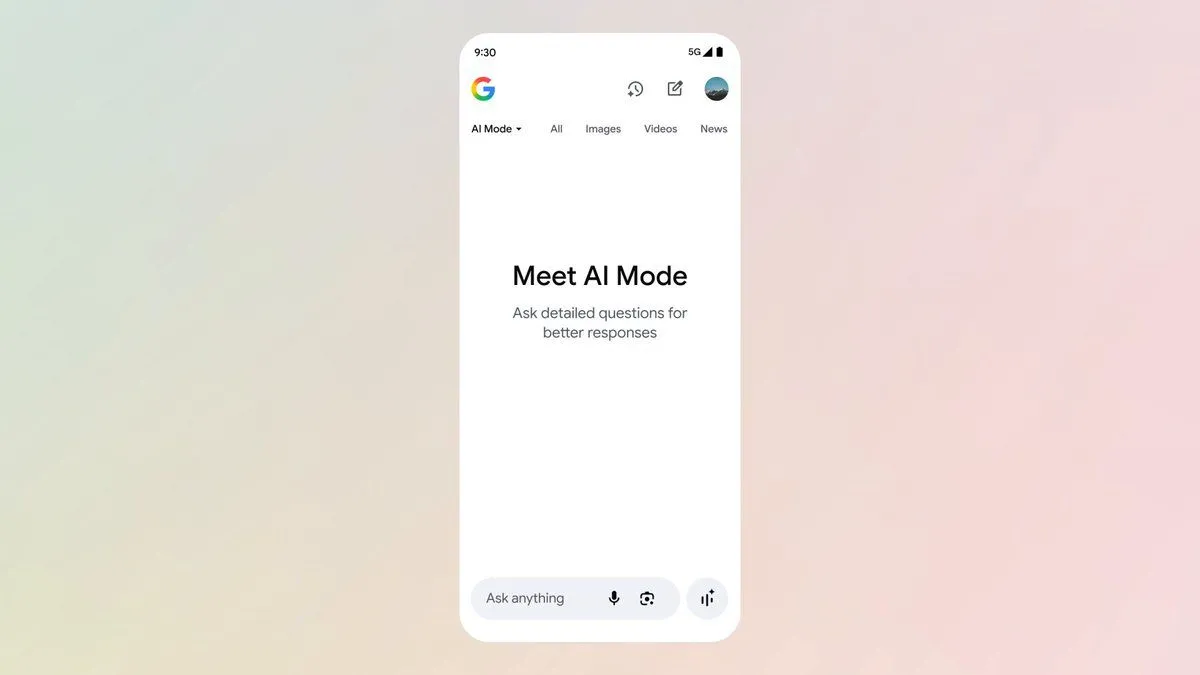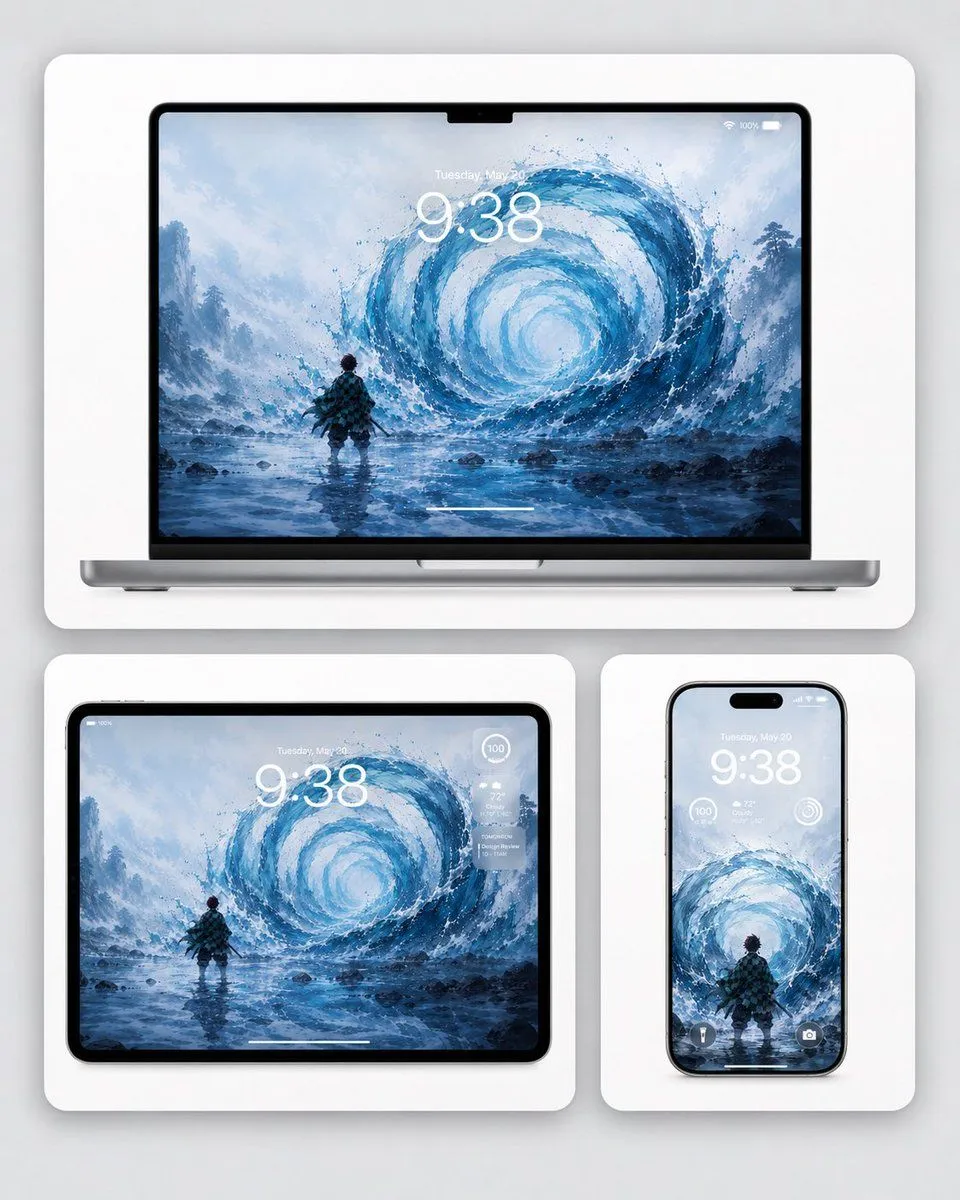
Made with GPT Image 2 in ChatGPT by Library Brand. Promptclay never generates images.
Did it work?
No reports yet. Tell others if it worked for you.
Water Breathing Device Wallpaper Mockup
Prompt
4 blanks to fillGoal: Create a clean Apple-style device wallpaper showcase featuring an anime-inspired water-breathing scene starring {character_name}, suitable for phone, tablet, and desktop wallpaper previews. Canvas: Square 1:1 promotional mockup on a soft light-gray background with subtle shadows. Place three rounded white display cards arranged in a neat grid: one large card across the top and two smaller cards below. Layout: Show exactly 3 device mockups. 1) Top: a large silver laptop centered inside a wide rounded white card, open front-facing, with a thin black bezel and small top notch. 2) Bottom left: a landscape tablet inside a rounded white card. 3) Bottom right: a vertical smartphone inside a rounded white card. Keep generous spacing, soft drop shadows, and a premium minimal presentation. Wallpaper artwork: The same {wallpaper_scene} appears on all three screens. The scene shows a small back-facing anime swordsman wearing a dark green and black checkered haori, standing ankle-deep in reflective water, facing a huge spiraling wave tunnel. Use dramatic Water Breathing energy: layered circular blue waves, splashes, foam, spray, and a bright pale center in the vortex. The environment is cold and misty, with rocky river shallows, dark stones, pine-covered cliffs, foggy mountains, and a blue-white winter palette. Make the wallpaper painterly, cinematic, detailed, and high contrast, with no gore and no extra characters. Device screen details: Add subtle iOS/macOS lock-screen style overlays. On every device show the large white time {time}. Add small date text above it reading {date_text}. Laptop screen includes small Wi-Fi and battery icons at the top right and a thin white home indicator near the bottom. Tablet screen includes the same large time plus a right-side widget stack with exactly 3 visible widgets: a circular battery widget marked 100, a weather widget showing 72°, and a small calendar/reminder style widget. Phone screen includes the time and date, faint widgets near the top, and exactly 2 bottom lock-screen buttons: flashlight on the left and camera on the right. Visual style: Ultra-clean product mockup, realistic device hardware, crisp black glass bezels, rounded corners, soft ambient studio lighting, shallow shadows, high-resolution wallpaper art, cool blue tones, premium tech advertising composition. Constraints: Use exactly 3 device mockups and exactly 3 white cards. Do not add logos, watermarks, captions, Chinese text, or extra promotional text outside the device screens. Keep the character small relative to the giant wave vortex so the scene feels epic and wallpaper-ready.
Preview of your prompt
Goal: Create a clean Apple-style device wallpaper showcase featuring an anime-inspired water-breathing scene starring Tanjiro Kamado, suitable for phone, tablet, and desktop wallpaper previews. Canvas: Square 1:1 promotional mockup on a soft light-gray background with subtle shadows. Place three rounded white display cards arranged in a neat grid: one large card across the top and two smaller cards below. Layout: Show exactly 3 device mockups. 1) Top: a large silver laptop centered inside a wide rounded white card, open front-facing, with a thin black bezel and small top notch. 2) Bottom left: a landscape tablet inside a rounded white card. 3) Bottom right: a vertical smartphone inside a rounded white card. Keep generous spacing, soft drop shadows, and a premium minimal presentation. Wallpaper artwork: The same blue water vortex in a misty river valley appears on all three screens. The scene shows a small back-facing anime swordsman wearing a dark green and black checkered haori, standing ankle-deep in reflective water, facing a huge spiraling wave tunnel. Use dramatic Water Breathing energy: layered circular blue waves, splashes, foam, spray, and a bright pale center in the vortex. The environment is cold and misty, with rocky river shallows, dark stones, pine-covered cliffs, foggy mountains, and a blue-white winter palette. Make the wallpaper painterly, cinematic, detailed, and high contrast, with no gore and no extra characters. Device screen details: Add subtle iOS/macOS lock-screen style overlays. On every device show the large white time 9:38. Add small date text above it reading Tuesday, May 20. Laptop screen includes small Wi-Fi and battery icons at the top right and a thin white home indicator near the bottom. Tablet screen includes the same large time plus a right-side widget stack with exactly 3 visible widgets: a circular battery widget marked 100, a weather widget showing 72°, and a small calendar/reminder style widget. Phone screen includes the time and date, faint widgets near the top, and exactly 2 bottom lock-screen buttons: flashlight on the left and camera on the right. Visual style: Ultra-clean product mockup, realistic device hardware, crisp black glass bezels, rounded corners, soft ambient studio lighting, shallow shadows, high-resolution wallpaper art, cool blue tones, premium tech advertising composition. Constraints: Use exactly 3 device mockups and exactly 3 white cards. Do not add logos, watermarks, captions, Chinese text, or extra promotional text outside the device screens. Keep the character small relative to the giant wave vortex so the scene feels epic and wallpaper-ready.
DetailsVersions, settings and questions
Written for
What's in the prompt
- Subject
- Model
- GPT Image 2
If your face changes
keep my face exactly the sameQuestions
- Does this work in the ChatGPT app?
- Yes. Paste the prompt and attach your photo if it uses one.
- It changed my face. What do I do?
- Add "keep my face exactly the same" to the end and run it again.
- Can I use the images I make?
- Check the terms of the app you use. Promptclay never generates images and claims nothing you make.