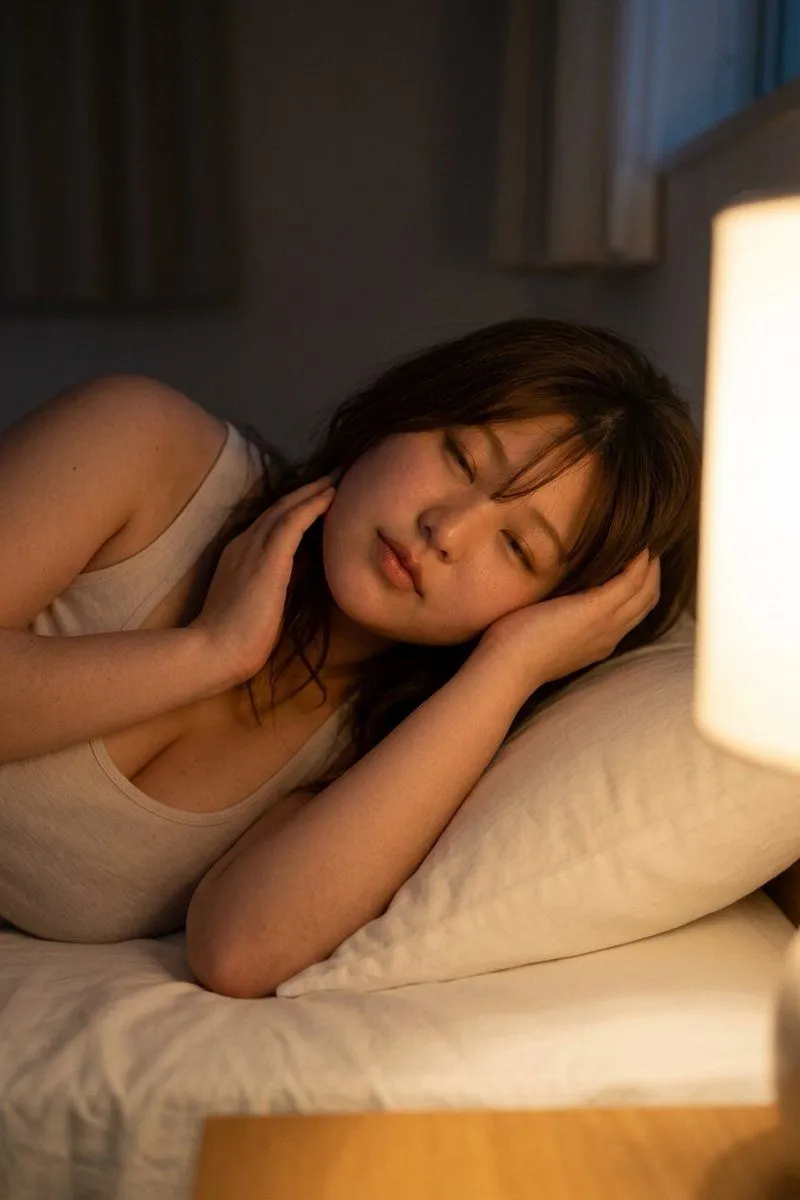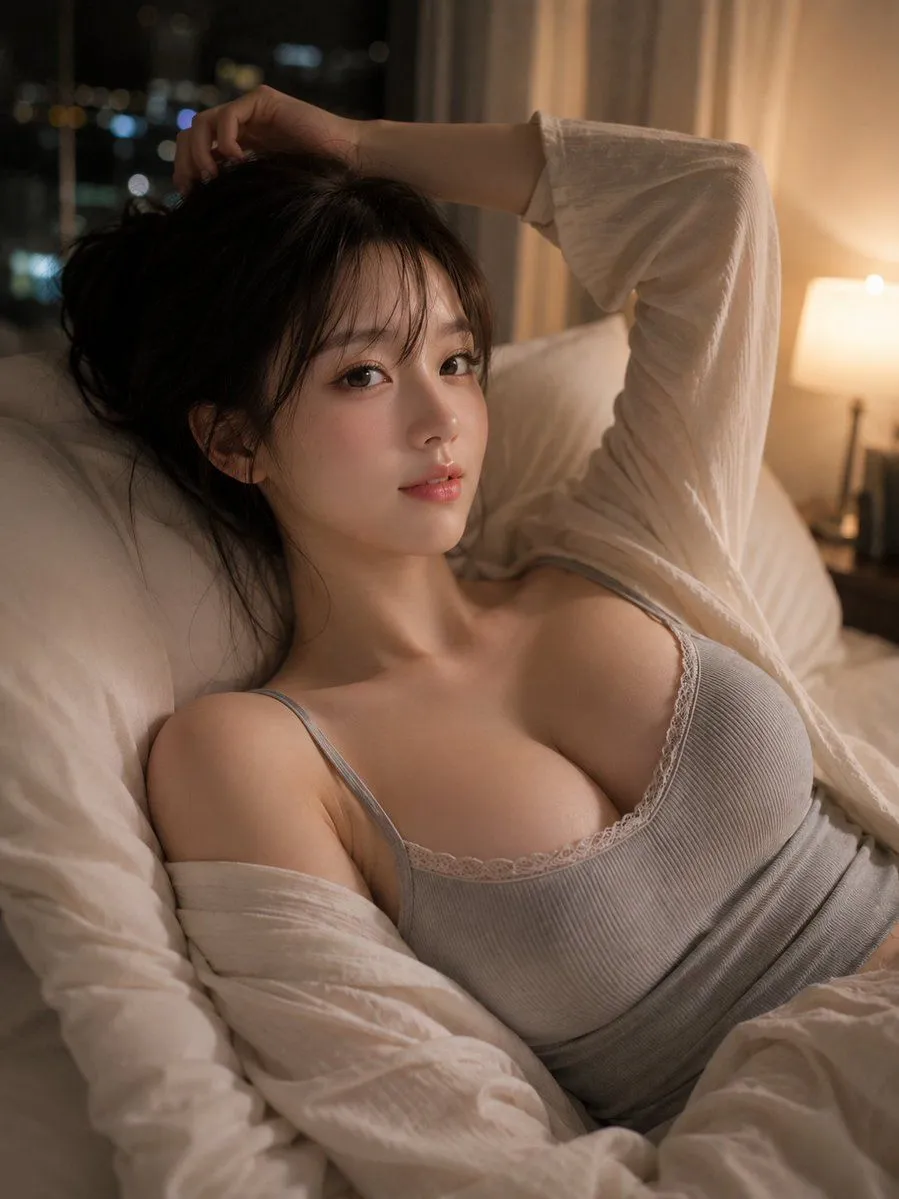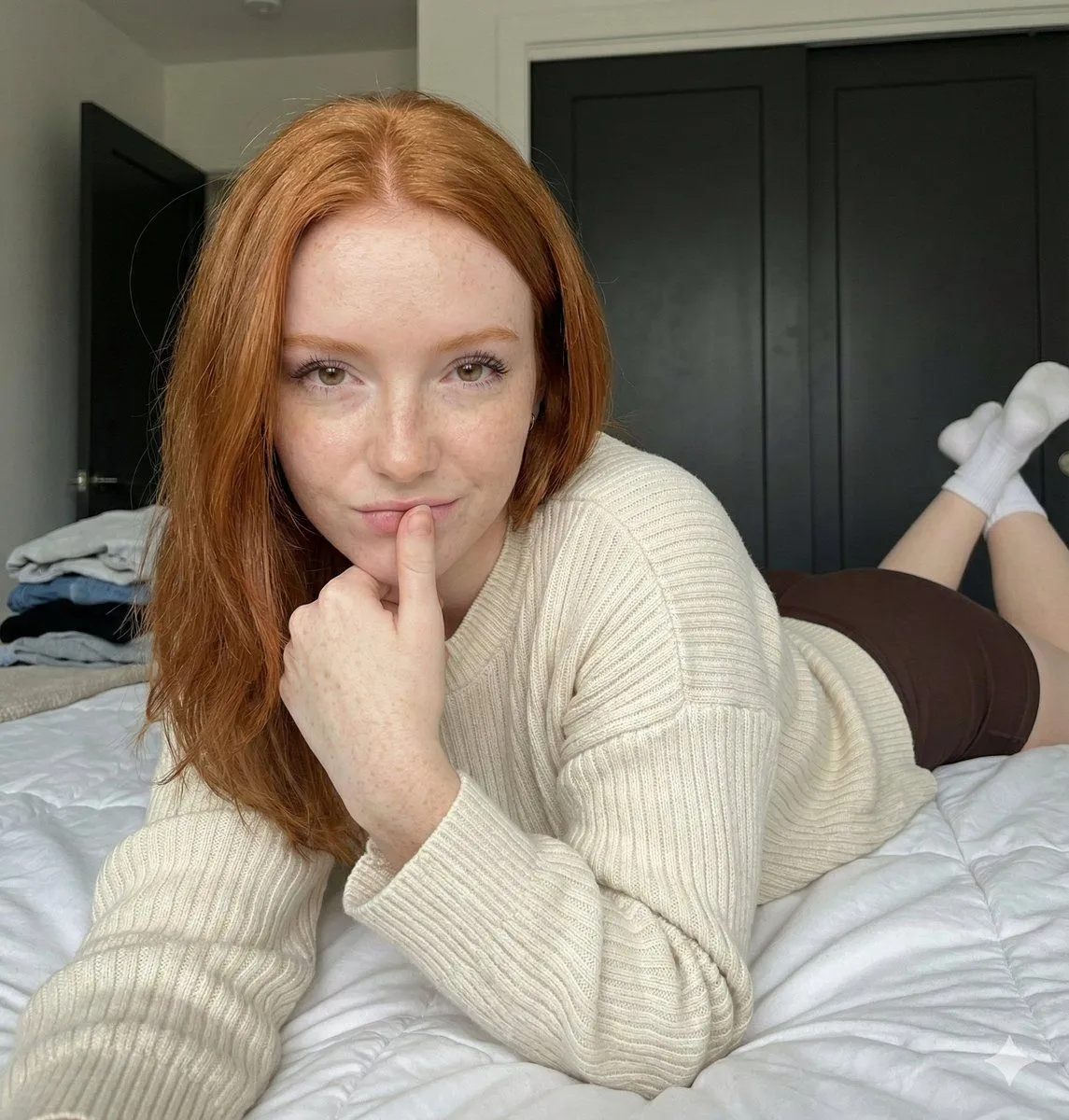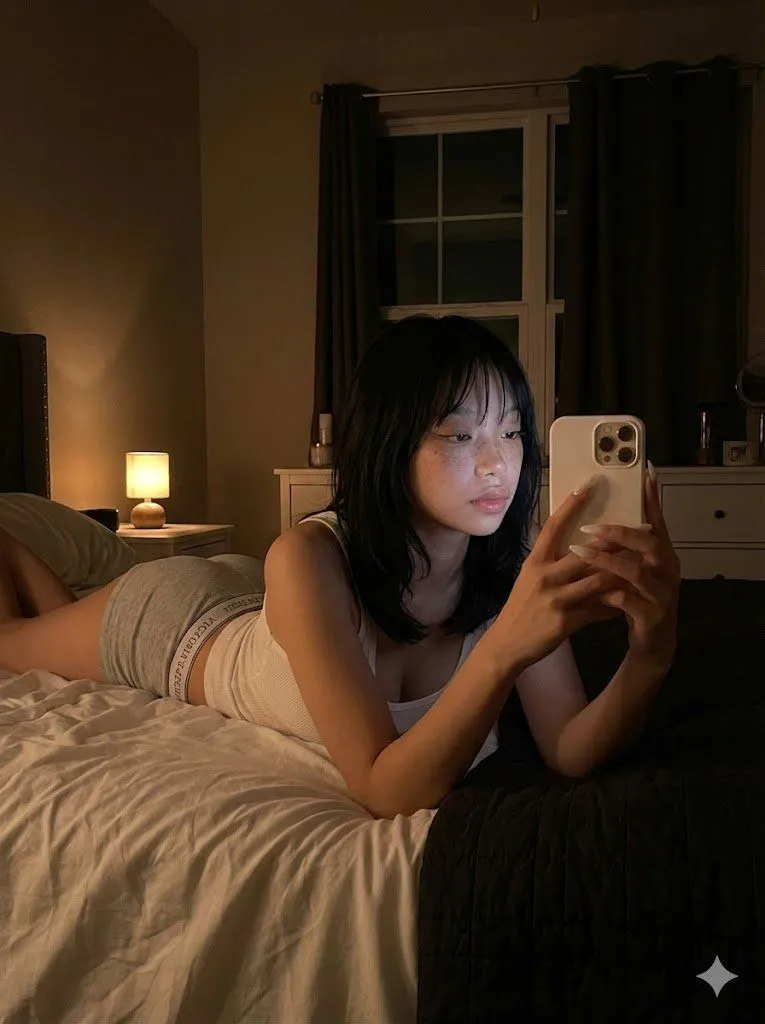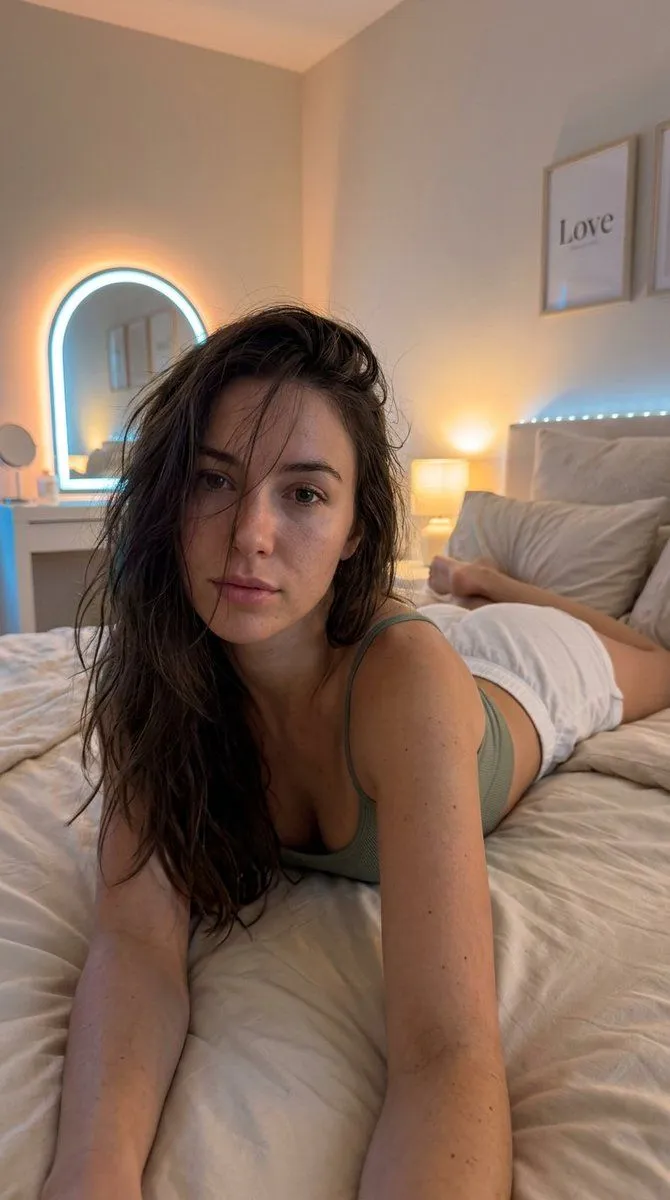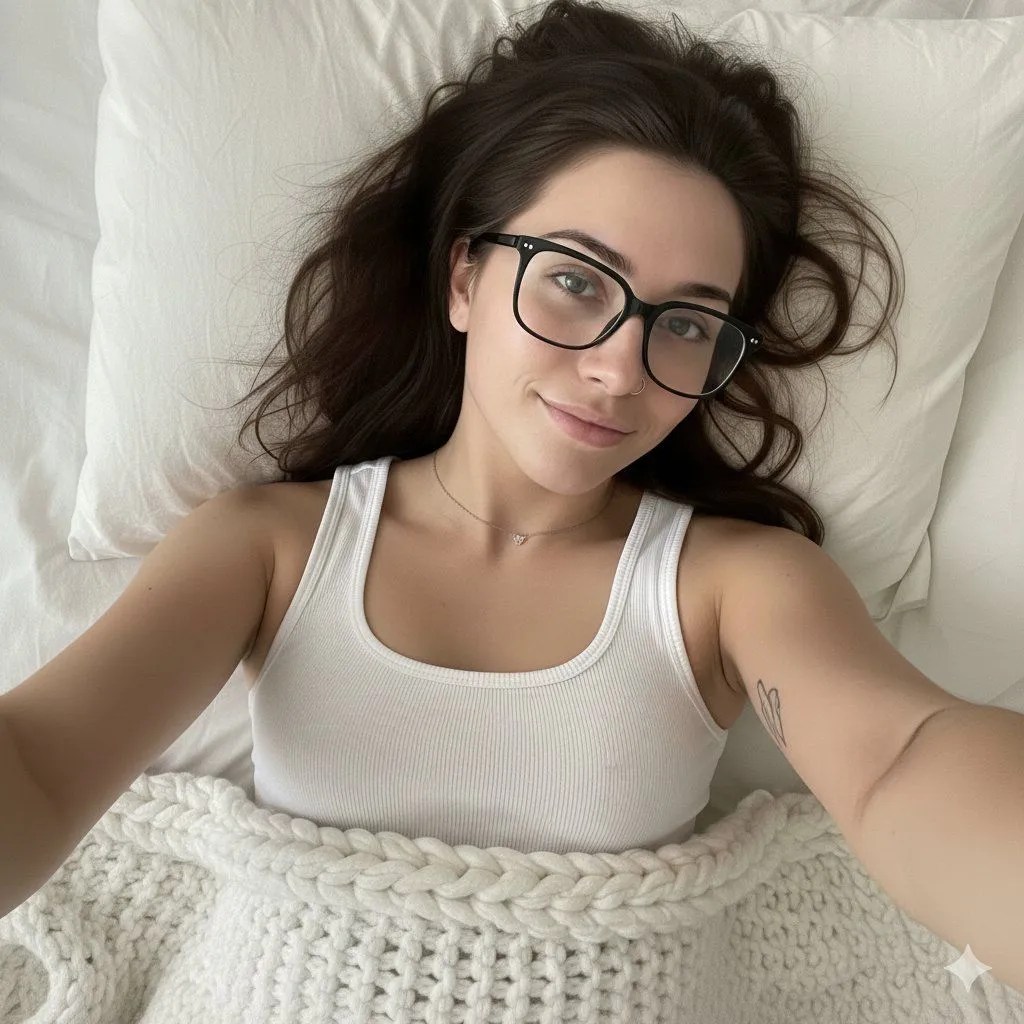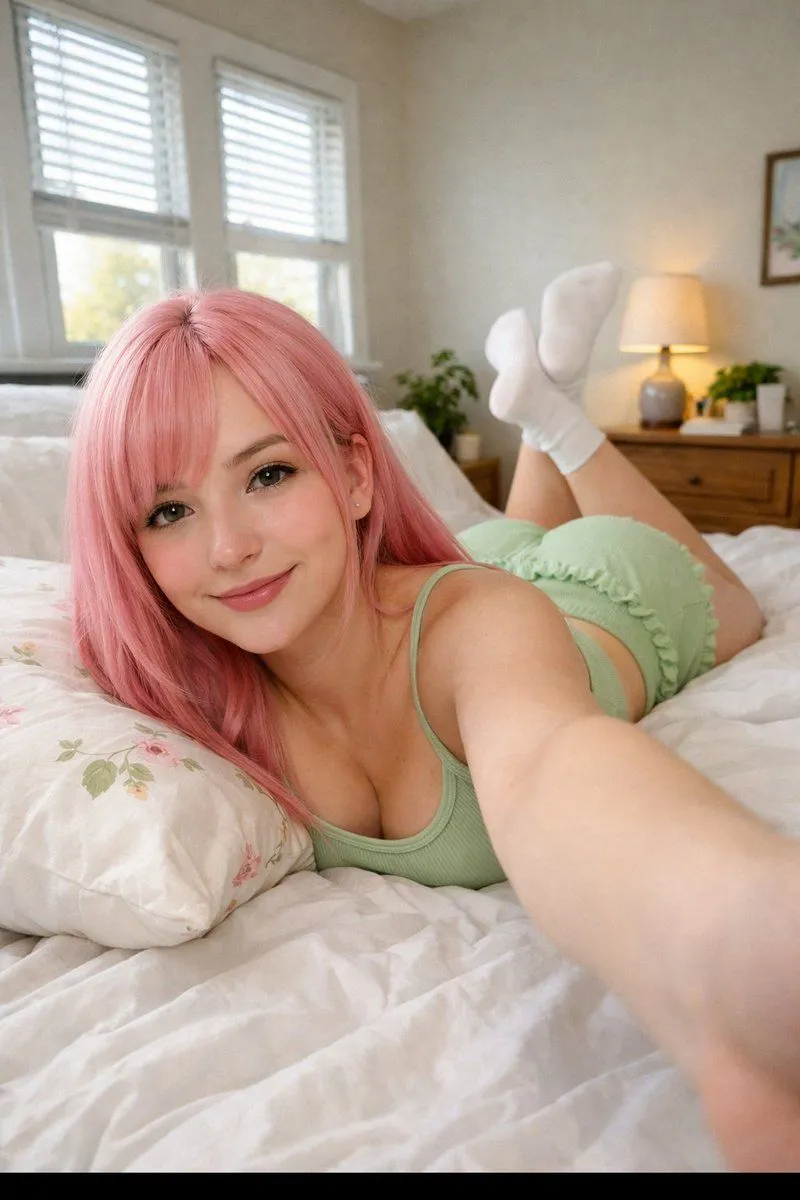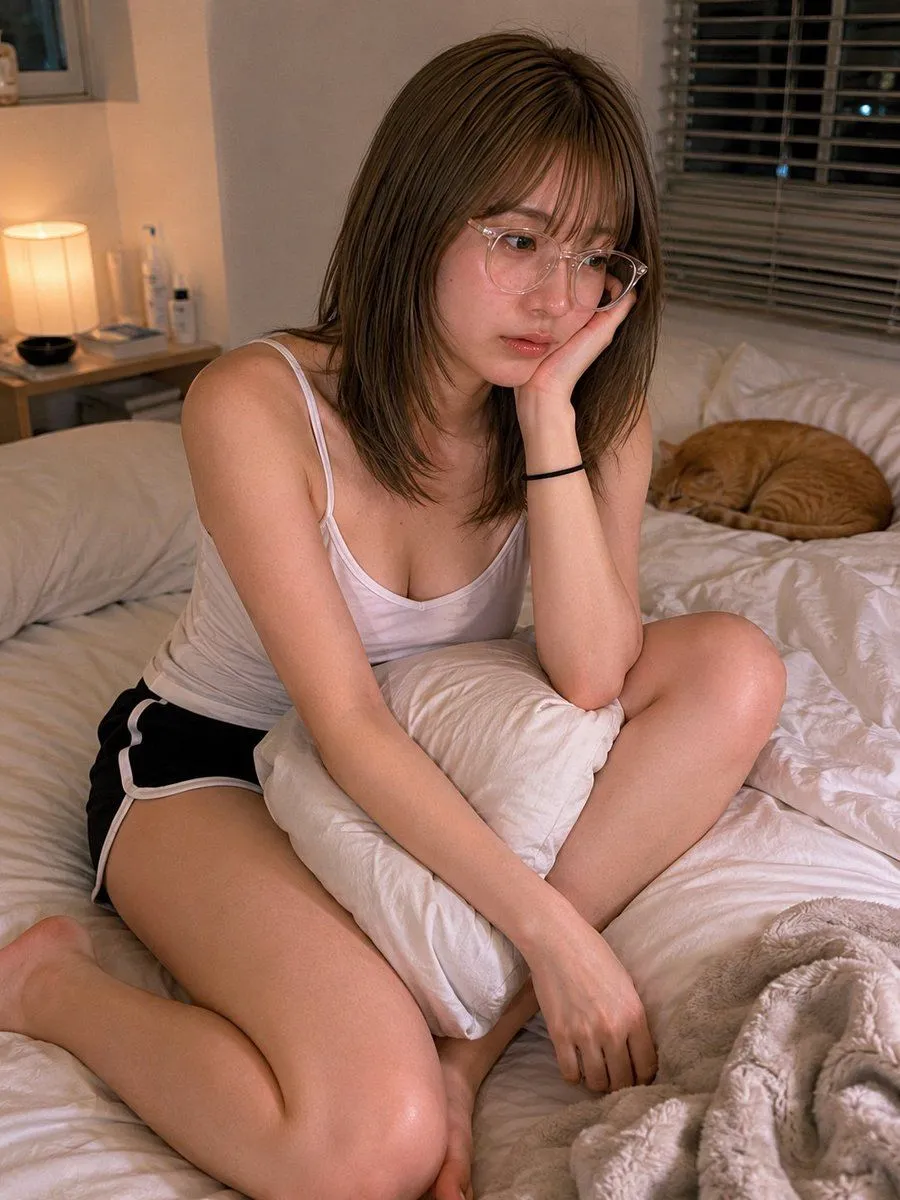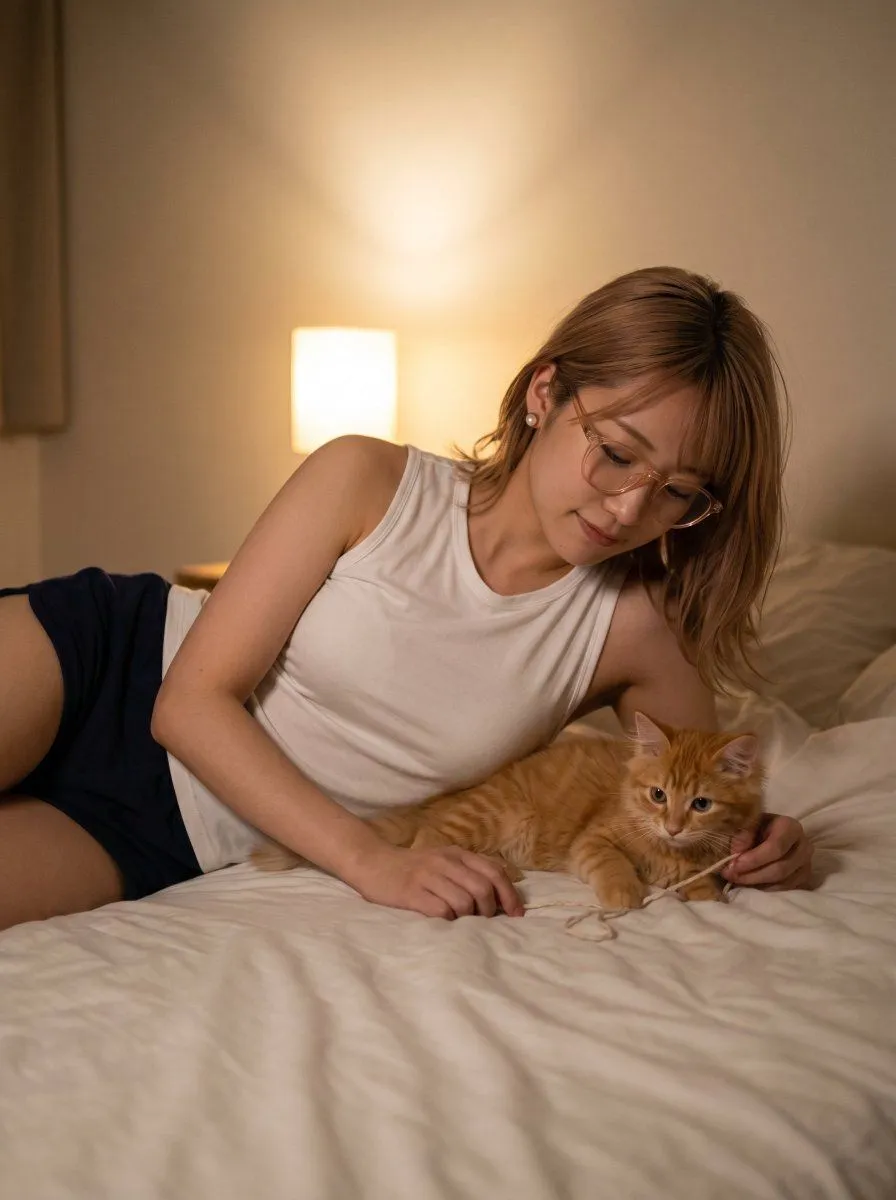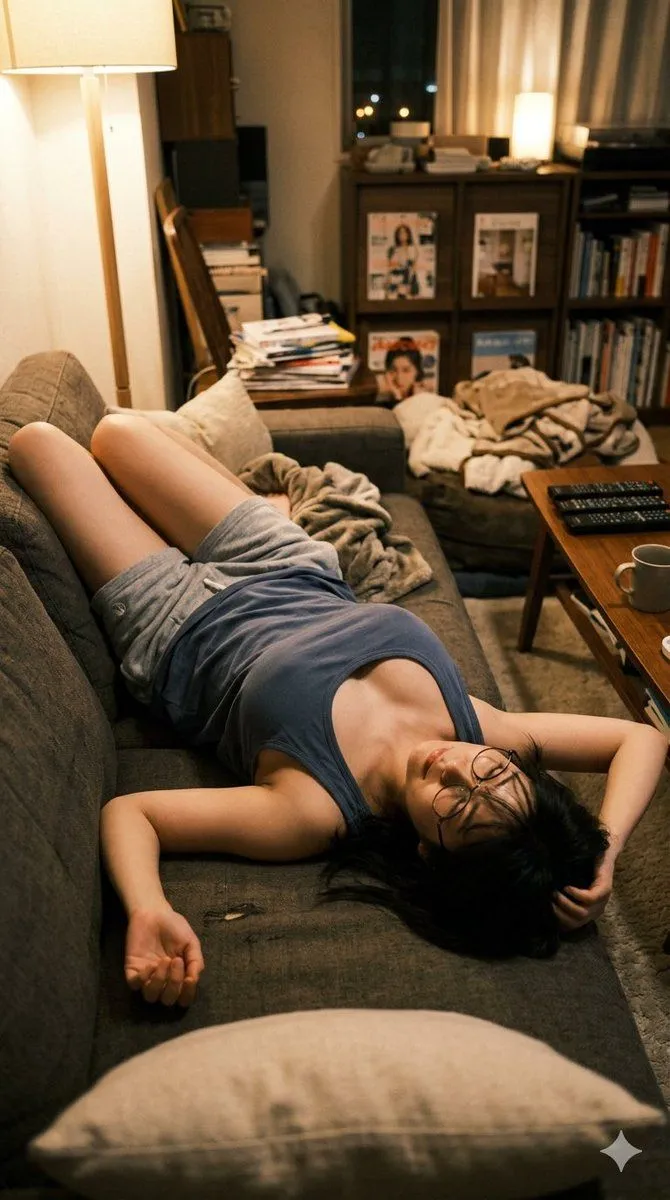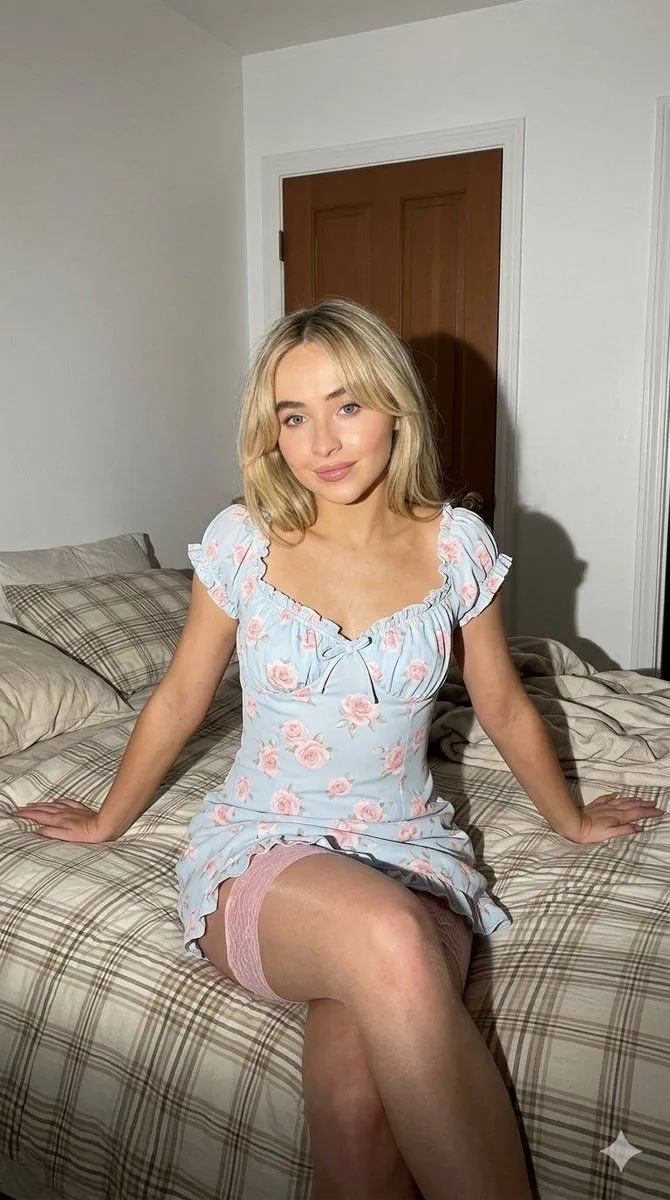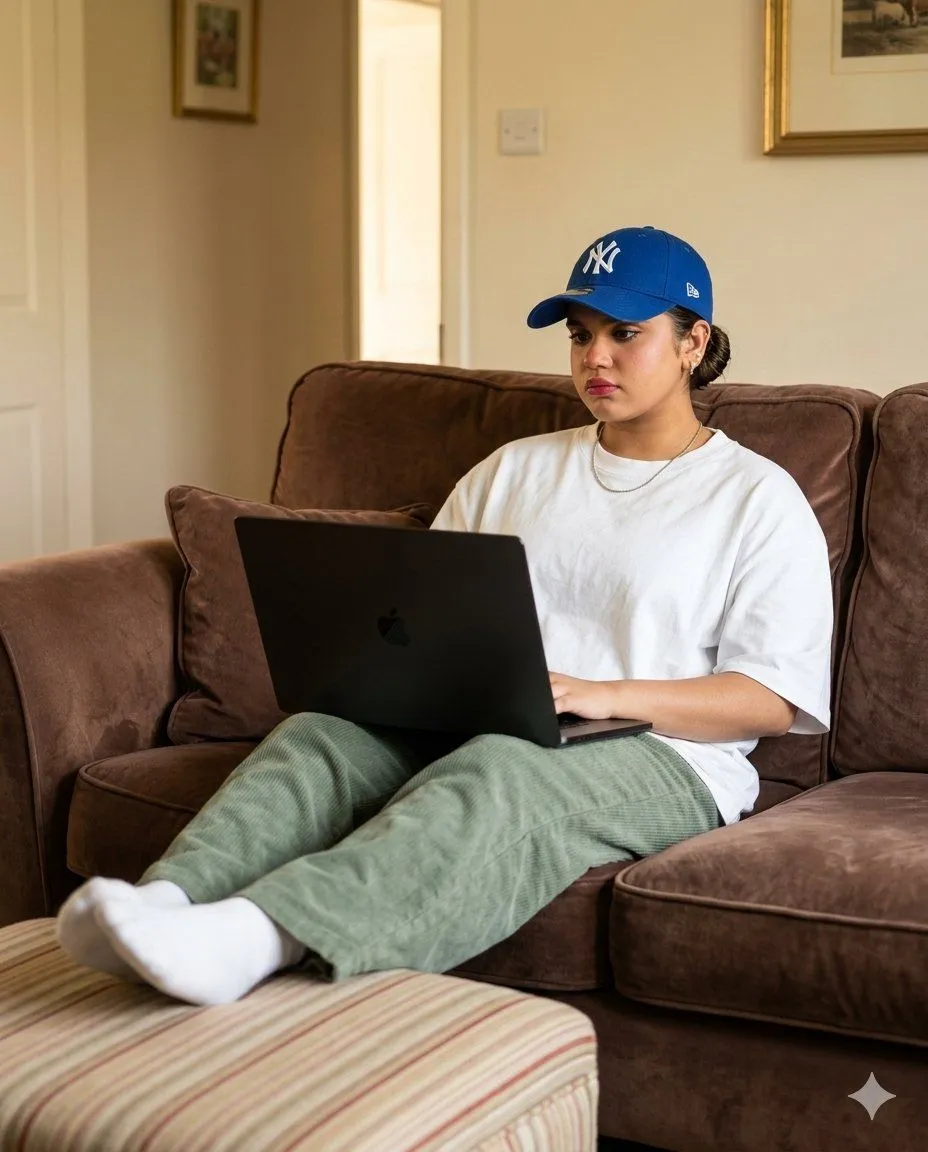
Made with GPT Image 2 in ChatGPT by Library Lifestyle. Promptclay never generates images.
Did it work?
No reports yet. Tell others if it worked for you.
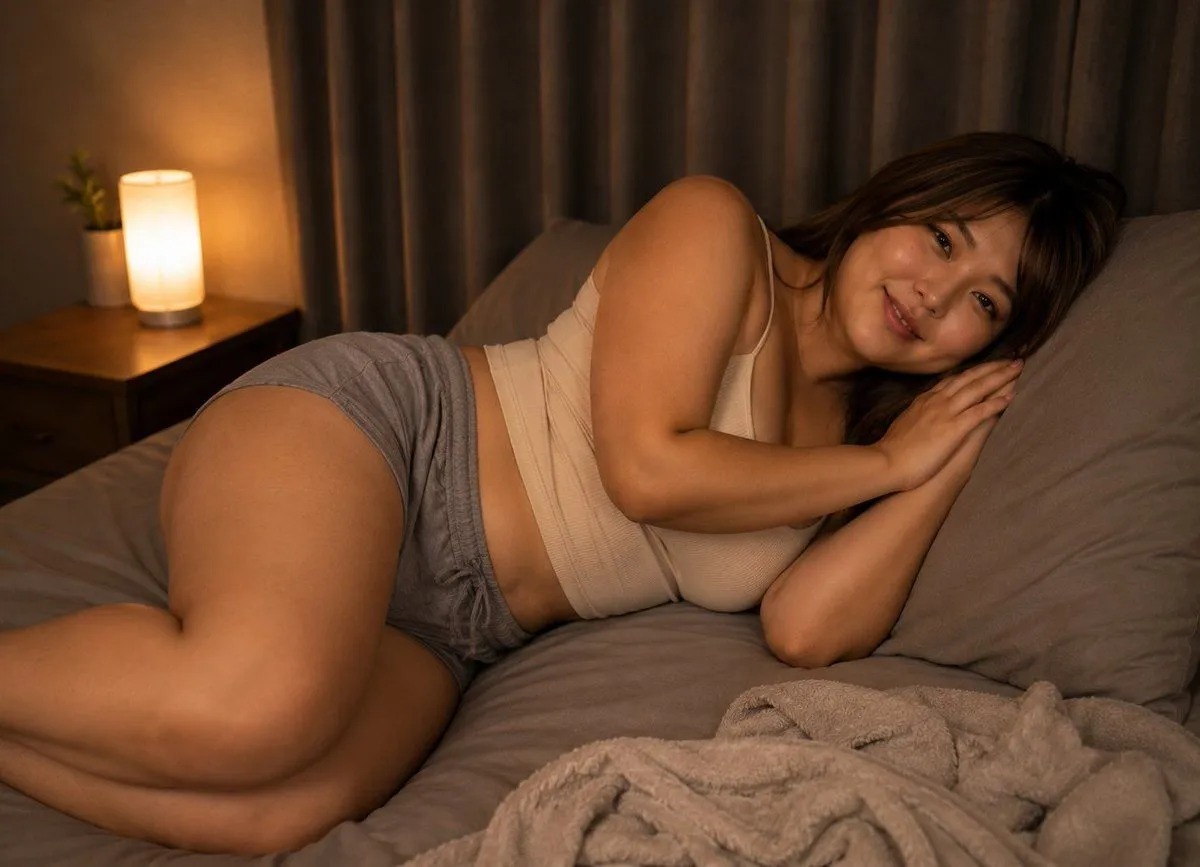
Warm Bedtime Bedroom Portrait
Prompt
3 blanks to fillCreate a realistic warm bedtime lifestyle photograph of an adult woman with {hair_color} hair lying curled on her side on a gray bed, viewed from a slightly elevated side angle. She wears exactly 2 visible clothing pieces: a {top} and {shorts}. Her face is intentionally hidden by exactly 1 solid opaque brown square censor block, with no facial features visible. The bedroom contains exactly 1 wooden nightstand on the left, exactly 1 glowing cylindrical bedside lamp on it, exactly 1 small potted plant beside the lamp, exactly 2 gray pillows behind her head and upper body, and exactly 1 crumpled beige fleece blanket in the lower right foreground. Use soft amber night lighting from the lamp, gray curtains across the background, muted neutral colors, shallow depth of field, realistic skin texture, cozy quiet atmosphere, and a horizontal 4:3 composition. Make the image tasteful and non-explicit, like a private good-night social media photo.
Preview of your prompt
Create a realistic warm bedtime lifestyle photograph of an adult woman with dark brown hair lying curled on her side on a gray bed, viewed from a slightly elevated side angle. She wears exactly 2 visible clothing pieces: a cream ribbed camisole tank top and loose gray drawstring sleep shorts. Her face is intentionally hidden by exactly 1 solid opaque brown square censor block, with no facial features visible. The bedroom contains exactly 1 wooden nightstand on the left, exactly 1 glowing cylindrical bedside lamp on it, exactly 1 small potted plant beside the lamp, exactly 2 gray pillows behind her head and upper body, and exactly 1 crumpled beige fleece blanket in the lower right foreground. Use soft amber night lighting from the lamp, gray curtains across the background, muted neutral colors, shallow depth of field, realistic skin texture, cozy quiet atmosphere, and a horizontal 4:3 composition. Make the image tasteful and non-explicit, like a private good-night social media photo.
DetailsVersions, settings and questions
Written for
What's in the prompt
- Subject
- Model
- GPT Image 2
If your face changes
keep my face exactly the sameQuestions
- Does this work in the ChatGPT app?
- Yes. Paste the prompt and attach your photo if it uses one.
- It changed my face. What do I do?
- Add "keep my face exactly the same" to the end and run it again.
- Can I use the images I make?
- Check the terms of the app you use. Promptclay never generates images and claims nothing you make.