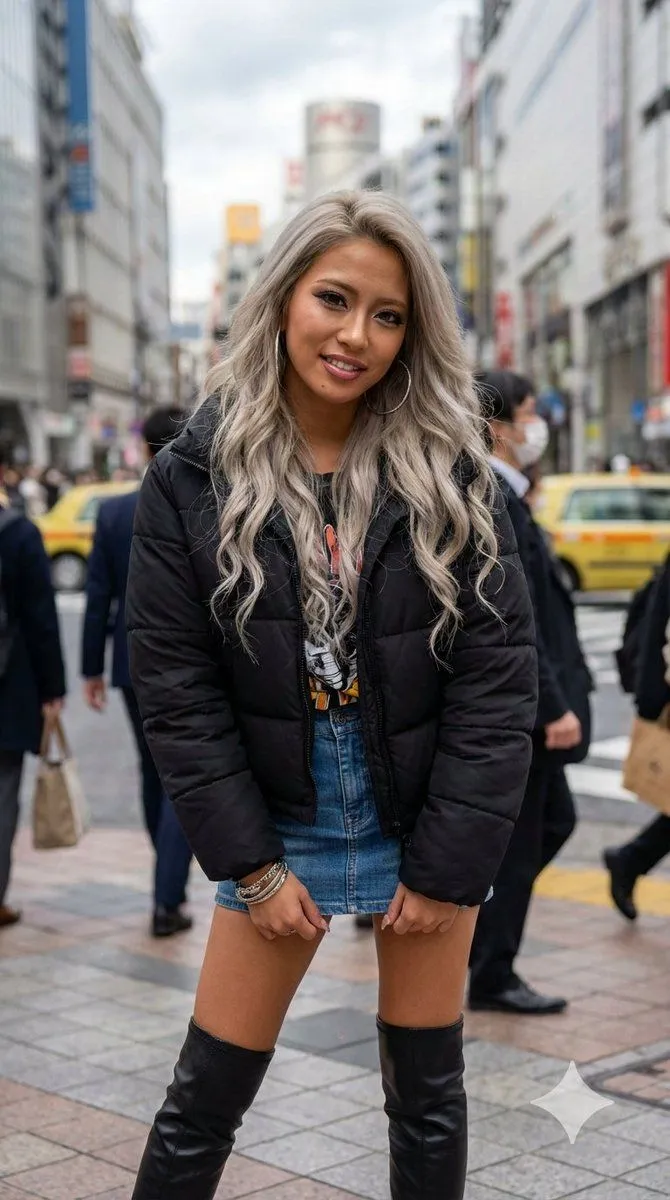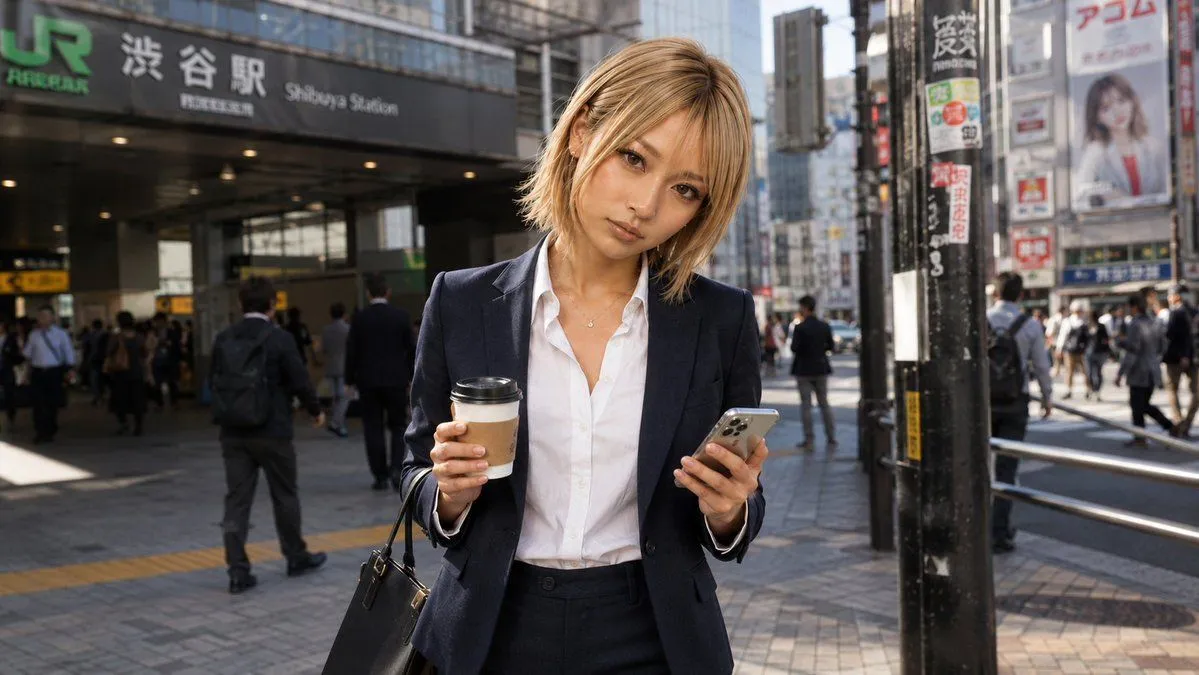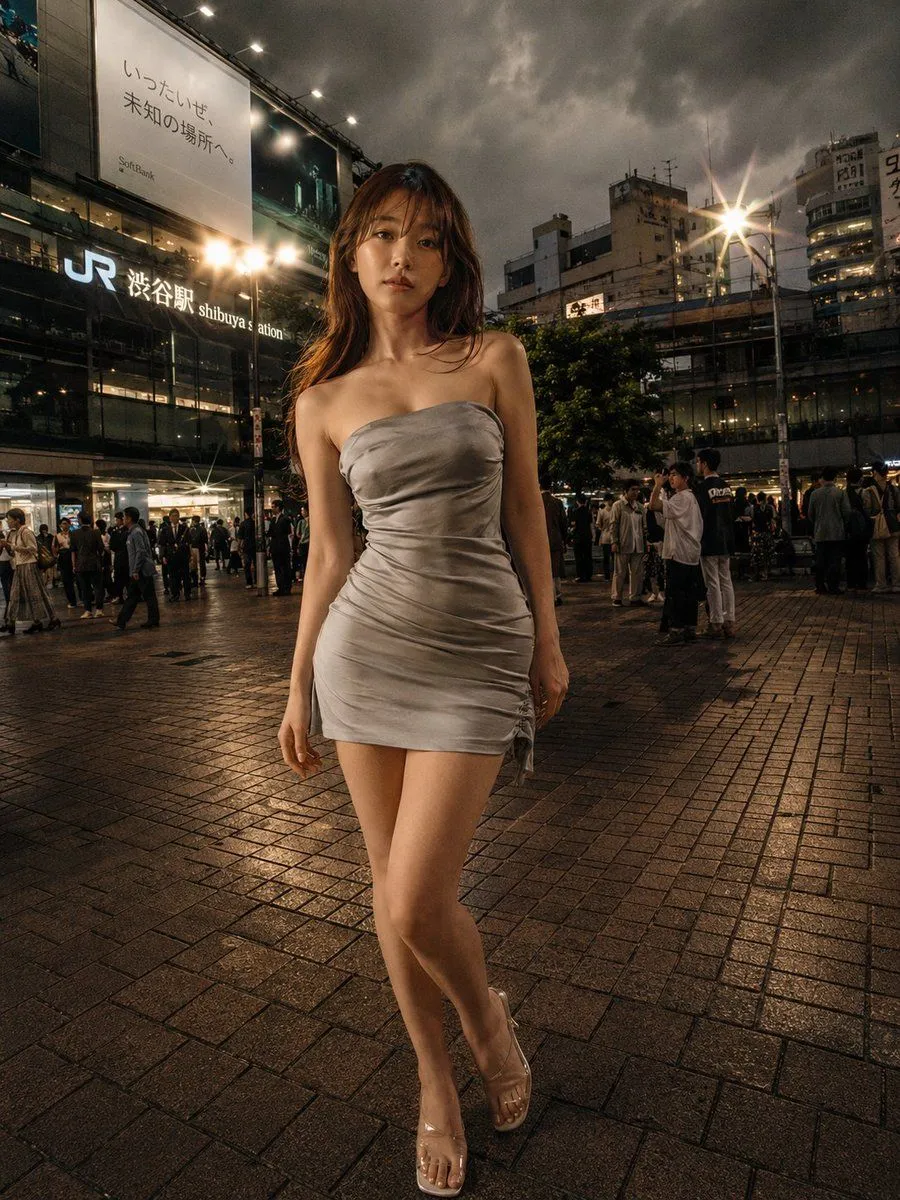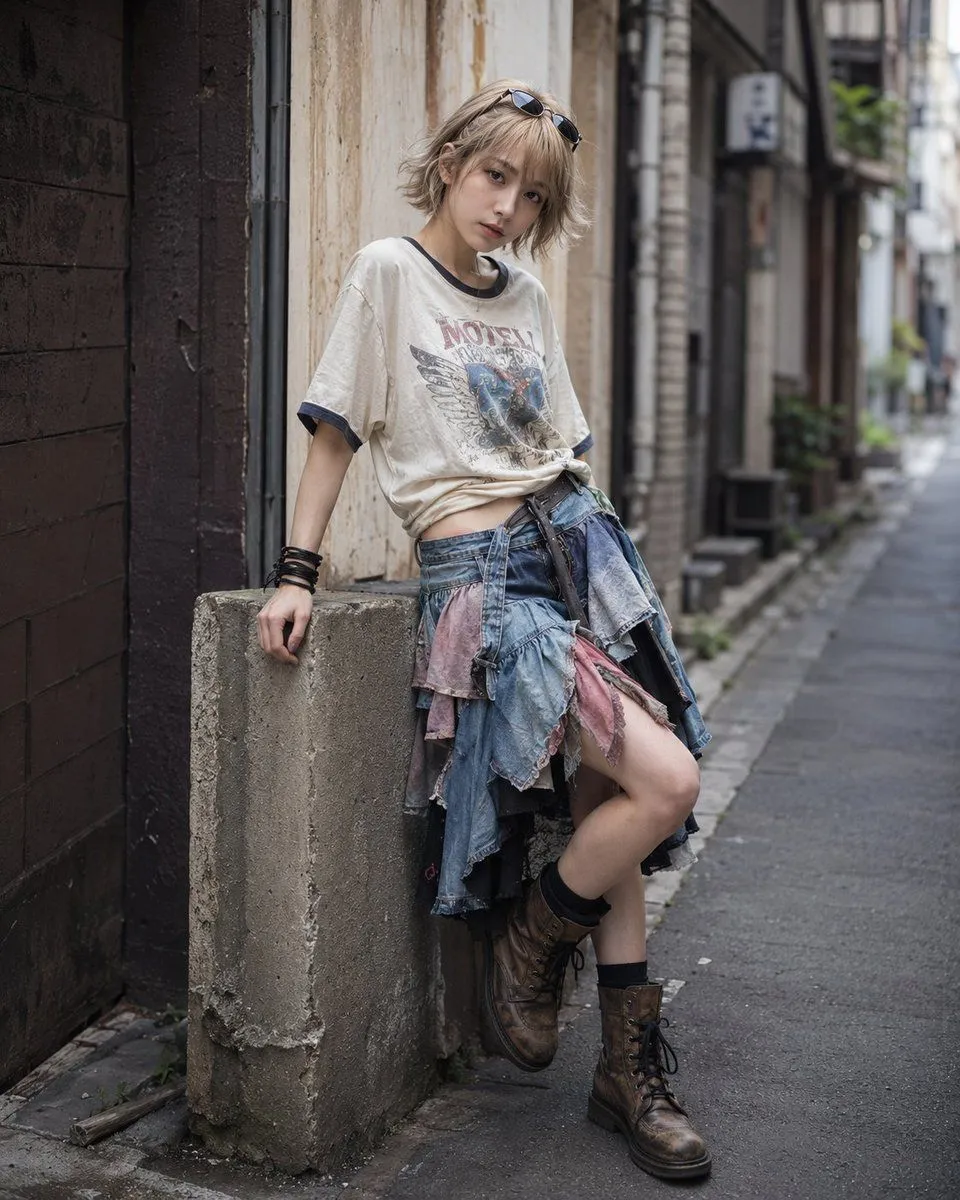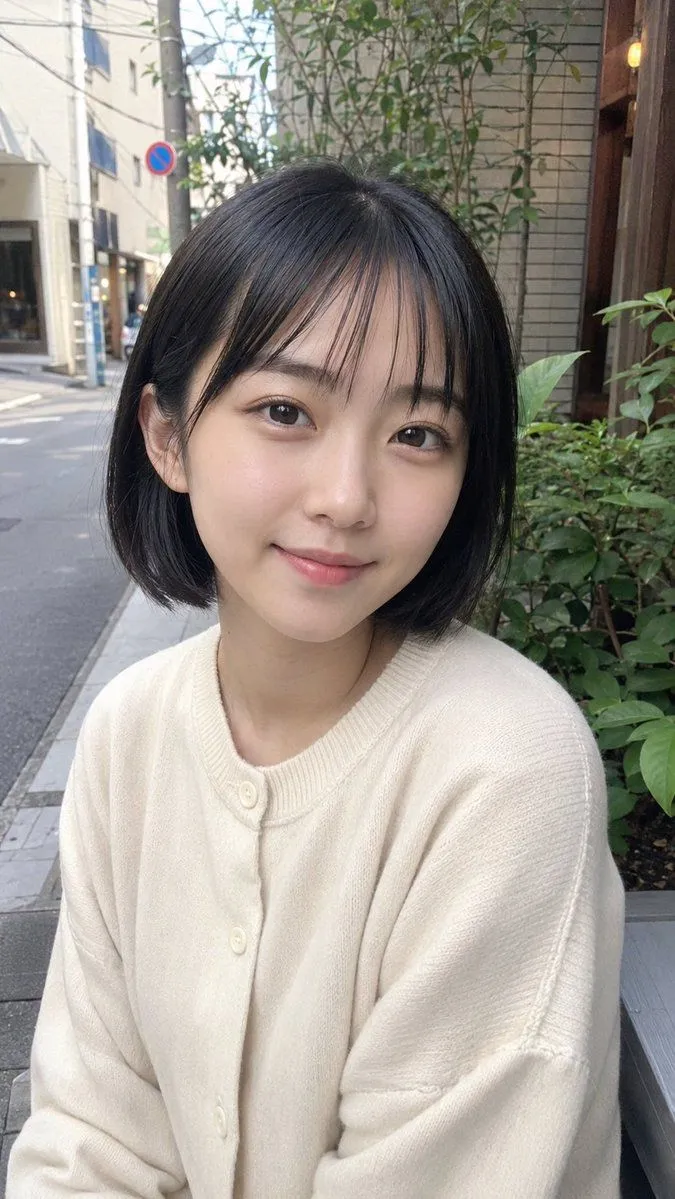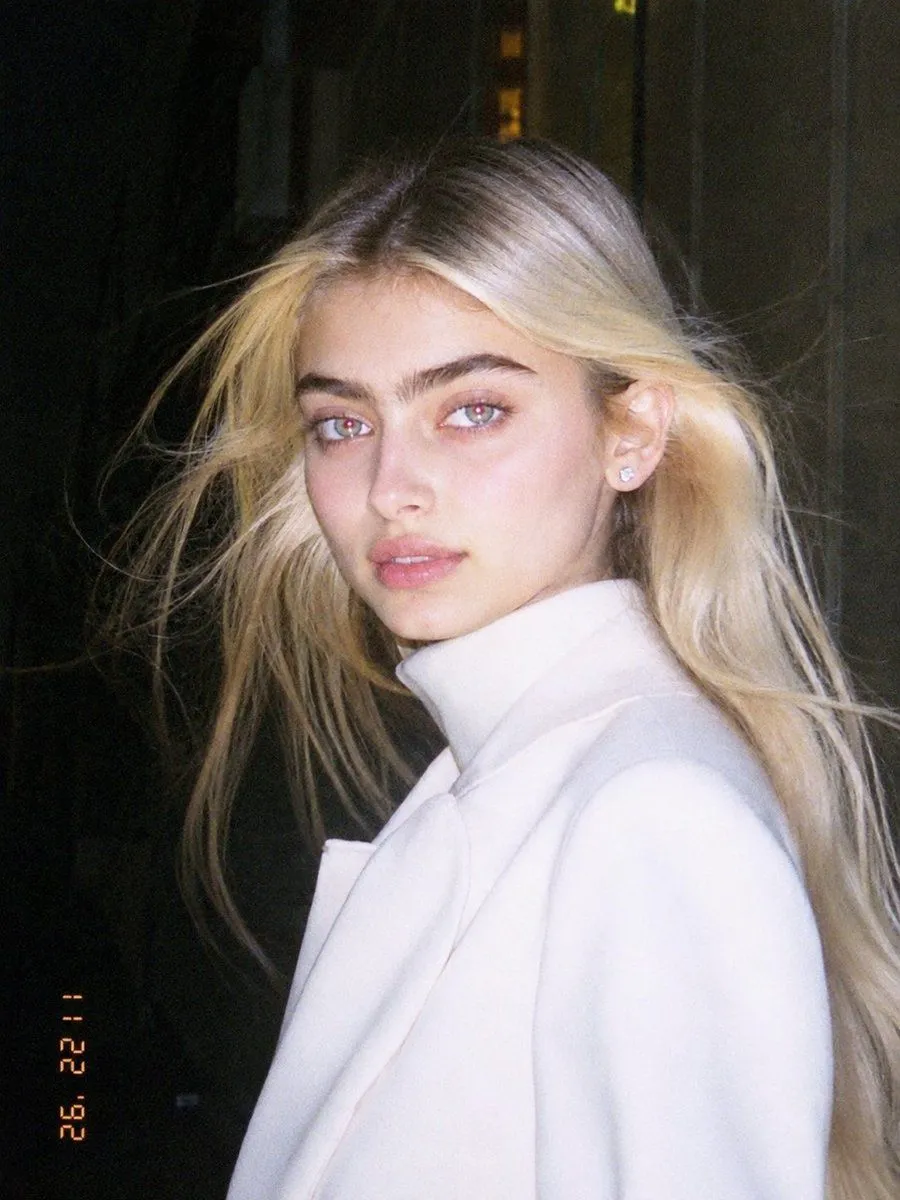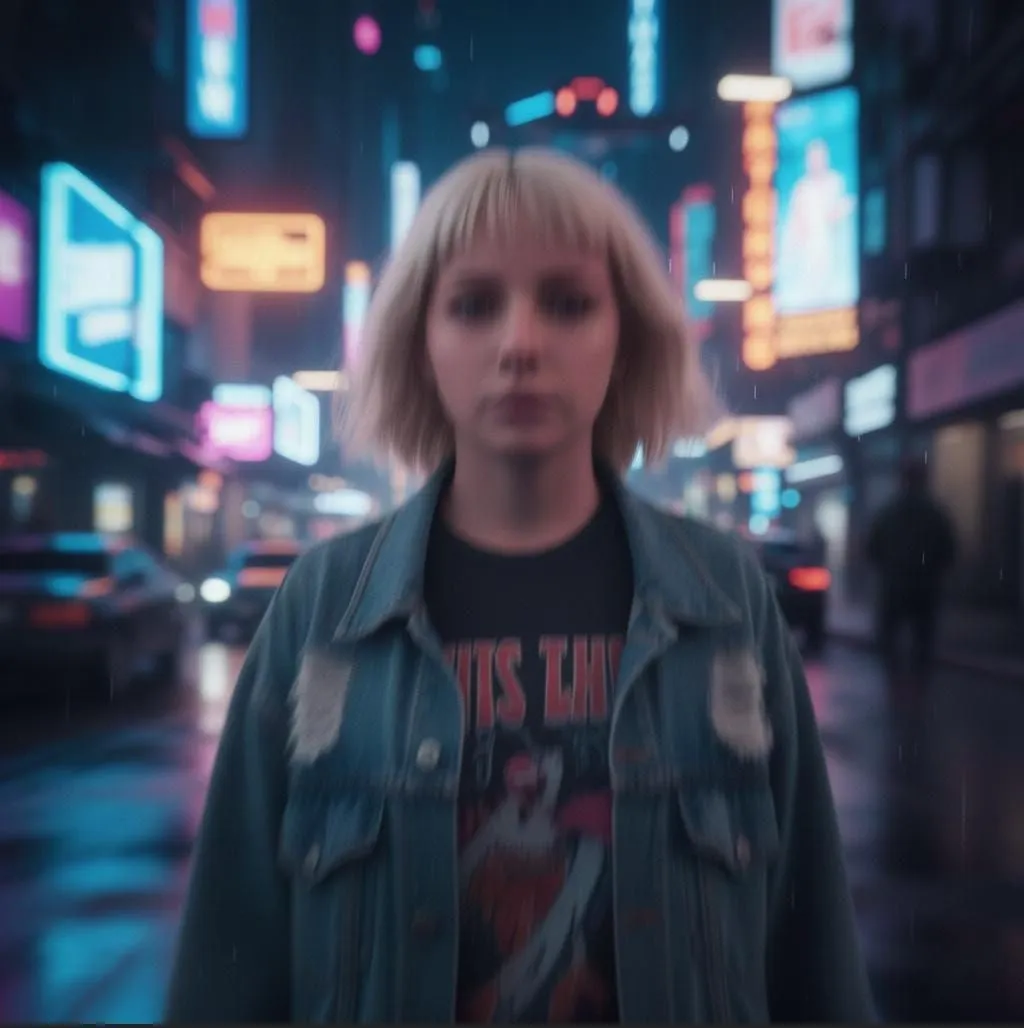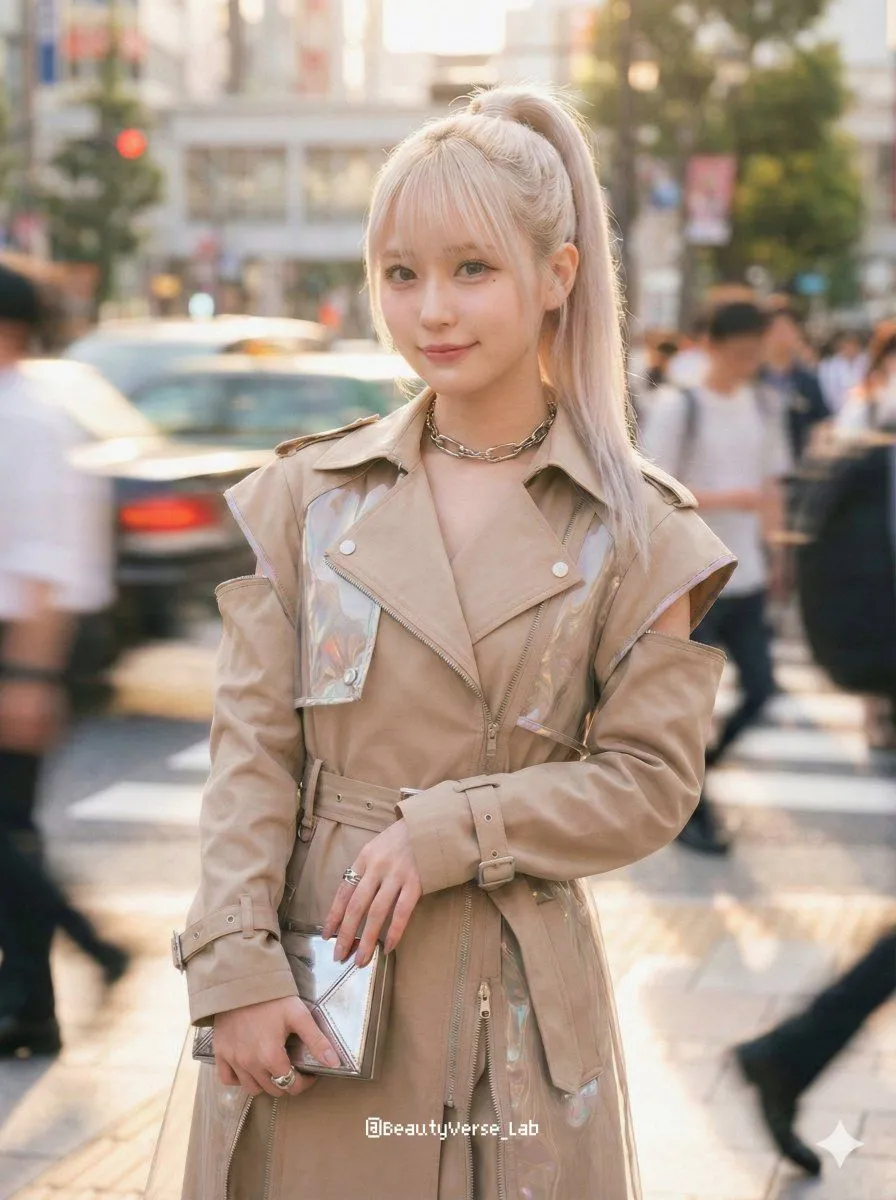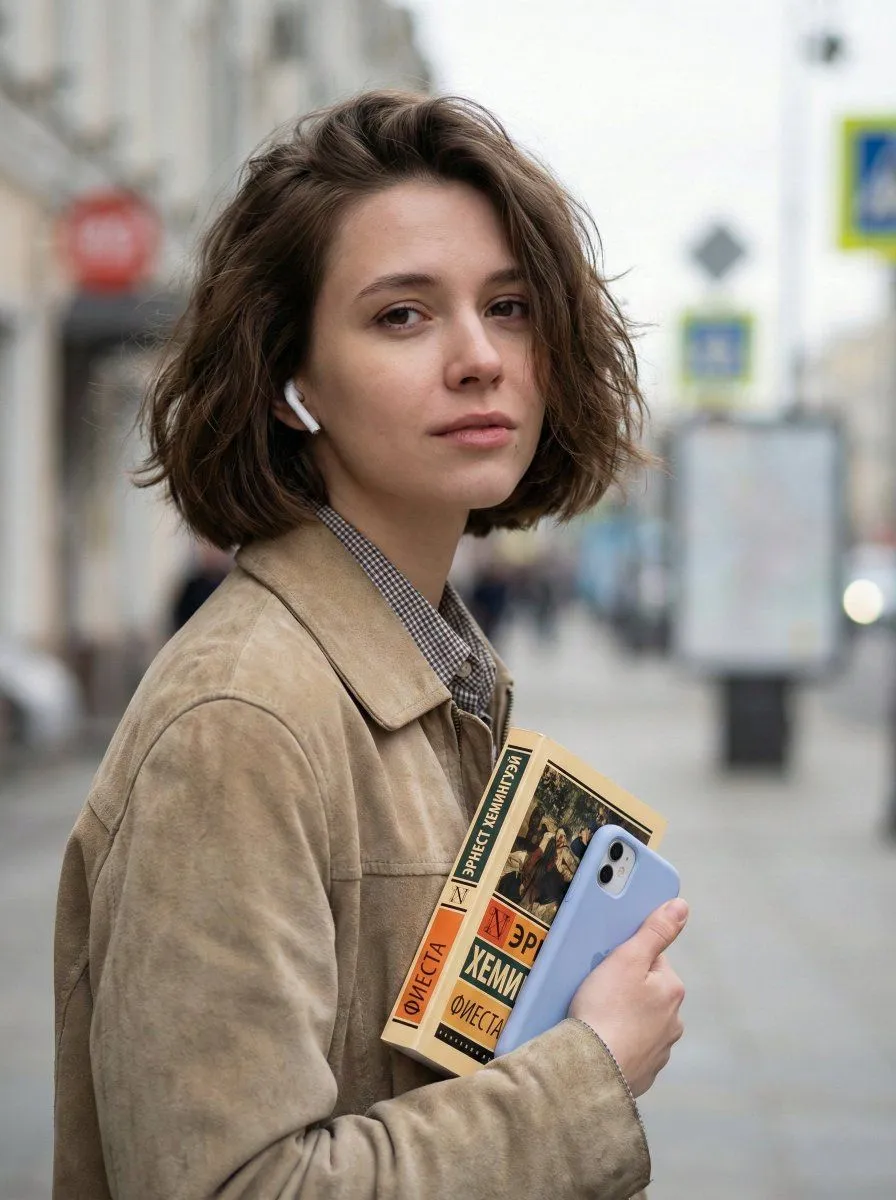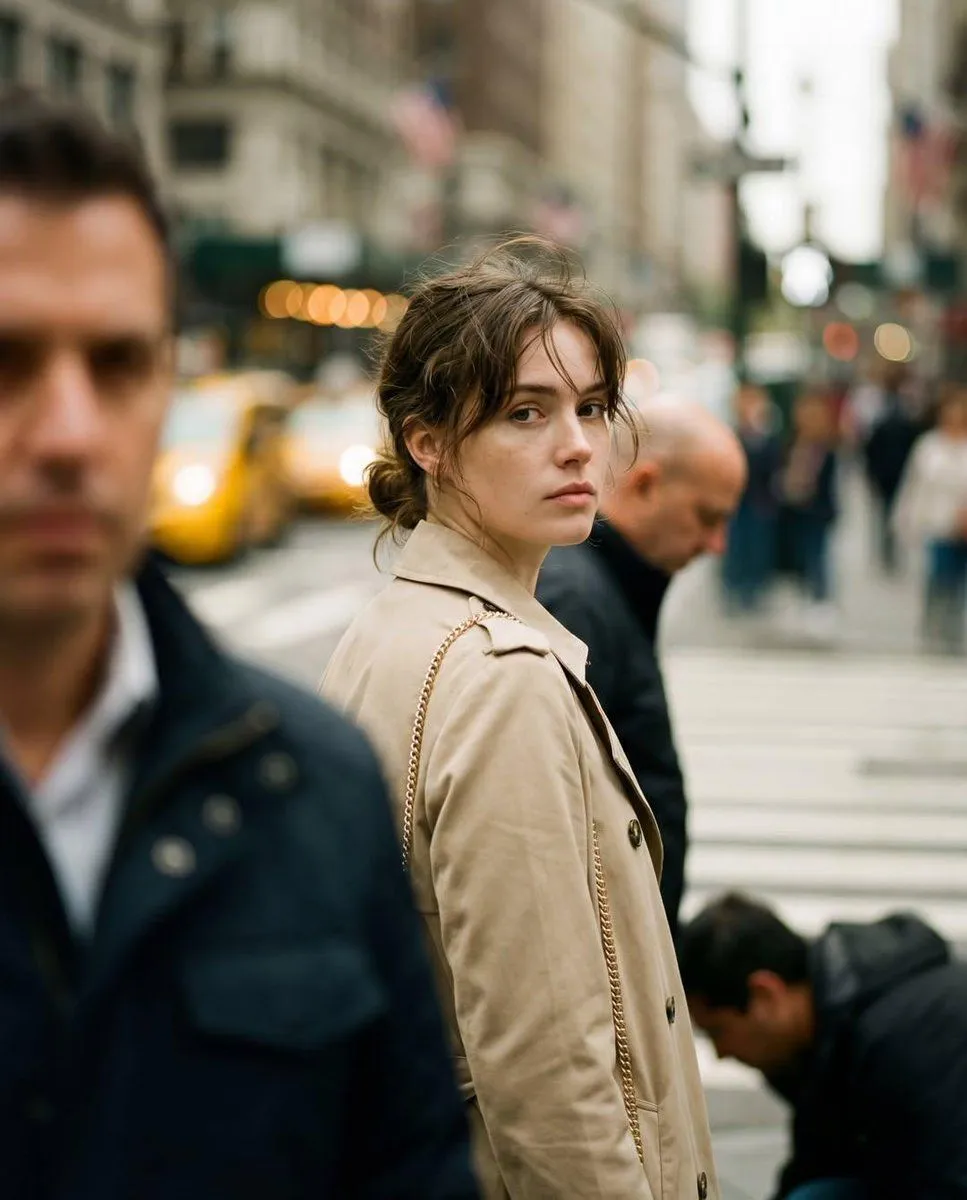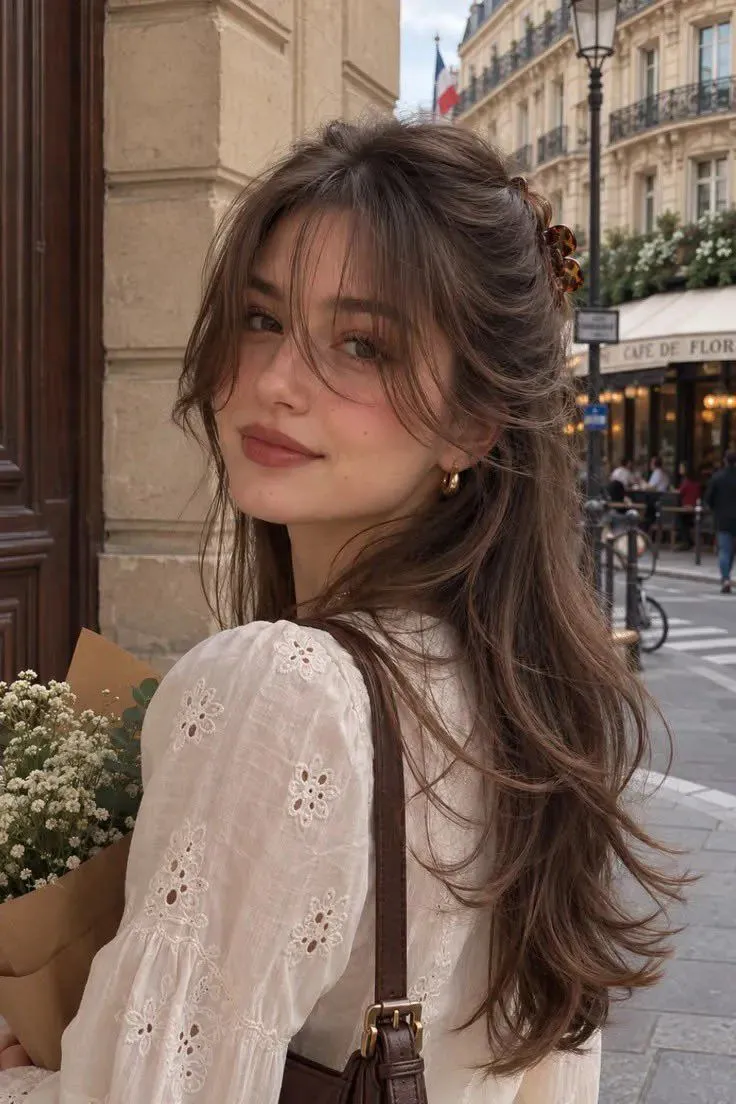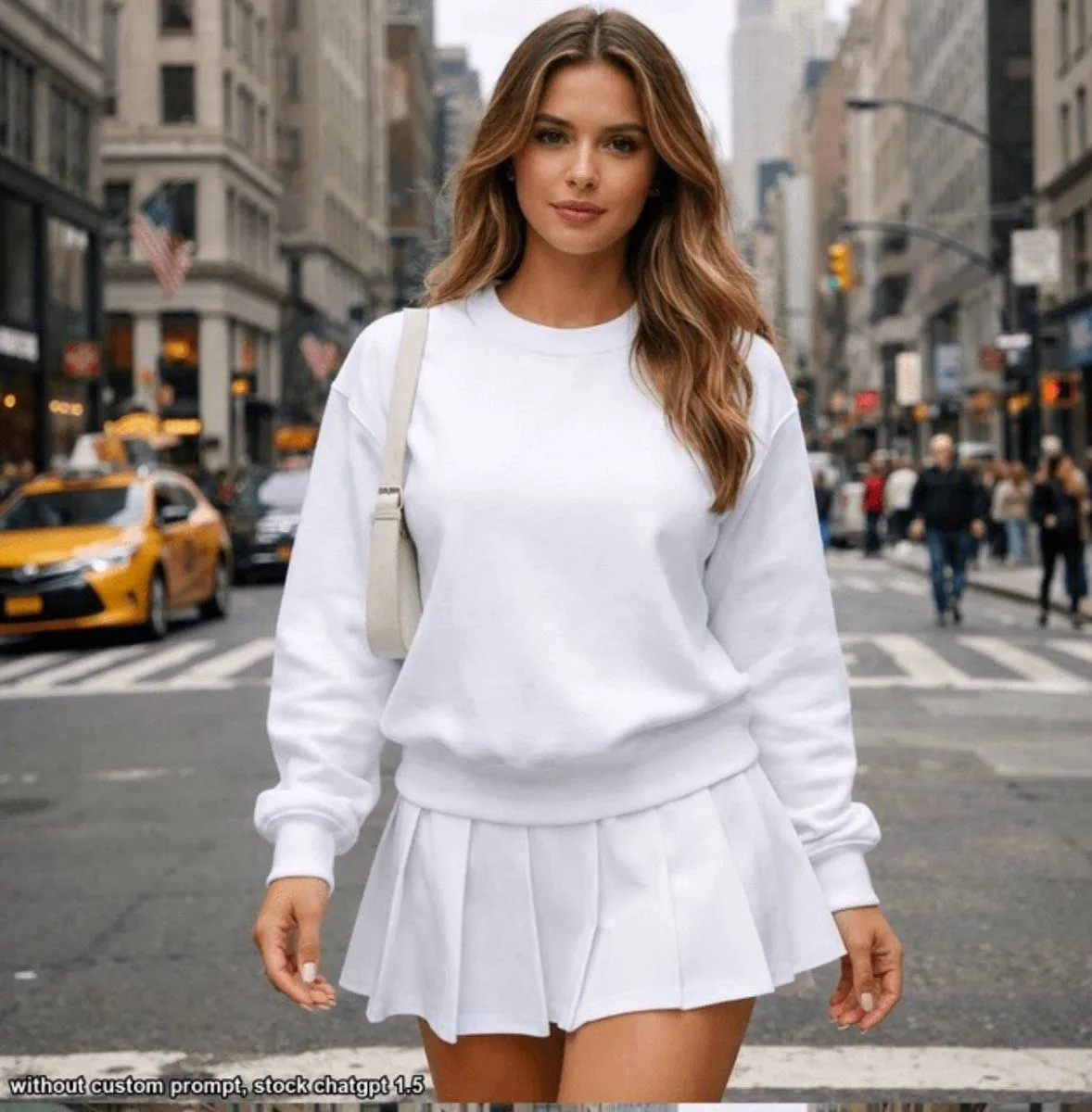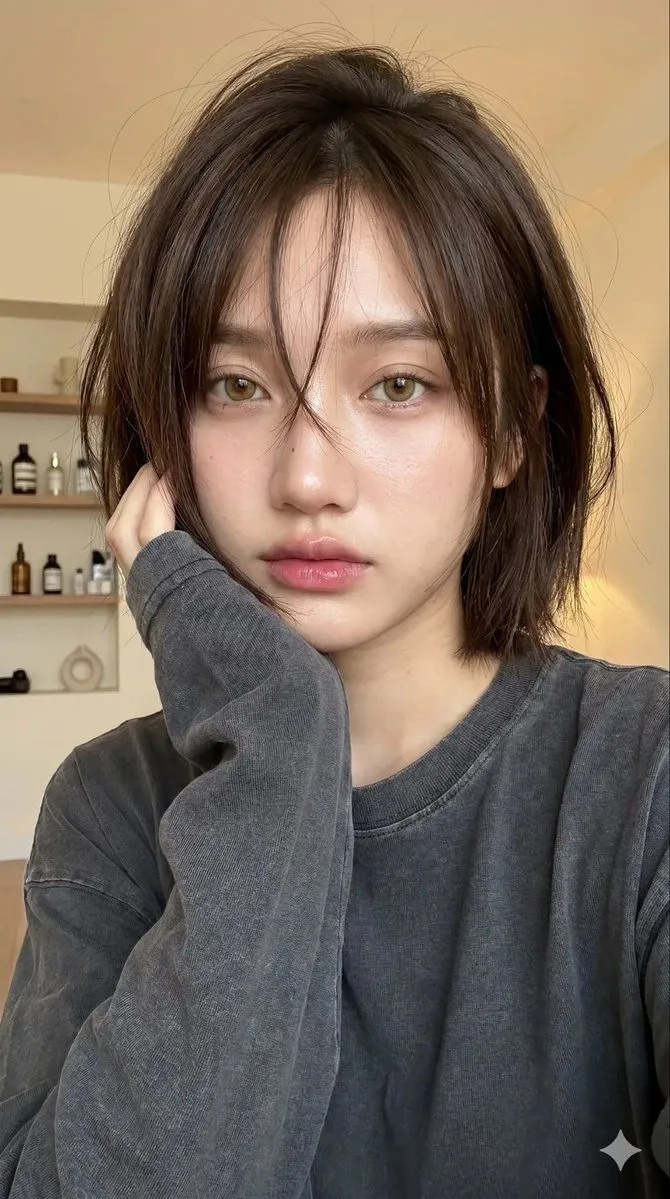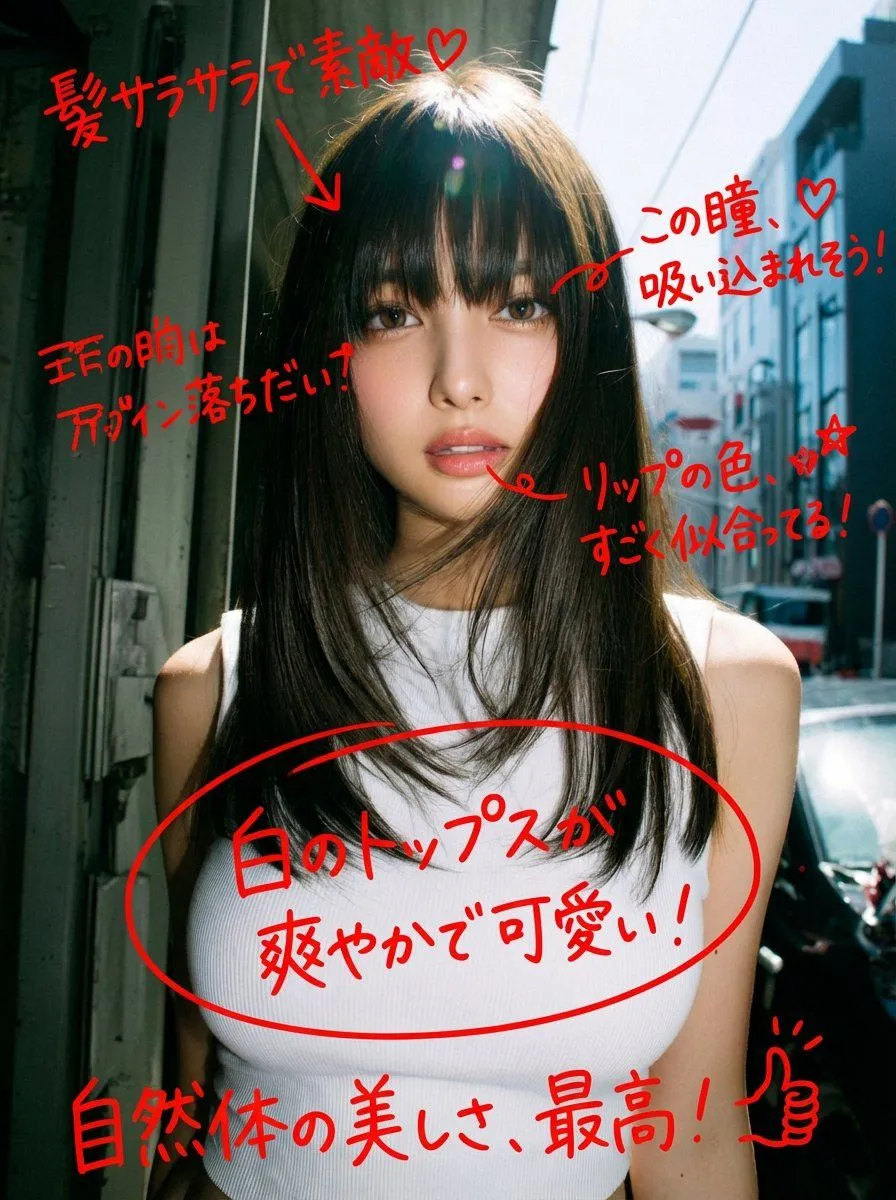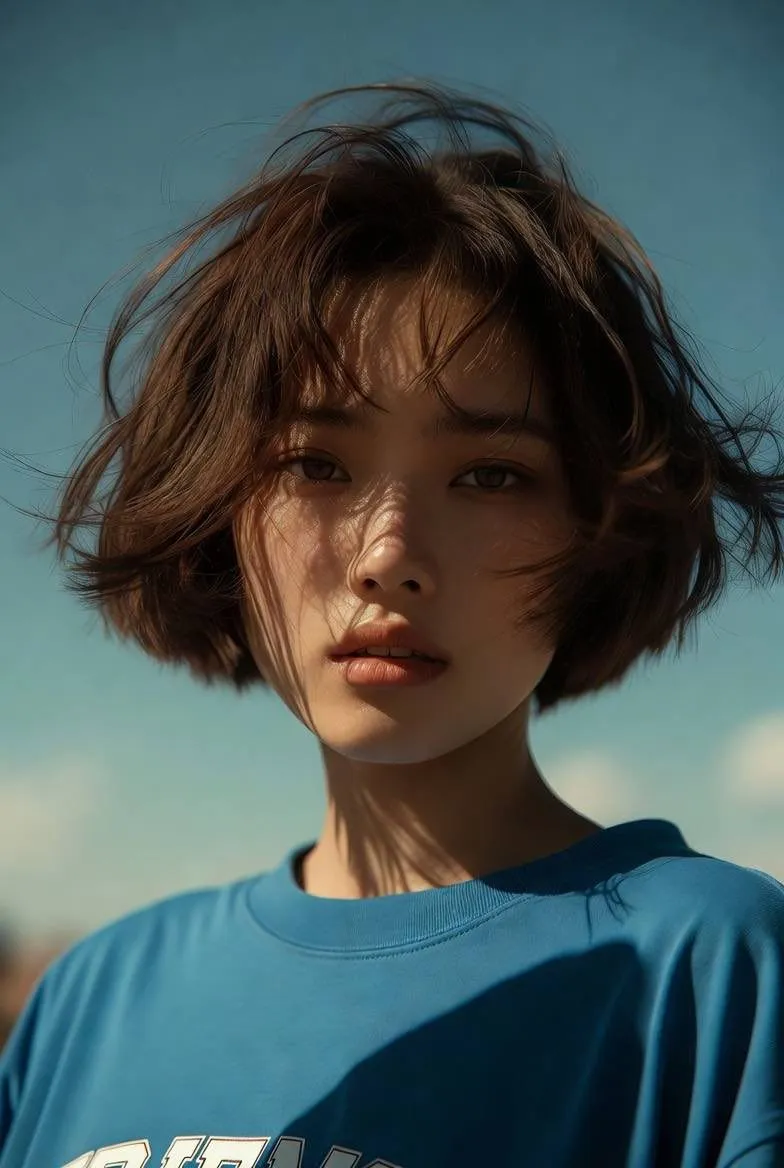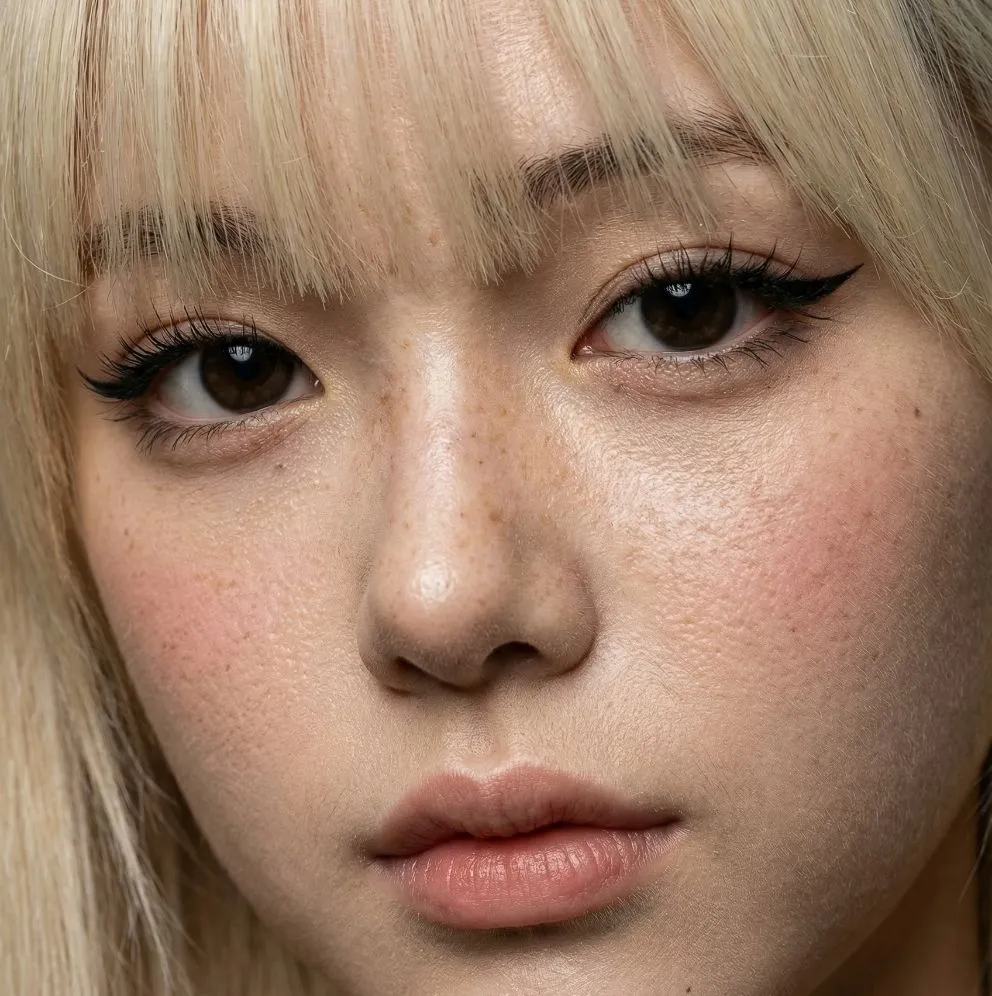
Made with GPT Image 2 in ChatGPT by Library Lifestyle. Promptclay never generates images.
Did it work?
No reports yet. Tell others if it worked for you.
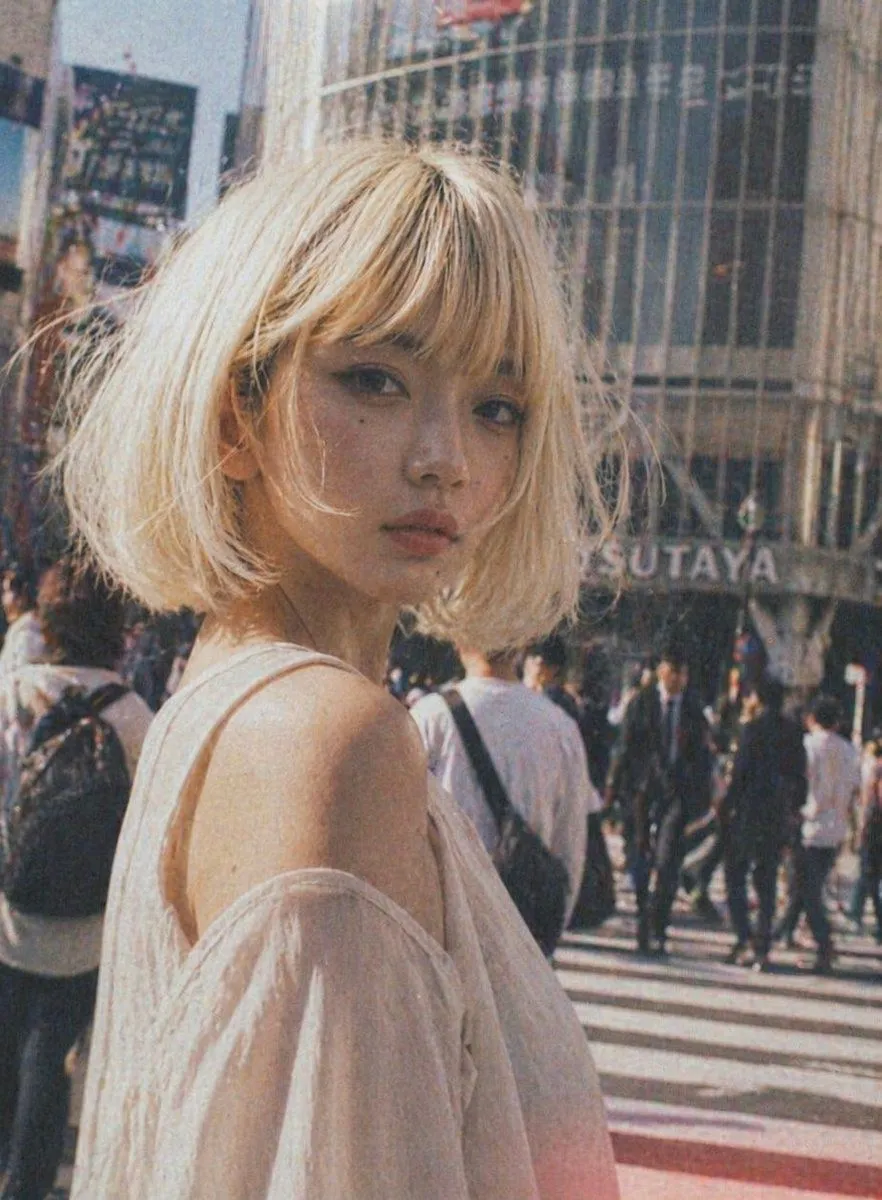
Vintage Shibuya Street Portrait
Prompt
3 blanks to fillA candid street-fashion portrait of a young woman standing at a busy Tokyo crosswalk in daylight, framed from the upper torso up and turned slightly away from the camera so her bare shoulder is prominent. She has a short messy bob haircut in {hair_color}, soft wispy texture, and a delicate build. She wears an airy off-shoulder blouse in {clothing_color}, made of thin semi-sheer fabric with loose drape and a romantic, lightweight feel. Place her in the foreground left-of-center, with a shallow depth of field and a crowded urban background full of pedestrians crossing the street. Behind her, include a large curved glass building with the visible sign {background_sign}, evoking Shibuya. Use a warm vintage film aesthetic with faded colors, noticeable grain, slight blur, soft sunlight, muted contrast, and a nostalgic analog snapshot mood. The overall tone should feel stylish, spontaneous, and cinematic, like a fashion photo captured in the middle of a bustling city.
Preview of your prompt
A candid street-fashion portrait of a young woman standing at a busy Tokyo crosswalk in daylight, framed from the upper torso up and turned slightly away from the camera so her bare shoulder is prominent. She has a short messy bob haircut in platinum blonde, soft wispy texture, and a delicate build. She wears an airy off-shoulder blouse in white, made of thin semi-sheer fabric with loose drape and a romantic, lightweight feel. Place her in the foreground left-of-center, with a shallow depth of field and a crowded urban background full of pedestrians crossing the street. Behind her, include a large curved glass building with the visible sign TSUTAYA, evoking Shibuya. Use a warm vintage film aesthetic with faded colors, noticeable grain, slight blur, soft sunlight, muted contrast, and a nostalgic analog snapshot mood. The overall tone should feel stylish, spontaneous, and cinematic, like a fashion photo captured in the middle of a bustling city.
DetailsVersions, settings and questions
Written for
What's in the prompt
- Subject
- Model
- GPT Image 2
If your face changes
keep my face exactly the sameQuestions
- Does this work in the ChatGPT app?
- Yes. Paste the prompt and attach your photo if it uses one.
- It changed my face. What do I do?
- Add "keep my face exactly the same" to the end and run it again.
- Can I use the images I make?
- Check the terms of the app you use. Promptclay never generates images and claims nothing you make.