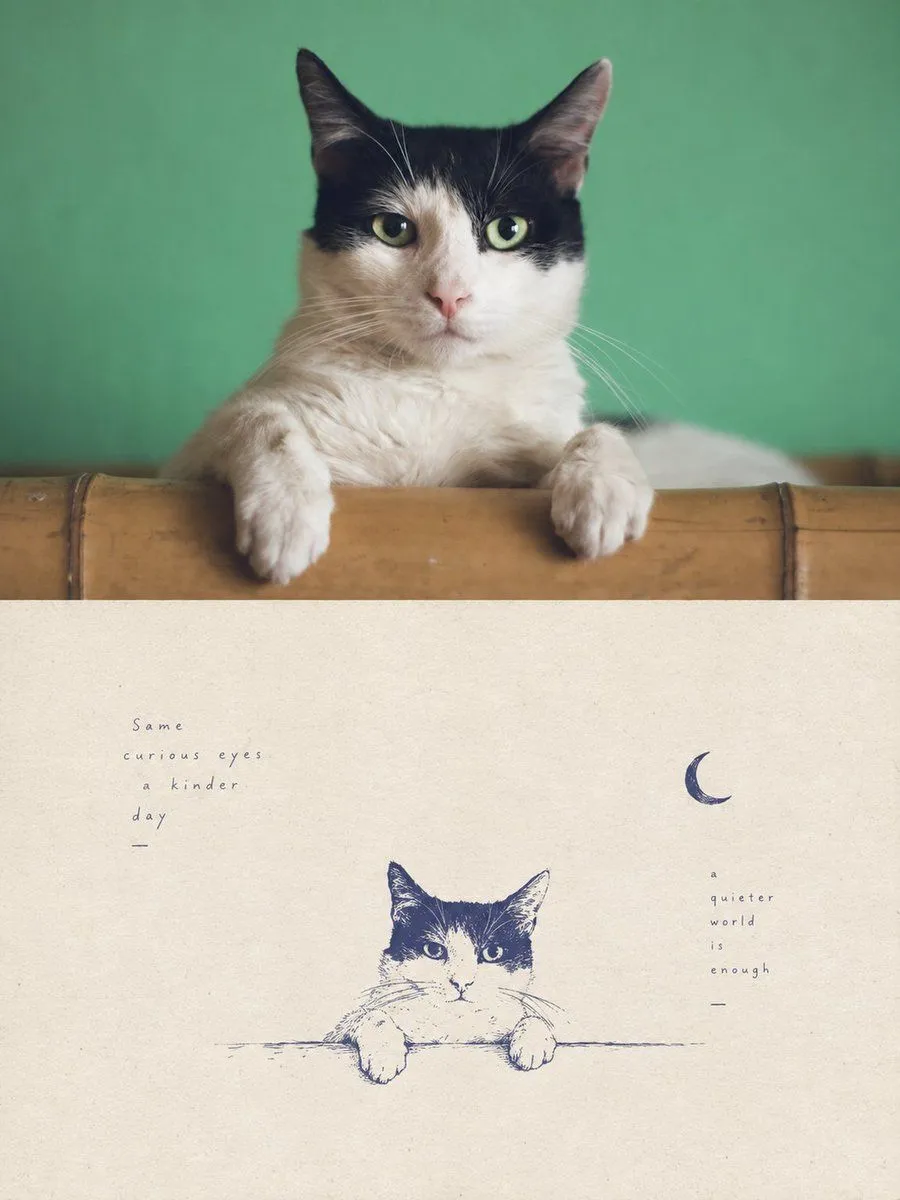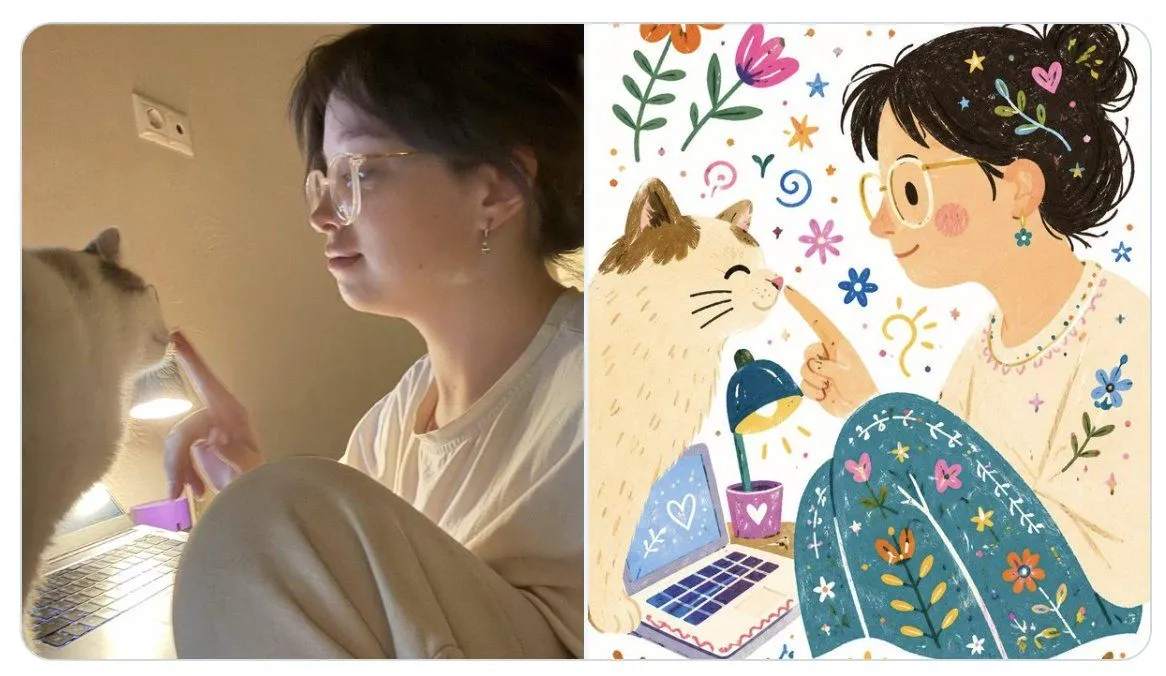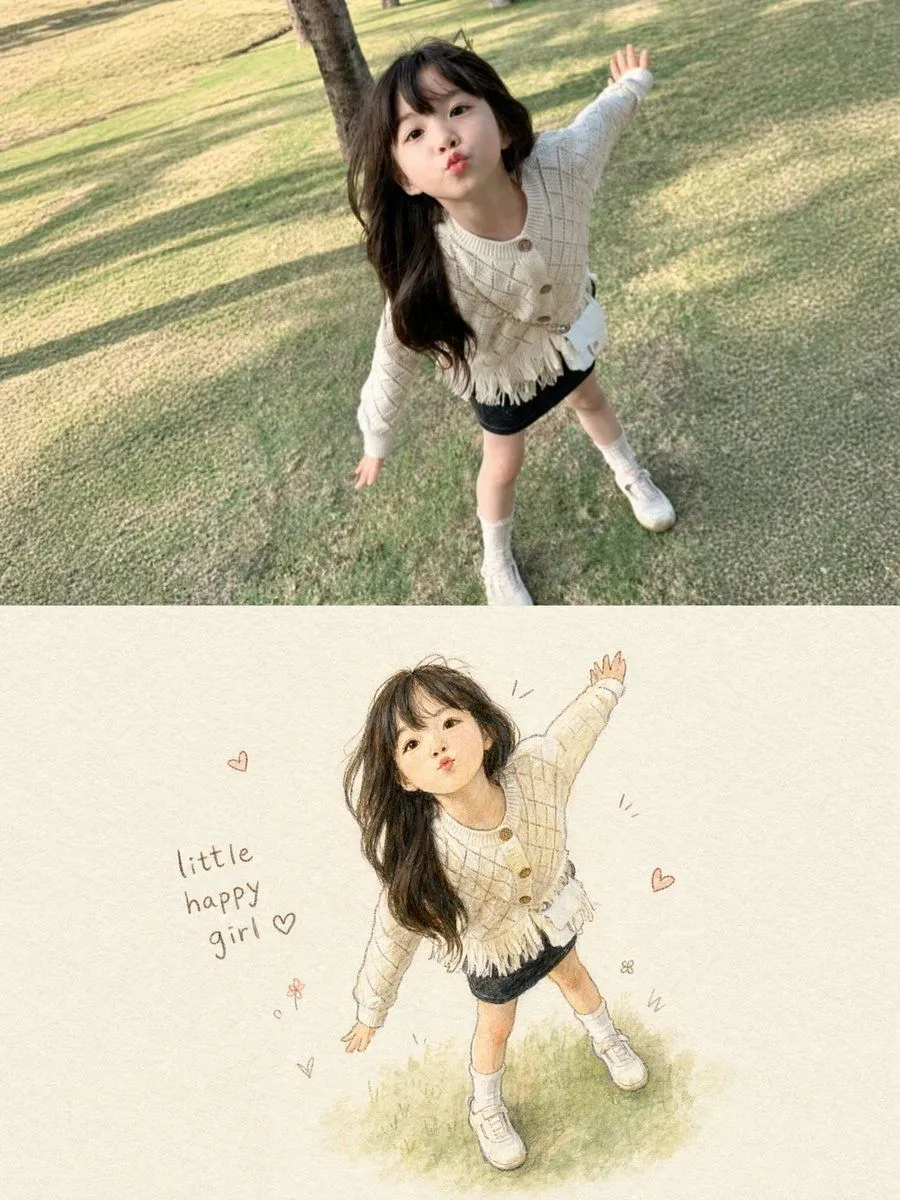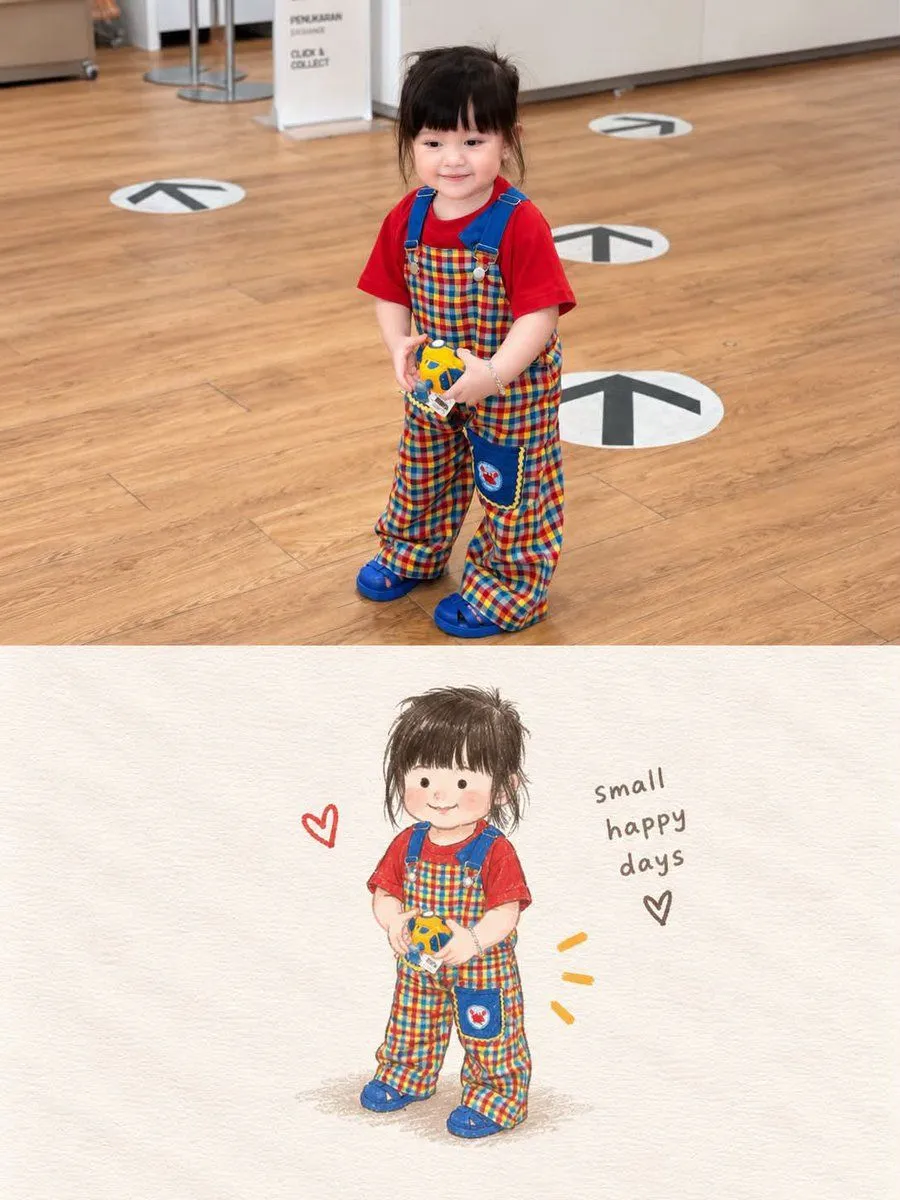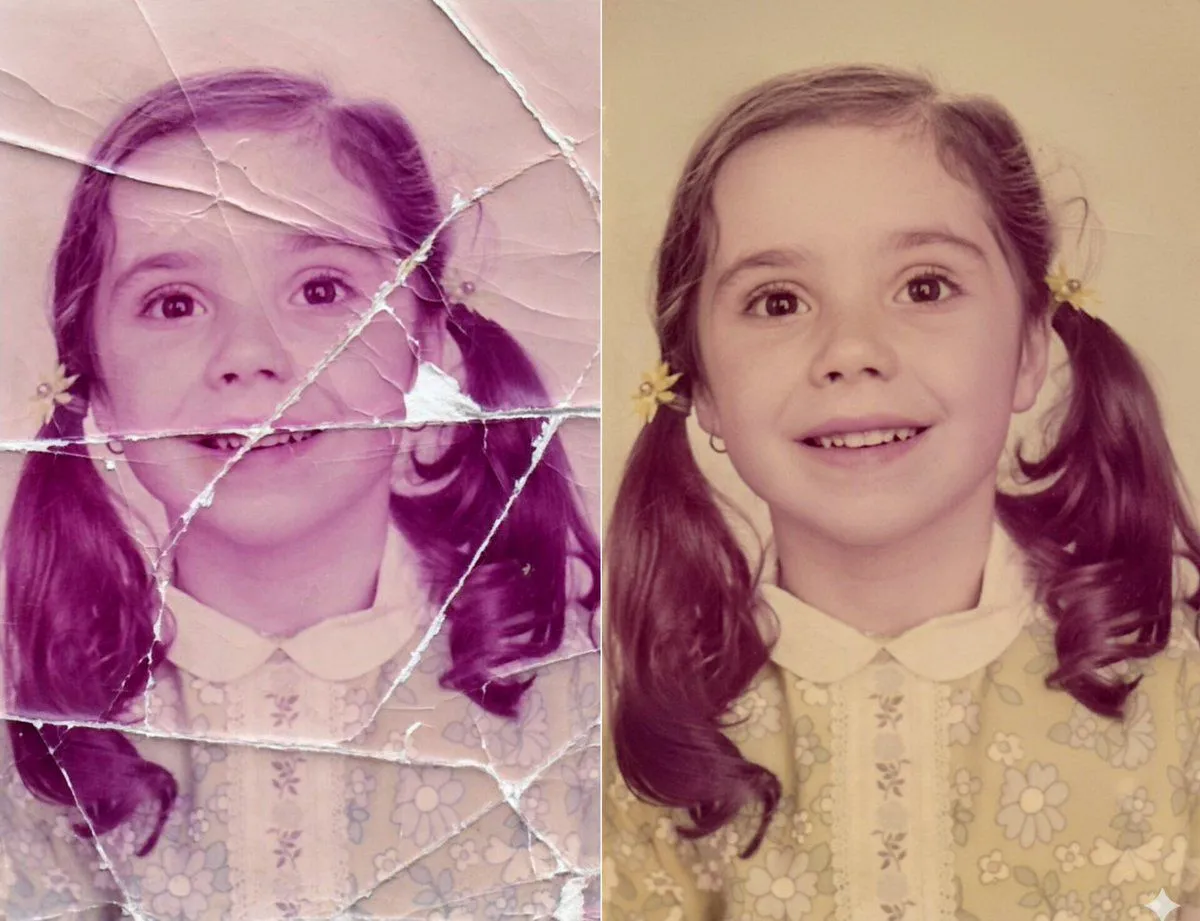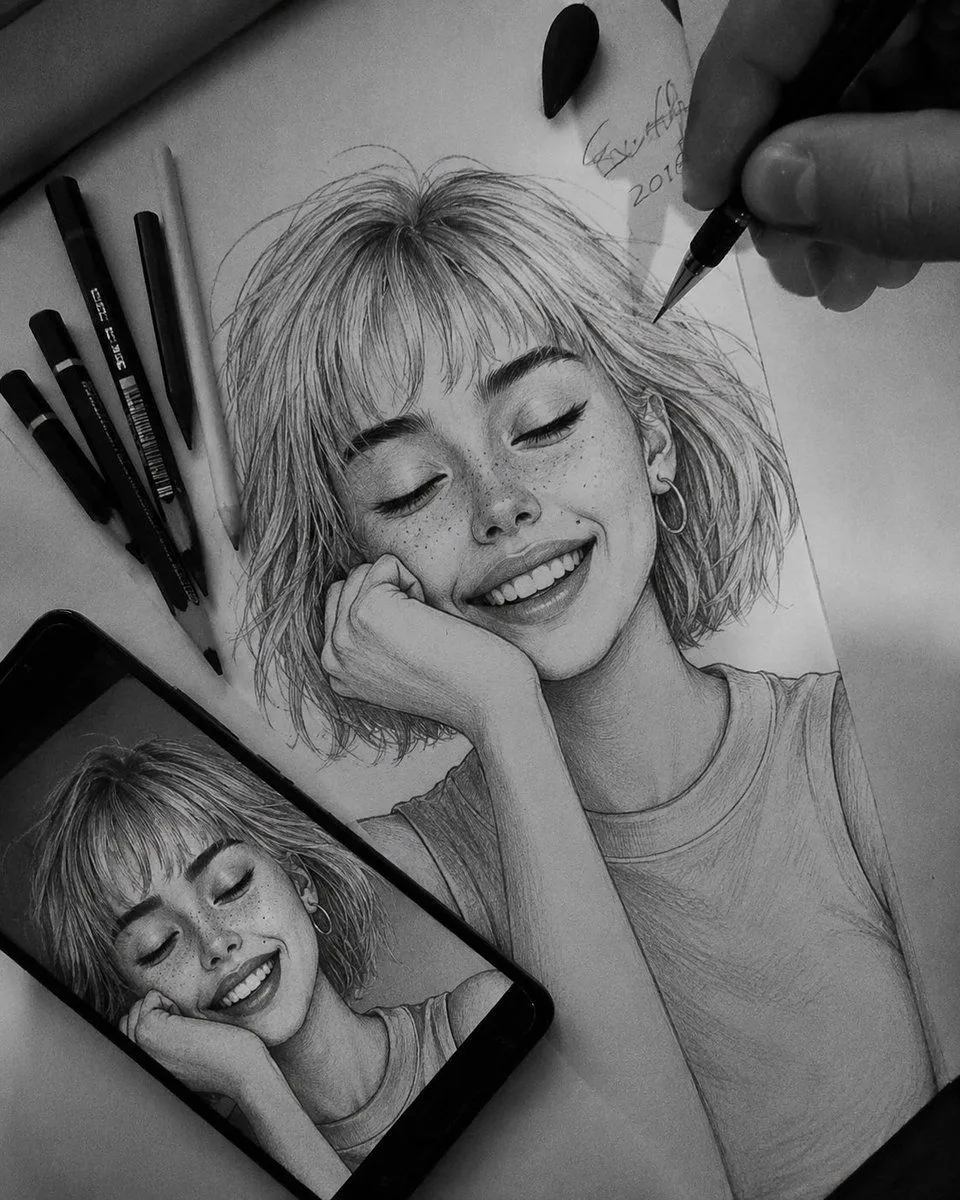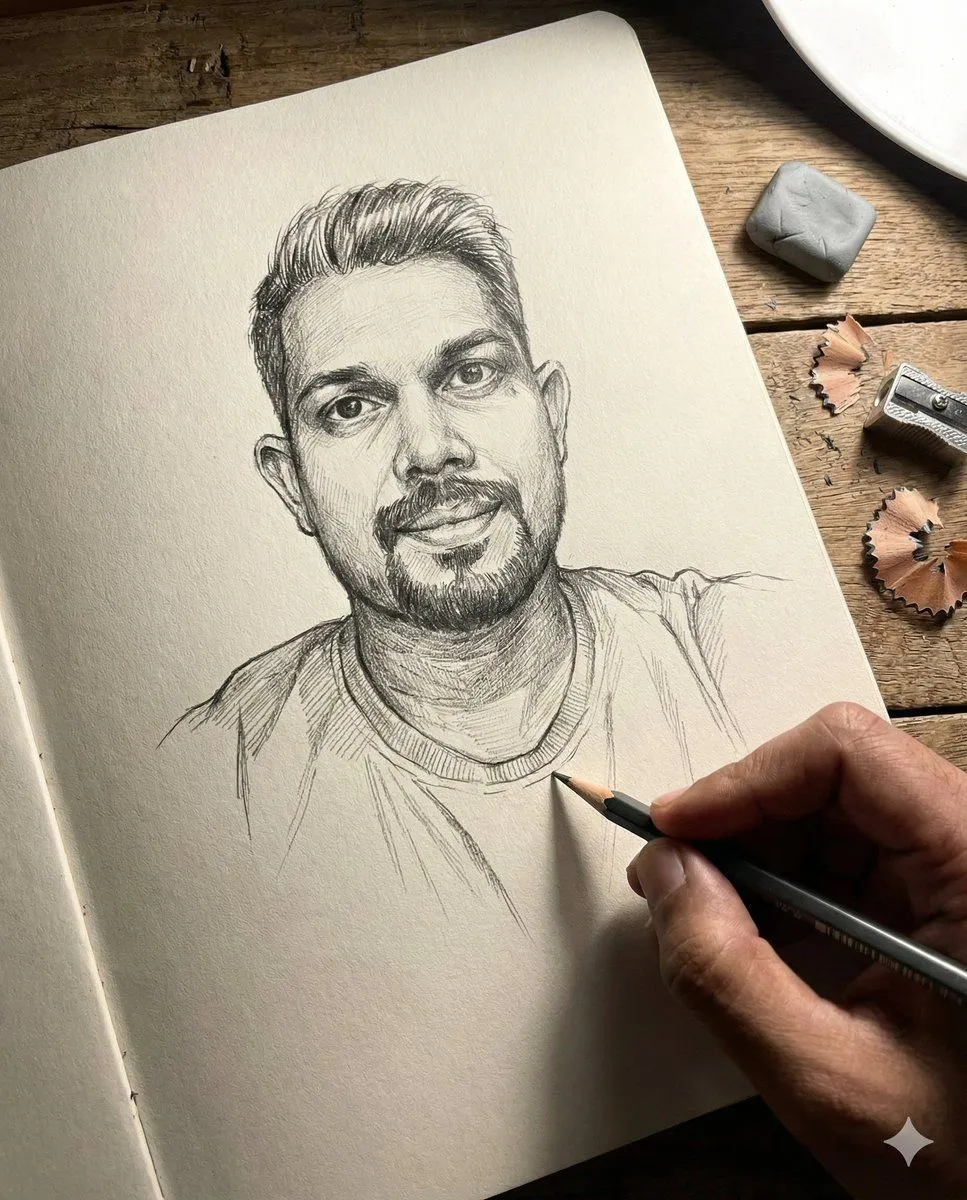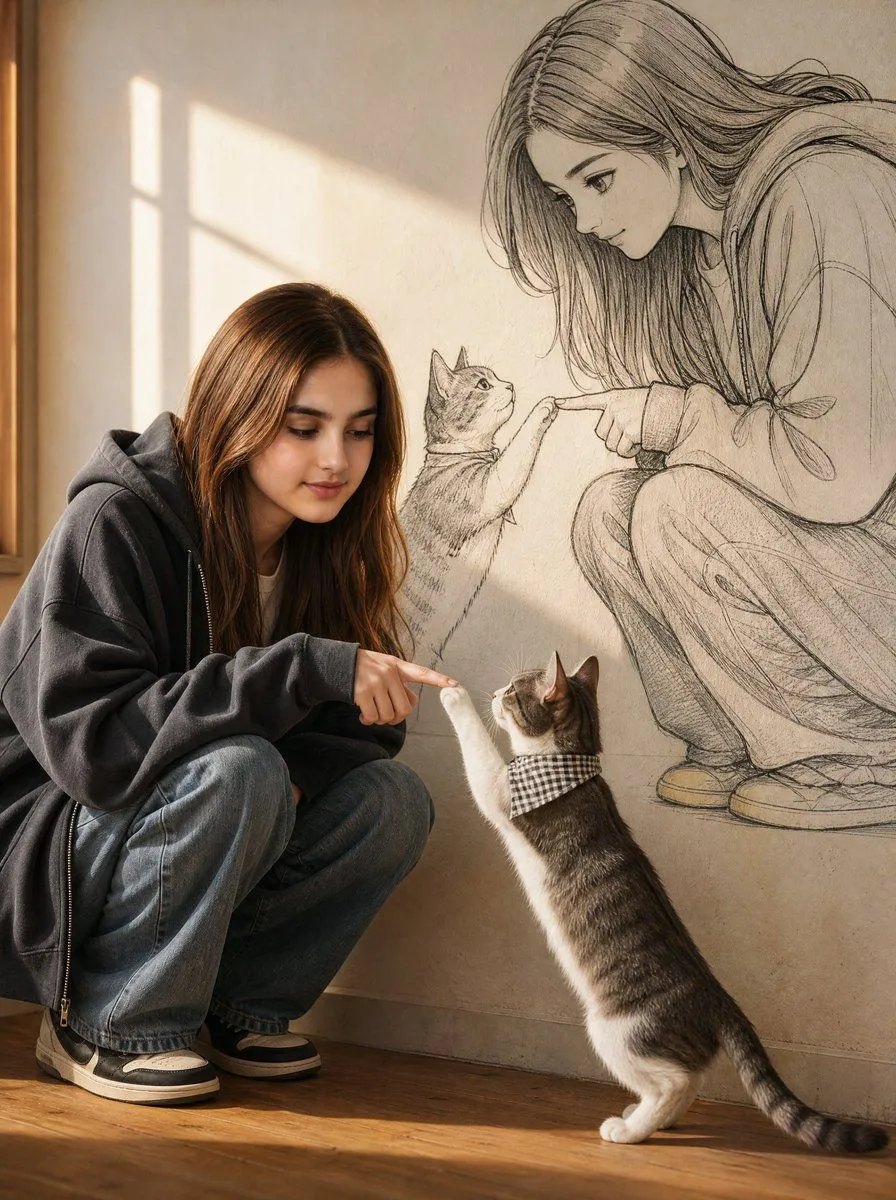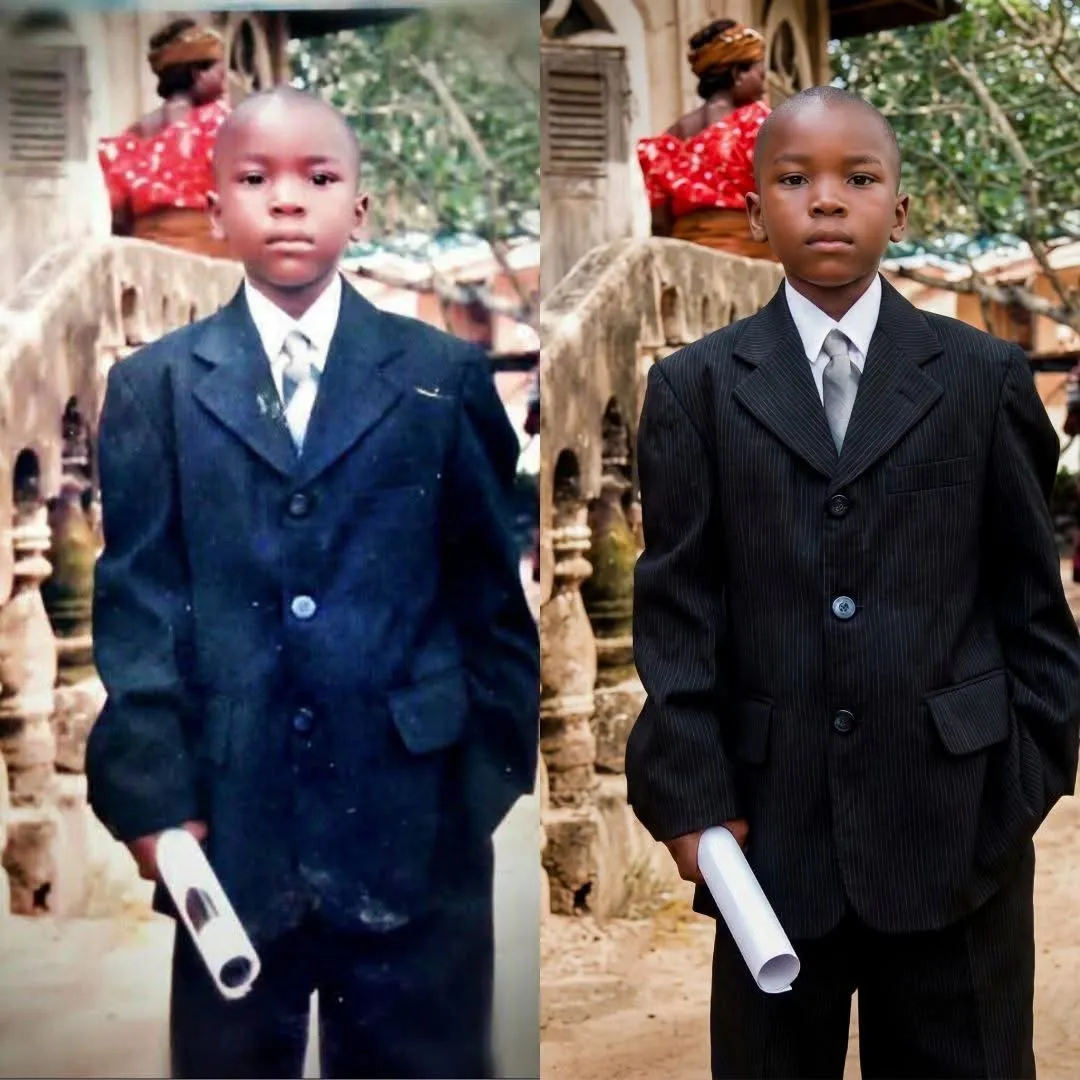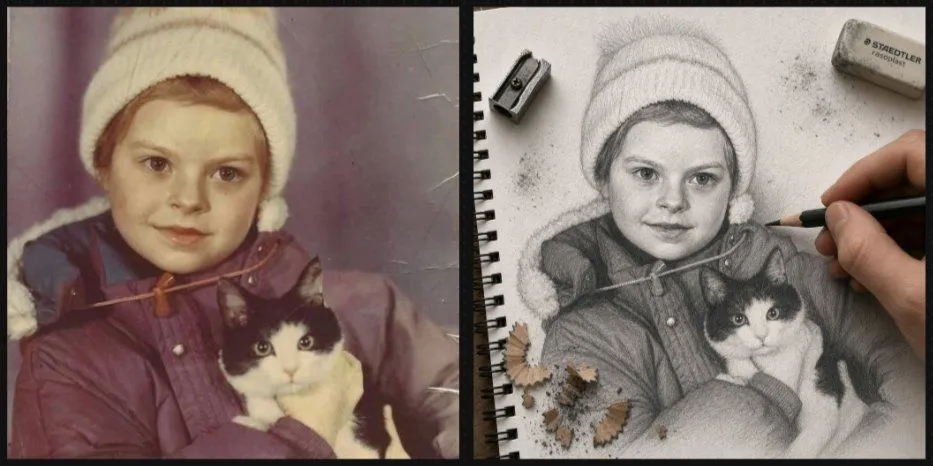
Made with GPT Image 2 in ChatGPT, collected by Library Lifestyle. Promptclay never generates images.
Did it work?
No reports yet. Tell others if it worked for you.
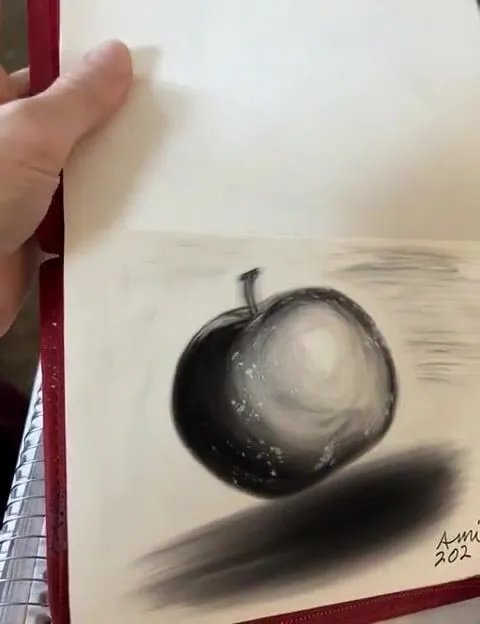
Vintage Photo to Graphite Sketch
Prompt
3 blanks to fillCreate a realistic side-by-side comparison image showing a meaningful childhood photo being transformed into a hand-drawn graphite sketch. Canvas: wide horizontal 2-panel layout with a thick black vertical divider and thin dark border, like a before-and-after social media post. Left panel: a faded vintage color photograph with muted purple-brown tones, light scratches, and aged film texture. Show {child_subject} holding {pet}. The child's face is hidden by a centered plain beige square privacy block. Right panel: the same scene reimagined as an ultra-detailed 3D graphite pencil sketch on textured white spiral notebook paper, viewed from above at a slight angle. The notebook has black spiral binding along the left edge, visible paper grain, subtle fibers, smudges, graphite dust, and eraser crumbs. Show a realistic adult hand actively drawing with a dark pencil near the child's shoulder, making the drawing feel unfinished and in progress. Include exactly 3 drawing tools or debris groups around the sketch: 1 metal pencil sharpener near the upper left, 1 gray STAEDTLER-style eraser near the upper right with small graphite smudges, and 1 cluster of pencil shavings near the lower left. The sketch should preserve the winter hat, coat, and cat pose from the photo, with the cat's face carefully rendered and expressive. The child's face in the sketch is also hidden by a centered plain light gray square privacy block. Style: photorealistic mixed-media transformation, high detail, tactile paper texture, soft natural lighting, shallow shadows, no extra text except the small eraser branding. Use {overall_mood}.
Preview of your prompt
Create a realistic side-by-side comparison image showing a meaningful childhood photo being transformed into a hand-drawn graphite sketch. Canvas: wide horizontal 2-panel layout with a thick black vertical divider and thin dark border, like a before-and-after social media post. Left panel: a faded vintage color photograph with muted purple-brown tones, light scratches, and aged film texture. Show a small child wearing a cream knit winter hat and a dark puffy coat holding a black-and-white rescue cat with bright eyes. The child's face is hidden by a centered plain beige square privacy block. Right panel: the same scene reimagined as an ultra-detailed 3D graphite pencil sketch on textured white spiral notebook paper, viewed from above at a slight angle. The notebook has black spiral binding along the left edge, visible paper grain, subtle fibers, smudges, graphite dust, and eraser crumbs. Show a realistic adult hand actively drawing with a dark pencil near the child's shoulder, making the drawing feel unfinished and in progress. Include exactly 3 drawing tools or debris groups around the sketch: 1 metal pencil sharpener near the upper left, 1 gray STAEDTLER-style eraser near the upper right with small graphite smudges, and 1 cluster of pencil shavings near the lower left. The sketch should preserve the winter hat, coat, and cat pose from the photo, with the cat's face carefully rendered and expressive. The child's face in the sketch is also hidden by a centered plain light gray square privacy block. Style: photorealistic mixed-media transformation, high detail, tactile paper texture, soft natural lighting, shallow shadows, no extra text except the small eraser branding. Use warm nostalgic and sentimental.
DetailsVersions, settings and questions
Written for
What's in the prompt
- Subject
- Model
- GPT Image 2
If your face changes
keep my face exactly the sameQuestions
- Does this work in the ChatGPT app?
- Yes. Paste the prompt and attach your photo if it uses one.
- It changed my face. What do I do?
- Add "keep my face exactly the same" to the end and run it again.
- Can I use the images I make?
- Check the terms of the app you use. Promptclay never generates images and claims nothing you make.