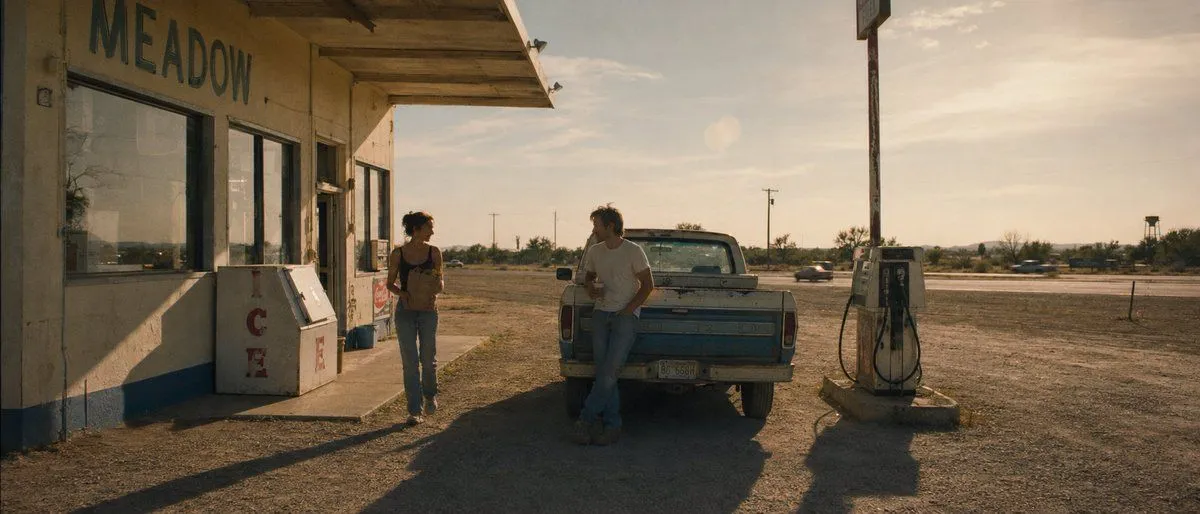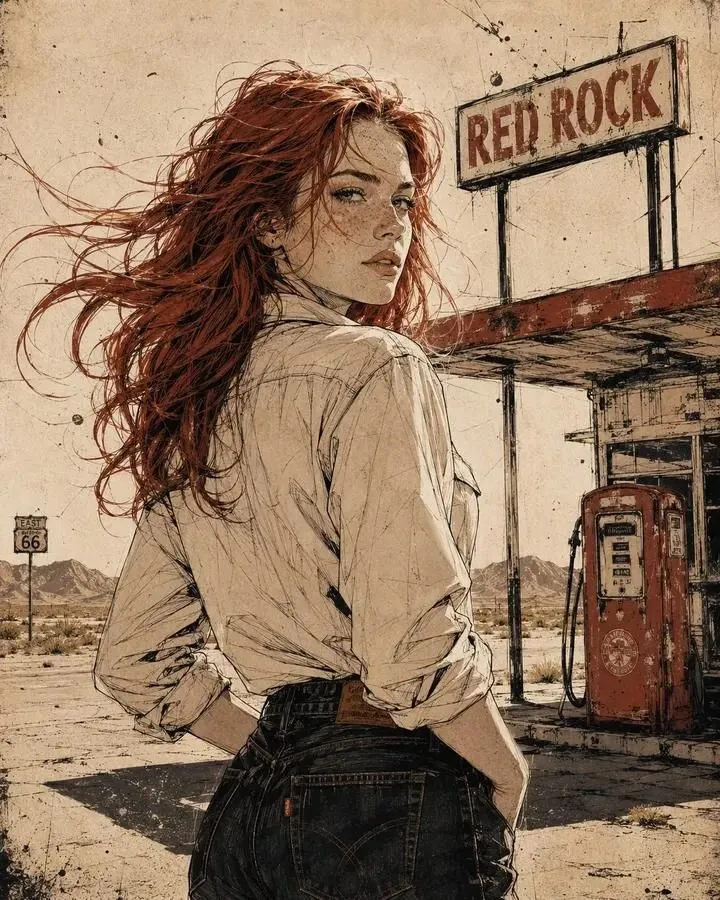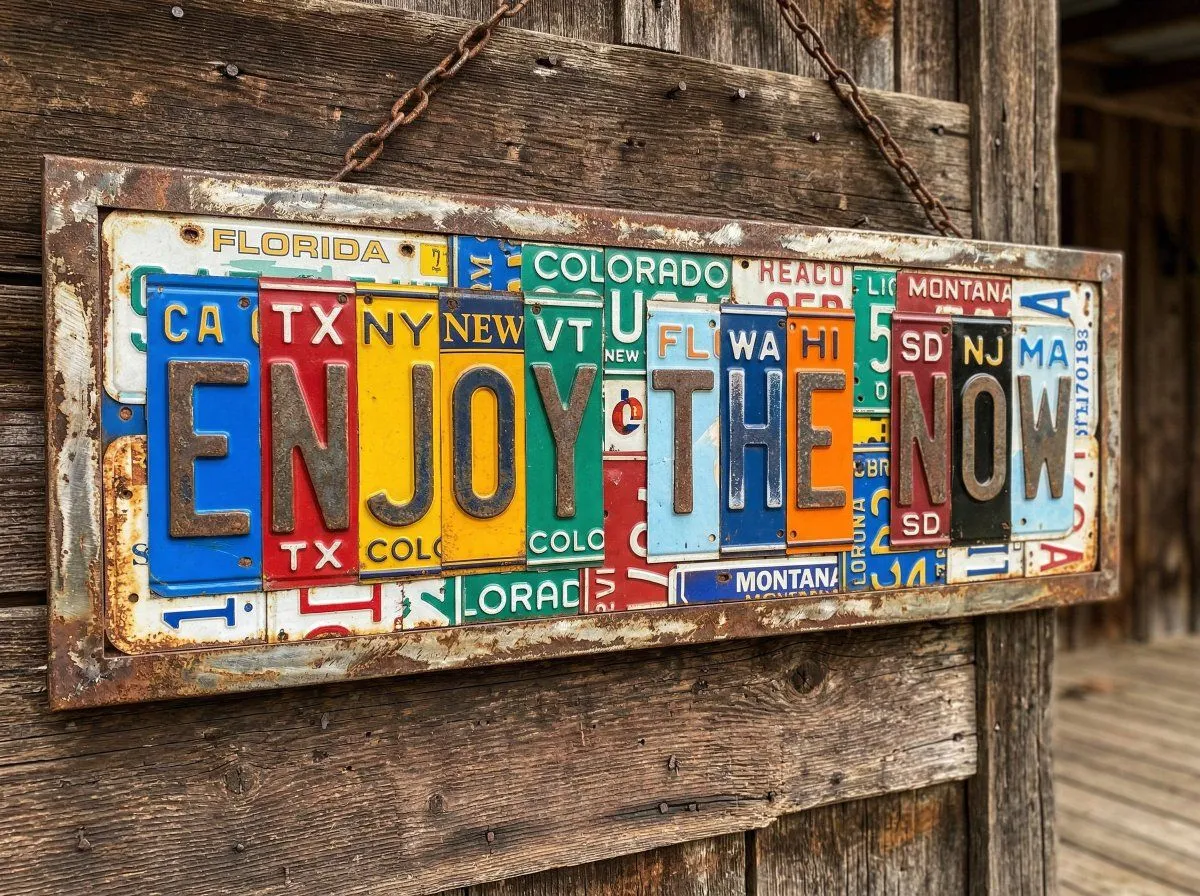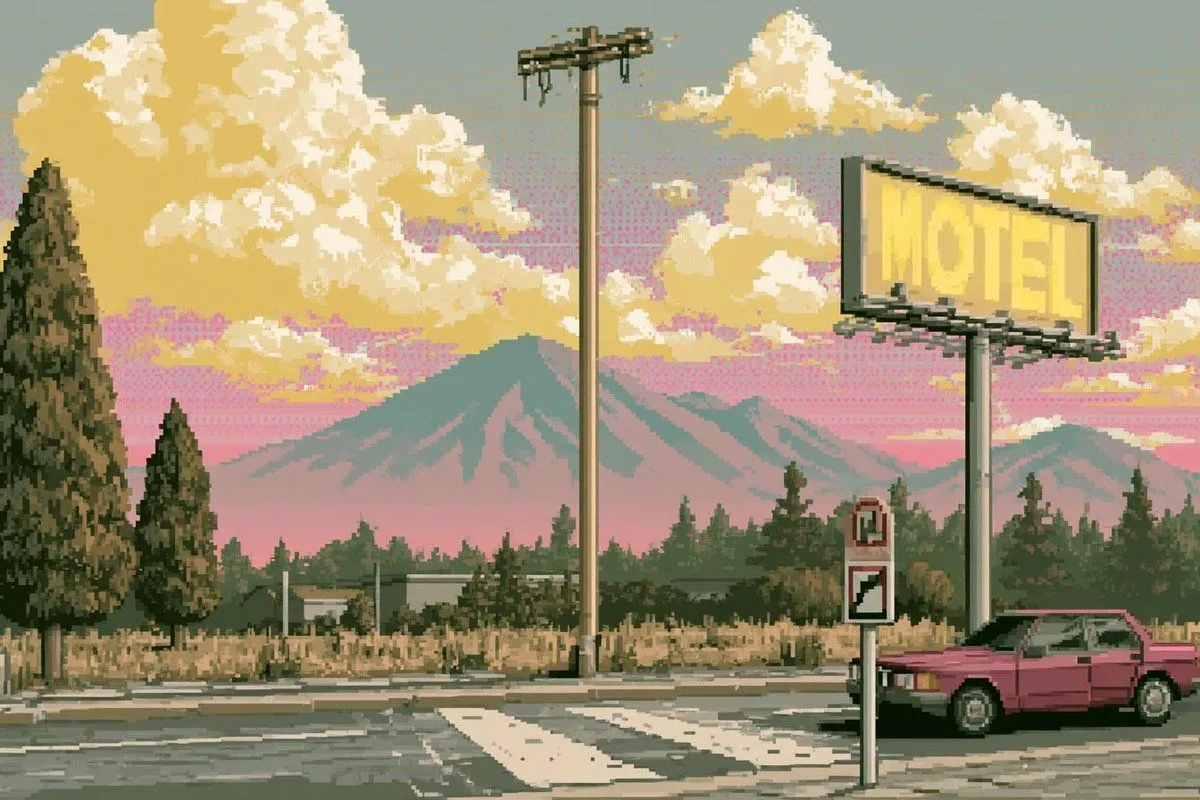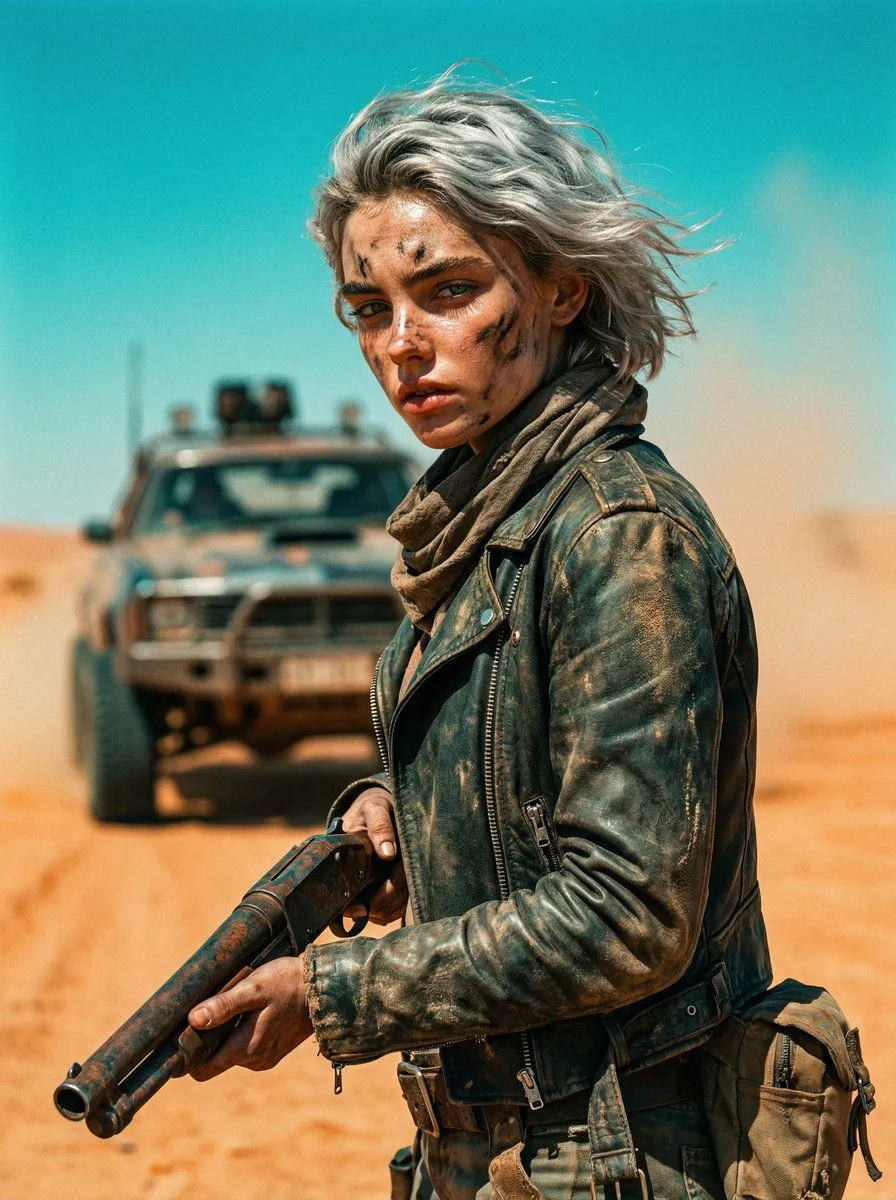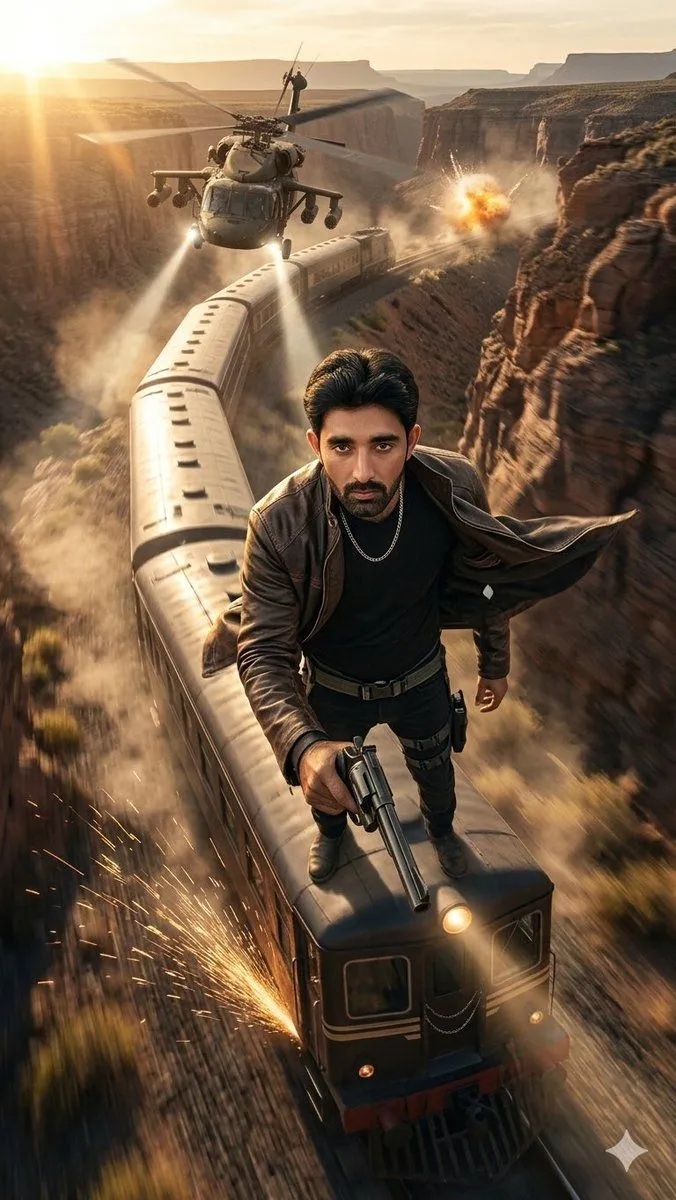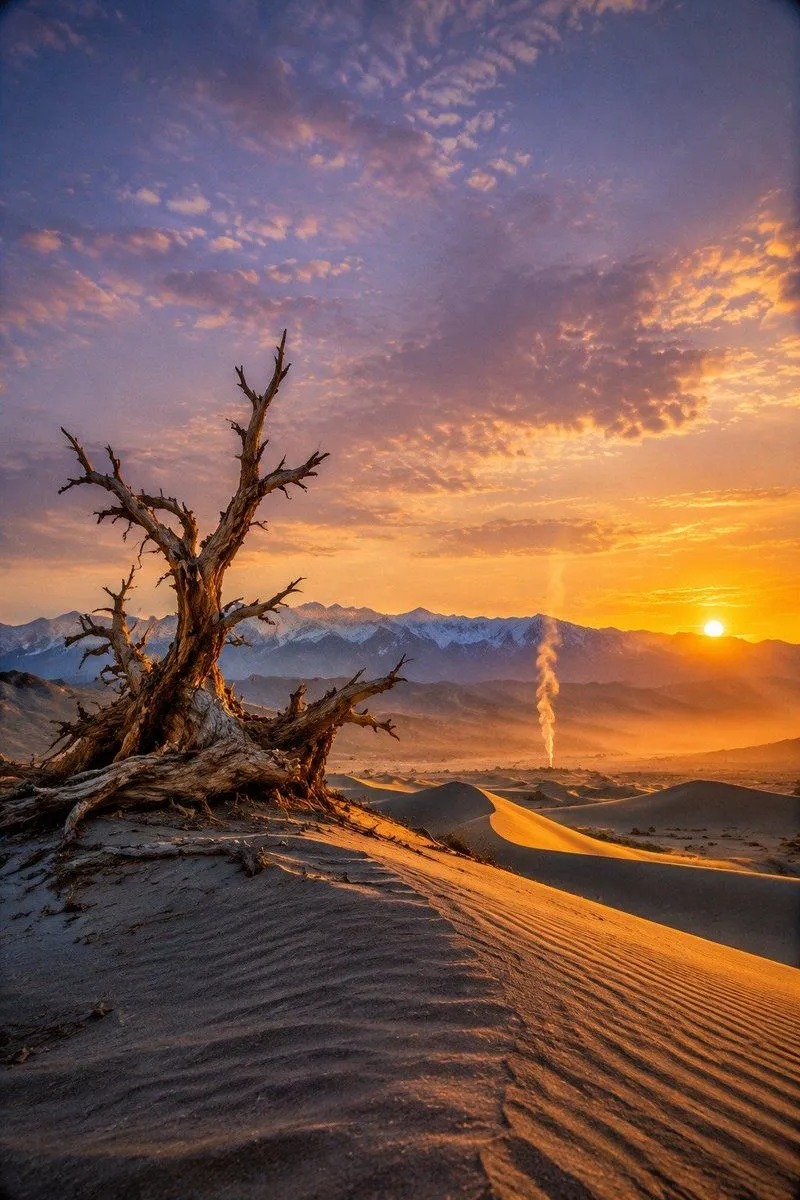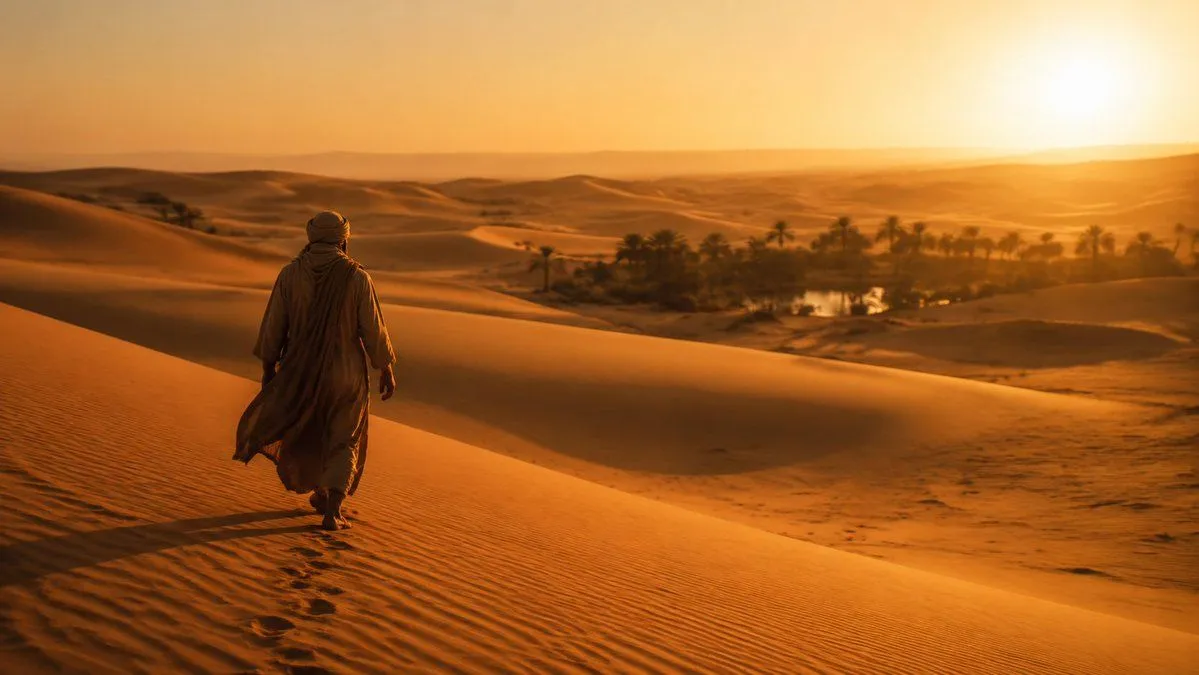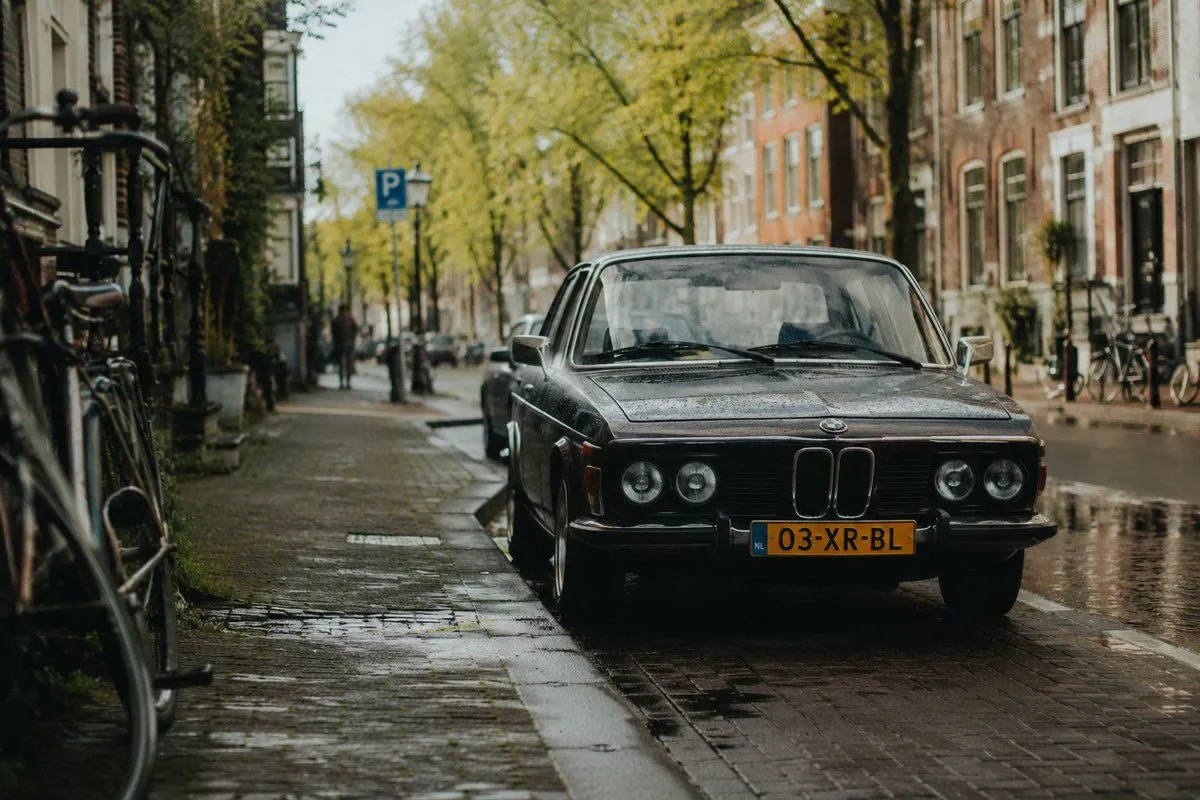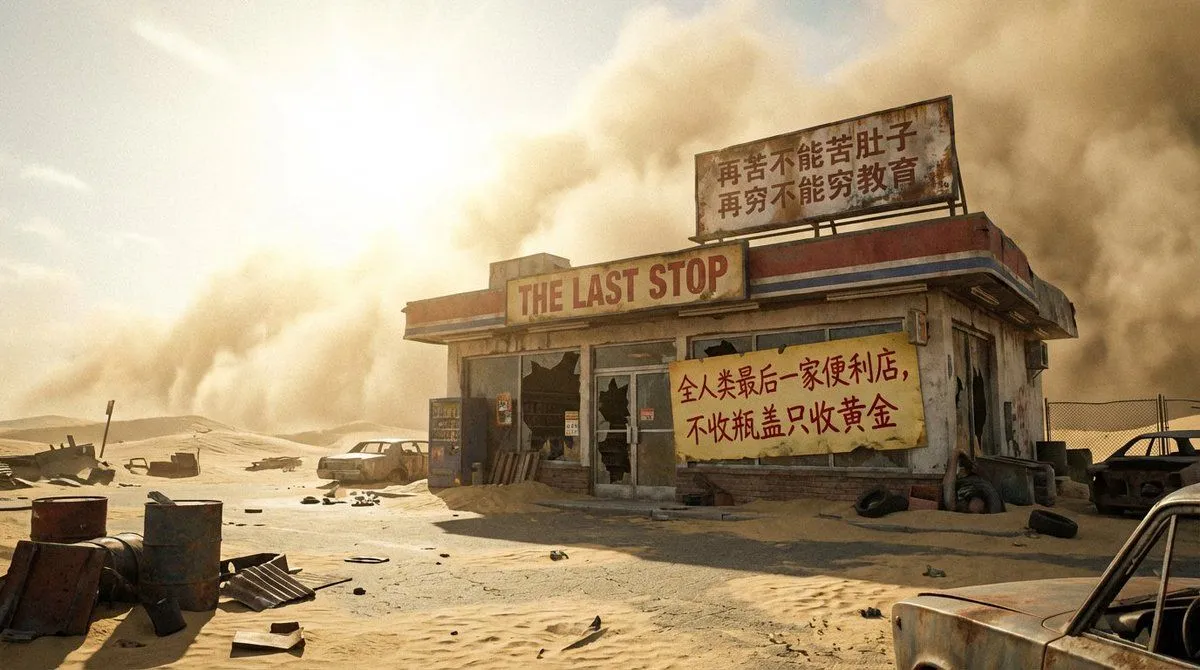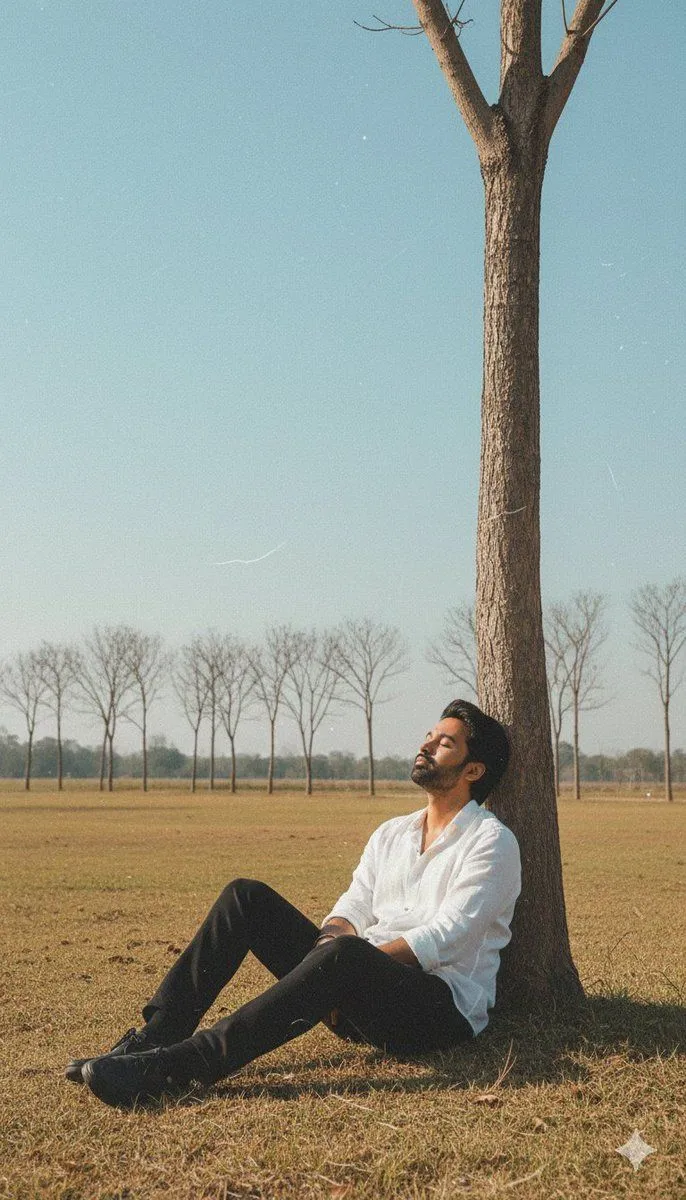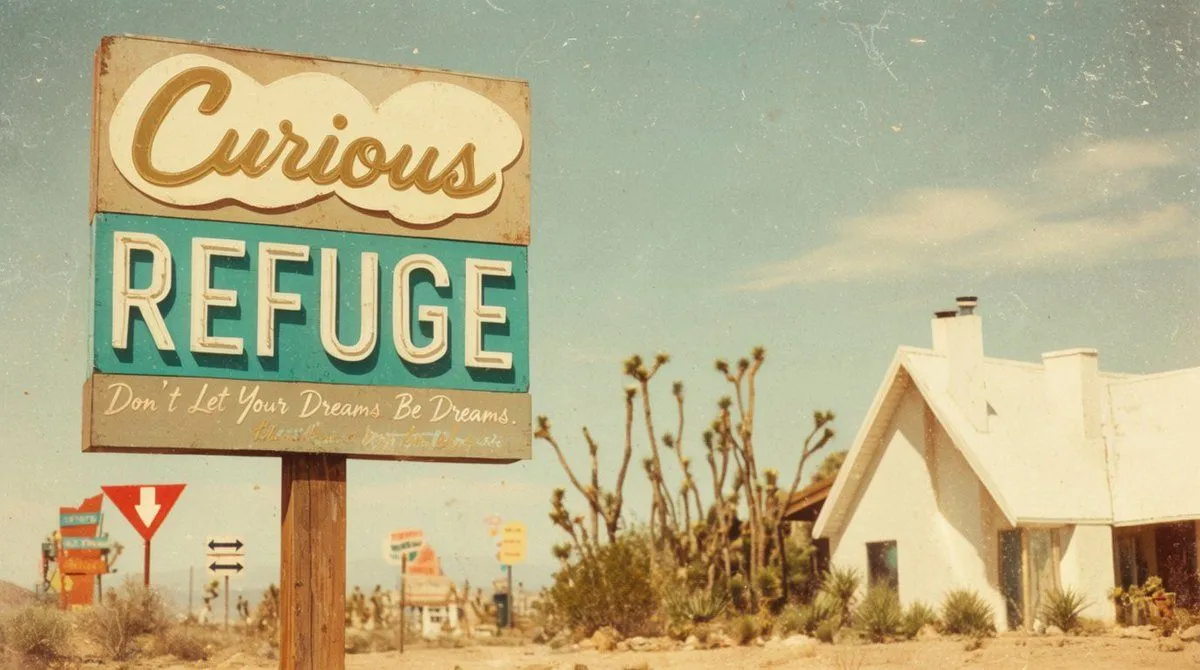
Made with GPT Image 2 in ChatGPT, collected by Library Lifestyle. Promptclay never generates images.
Did it work?
No reports yet. Tell others if it worked for you.
Vintage Desert Refuge Road Sign
Prompt
3 blanks to fillCreate a cinematic vintage roadside photograph in a sun-bleached desert, composed in a wide 16:9 frame with a large weathered motel-style sign dominating the left half of the image and a small white stucco refuge chapel or cabin on the right. The main sign is mounted on two rough wooden posts and has exactly three stacked text panels: a cream cloud-shaped top panel with large cursive script reading {top_sign_text}, a turquoise middle panel with huge off-white block letters reading {main_sign_text}, and a faded gray bottom panel with handwritten cursive reading {bottom_slogan}. Make the sign rusty, chipped, dusty, and slightly faded, with a nostalgic 1960s American desert-road aesthetic. In the background include exactly five smaller roadside signs: one colorful stacked sign far left, one red-and-white yield-style arrow sign, one small black double-arrow direction sign, one blurred orange-and-white sign near the center, and one small yellow sign farther back. Set the scene among dry sand, scrub grass, spiky desert plants, and several Joshua-tree-like branches behind the main sign. The right-side building should be simple, bright white, overexposed by harsh sunlight, with a steep roof, two chimneys, a dark doorway, and desert plants along its base. Use a pale blue sky with wispy clouds, warm golden haze, shallow depth of field, analog film grain, scratches, dust specks, faded colors, slight vignetting, and a dreamy retro travel-postcard look. Avoid modern cars, people, logos, or crisp digital sharpness.
Preview of your prompt
Create a cinematic vintage roadside photograph in a sun-bleached desert, composed in a wide 16:9 frame with a large weathered motel-style sign dominating the left half of the image and a small white stucco refuge chapel or cabin on the right. The main sign is mounted on two rough wooden posts and has exactly three stacked text panels: a cream cloud-shaped top panel with large cursive script reading Curious, a turquoise middle panel with huge off-white block letters reading REFUGE, and a faded gray bottom panel with handwritten cursive reading Don’t Let Your Dreams Be Dreams.. Make the sign rusty, chipped, dusty, and slightly faded, with a nostalgic 1960s American desert-road aesthetic. In the background include exactly five smaller roadside signs: one colorful stacked sign far left, one red-and-white yield-style arrow sign, one small black double-arrow direction sign, one blurred orange-and-white sign near the center, and one small yellow sign farther back. Set the scene among dry sand, scrub grass, spiky desert plants, and several Joshua-tree-like branches behind the main sign. The right-side building should be simple, bright white, overexposed by harsh sunlight, with a steep roof, two chimneys, a dark doorway, and desert plants along its base. Use a pale blue sky with wispy clouds, warm golden haze, shallow depth of field, analog film grain, scratches, dust specks, faded colors, slight vignetting, and a dreamy retro travel-postcard look. Avoid modern cars, people, logos, or crisp digital sharpness.
DetailsVersions, settings and questions
Written for
What's in the prompt
- Subject
- Model
- GPT Image 2
If your face changes
keep my face exactly the sameQuestions
- Does this work in the ChatGPT app?
- Yes. Paste the prompt and attach your photo if it uses one.
- It changed my face. What do I do?
- Add "keep my face exactly the same" to the end and run it again.
- Can I use the images I make?
- Check the terms of the app you use. Promptclay never generates images and claims nothing you make.