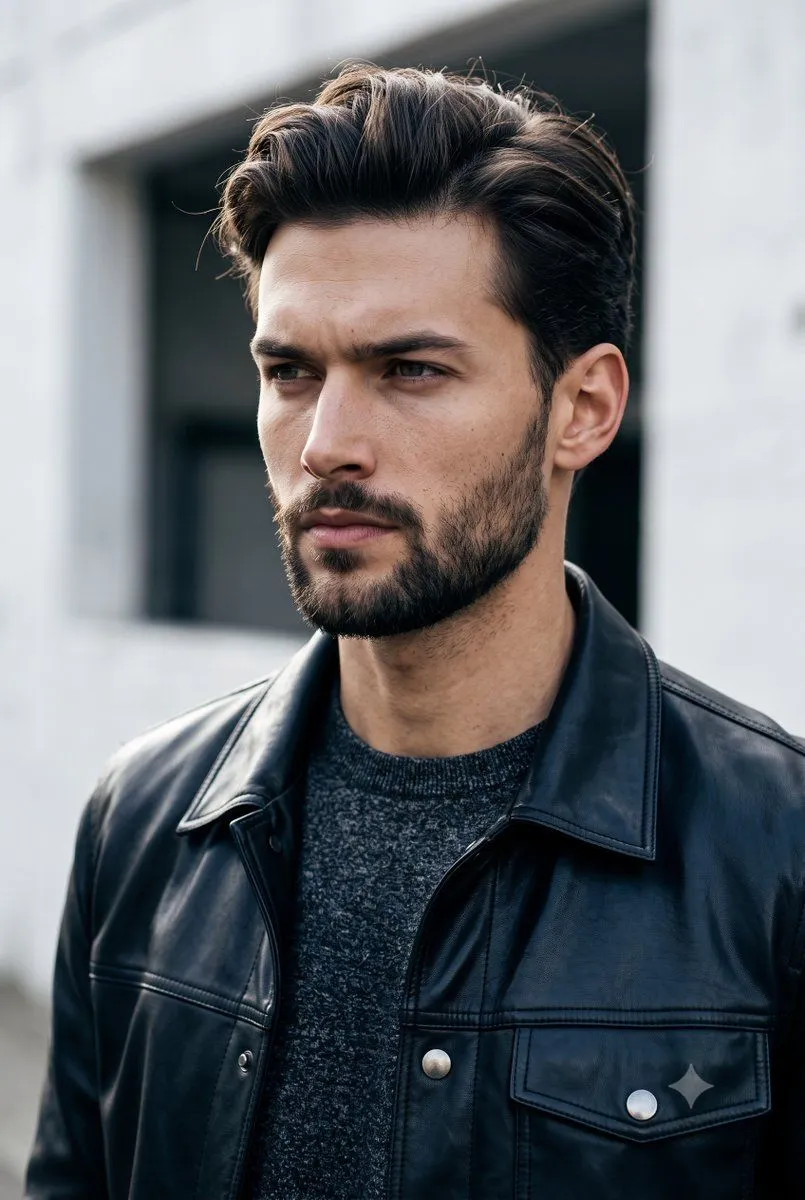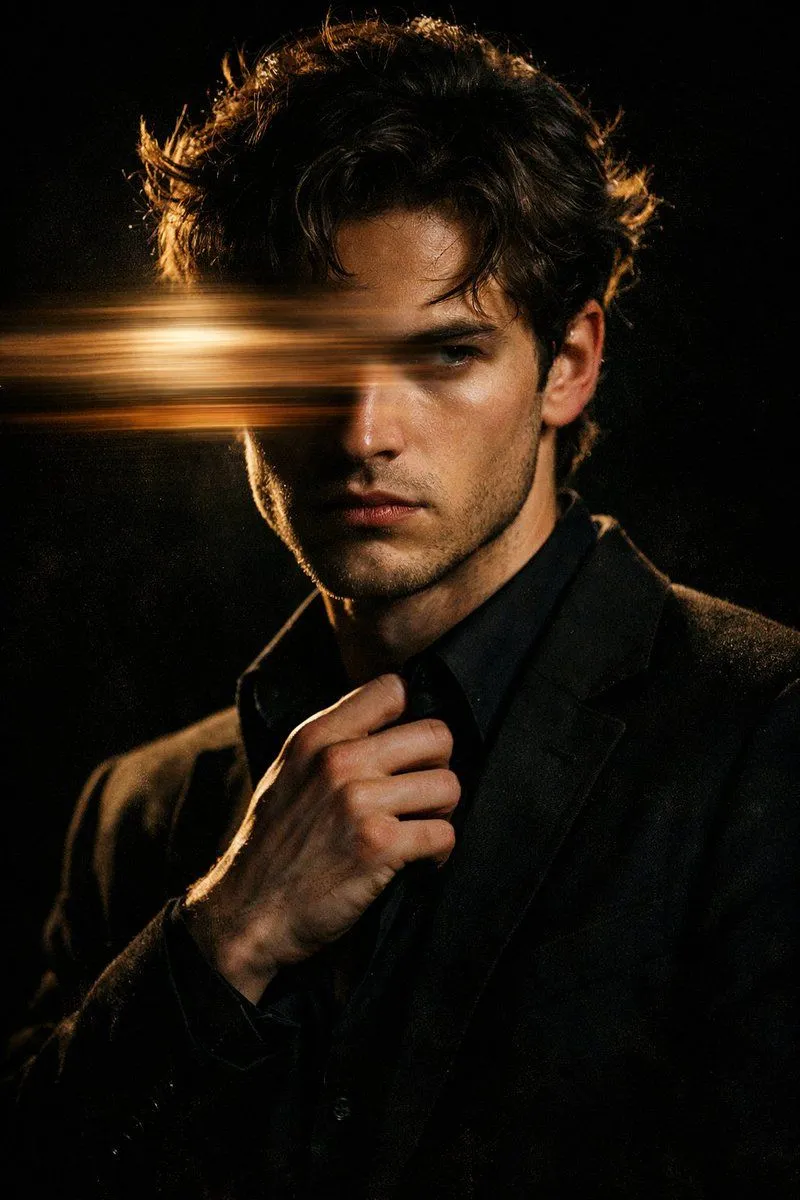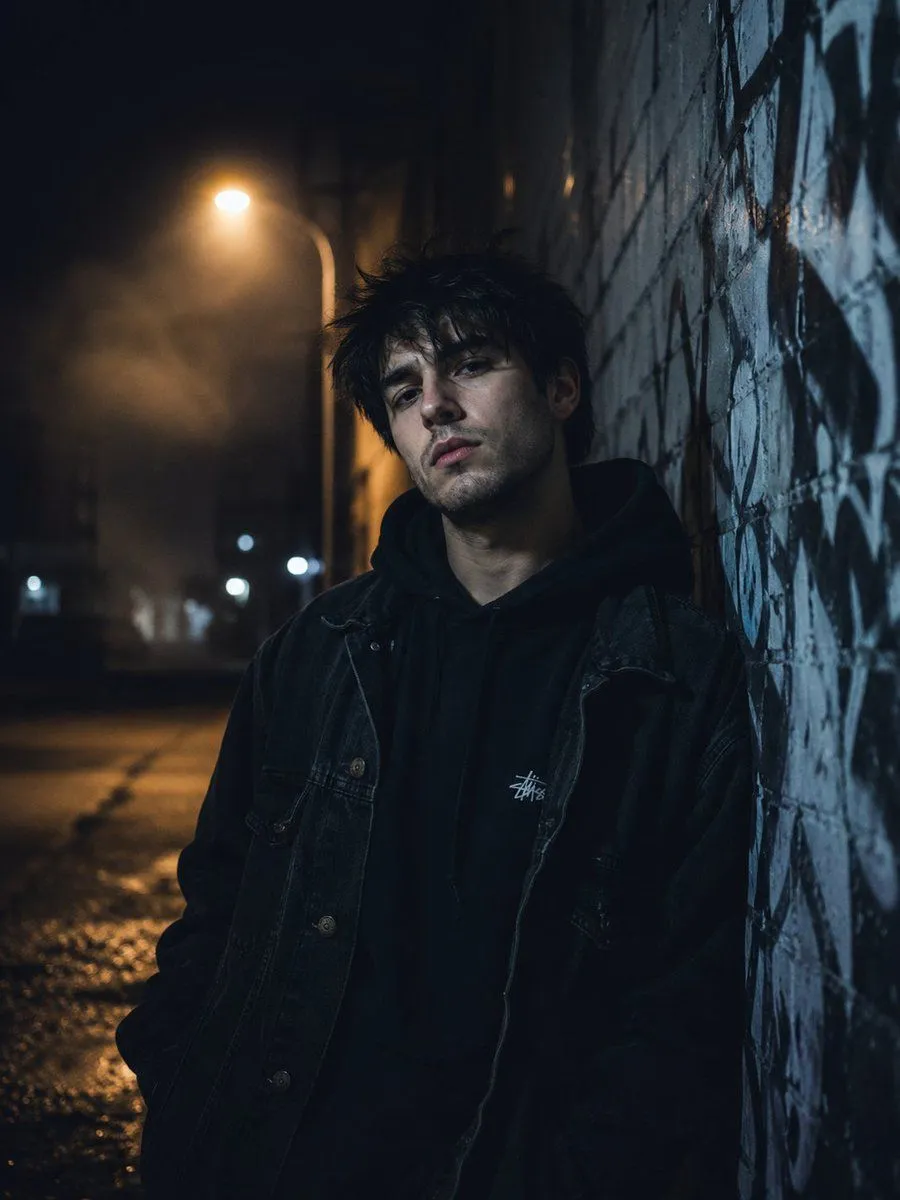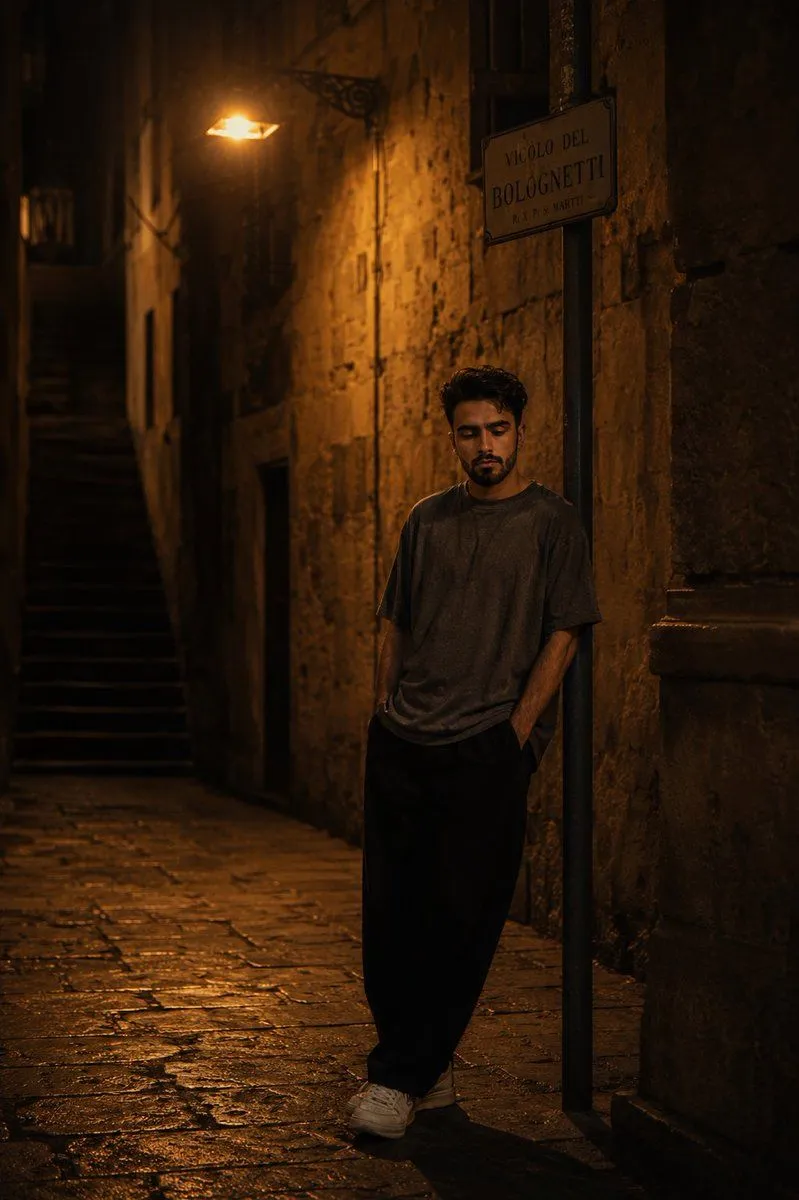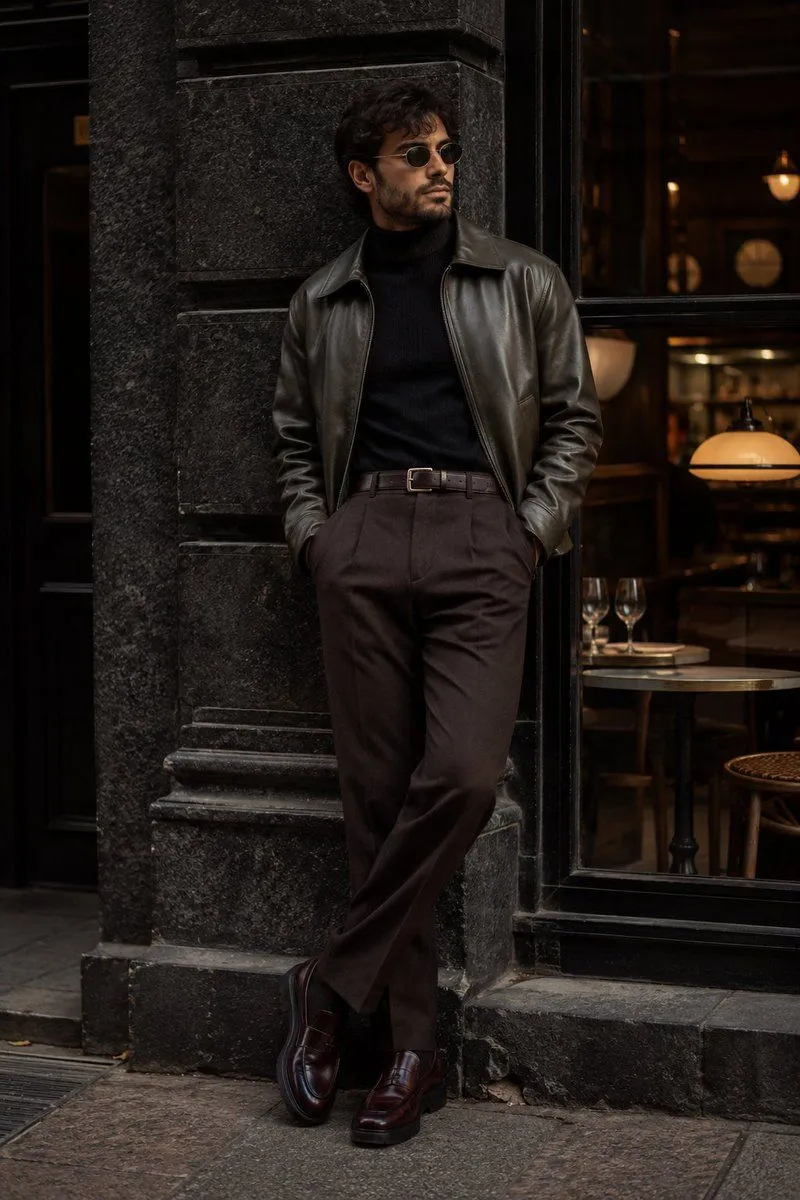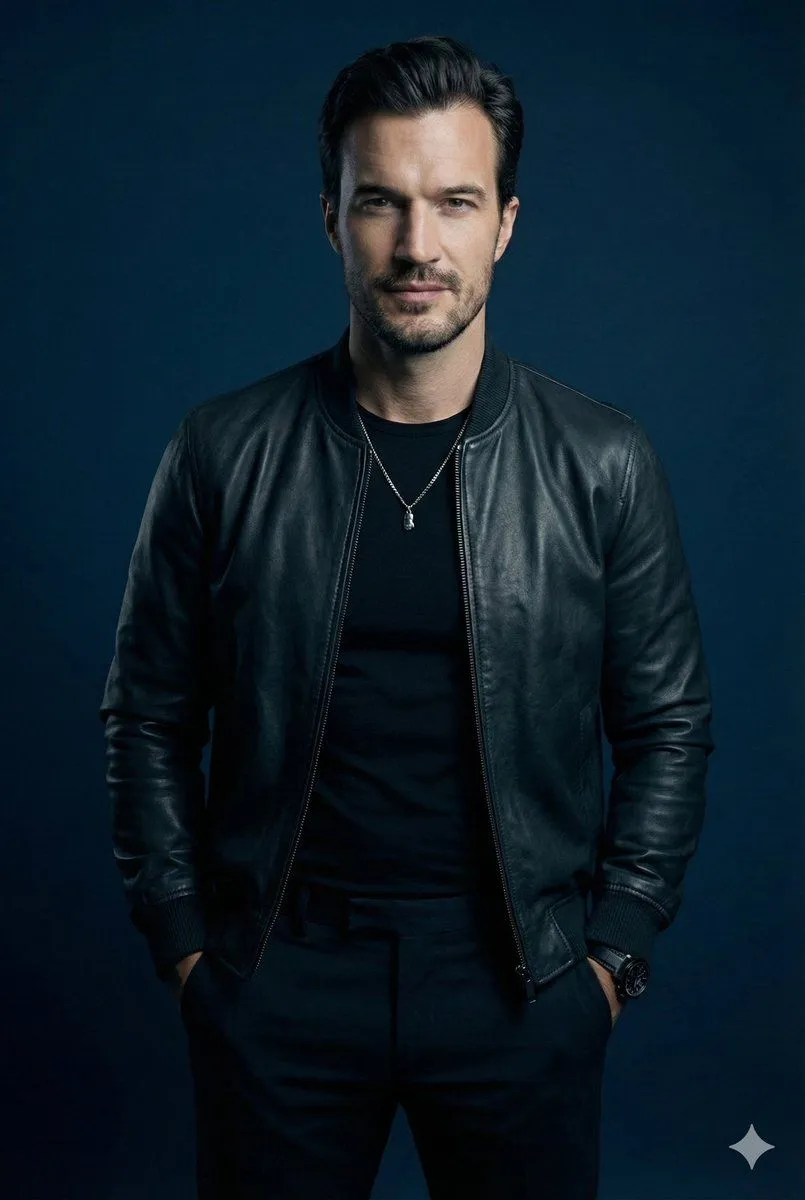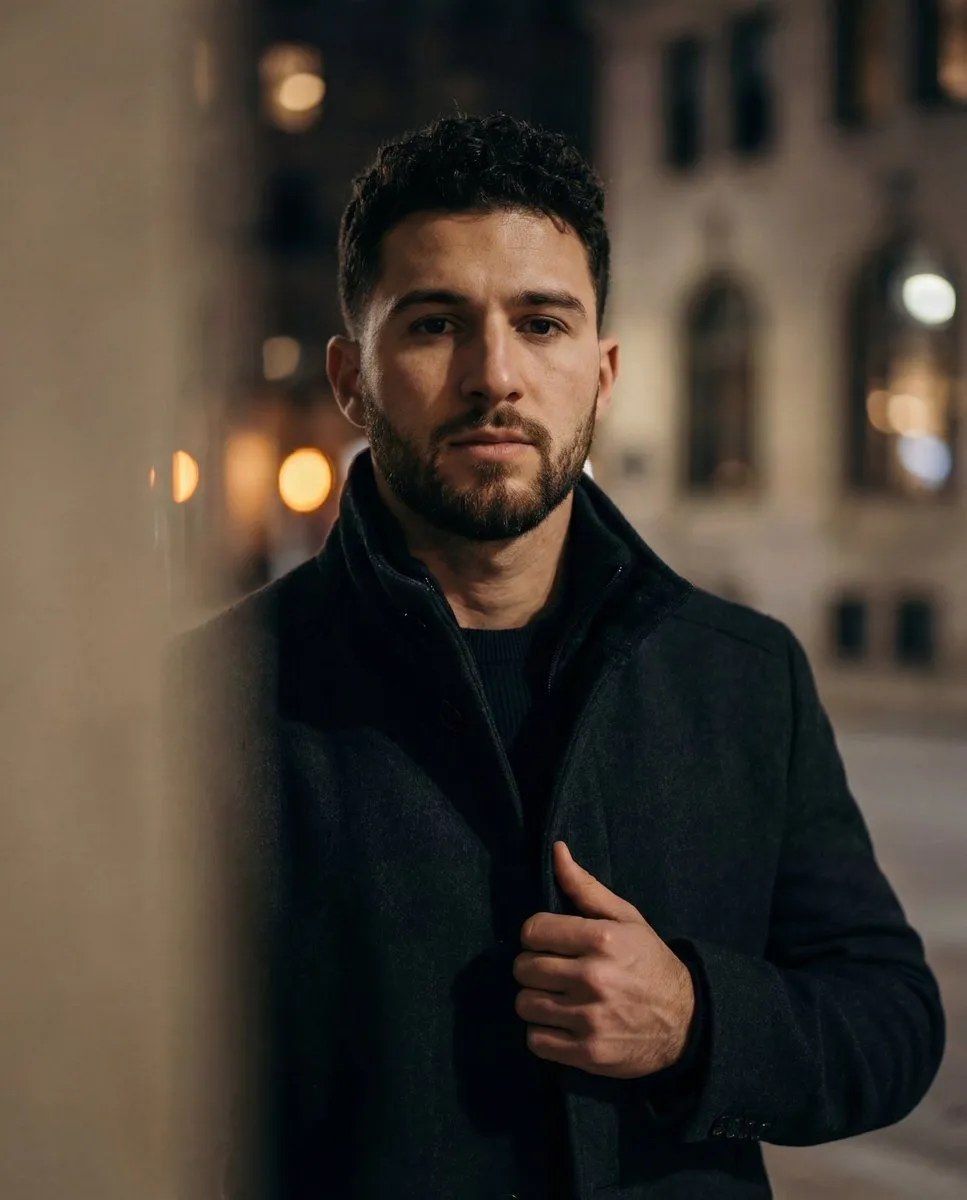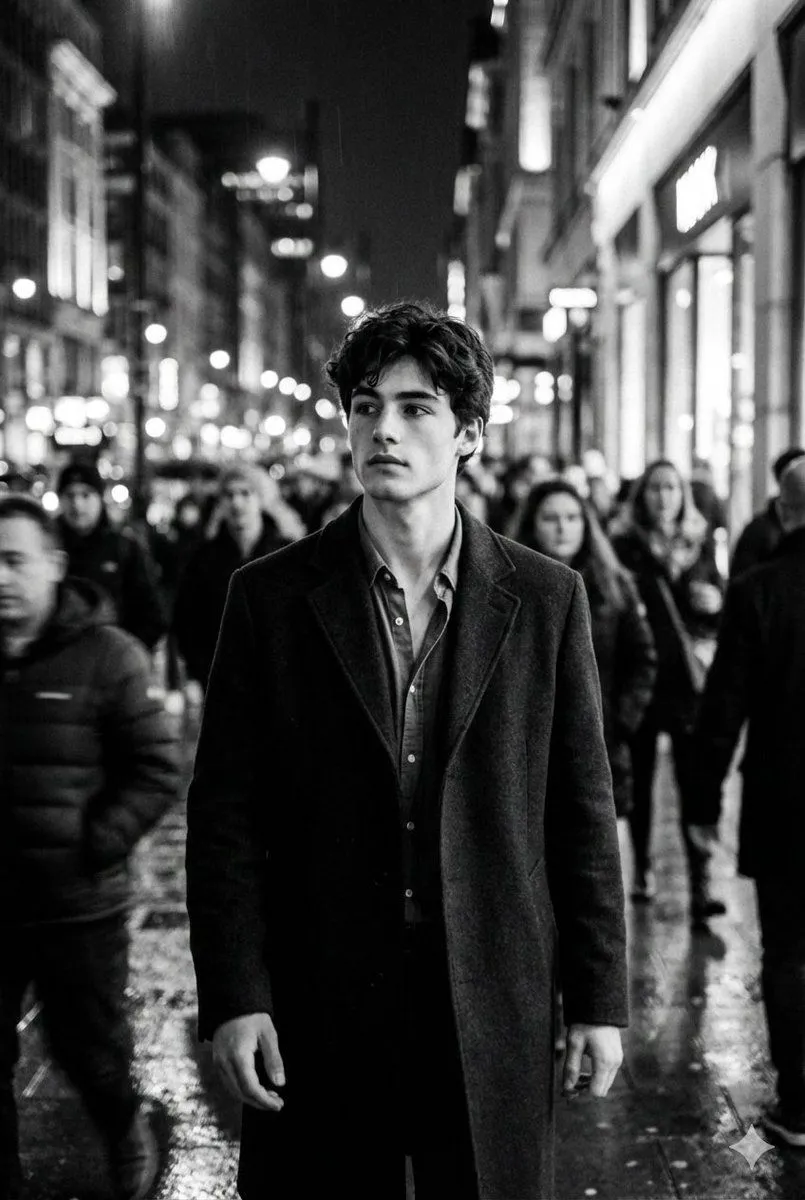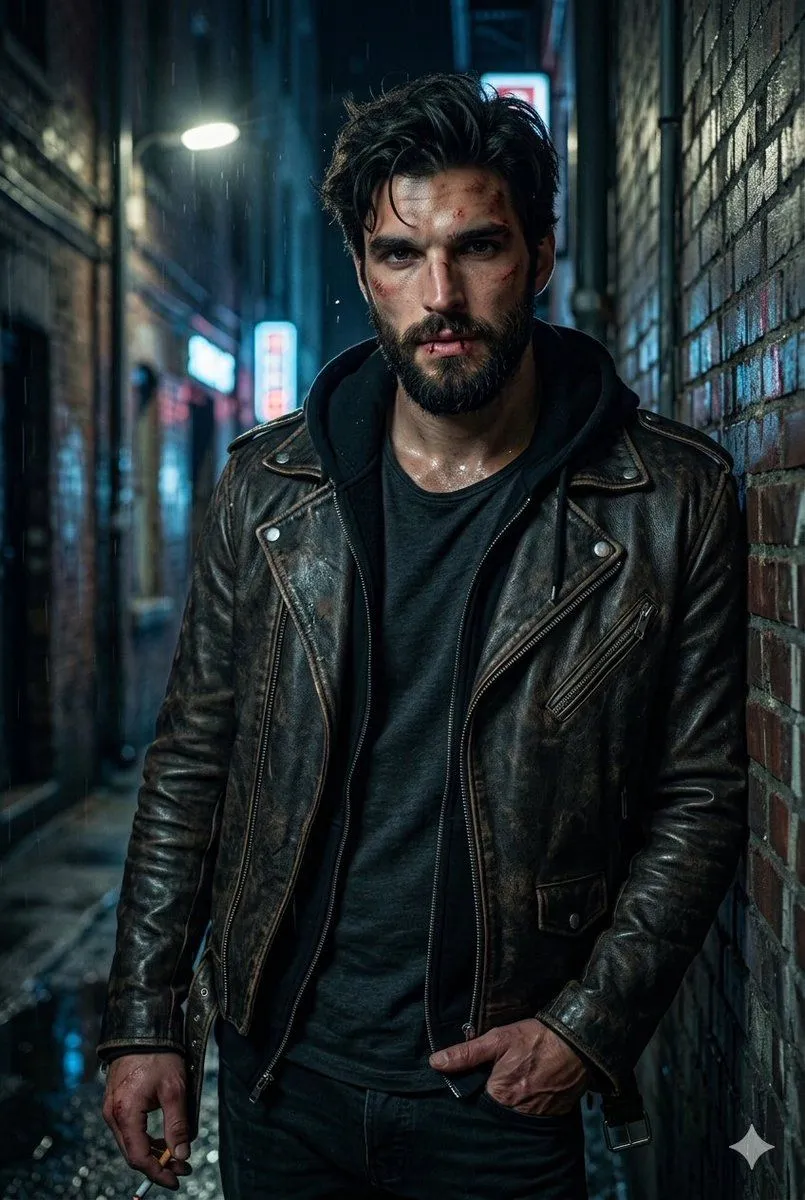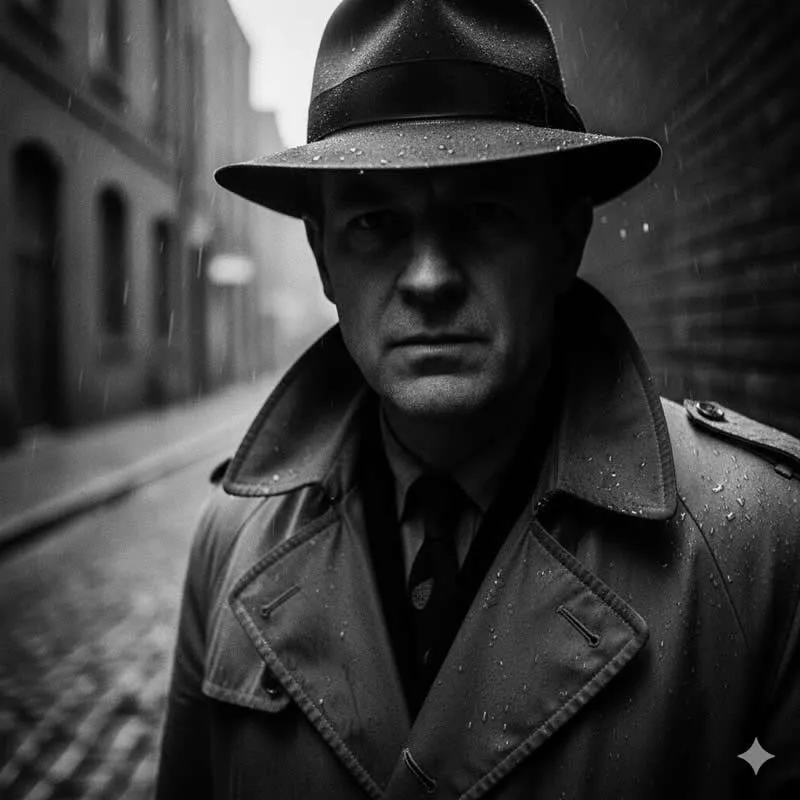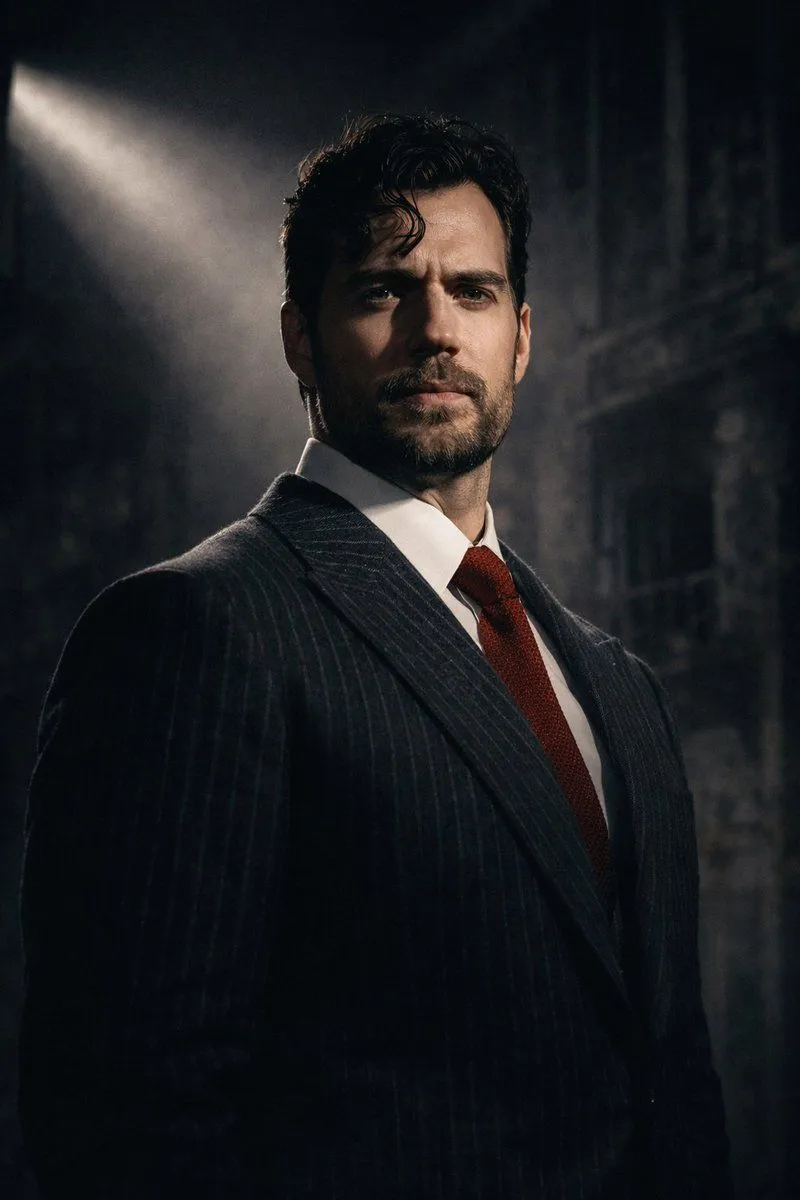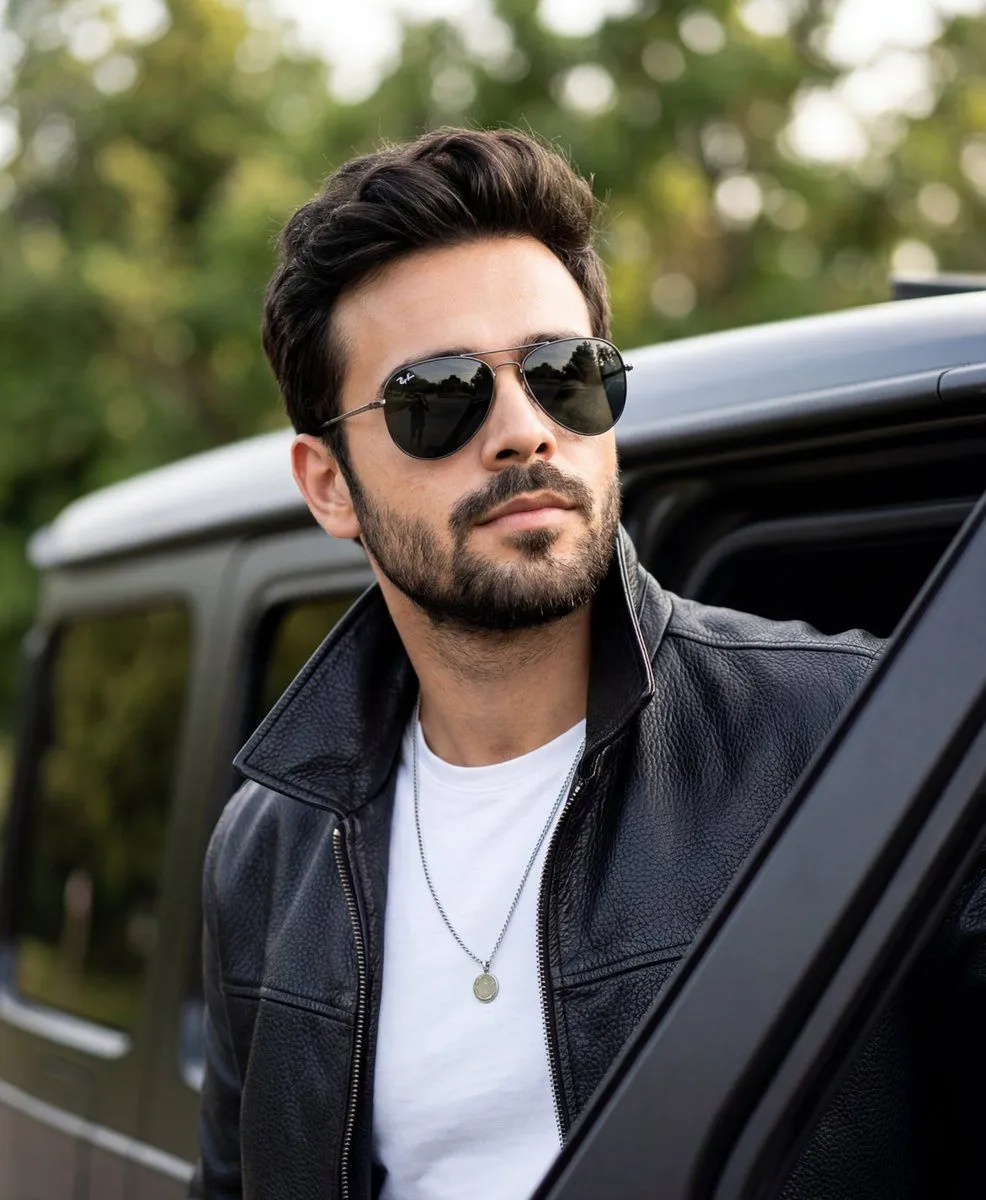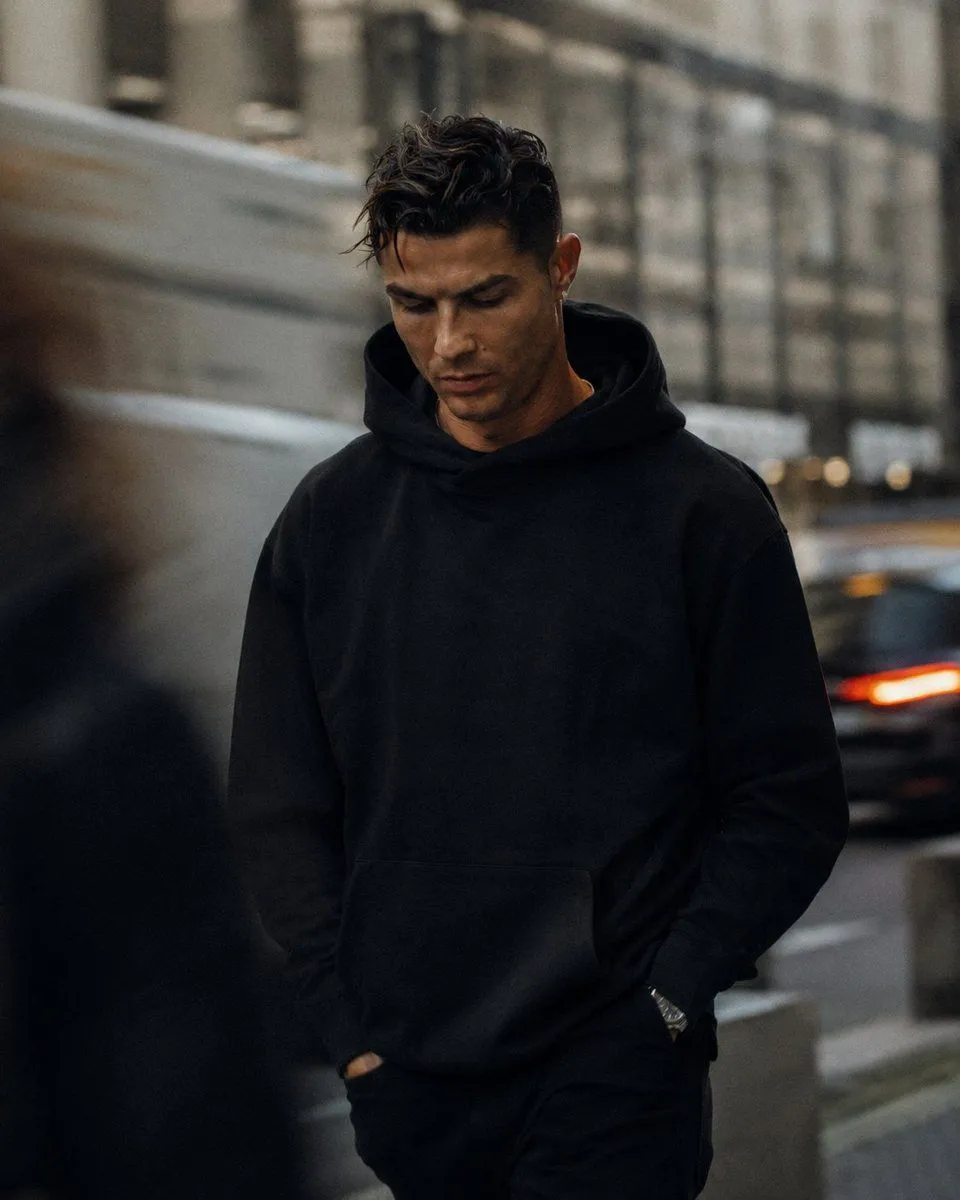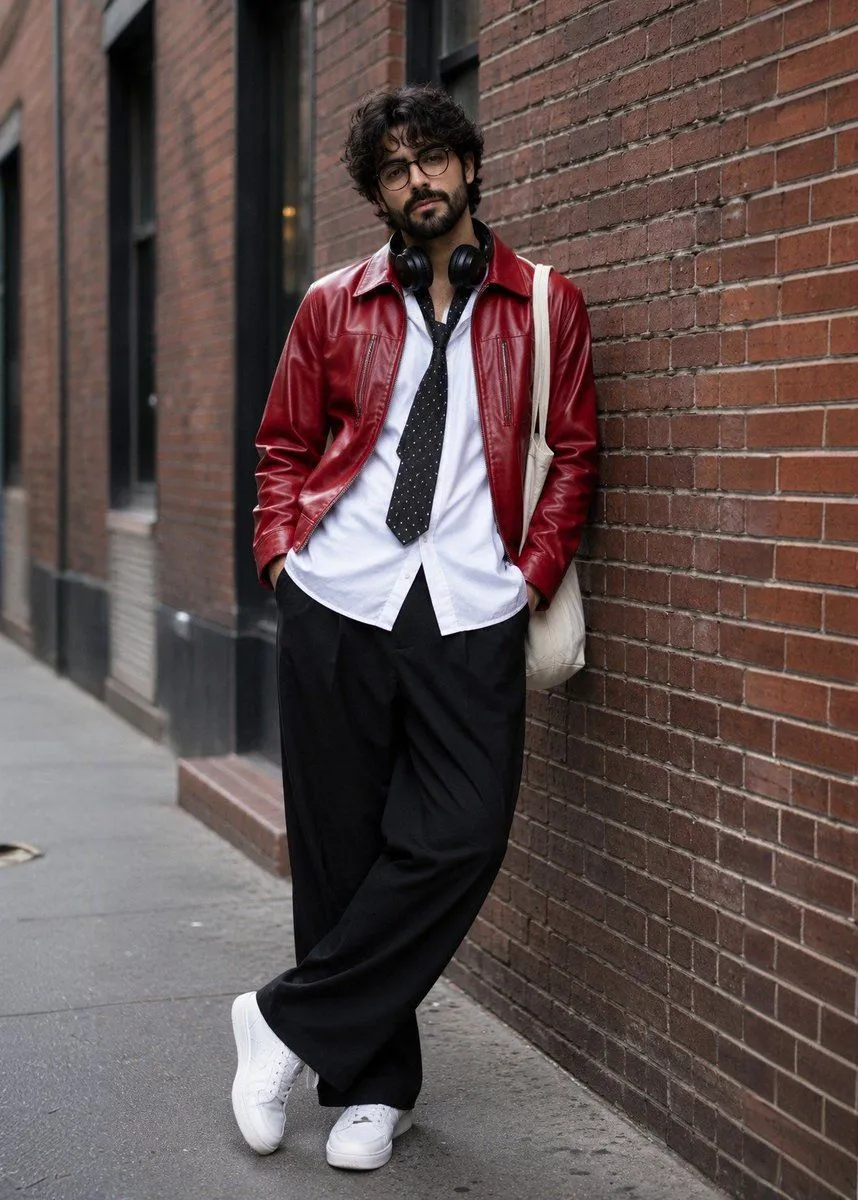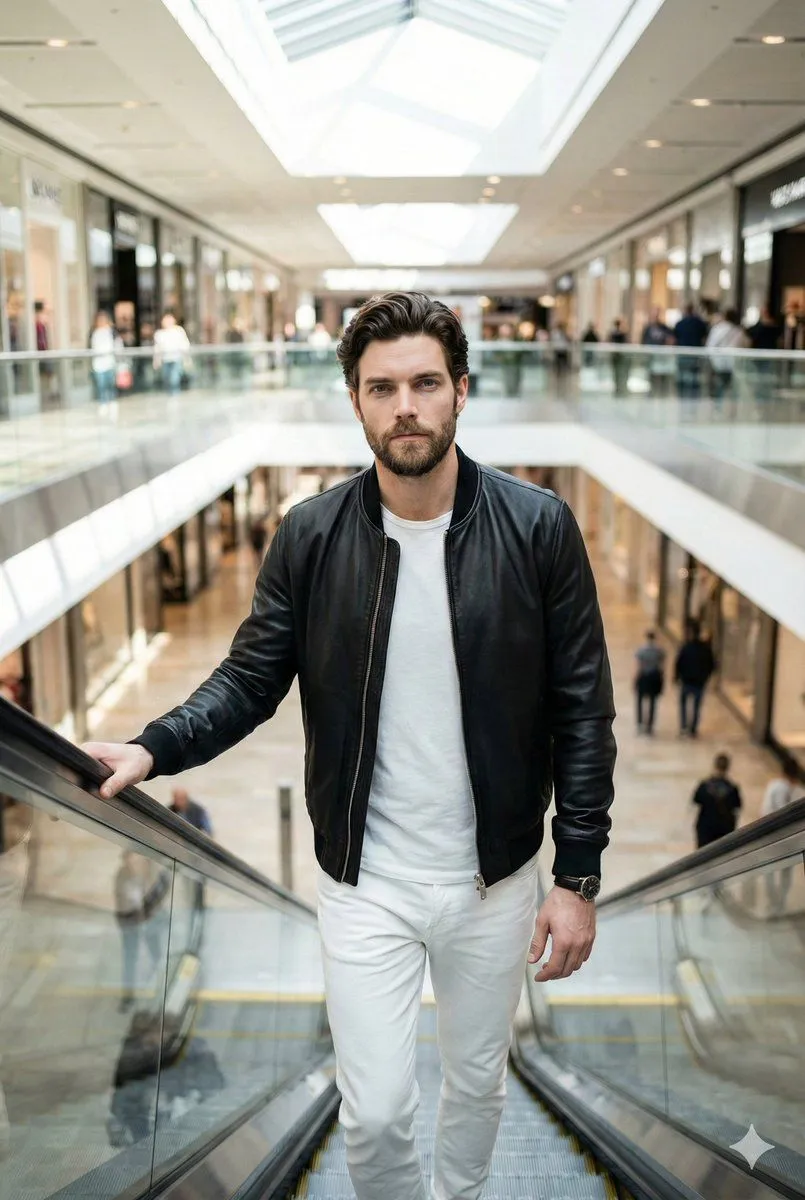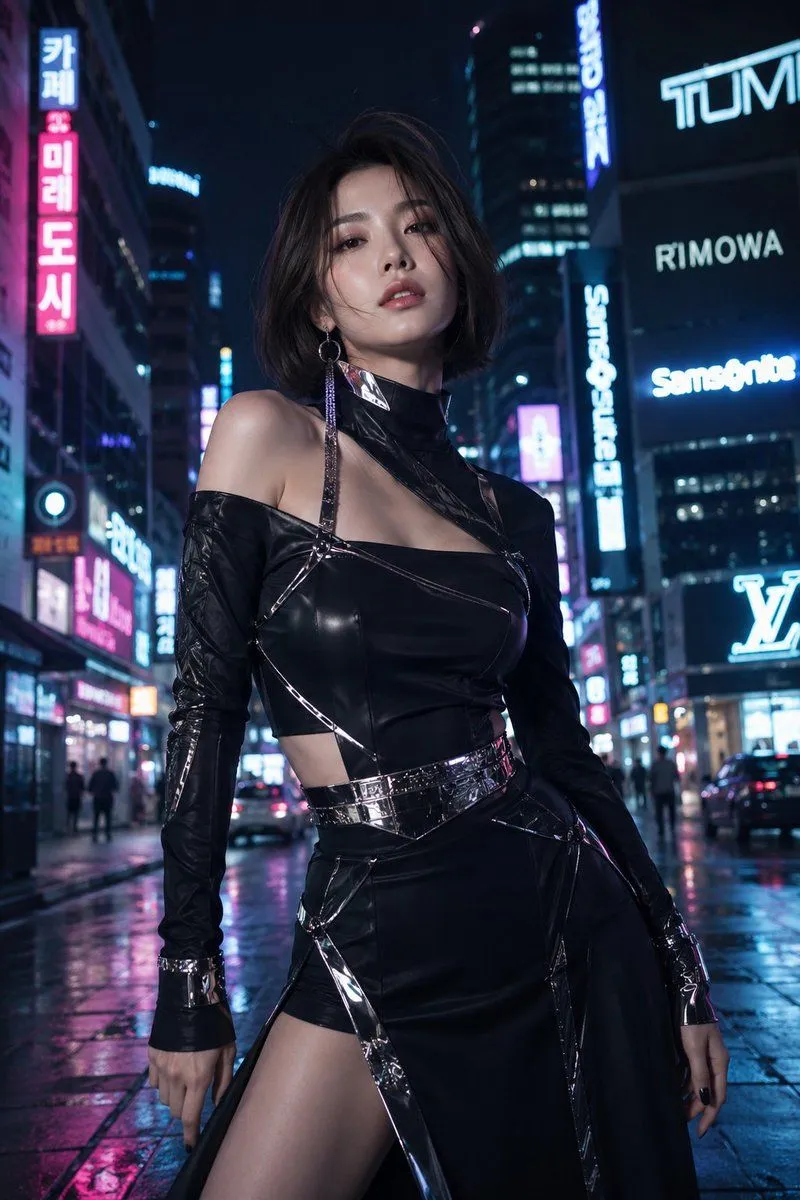
Made with GPT Image 2 in ChatGPT by Library Lifestyle. Promptclay never generates images.
Did it work?
No reports yet. Tell others if it worked for you.
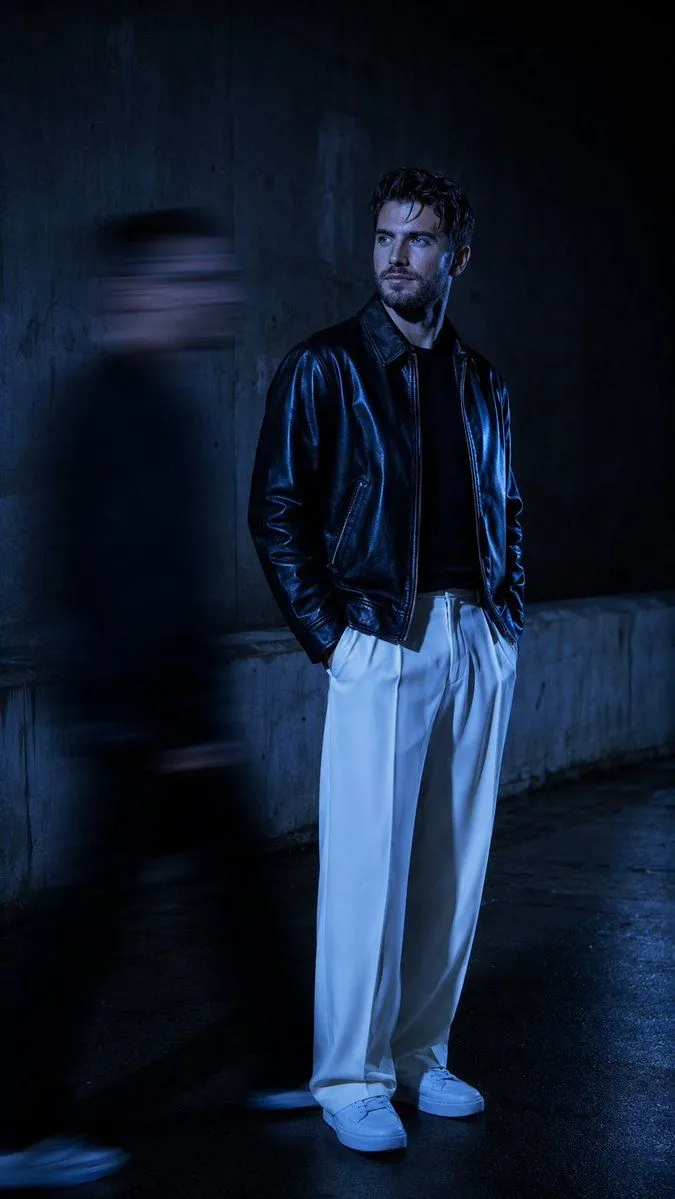
Urban Alley Night Portrait with Motion Blur
Prompt
3 blanks to fillUltra-realistic cinematic night portrait, standing in a {location}. The subject is wearing a {outfit}. Hands casually in pockets, body slightly turned, face looking sideways (profile view) with a calm, mysterious expression. Lighting is deep blue cinematic low-key lighting, high contrast shadows, with a strong cold blue color grade dominating the entire scene. A soft directional light hits the face from the side, creating sharp highlights and deep shadows. Add a motion-blurred {blur_element} passing beside the subject (left side), captured with long exposure effect, creating streaked blur while the main subject remains perfectly sharp and in focus. Background is a dark, empty concrete wall or alley with minimal texture, slightly out of focus. Atmosphere is moody, mysterious, luxury editorial style. Shot on 50mm lens, shallow depth of field, ultra-detailed skin texture
Preview of your prompt
Ultra-realistic cinematic night portrait, standing in a dark urban alley or industrial concrete street. The subject is wearing a glossy black leather bomber jacket and loose oversized white trousers with white sneakers. Hands casually in pockets, body slightly turned, face looking sideways (profile view) with a calm, mysterious expression. Lighting is deep blue cinematic low-key lighting, high contrast shadows, with a strong cold blue color grade dominating the entire scene. A soft directional light hits the face from the side, creating sharp highlights and deep shadows. Add a motion-blurred human silhouette passing beside the subject (left side), captured with long exposure effect, creating streaked blur while the main subject remains perfectly sharp and in focus. Background is a dark, empty concrete wall or alley with minimal texture, slightly out of focus. Atmosphere is moody, mysterious, luxury editorial style. Shot on 50mm lens, shallow depth of field, ultra-detailed skin texture
DetailsVersions, settings and questions
Written for
What's in the prompt
- Subject
- Model
- GPT Image 2
If your face changes
keep my face exactly the sameQuestions
- Does this work in the ChatGPT app?
- Yes. Paste the prompt and attach your photo if it uses one.
- It changed my face. What do I do?
- Add "keep my face exactly the same" to the end and run it again.
- Can I use the images I make?
- Check the terms of the app you use. Promptclay never generates images and claims nothing you make.