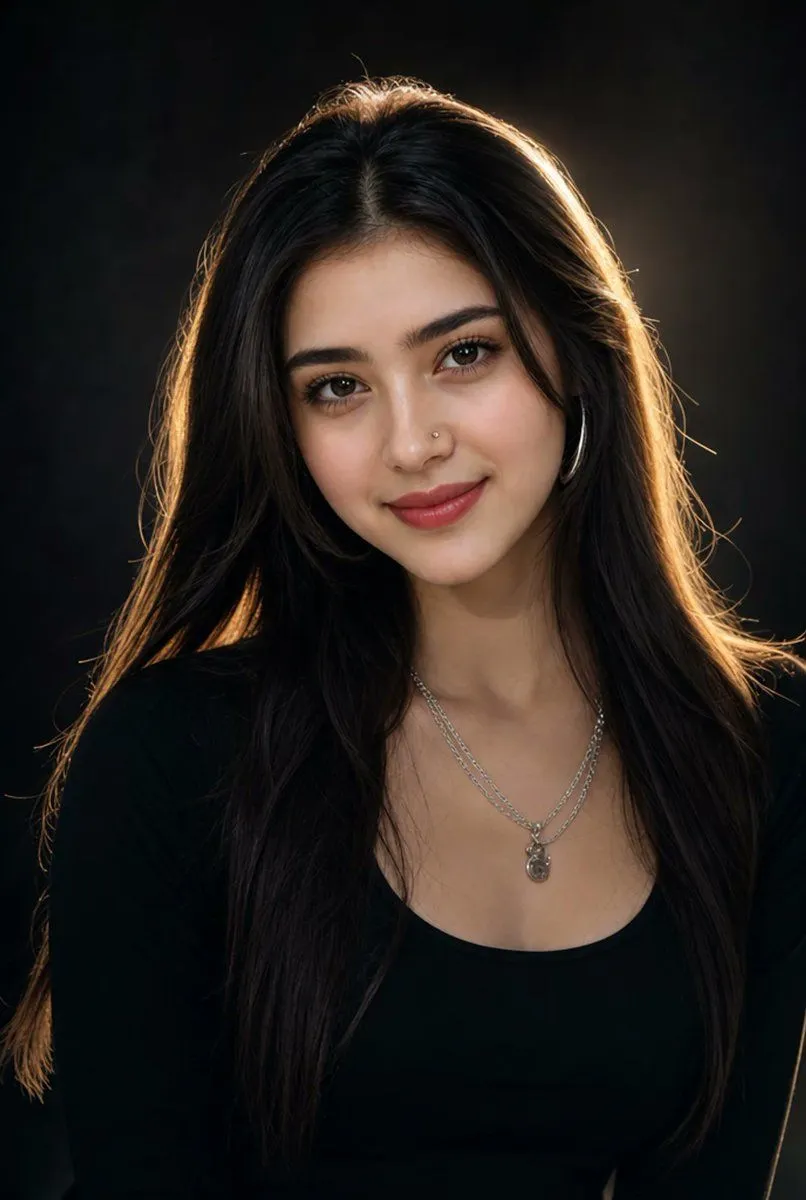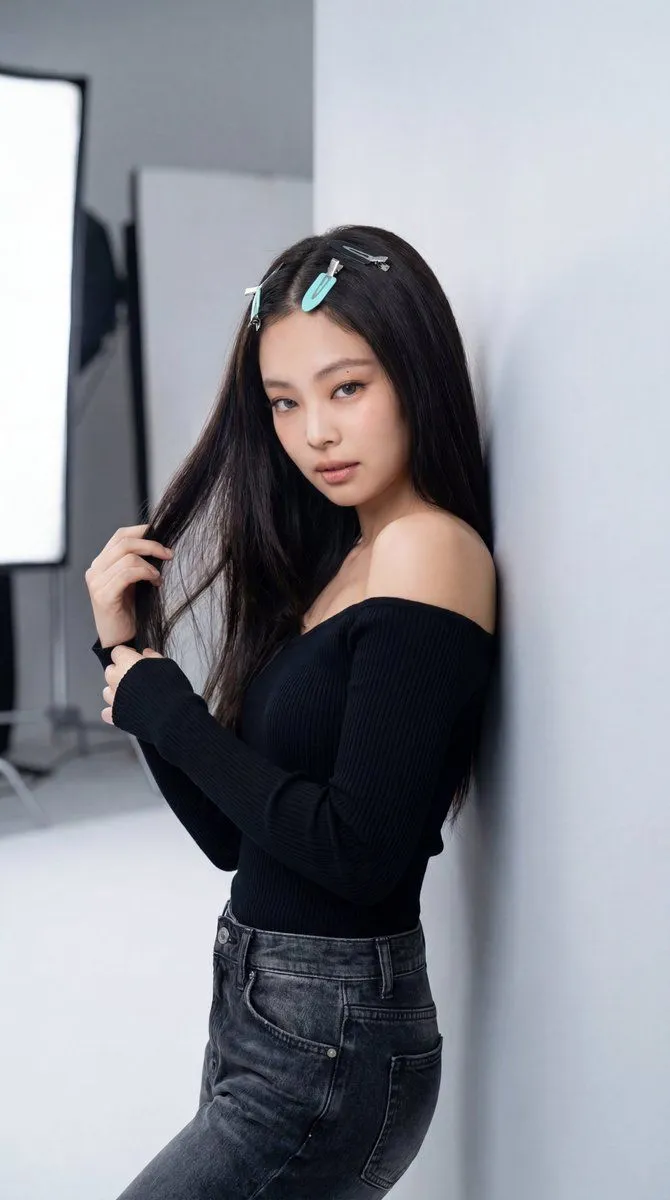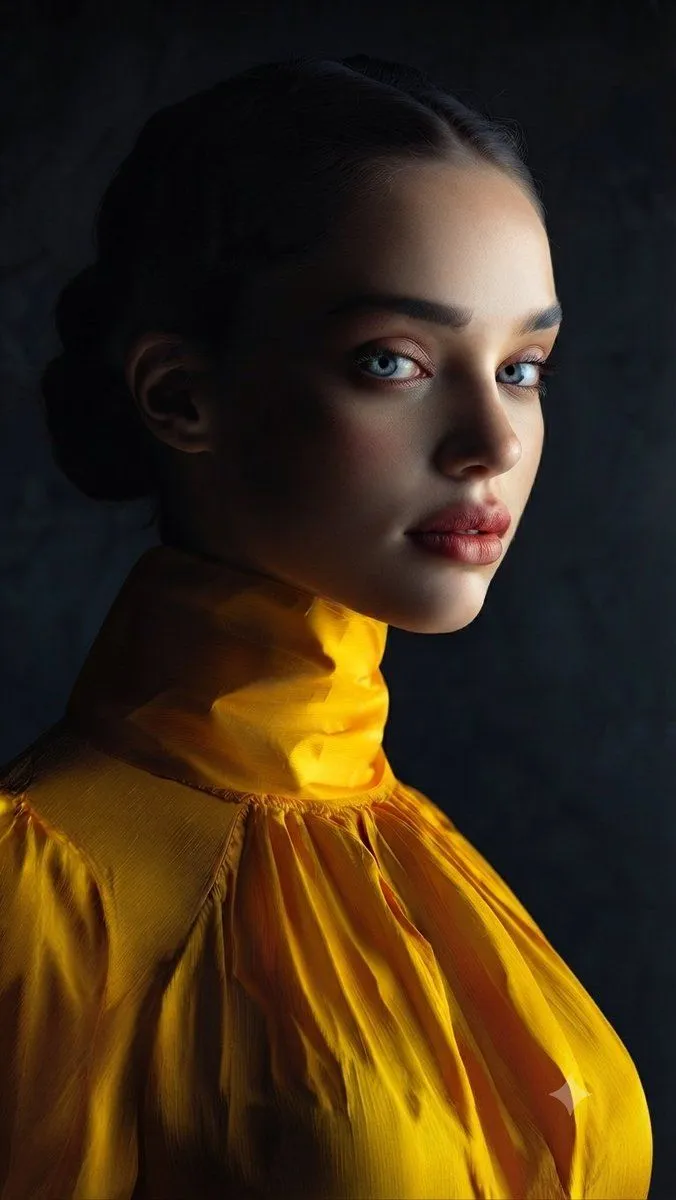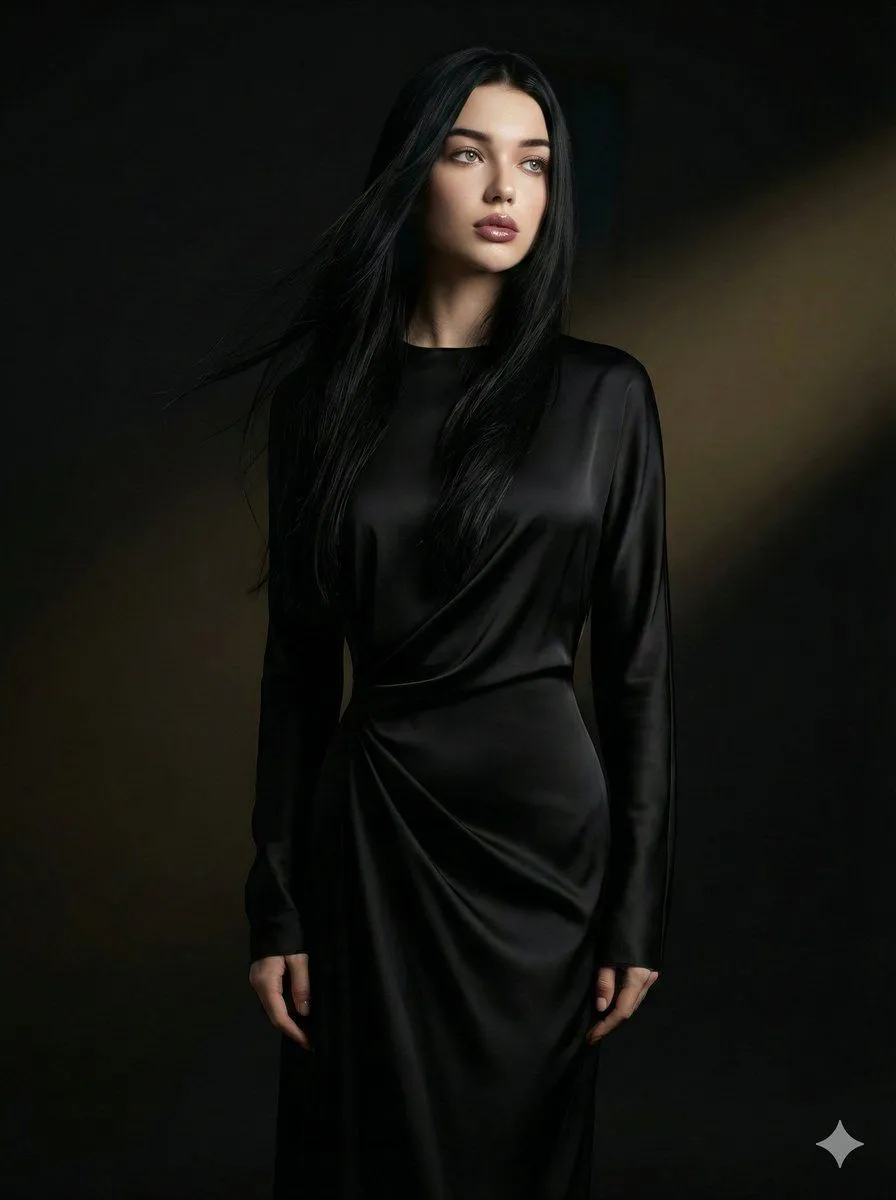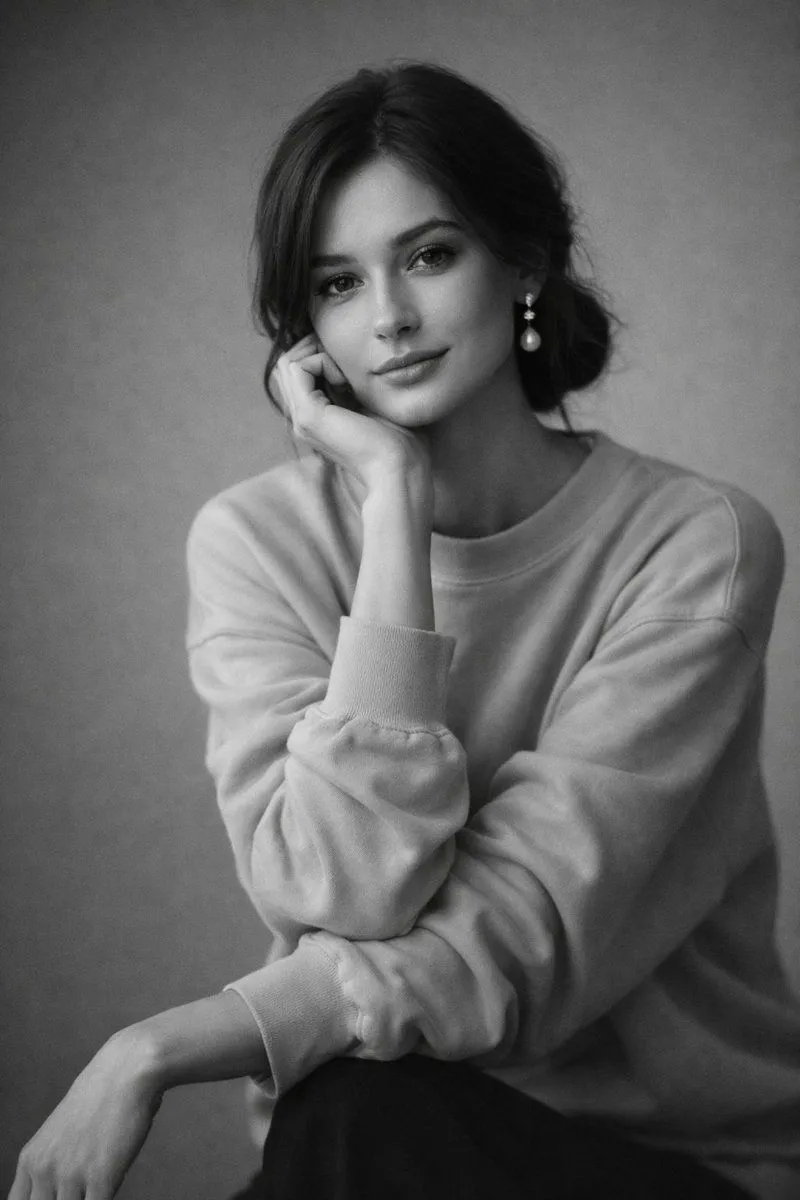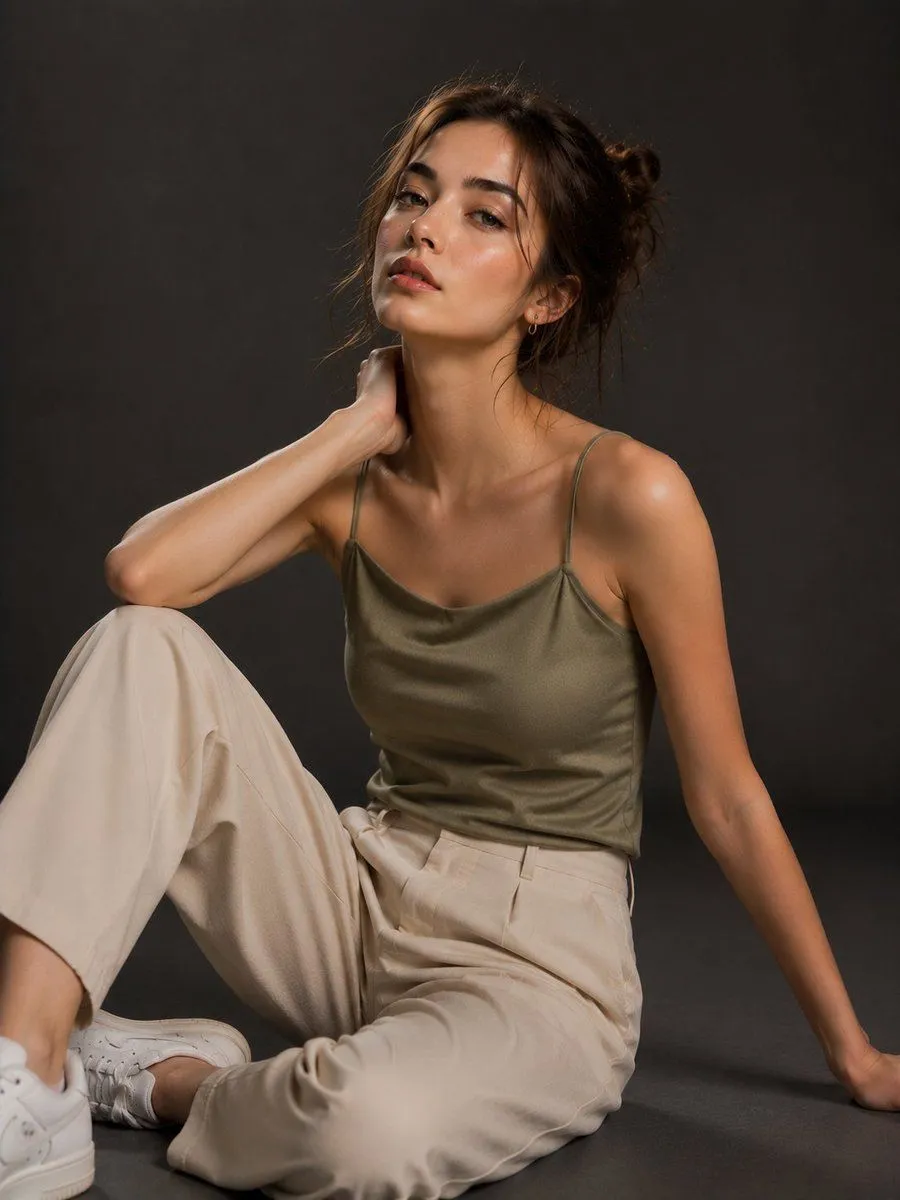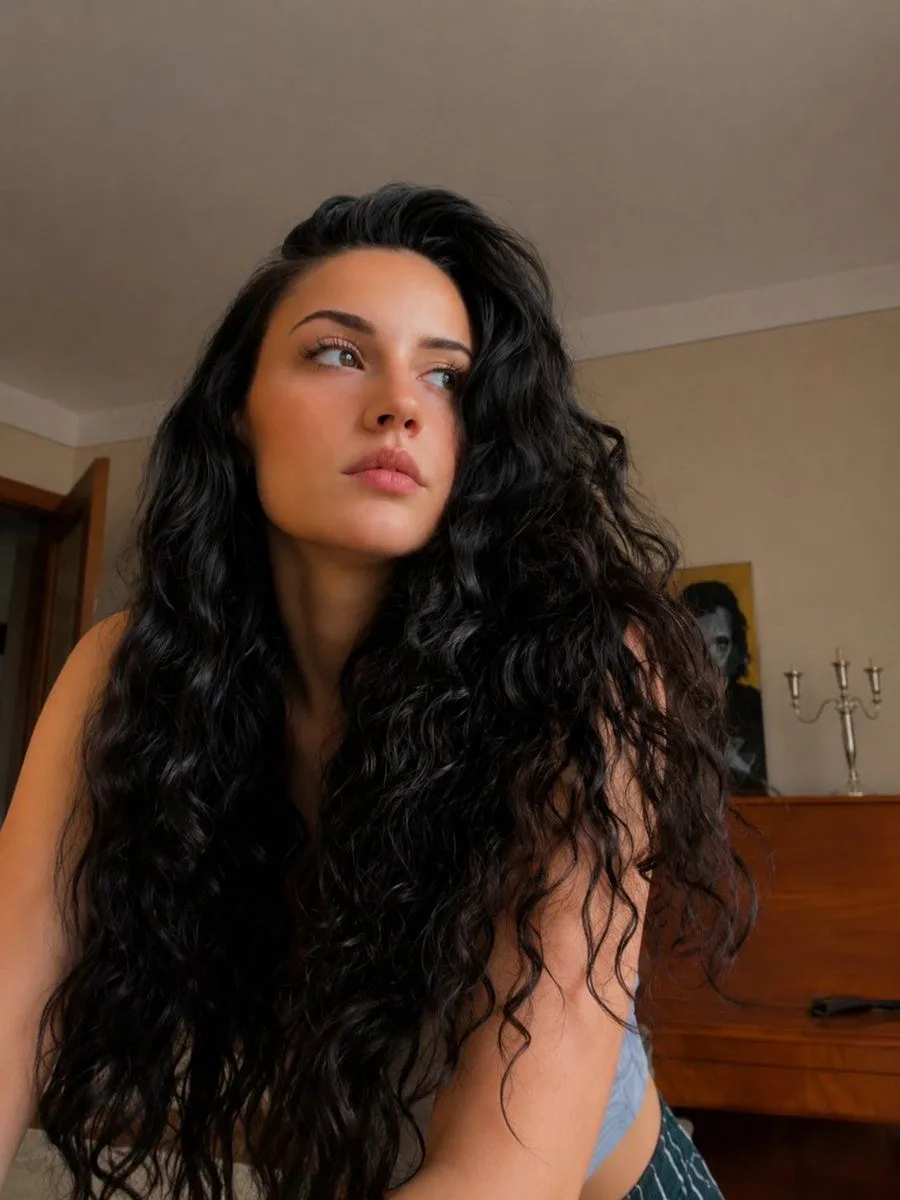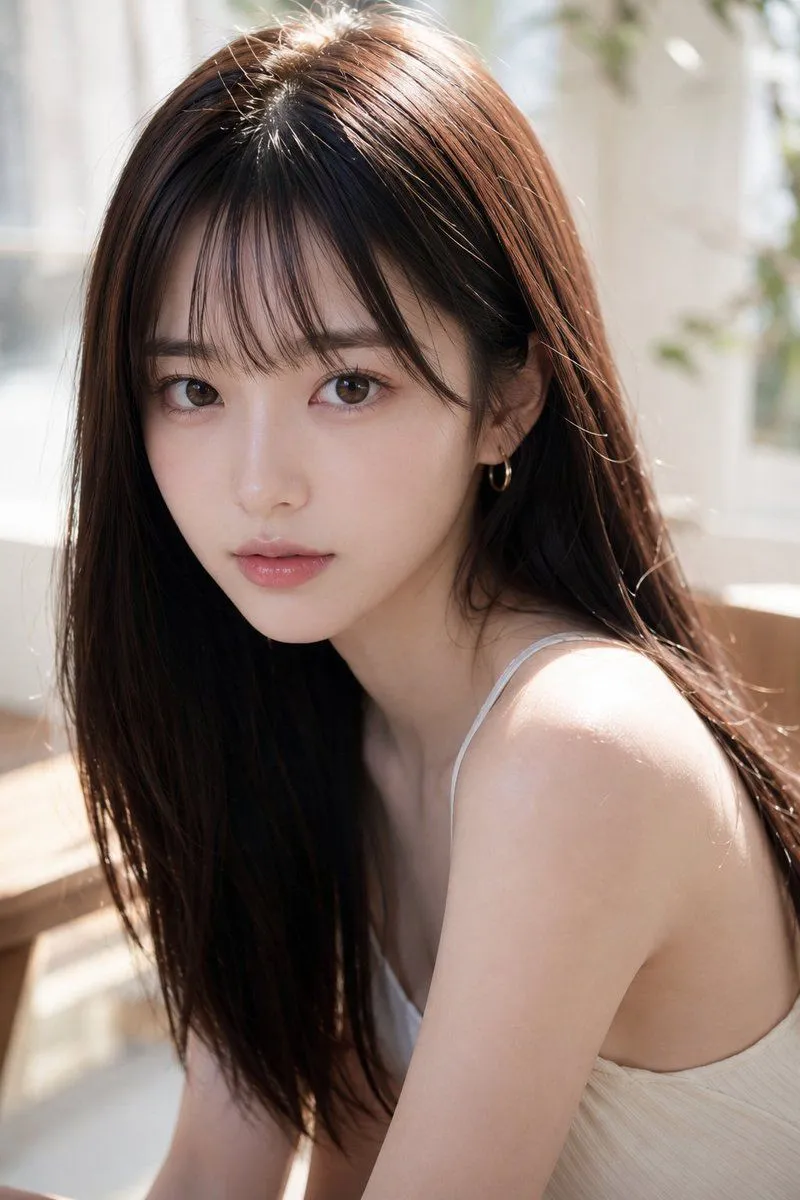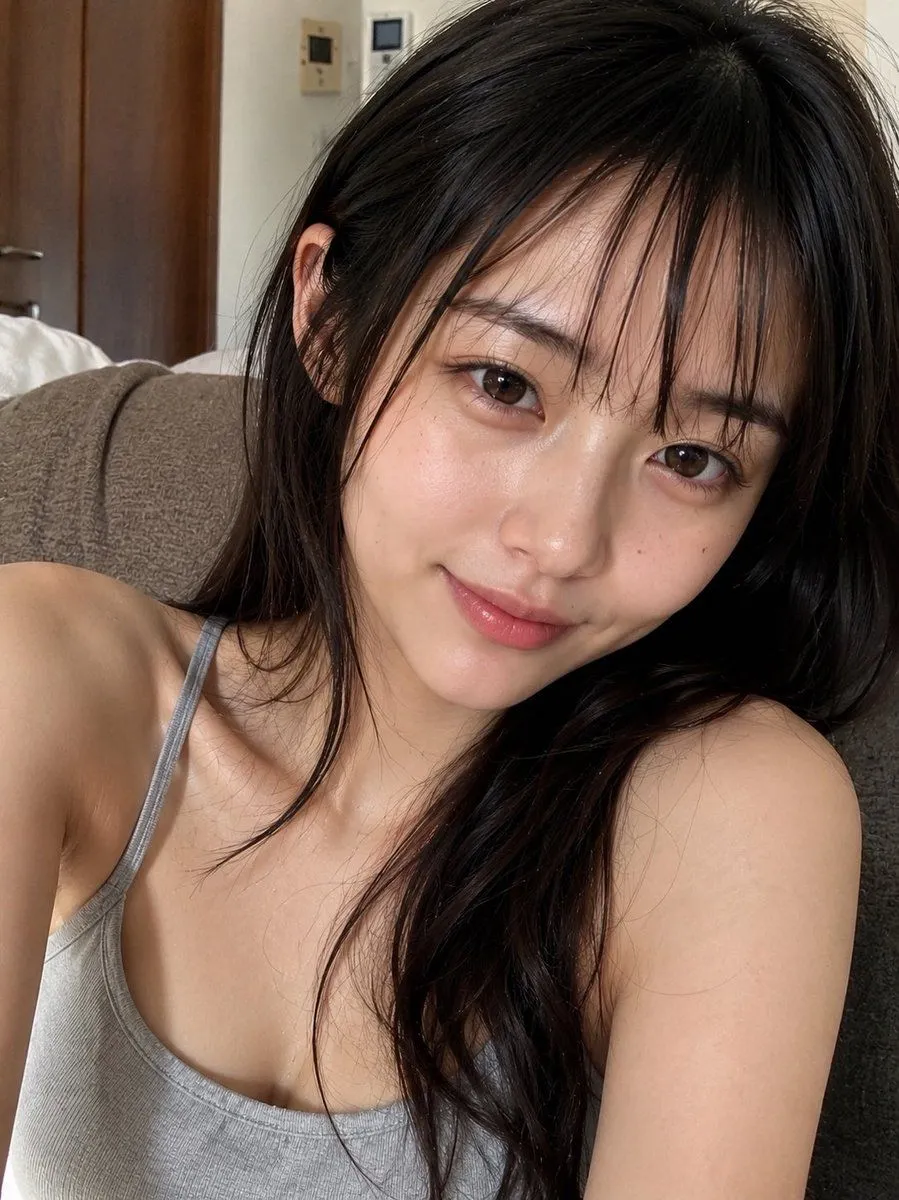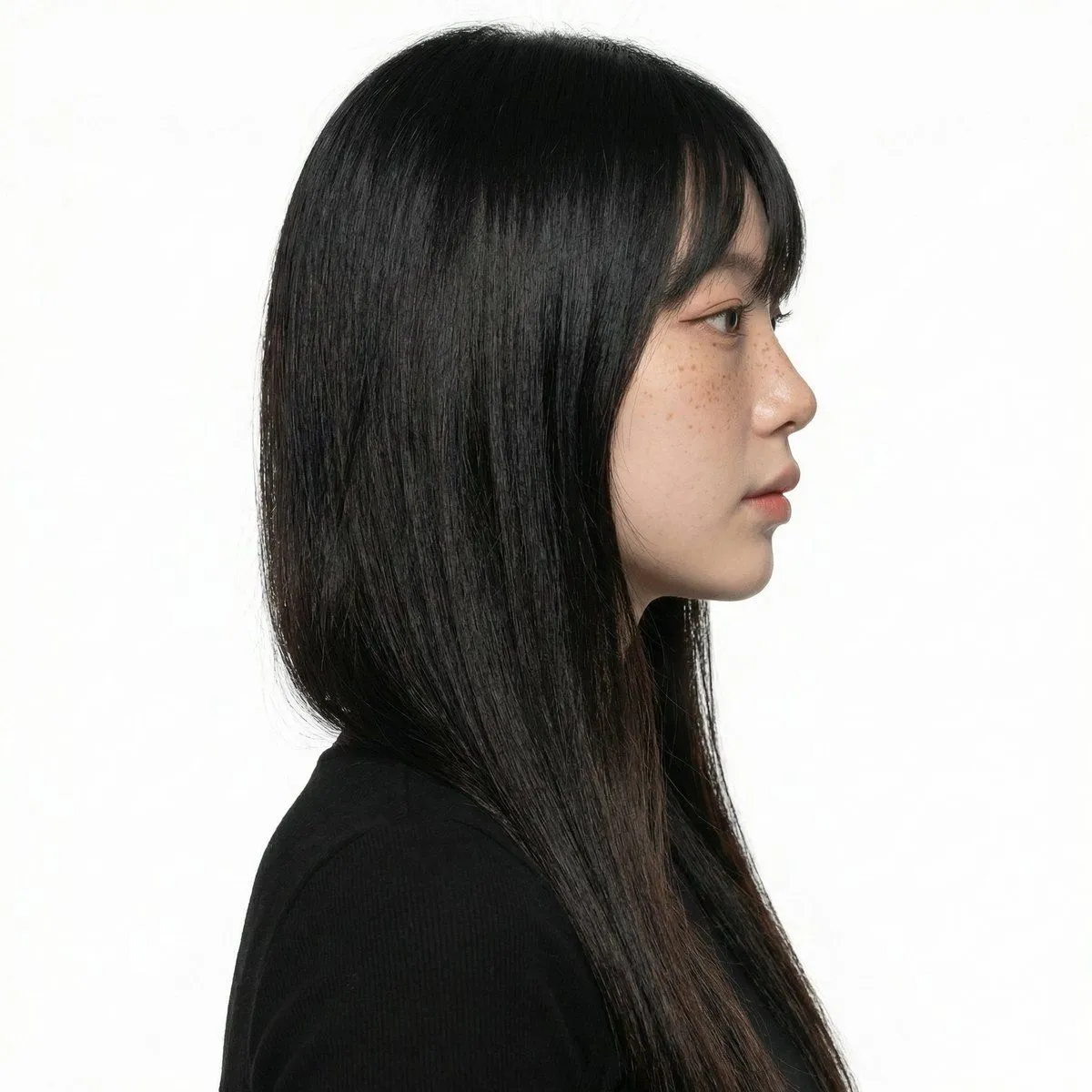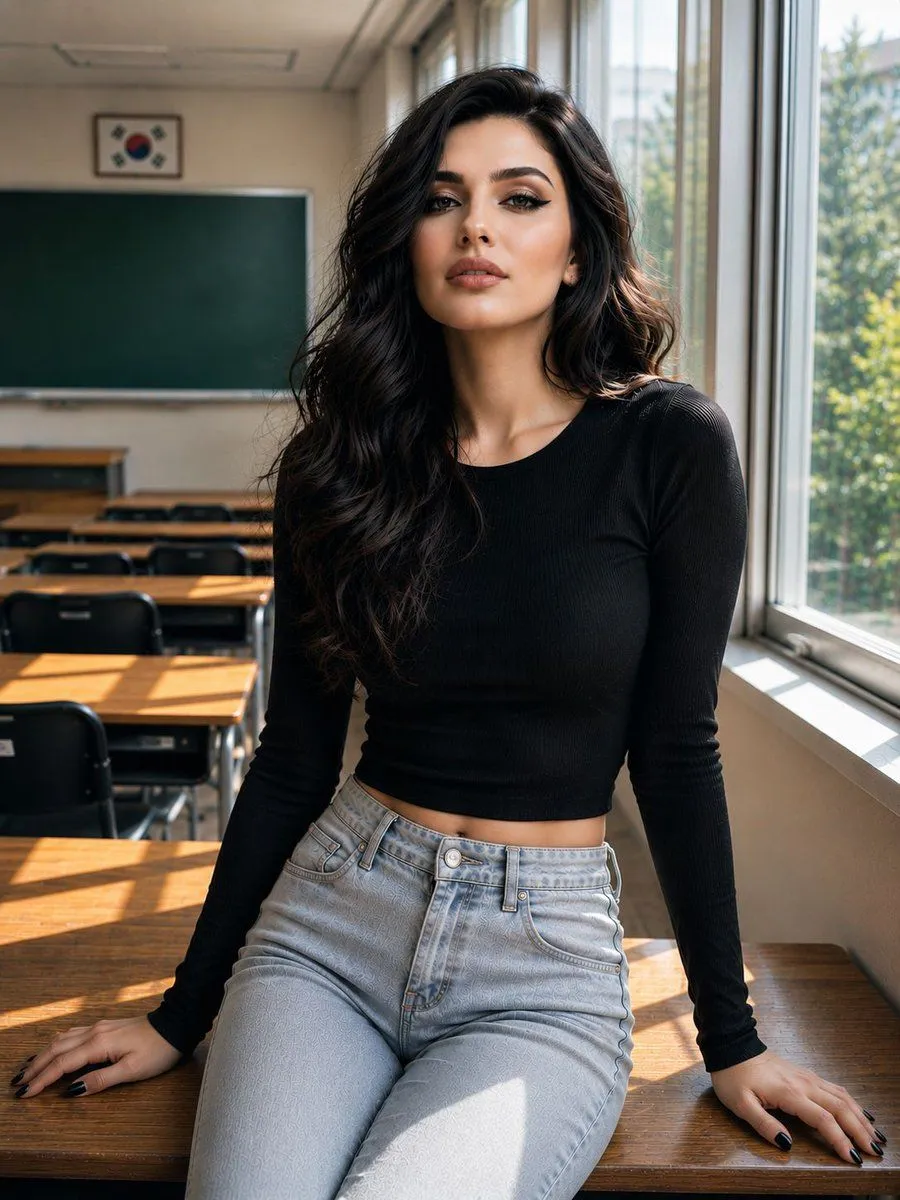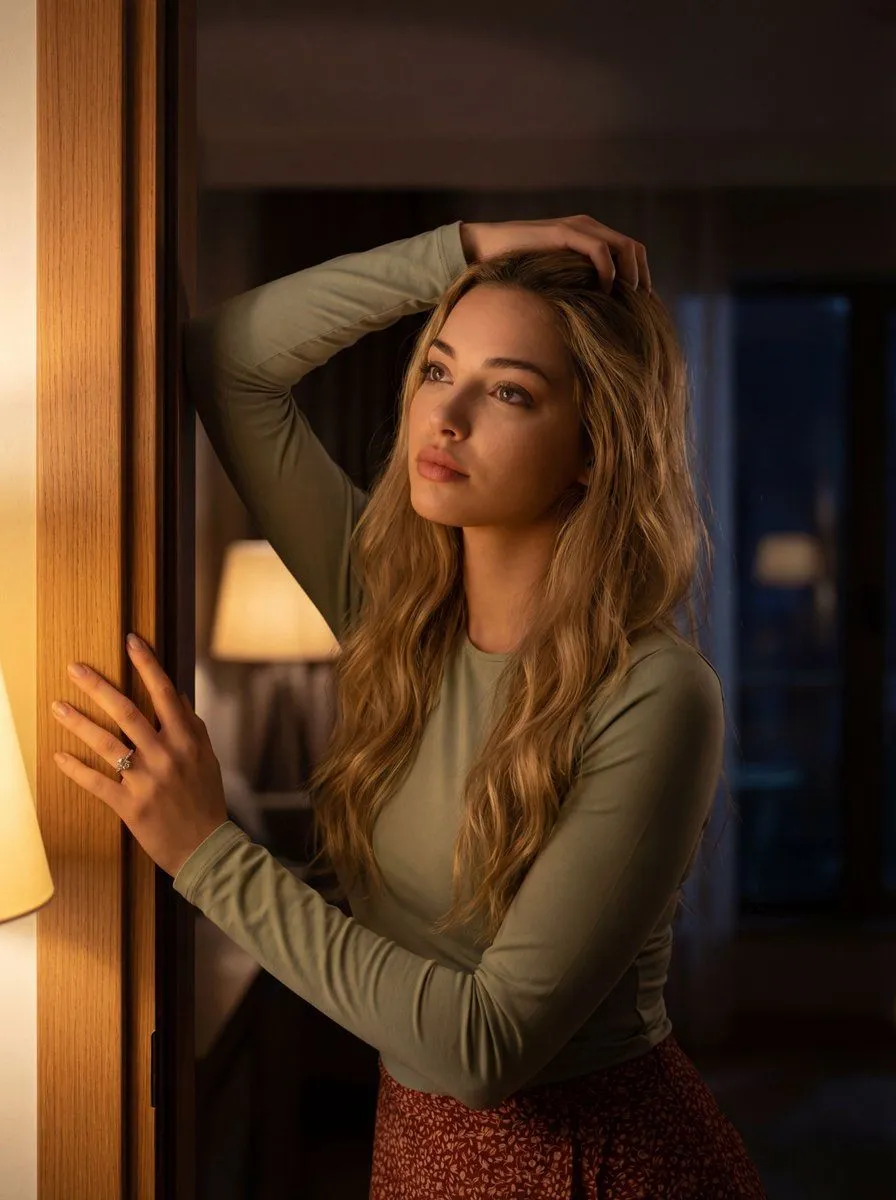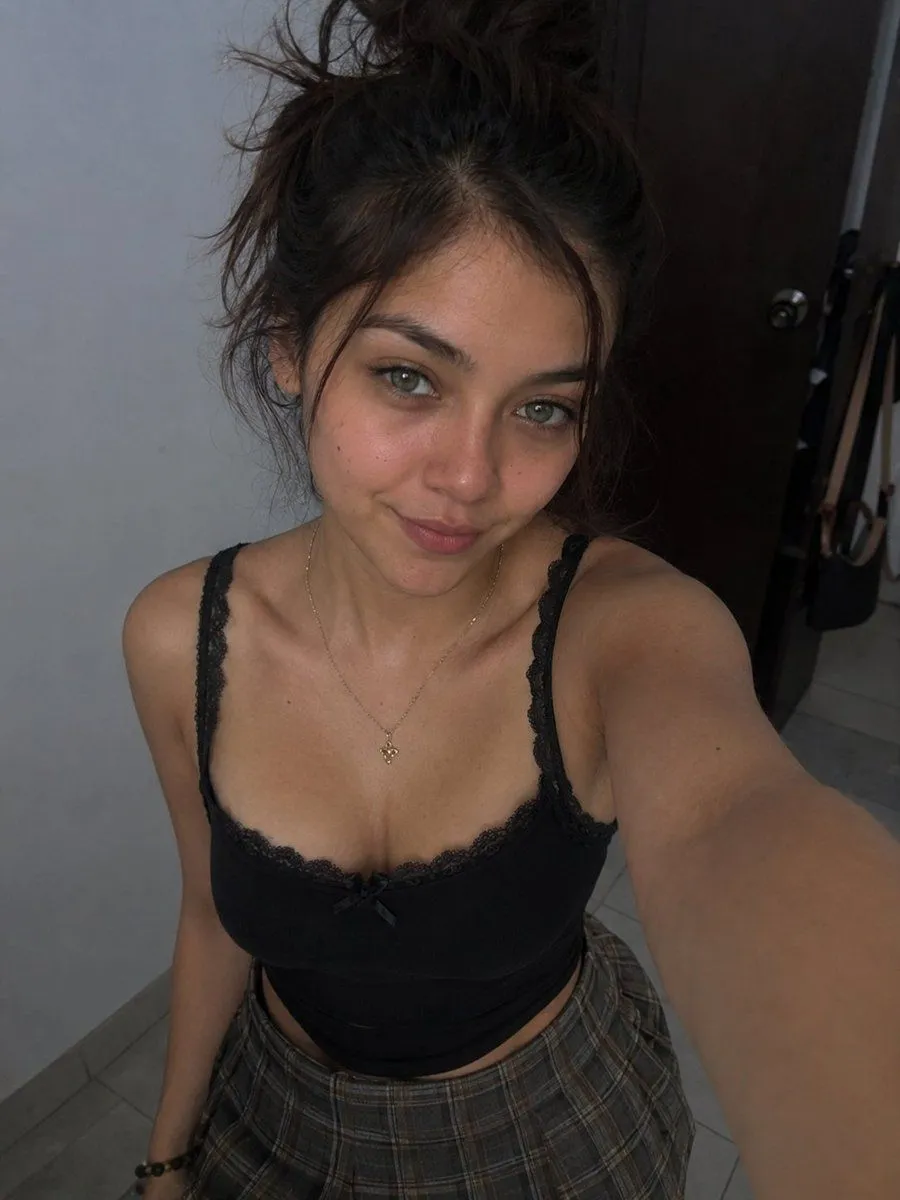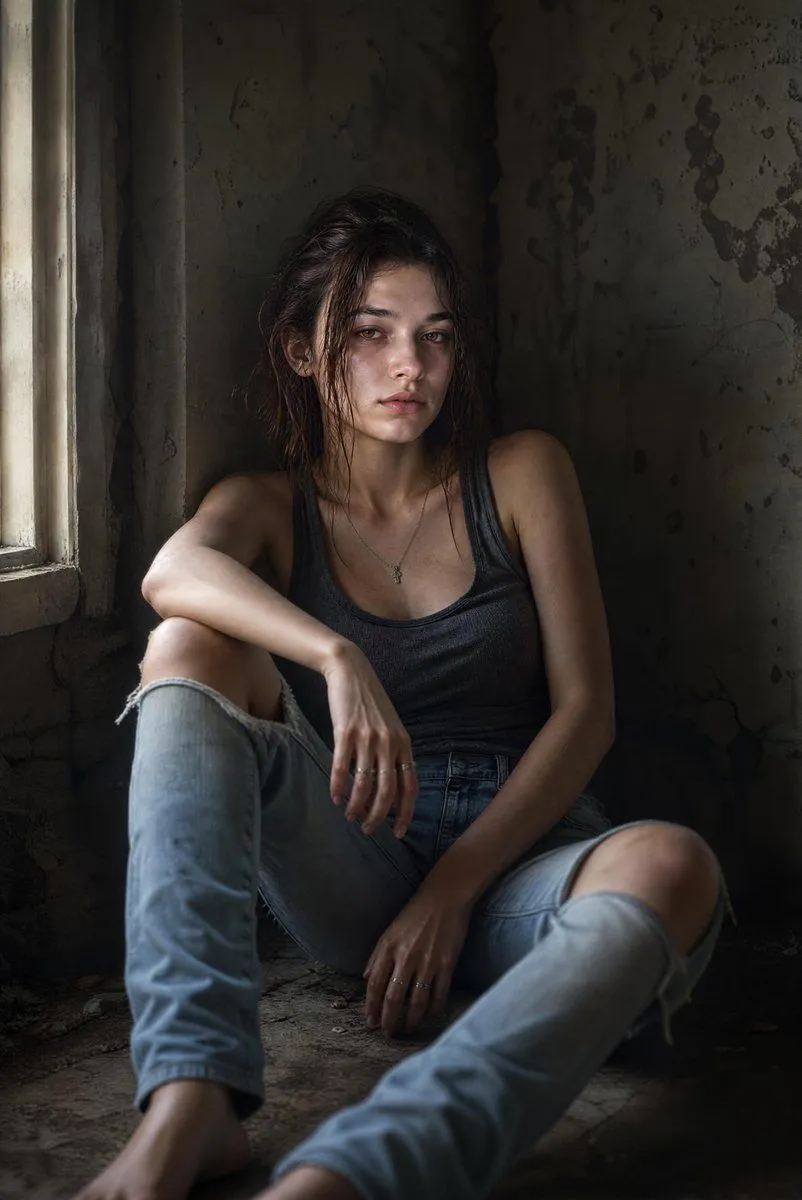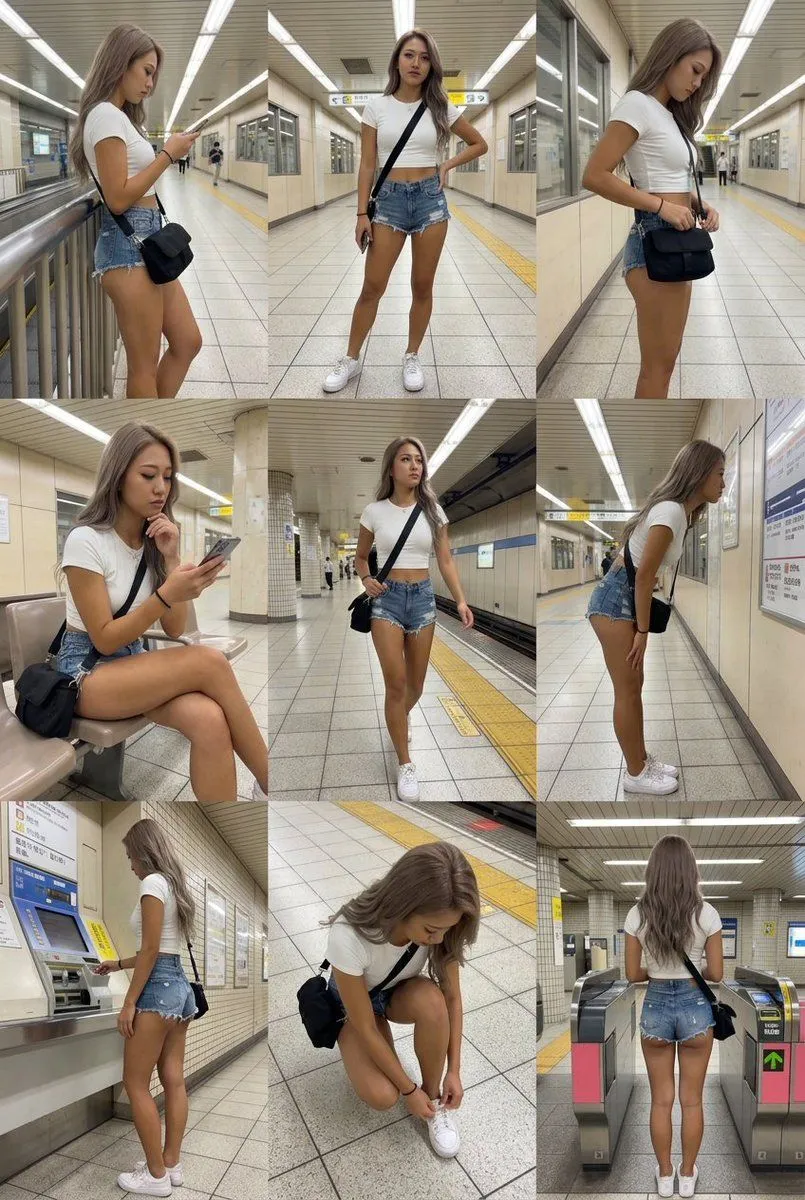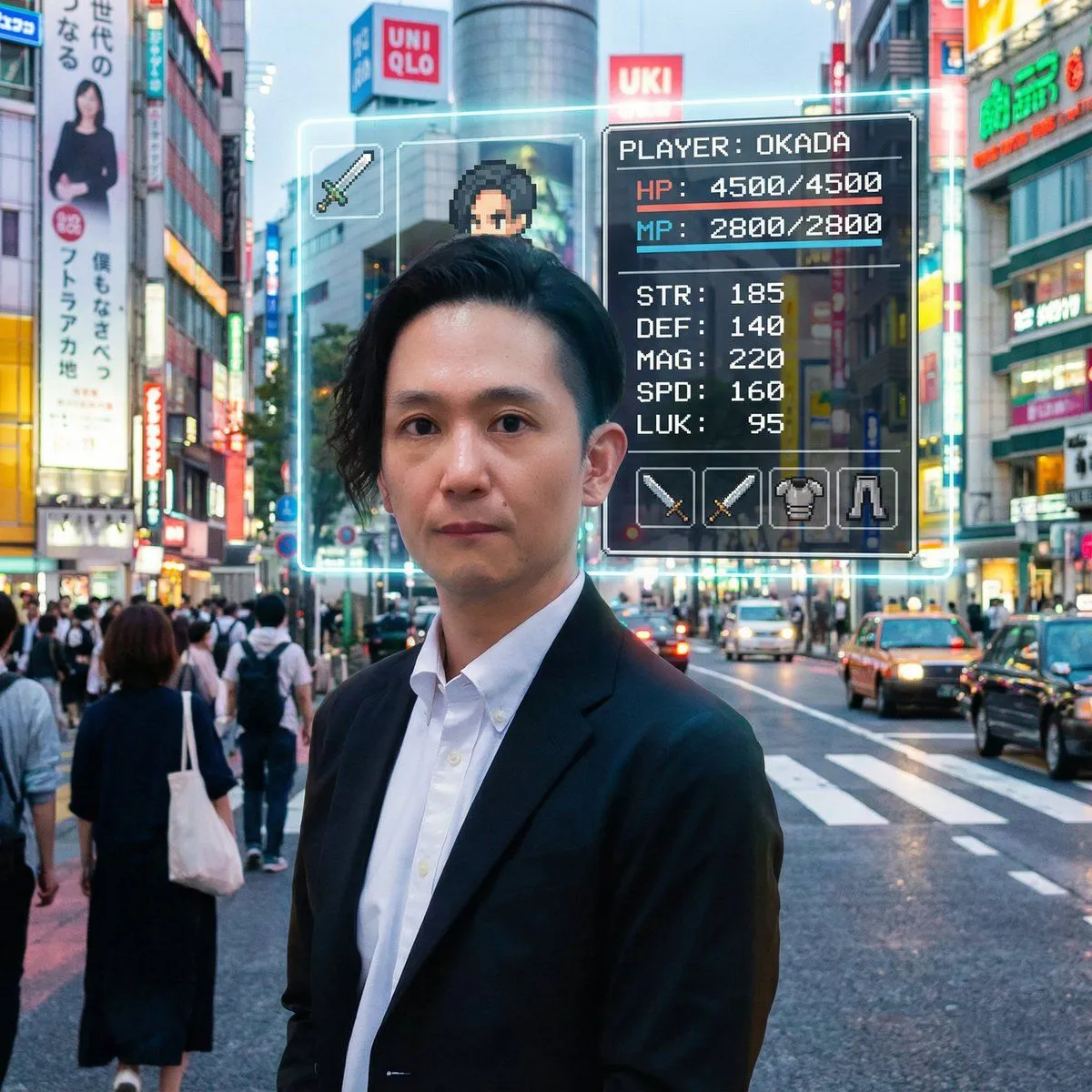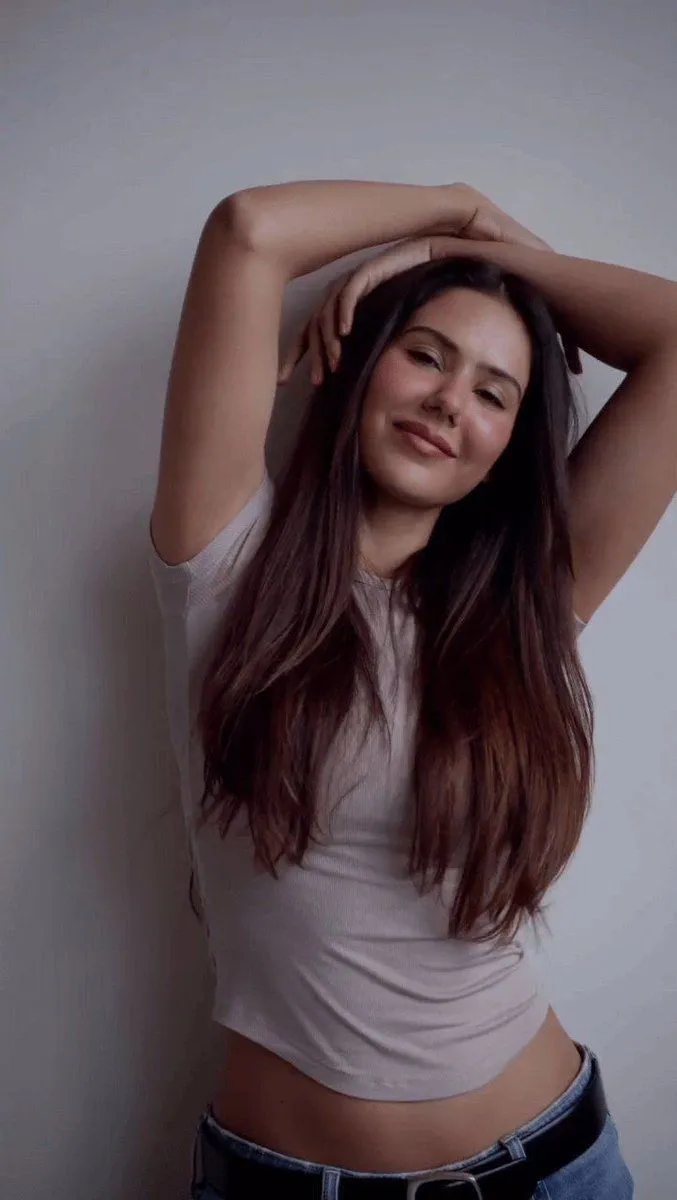
Made with Nano Banana Pro in Gemini, collected by Library Social. Promptclay never generates images.
Ultra-Realistic Ana De Armas Studio Portrait Prompt (JSON format)
Prompt
2 blanks to fill{ "style": "ultra-realistic studio portrait", "subject": { "gender": "female {subject_name} ", "age": "young adult", "pose": "leaning slightly forward toward the camera", "expression": "playful, flirty", "facial_details": { "wink": true, "tongue_out": true, "freckles": "natural across fair skin", "makeup": { "blush": "soft pink", "lips": "glossy" } }, "hair": { "color": "blonde", "length": "long", "part": "side-parted", "style": "falling naturally over shoulders" }, "outfit": { "dress": "off-shoulder fitted {dress_color} dress", "jewelry": { "earrings": "long dangling gold earrings", "necklaces": "layered gold necklaces with small heart pendant" } } }, "environment": { "setting": "studio", "background": "clean minimal light neutral tones" }, "lighting": { "type": "soft diffused studio lighting", "shadows": "smooth natural shadows" }, "camera": { "lens": "50mm", "aperture": "f/1.8", "depth_of_field": "shallow" }, "quality": { "resolution": "high resolution", "detail": "ultra-detailed", "skin_texture": "photorealistic", "focus": "sharp focus", "photography_style": "high fashion lifestyle photography" } }
Preview of your prompt
{ "style": "ultra-realistic studio portrait", "subject": { "gender": "female Ana De Armas ", "age": "young adult", "pose": "leaning slightly forward toward the camera", "expression": "playful, flirty", "facial_details": { "wink": true, "tongue_out": true, "freckles": "natural across fair skin", "makeup": { "blush": "soft pink", "lips": "glossy" } }, "hair": { "color": "blonde", "length": "long", "part": "side-parted", "style": "falling naturally over shoulders" }, "outfit": { "dress": "off-shoulder fitted Red dress", "jewelry": { "earrings": "long dangling gold earrings", "necklaces": "layered gold necklaces with small heart pendant" } } }, "environment": { "setting": "studio", "background": "clean minimal light neutral tones" }, "lighting": { "type": "soft diffused studio lighting", "shadows": "smooth natural shadows" }, "camera": { "lens": "50mm", "aperture": "f/1.8", "depth_of_field": "shallow" }, "quality": { "resolution": "high resolution", "detail": "ultra-detailed", "skin_texture": "photorealistic", "focus": "sharp focus", "photography_style": "high fashion lifestyle photography" } }
DetailsVersions, settings and questions
Written for
What's in the prompt
- Subject
- Model
- Nano Banana Pro
If your face changes
keep my face exactly the sameQuestions
- Does this work in the Gemini app?
- Yes. Gemini runs Nano Banana, so paste the prompt and attach your photo if it uses one.
- It changed my face. What do I do?
- Add "keep my face exactly the same" to the end and run it again.
- Can I use the images I make?
- Check the terms of the app you use. Promptclay never generates images and claims nothing you make.