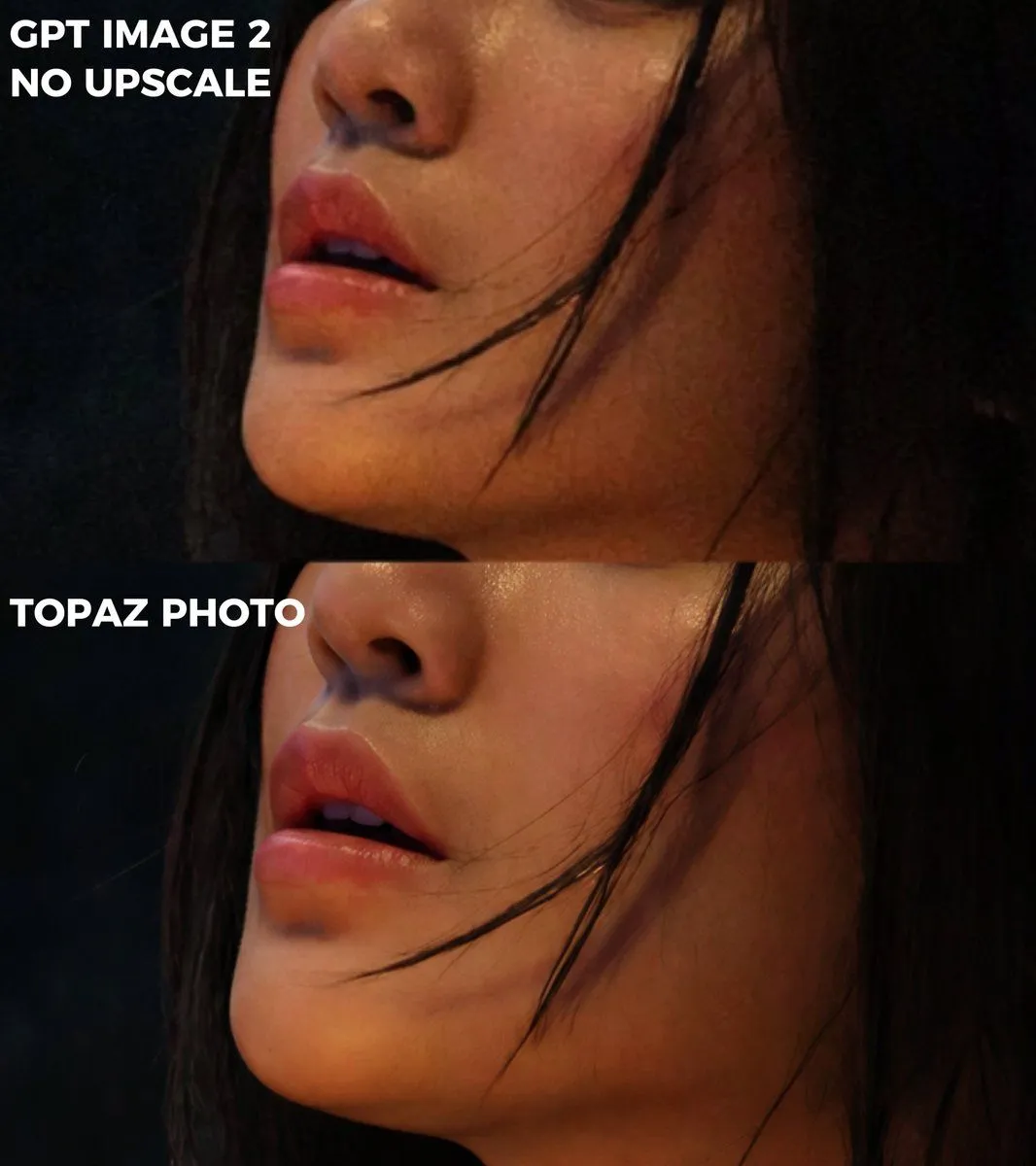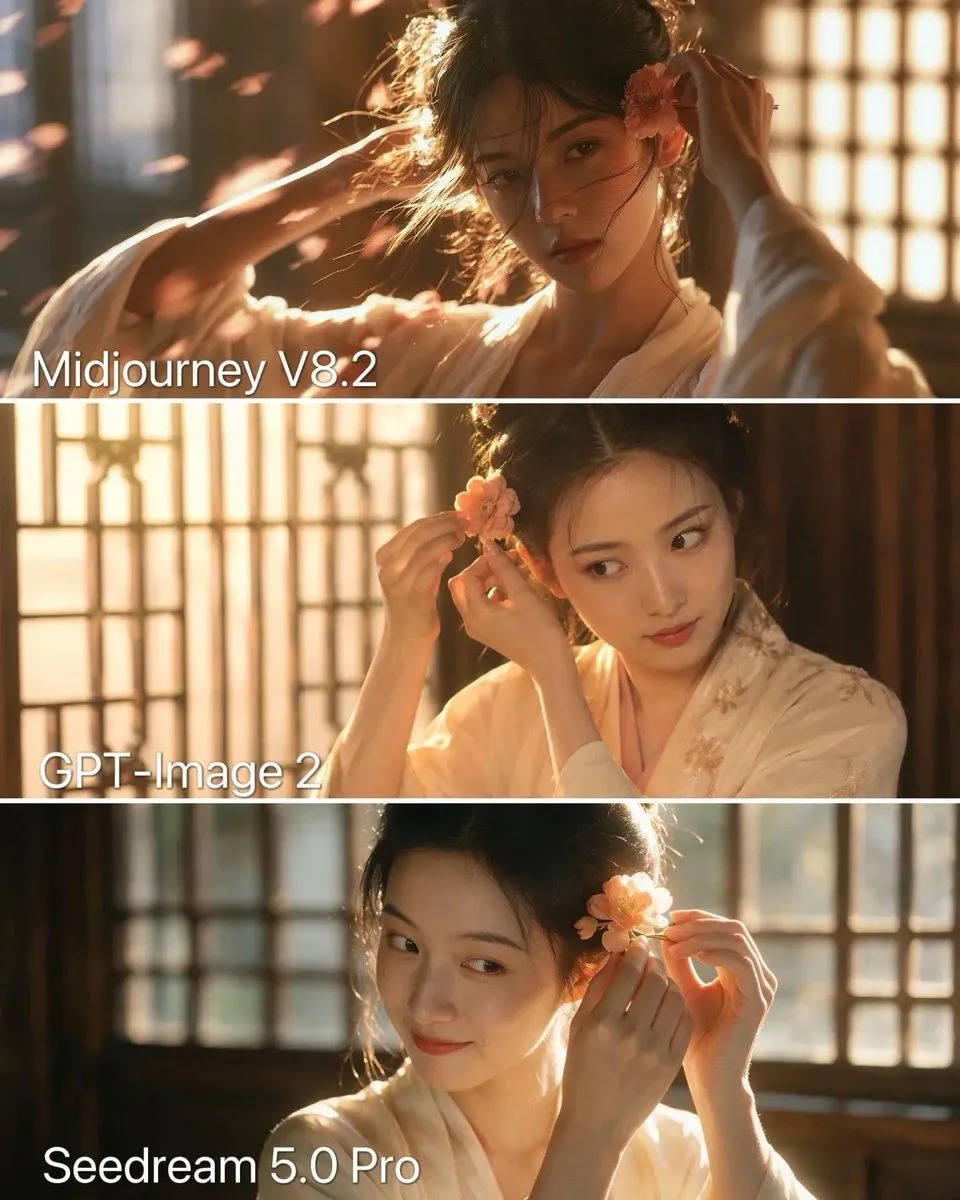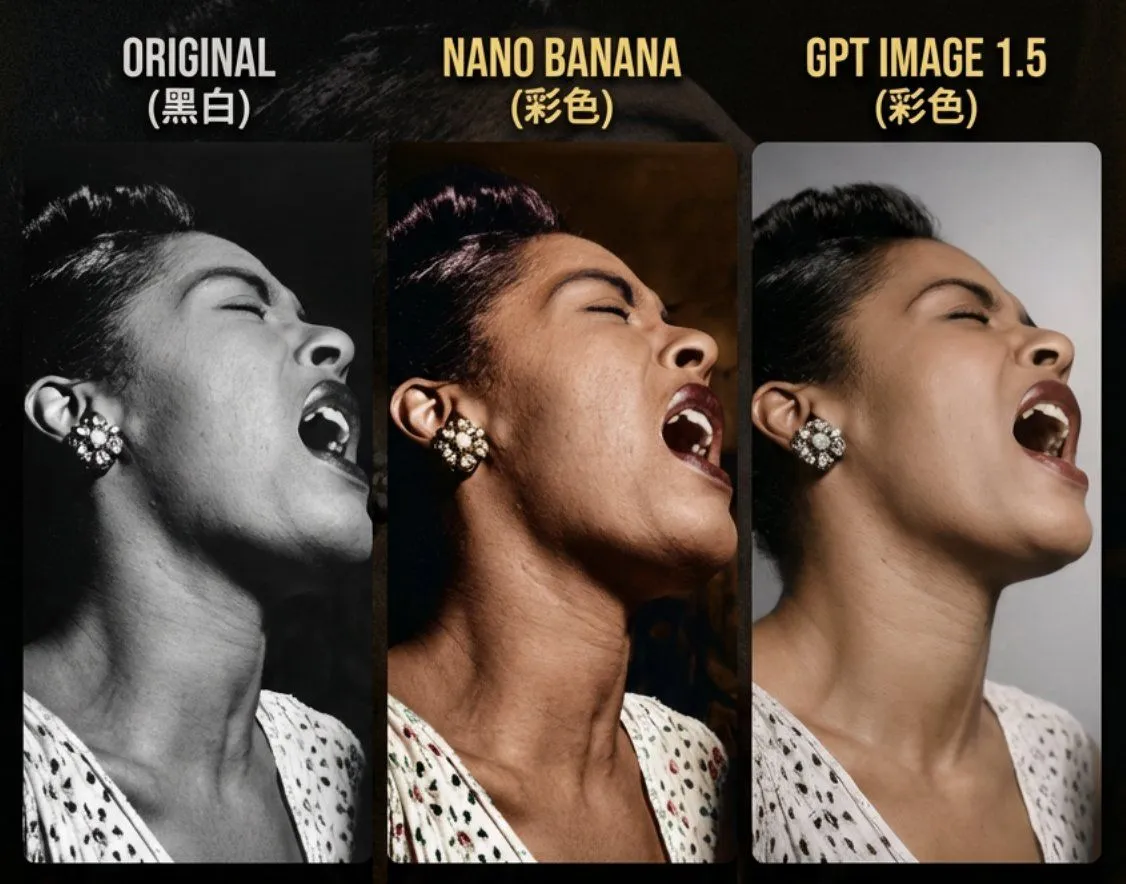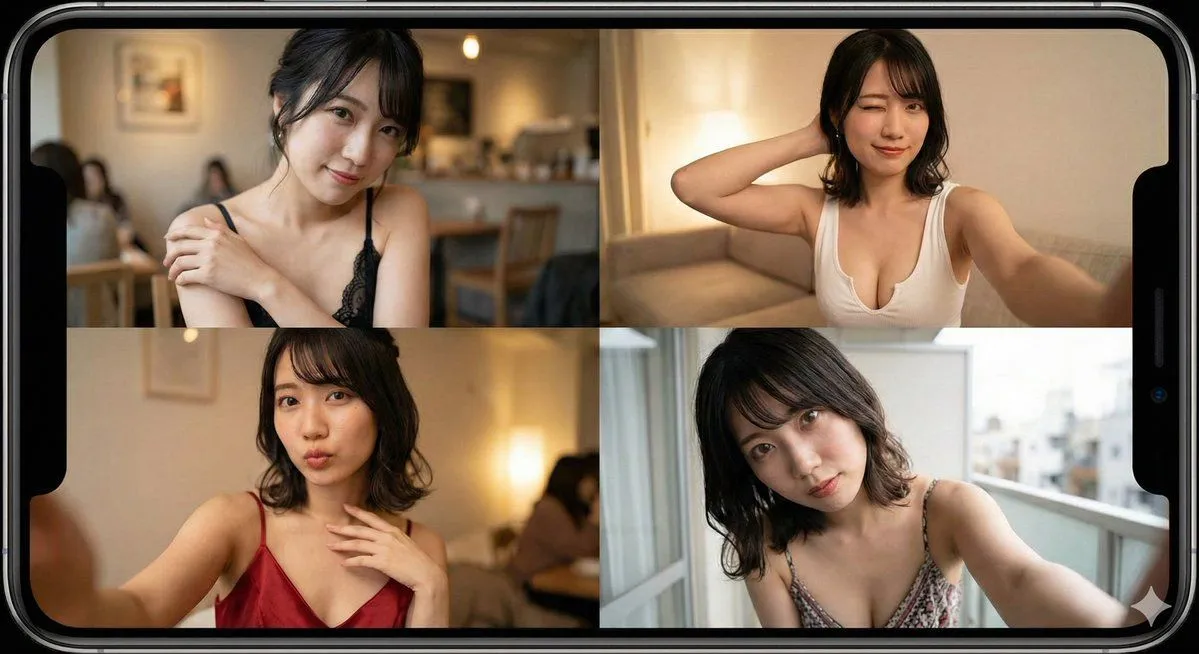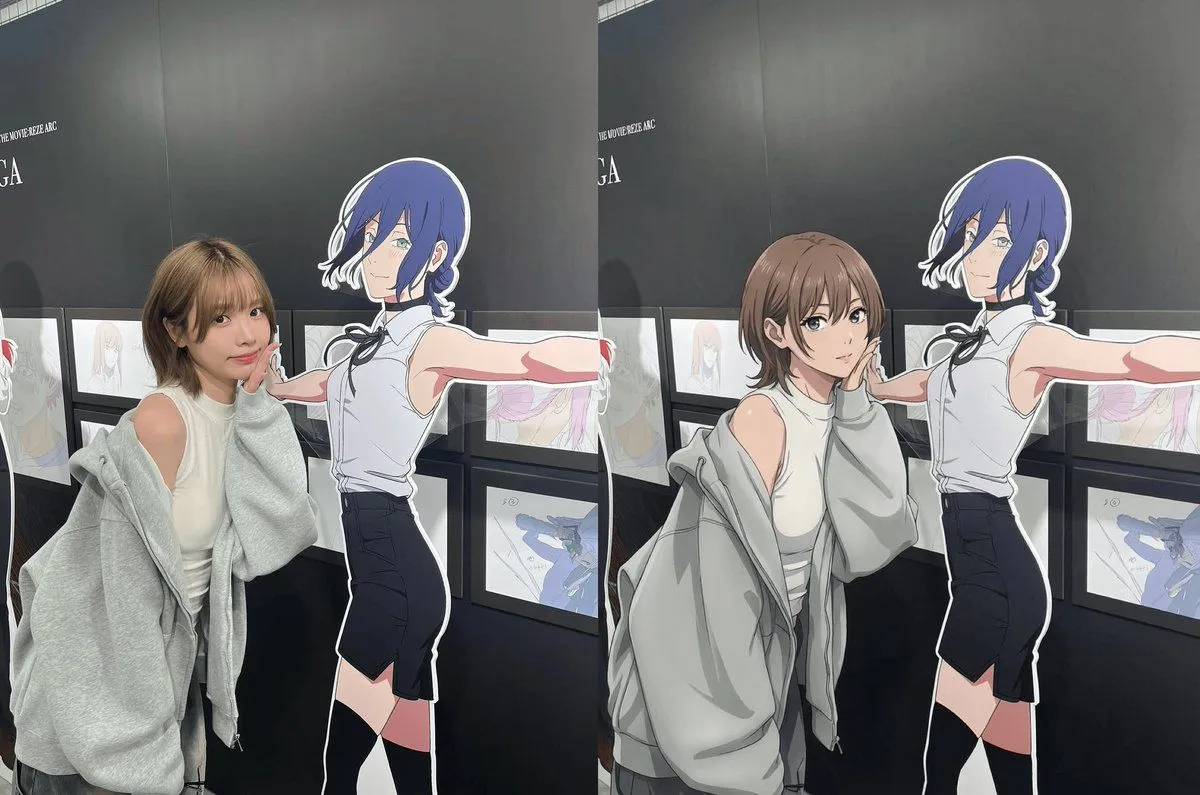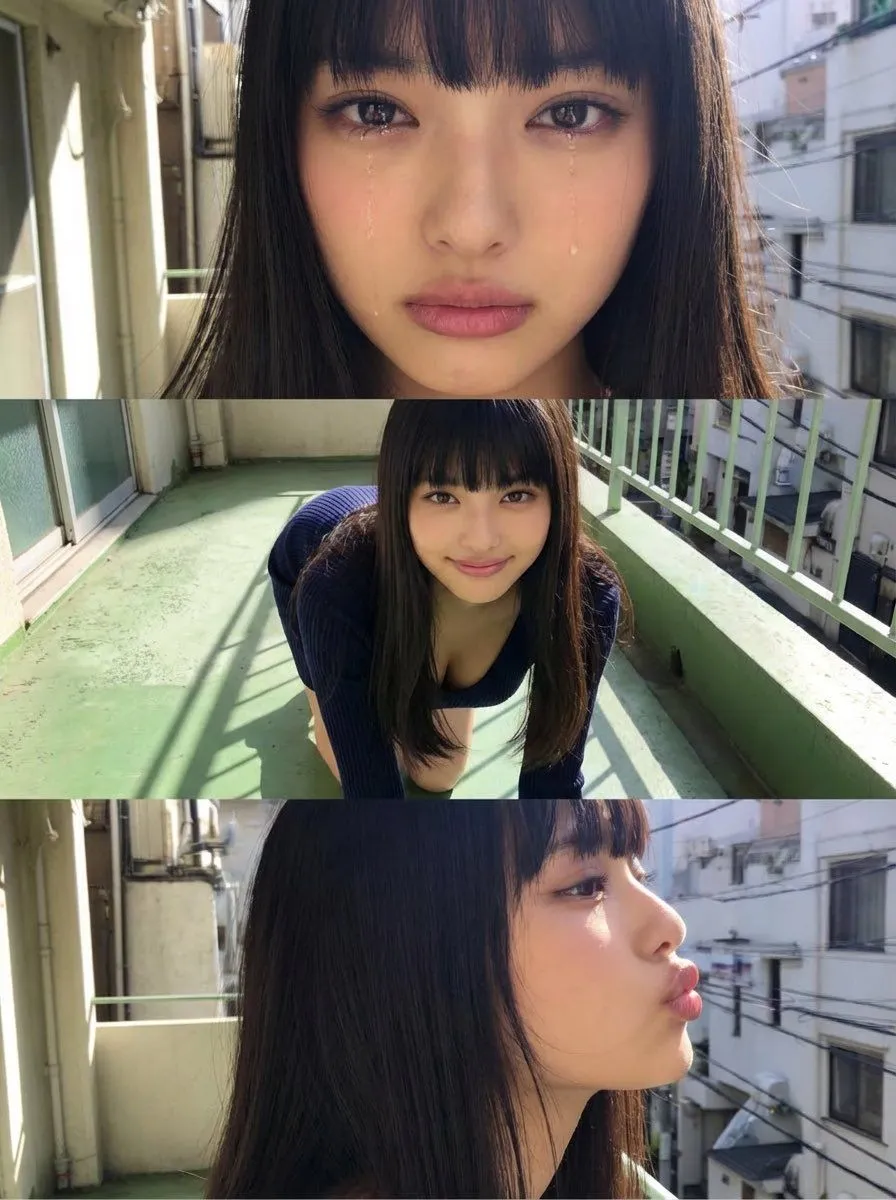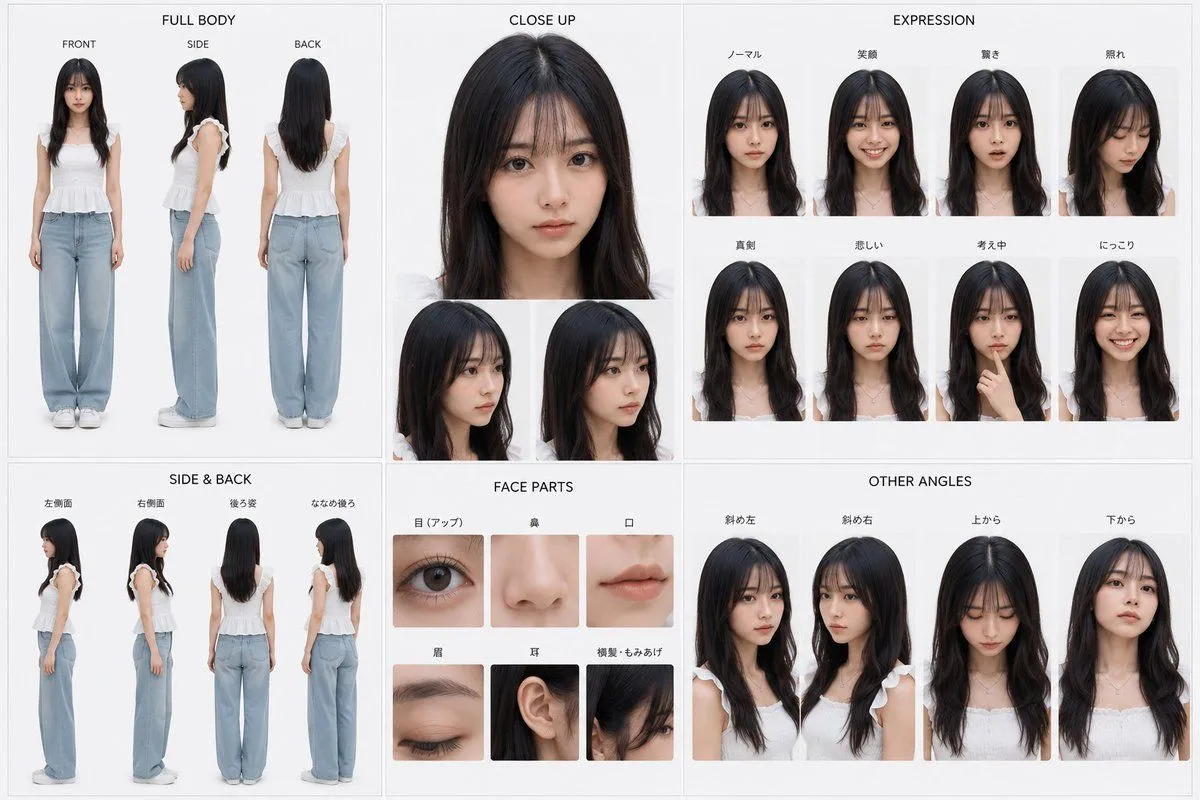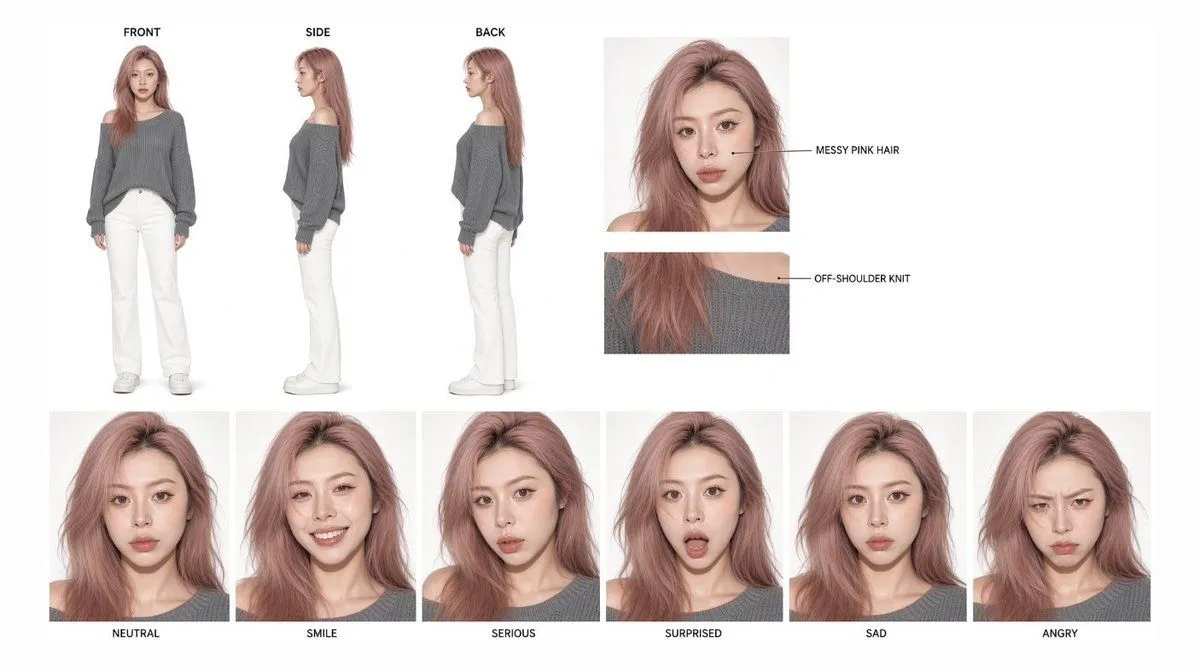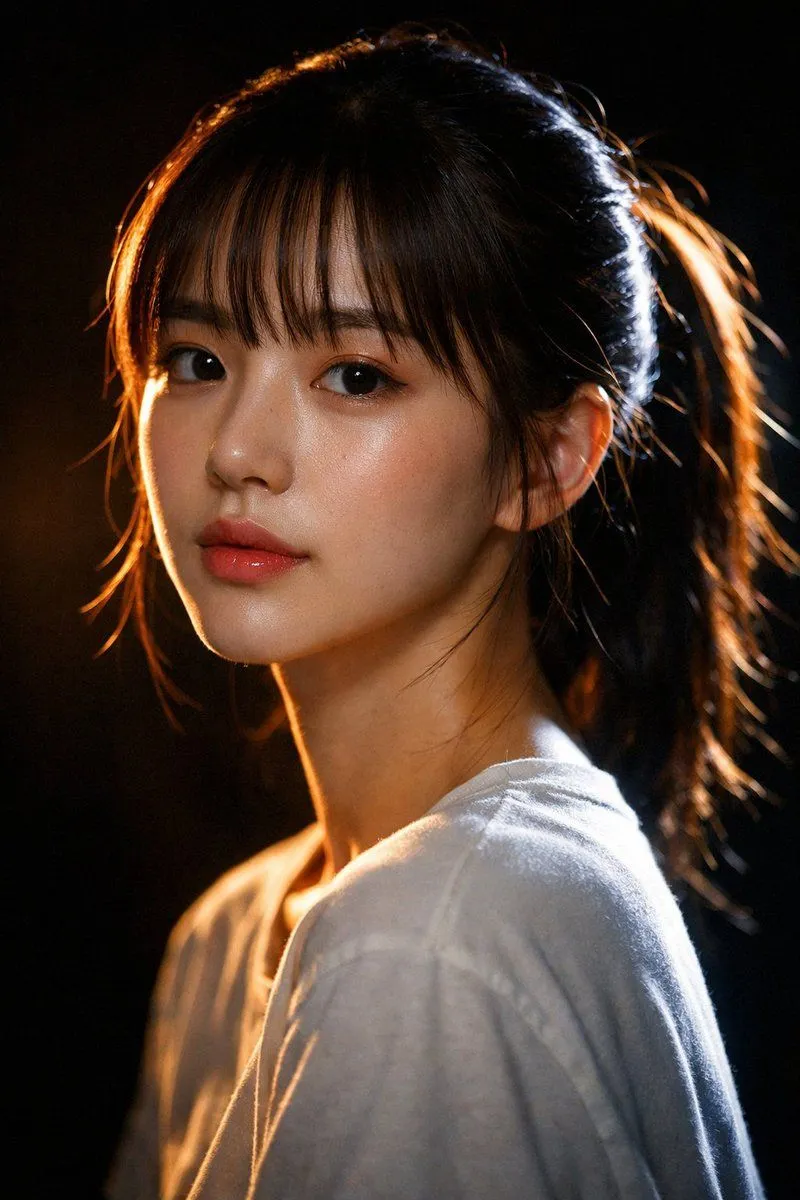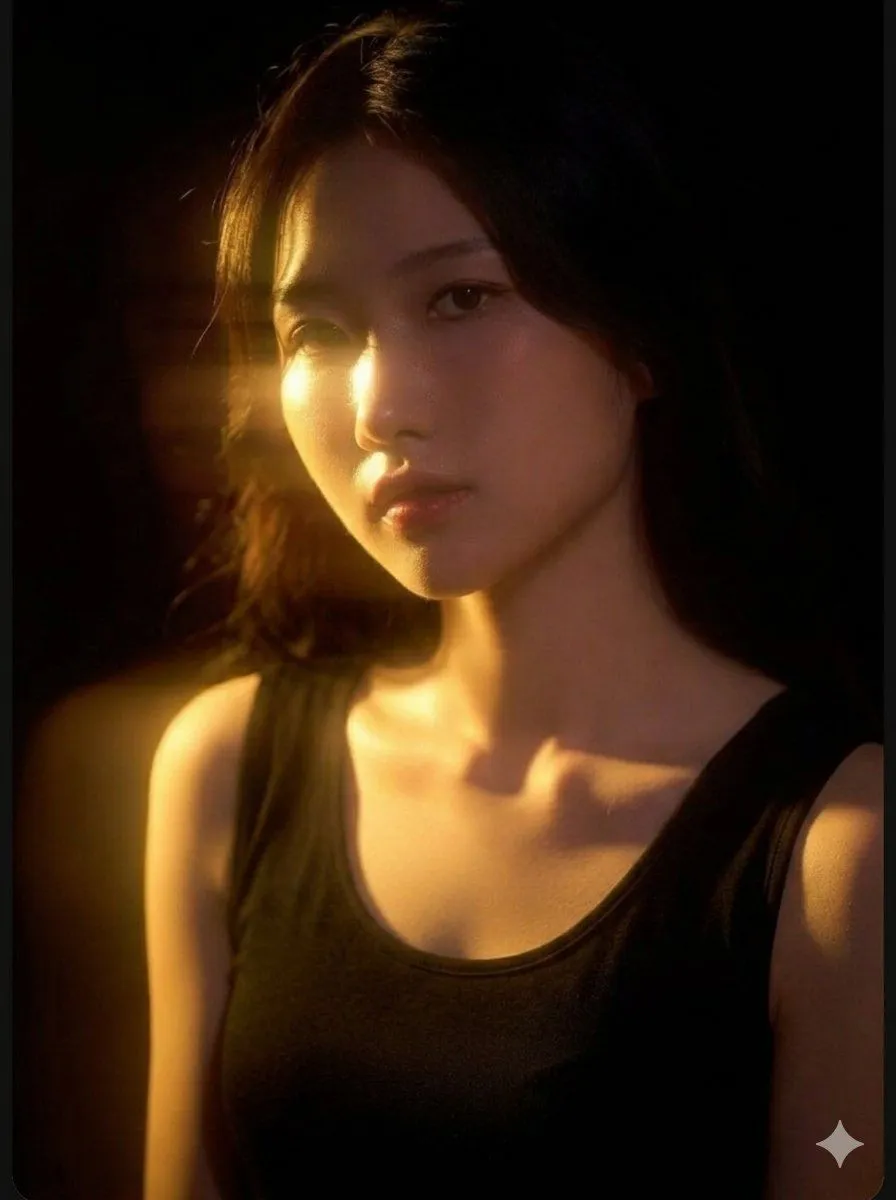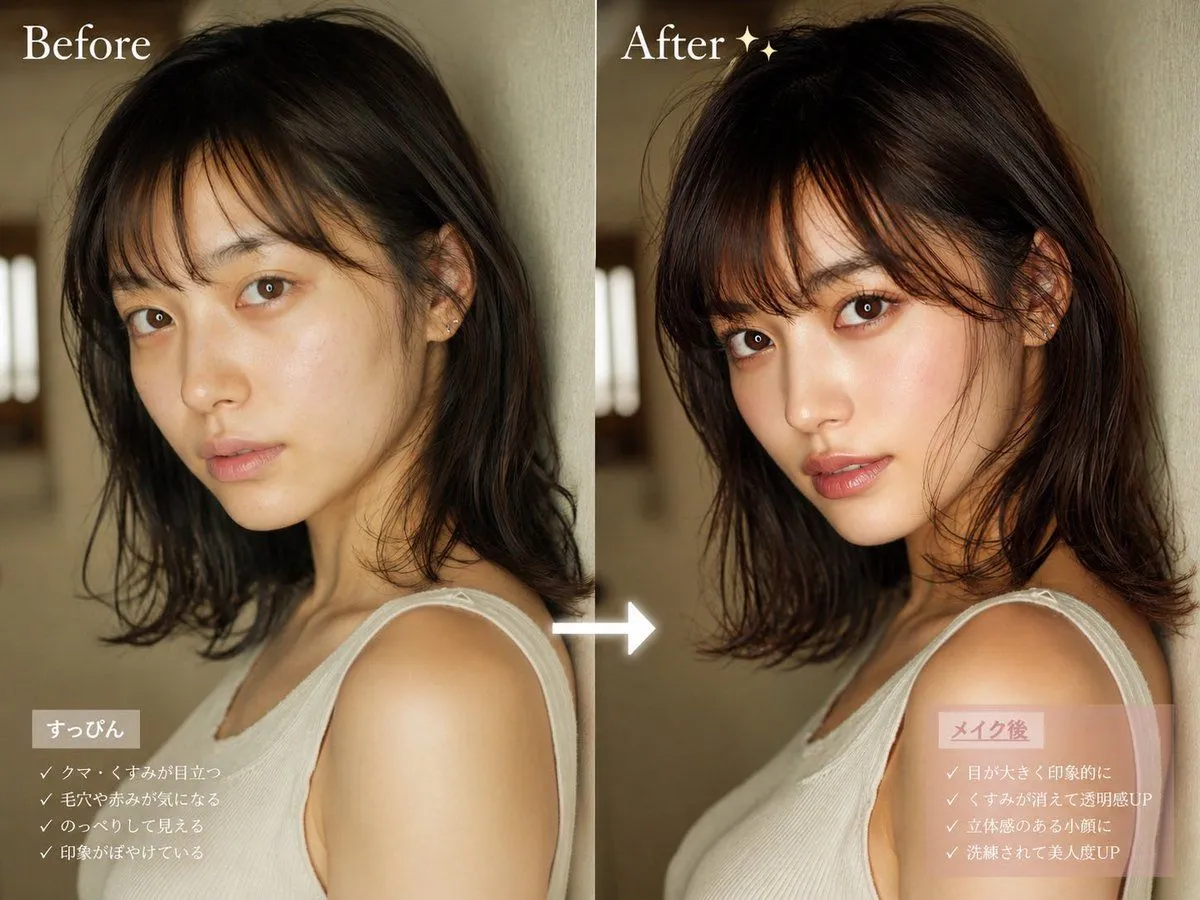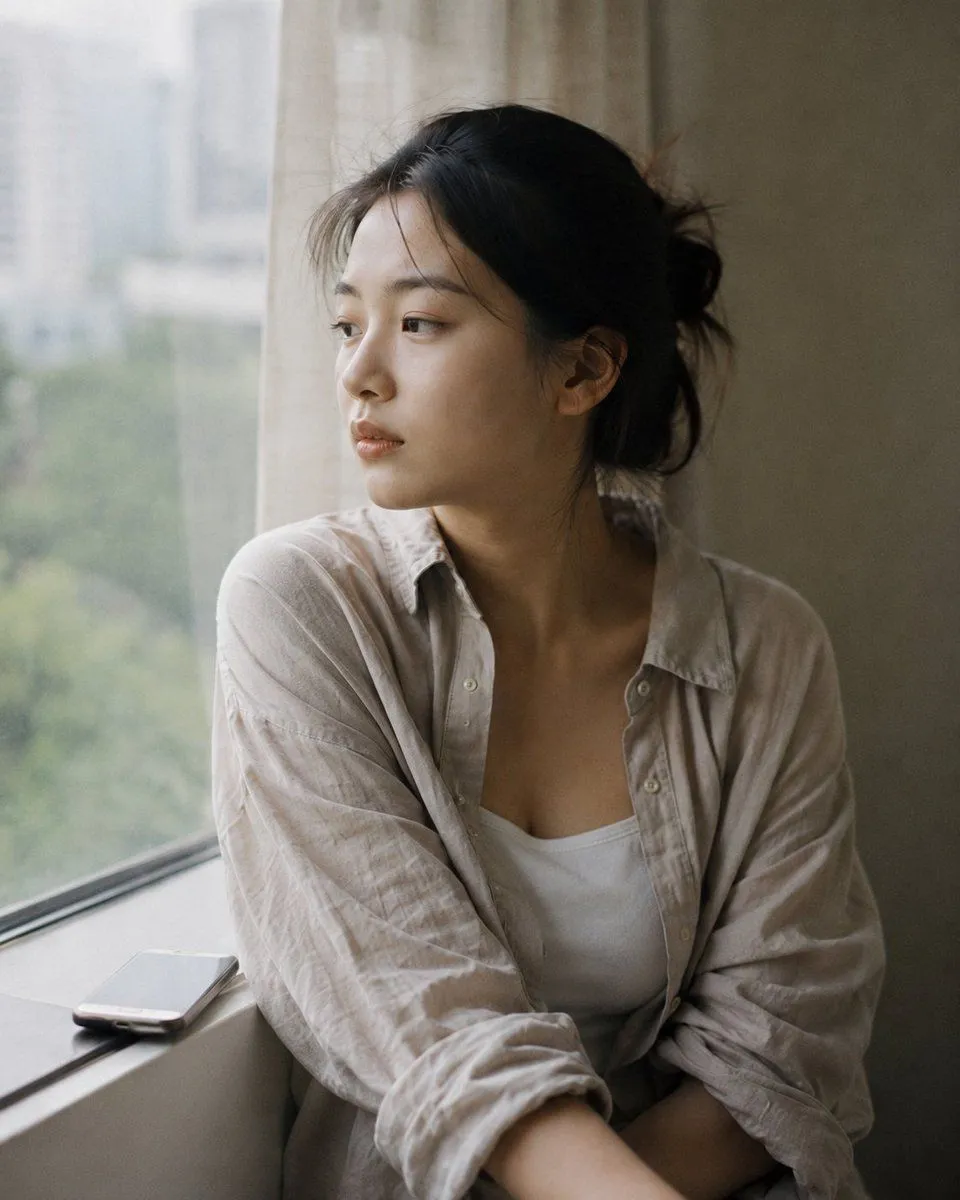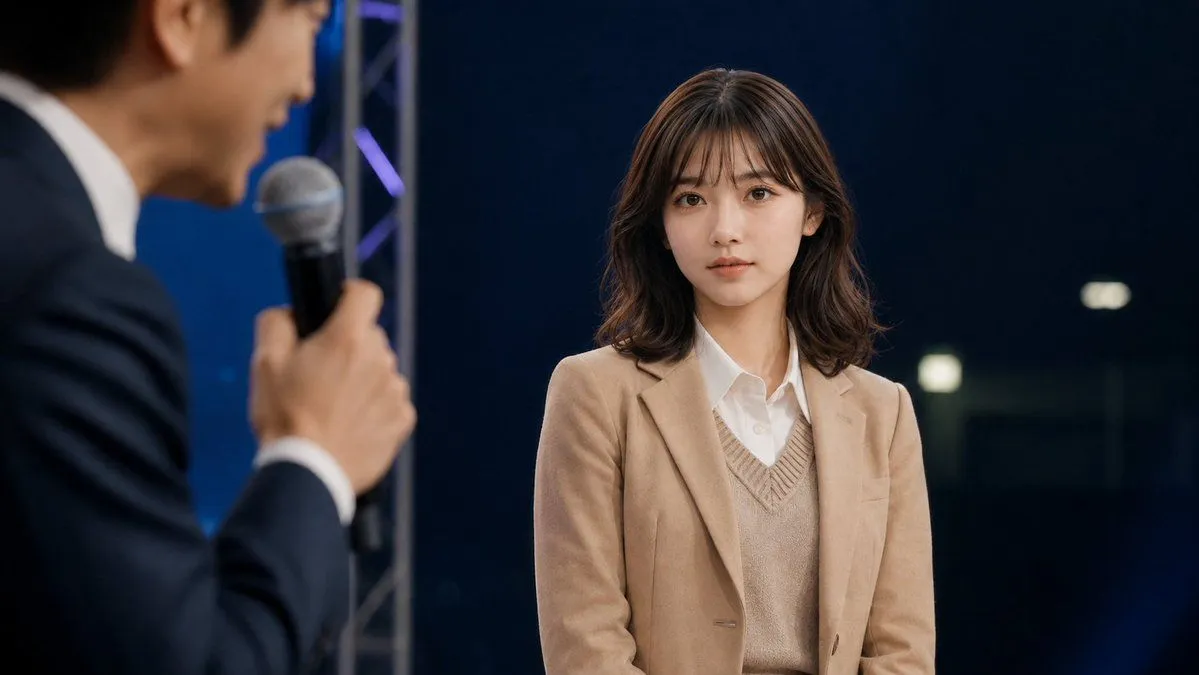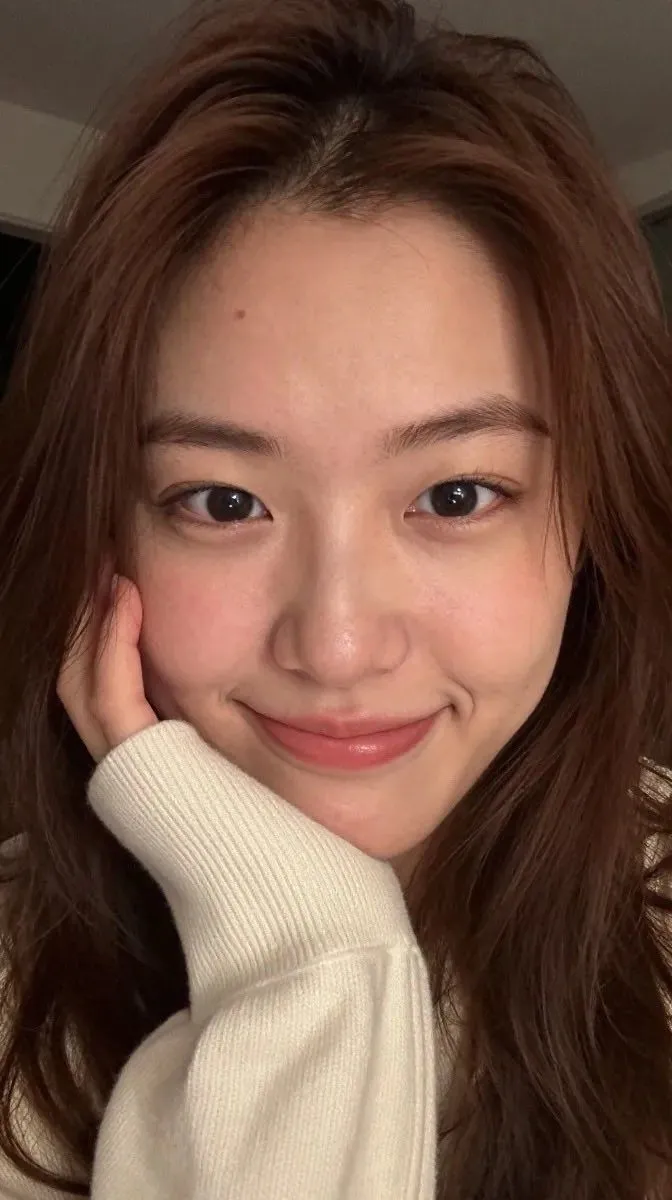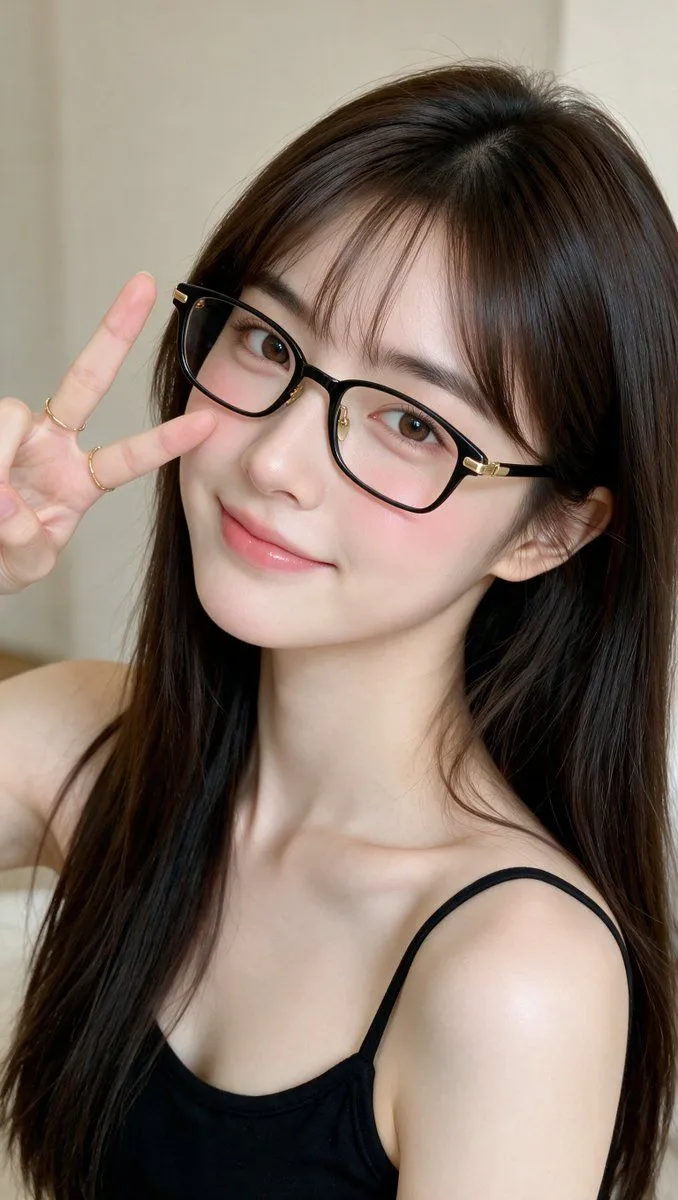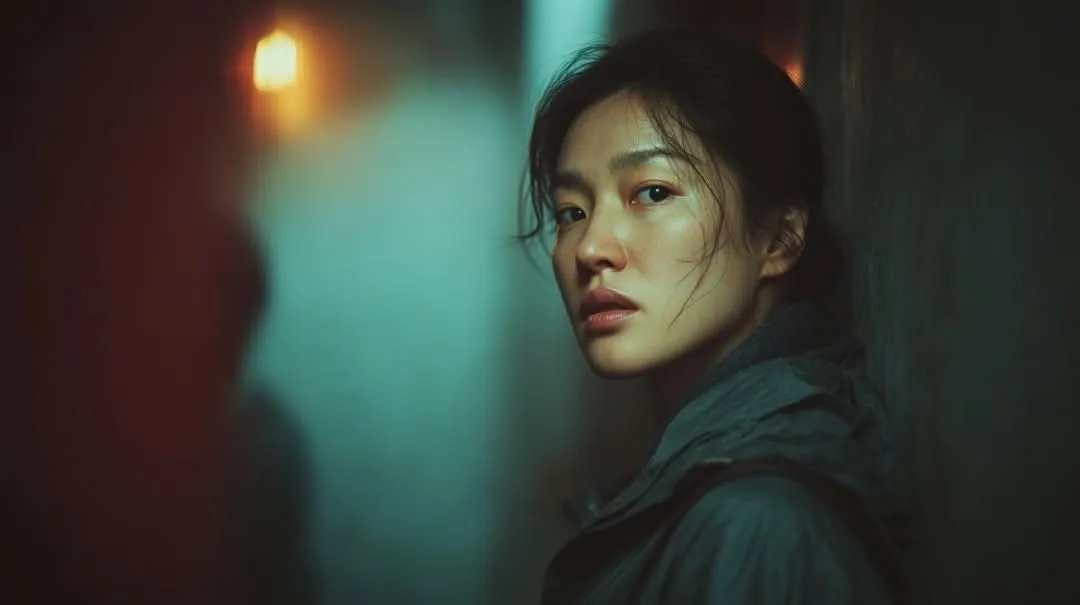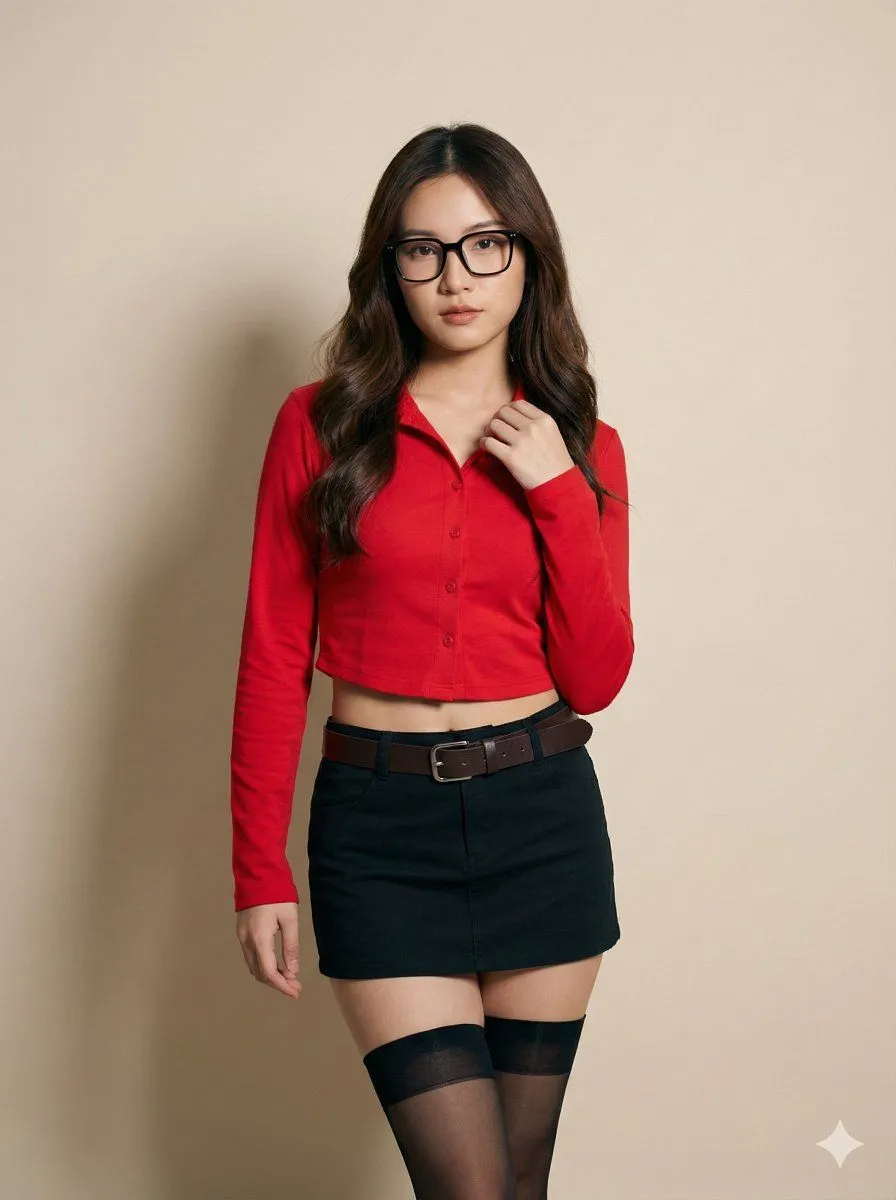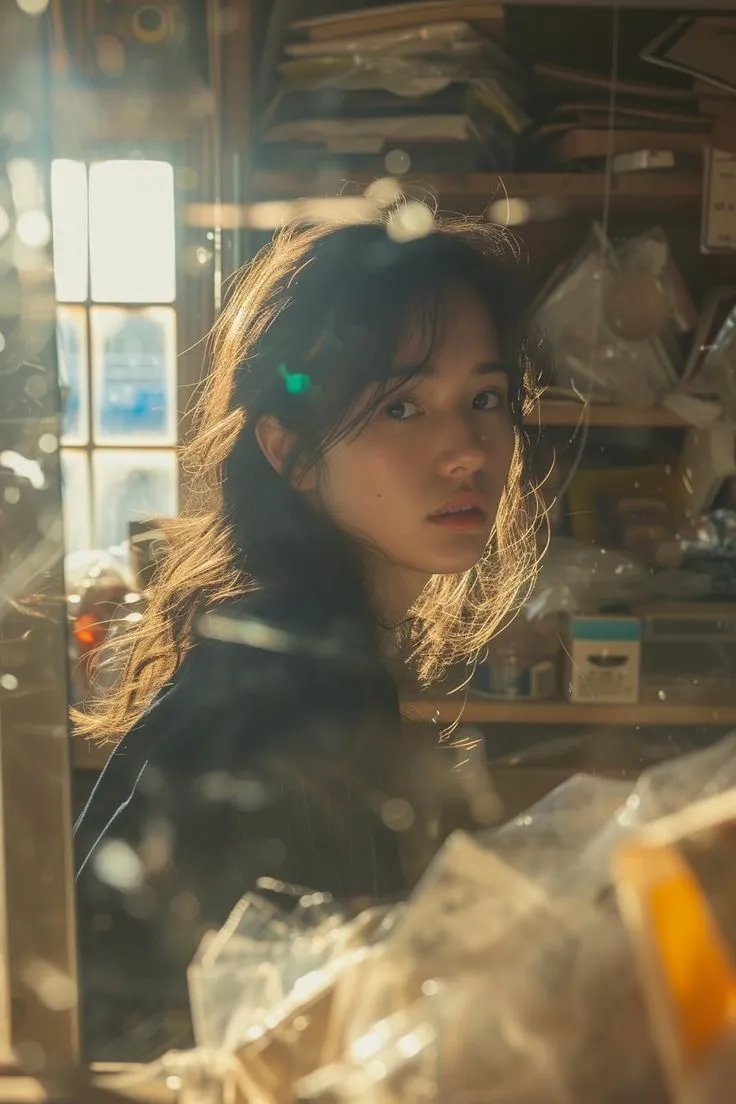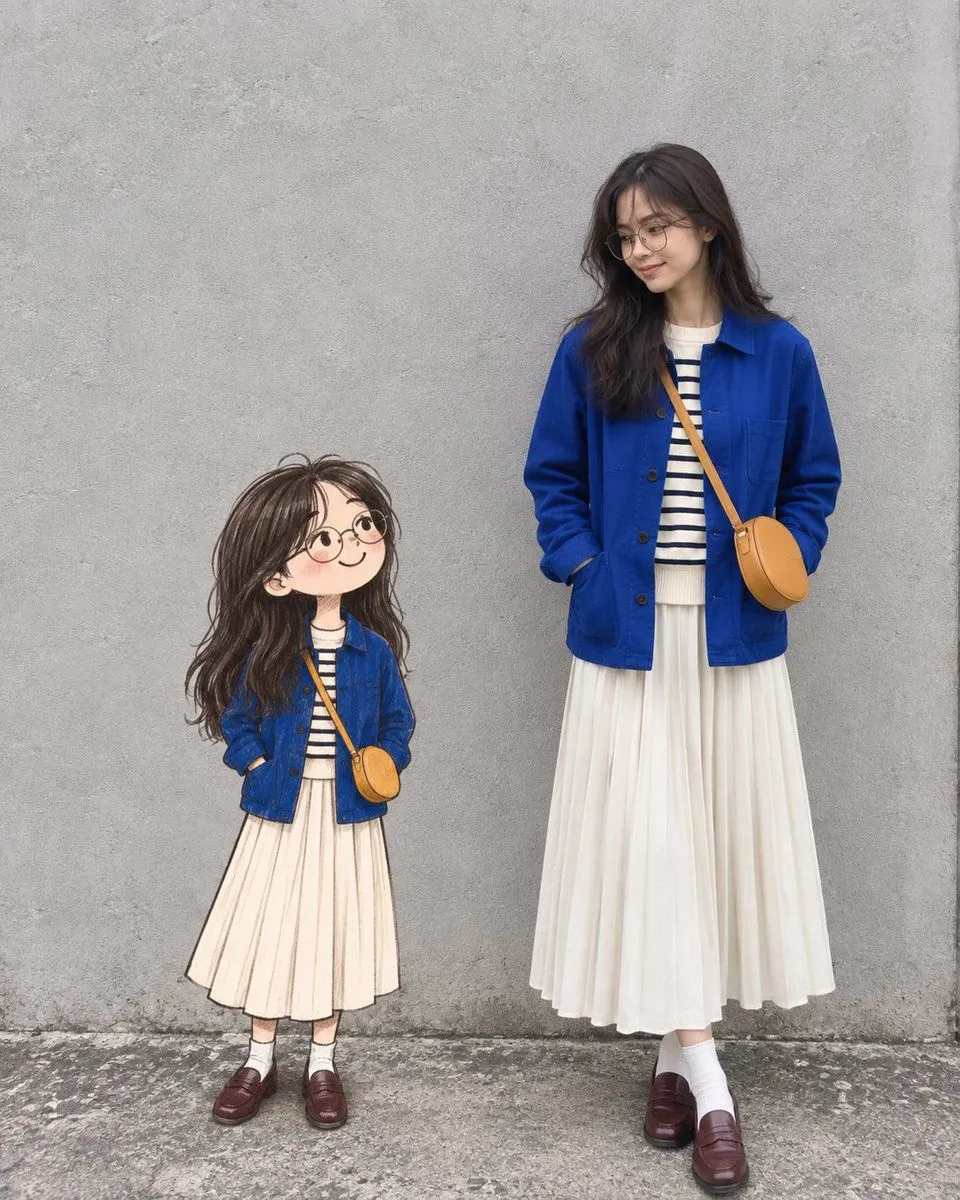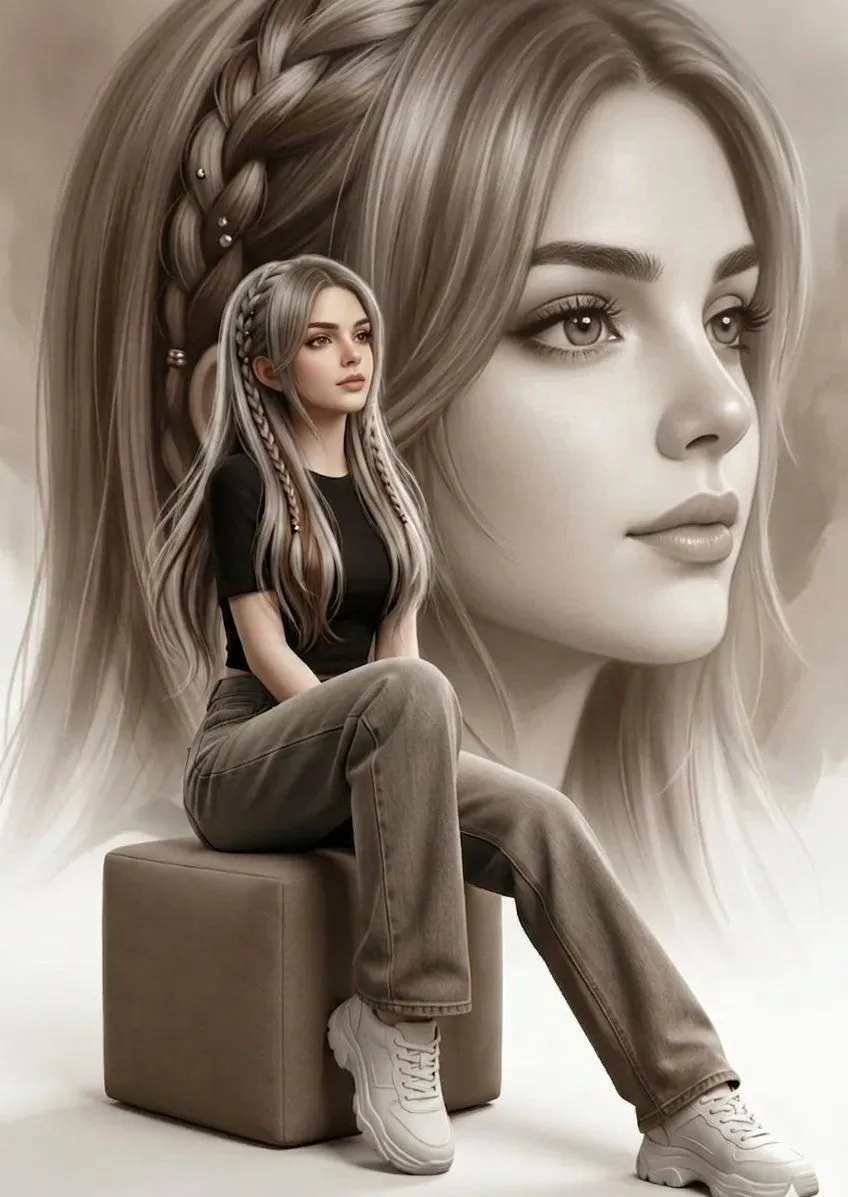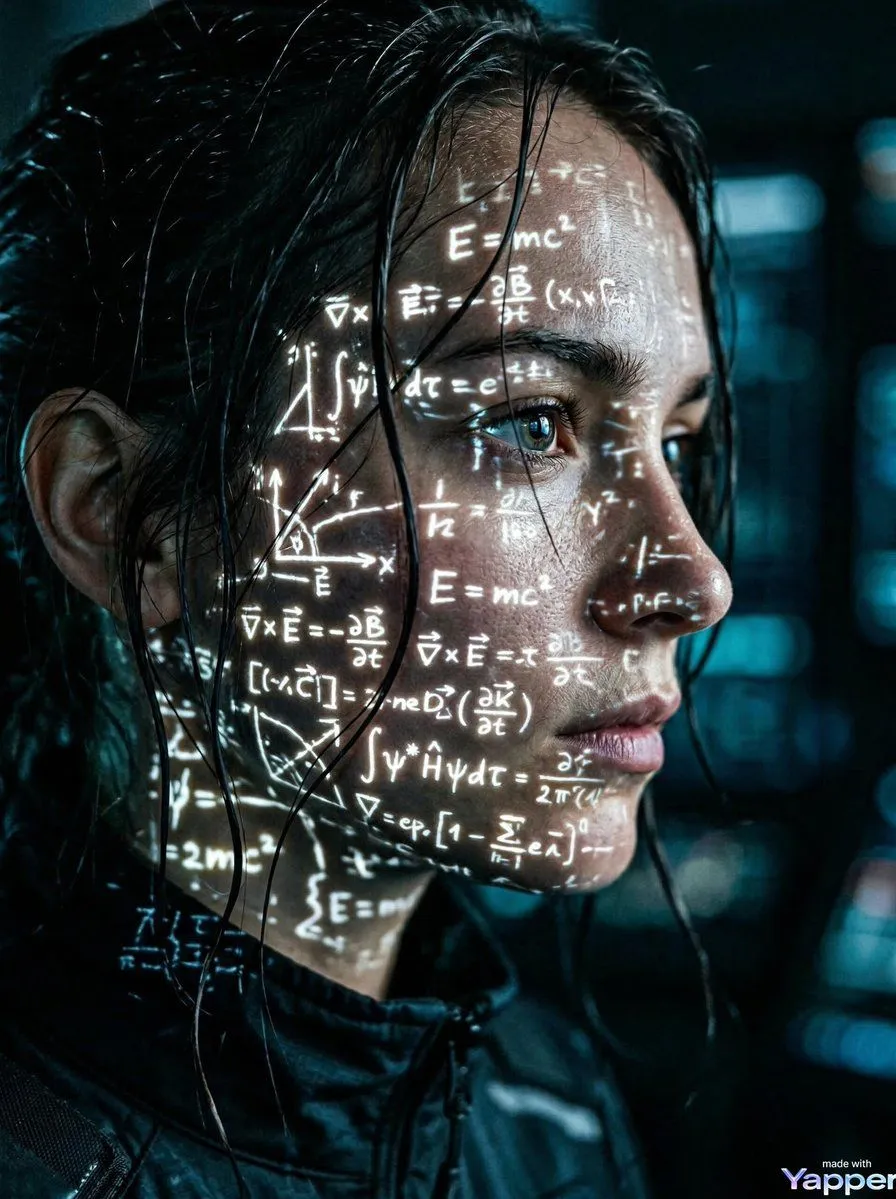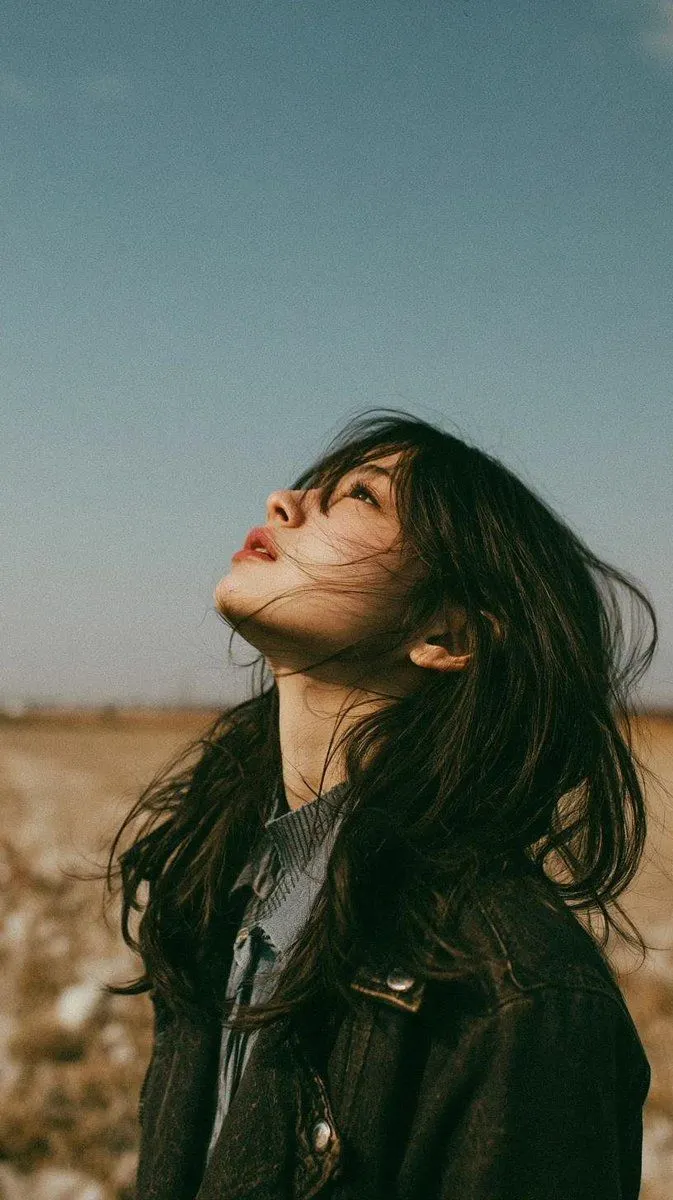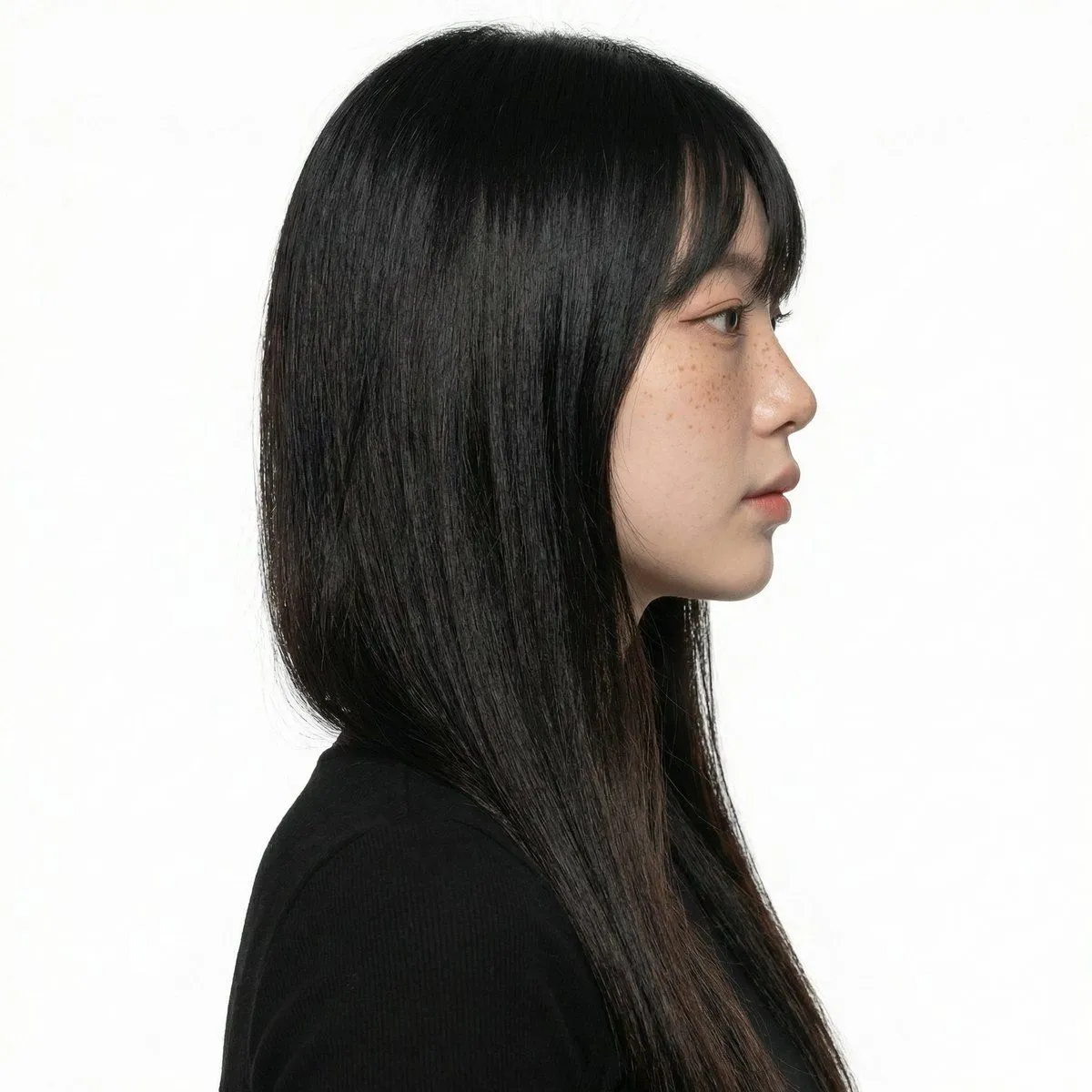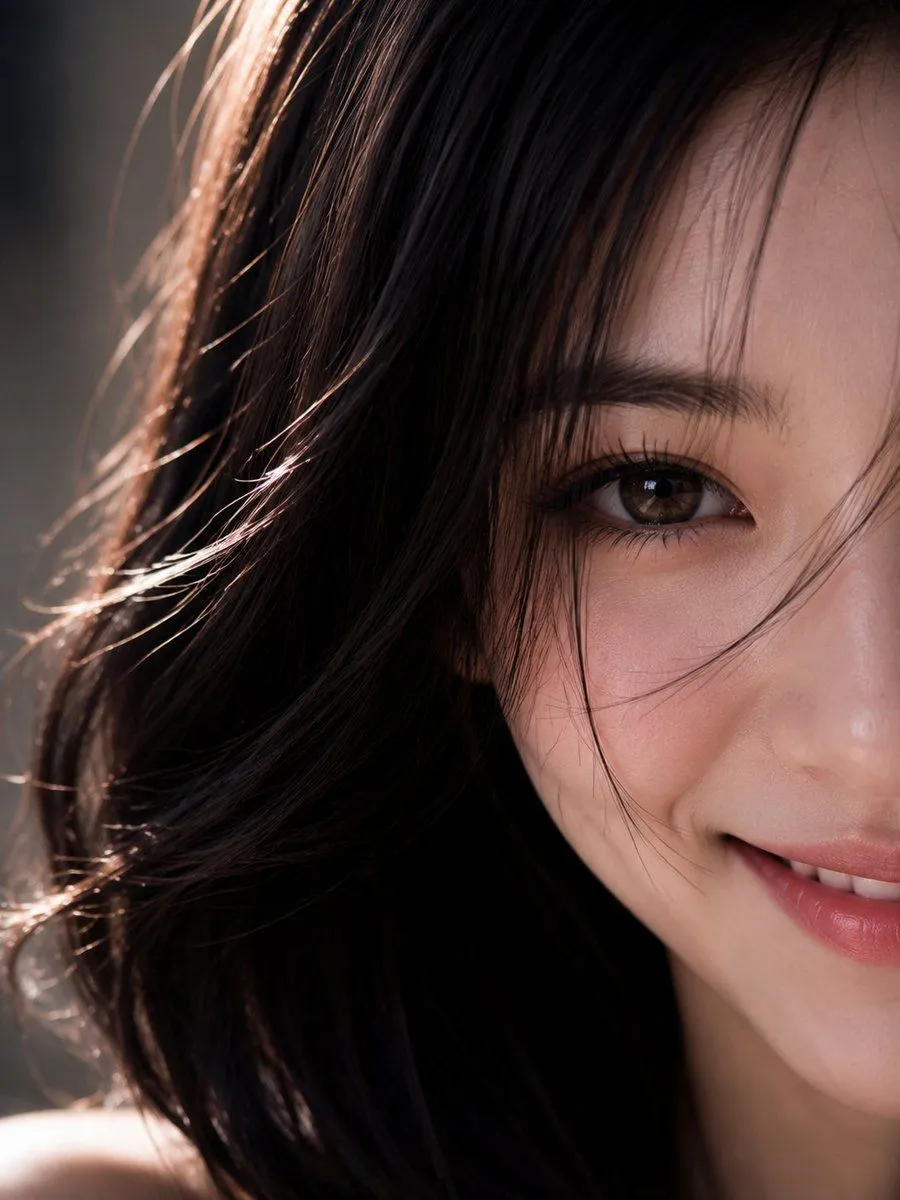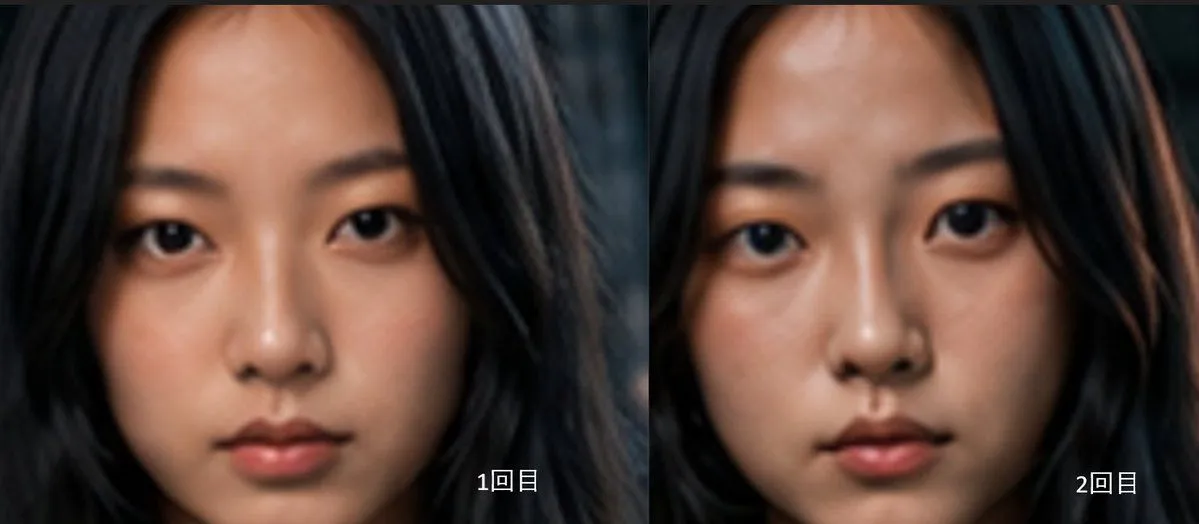
Made with GPT Image 2 in ChatGPT, collected by Library Avatars. Promptclay never generates images.
Two-Panel AI Portrait Comparison
Prompt
4 blanks to fillGoal: Create a side-by-side comparison image showing two AI-generated close-up portraits of the same young East Asian woman, emphasizing subtle facial differences between two generations. Canvas: Wide horizontal 2-panel layout, approximately 1200×525 px, with a thin vertical divider exactly in the center. No outer border, no title, no watermark. Layout: Use exactly 2 equal panels. Left panel: first portrait, labeled {left_label} in small white text near the lower-right corner. Right panel: second portrait, labeled {right_label} in small white text near the lower-right corner. The labels should be clean sans-serif, white with a subtle dark shadow for legibility. Subject details: Each panel shows a tightly cropped frontal head-and-face portrait of {subject}. She has long, loose {hair_color} framing her face, a smooth forehead, natural dark eyebrows, almond-shaped dark eyes looking directly into the camera, a small straight nose, softly closed lips, and a calm neutral expression. The face fills most of each panel, cropped near the top of the forehead and around the chin, with hair extending to both sides. The two portraits should look very similar but not identical: slightly different eye shape, cheek fullness, nose bridge, mouth shape, and face proportions. Visual style: Realistic AI portrait photography with soft cinematic lighting, shallow depth of field, smooth skin texture, muted warm skin tones, dark blurred background, and slightly soft focus. The overall mood is quiet and serious. Keep the left portrait a little softer and flatter, and the right portrait slightly more polished, warmer, and more symmetrical. Constraints: Include exactly 2 portraits and exactly 2 text labels. Do not add extra captions, UI elements, logos, or decorative graphics. Maintain a direct face comparison composition with both faces centered and similarly scaled.
Preview of your prompt
Goal: Create a side-by-side comparison image showing two AI-generated close-up portraits of the same young East Asian woman, emphasizing subtle facial differences between two generations. Canvas: Wide horizontal 2-panel layout, approximately 1200×525 px, with a thin vertical divider exactly in the center. No outer border, no title, no watermark. Layout: Use exactly 2 equal panels. Left panel: first portrait, labeled 1回目 in small white text near the lower-right corner. Right panel: second portrait, labeled 2回目 in small white text near the lower-right corner. The labels should be clean sans-serif, white with a subtle dark shadow for legibility. Subject details: Each panel shows a tightly cropped frontal head-and-face portrait of a young East Asian woman. She has long, loose black hair framing her face, a smooth forehead, natural dark eyebrows, almond-shaped dark eyes looking directly into the camera, a small straight nose, softly closed lips, and a calm neutral expression. The face fills most of each panel, cropped near the top of the forehead and around the chin, with hair extending to both sides. The two portraits should look very similar but not identical: slightly different eye shape, cheek fullness, nose bridge, mouth shape, and face proportions. Visual style: Realistic AI portrait photography with soft cinematic lighting, shallow depth of field, smooth skin texture, muted warm skin tones, dark blurred background, and slightly soft focus. The overall mood is quiet and serious. Keep the left portrait a little softer and flatter, and the right portrait slightly more polished, warmer, and more symmetrical. Constraints: Include exactly 2 portraits and exactly 2 text labels. Do not add extra captions, UI elements, logos, or decorative graphics. Maintain a direct face comparison composition with both faces centered and similarly scaled.
DetailsVersions, settings and questions
Written for
What's in the prompt
- Subject
- Model
- GPT Image 2
If your face changes
keep my face exactly the sameQuestions
- Does this work in the ChatGPT app?
- Yes. Paste the prompt and attach your photo if it uses one.
- It changed my face. What do I do?
- Add "keep my face exactly the same" to the end and run it again.
- Can I use the images I make?
- Check the terms of the app you use. Promptclay never generates images and claims nothing you make.