Tell us anything

An idea, a bug, something you love. We read every note.

⌘↵ to send. The page you're on comes along.

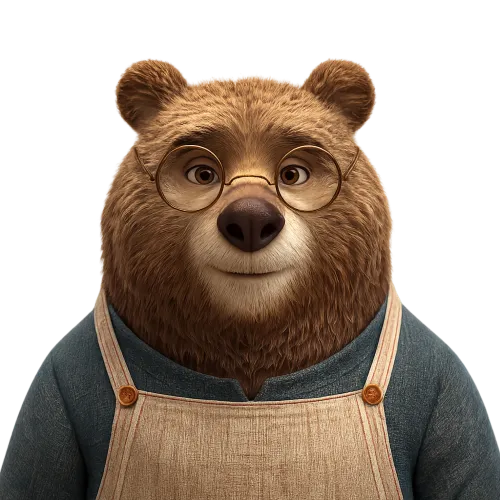
Transparent Bear Character Cutout

Made with GPT Image 2 in ChatGPT by Library Game Art. Promptclay never generates images.

Did it work?

No reports yet. Tell others if it worked for you.

No comments yet. Be the first.

    Transparent Bear Character Cutout

    GPT Image 21:1AI-generated

    Prompt

    Using the provided reference image, isolate the bear character and remove the entire background, replacing it with a fully transparent background. Keep the character’s pose, expression, glasses, clothing, proportions, lighting, fur detail, and crop essentially unchanged. Preserve delicate edge detail around the ears, fur, shoulders, apron straps, and glasses with a clean cutout suitable for use as a reusable PNG sticker or product-style asset. Do not add any new objects, text, shadows, borders, or background elements.

    Works in
    ChatGPT, Gemini
    Status
    Free to copy
    0
    DetailsVersions, settings and questions

    Written for

    What's in the prompt

    Subject
    Model
    GPT Image 2

    If your face changes

    keep my face exactly the same

    Questions

    Does this work in the ChatGPT app?
    Yes. Paste the prompt and attach your photo if it uses one.
    It changed my face. What do I do?
    Add "keep my face exactly the same" to the end and run it again.
    Can I use the images I make?
    Check the terms of the app you use. Promptclay never generates images and claims nothing you make.
    Similar prompts

    See more
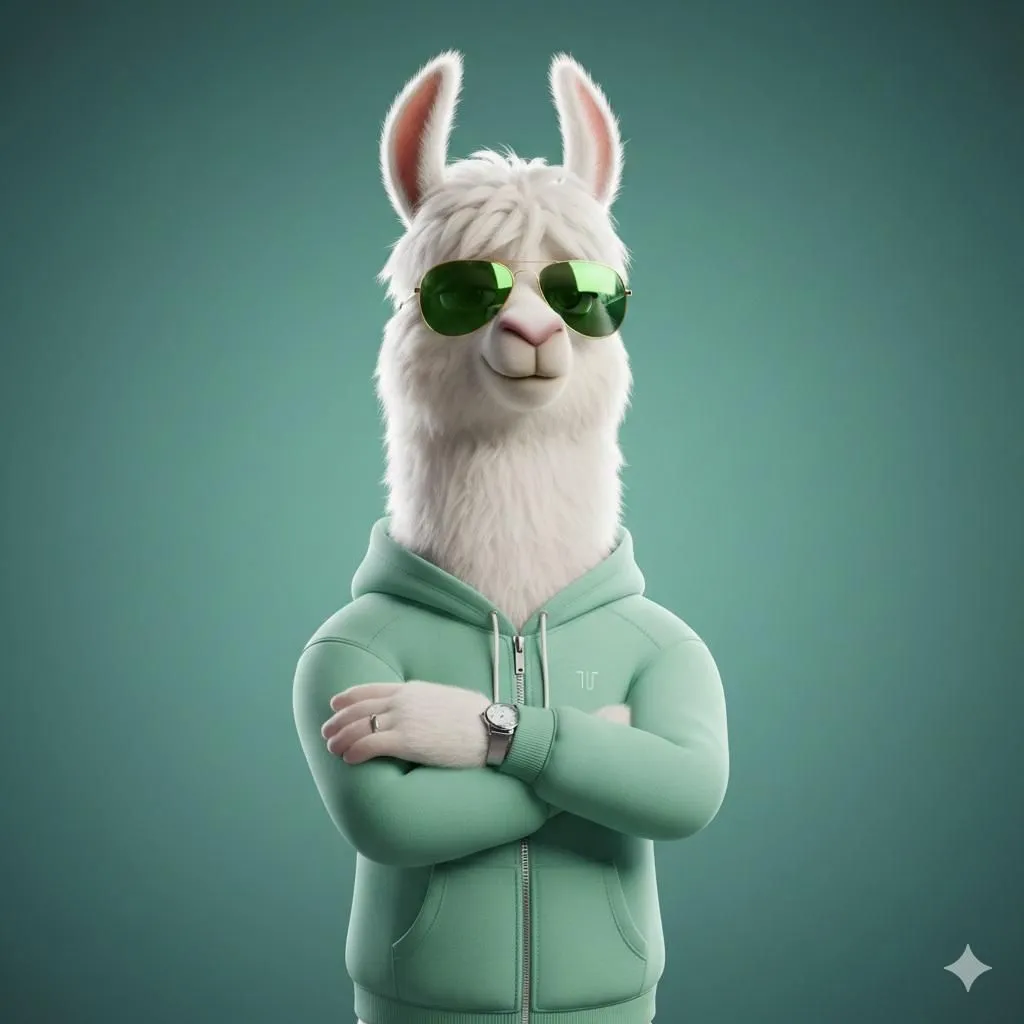
    • Stylized 3D Llama Character in Streetwear
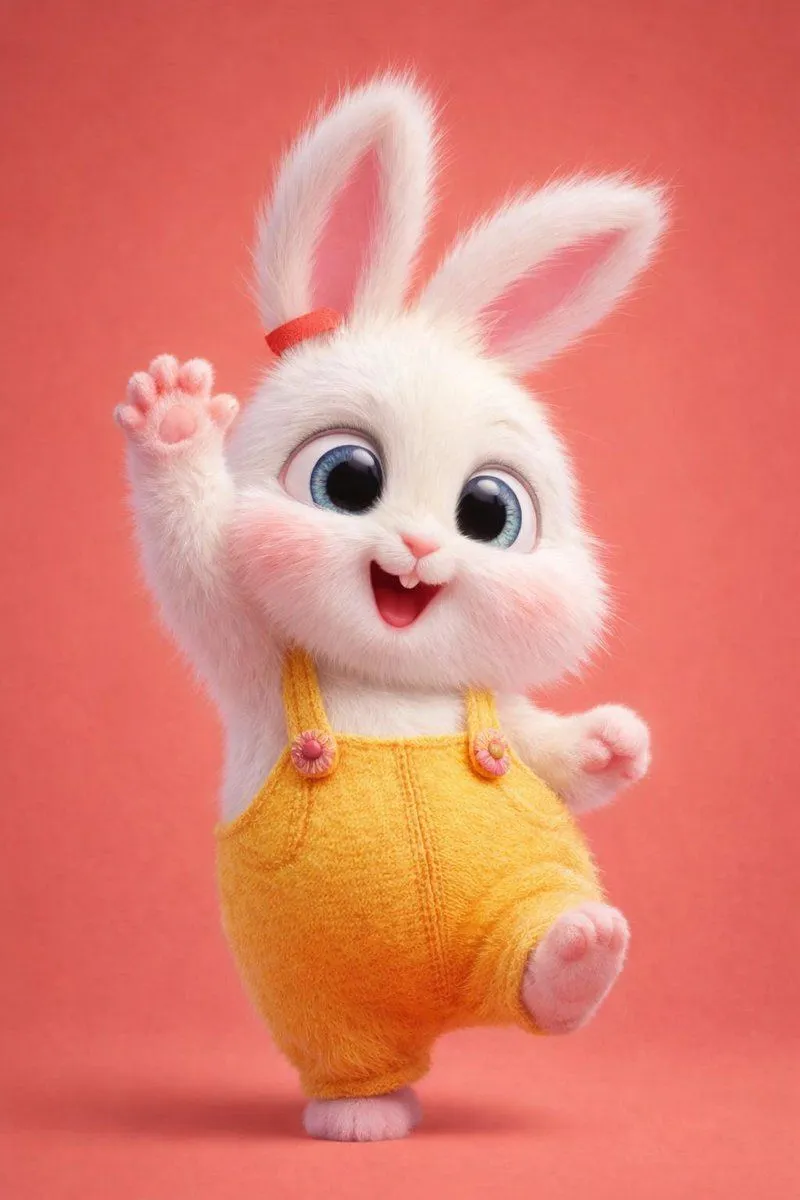
    • 3D Anthropomorphic Bunny Character Prompt
    • Character Proportion Adjustment Prompt
    • Censored Monkey Kid in Denim
    • Autumn Squirrel Child Street Portrait
    • Character Sheet Design Prompt
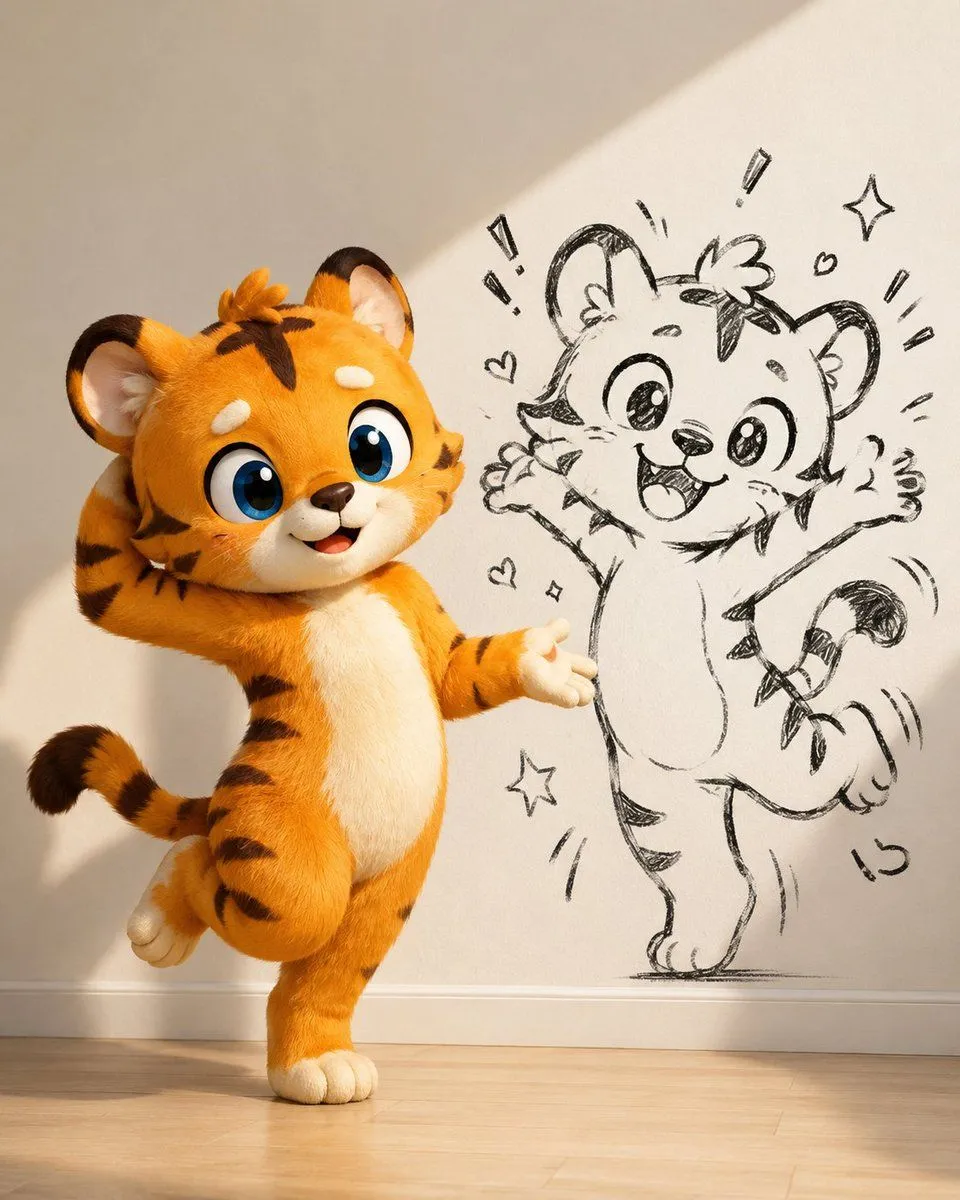
    • Cute Tiger Cub Wall Doodle
    • 3D Anthropomorphic Snow Leopard Streetwear
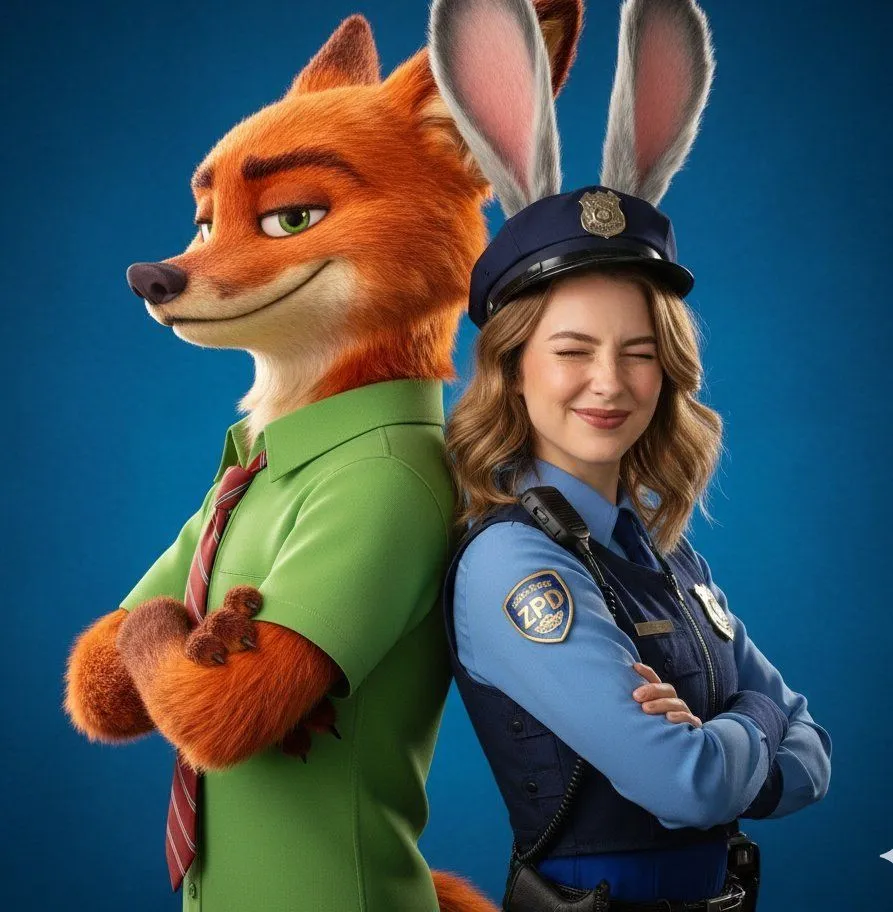
    • Hyper-Realistic Zootopia Cosplay Portrait with Identity Lock
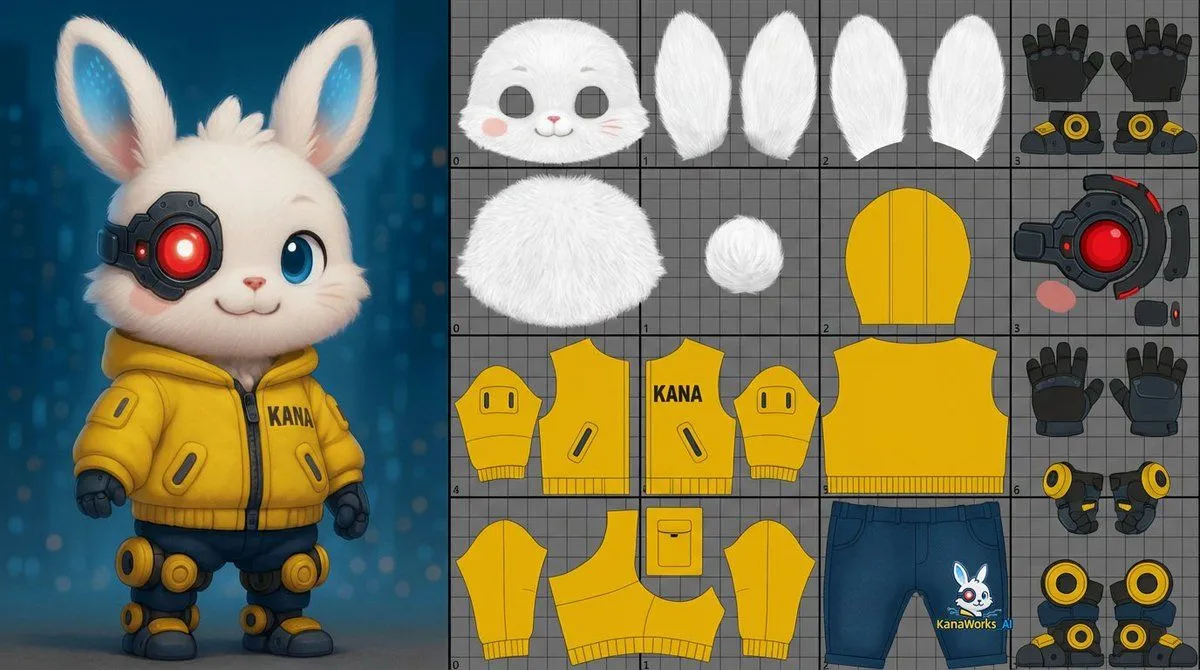
    • Prompt for UV Unwrapping a 3D Model
    • Base Prompt with Uploaded Image
    • Pixar-Style 3D Avatar Generation Prompt
    • 3D CGI Big-Head Cartoon of Harry Potter
    • Photo-to-LEGO Minifigure Transformation
    • Industrial Packaging Design Sheet
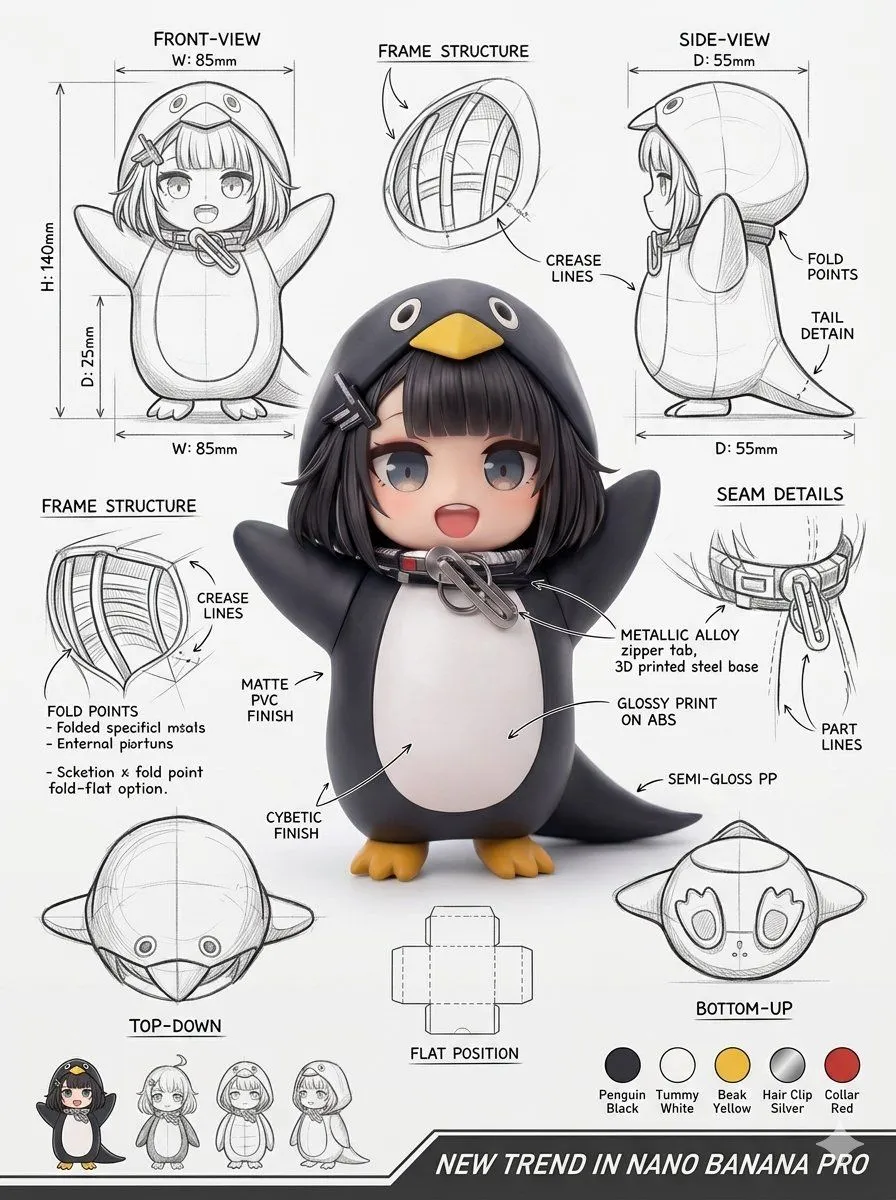
    • Miniature Figurine Prompt for Nano Banana Pro
    • Ultra-Realistic 3D Render of a Furry Logo
    • Teddy Bear with a Pearl Earring
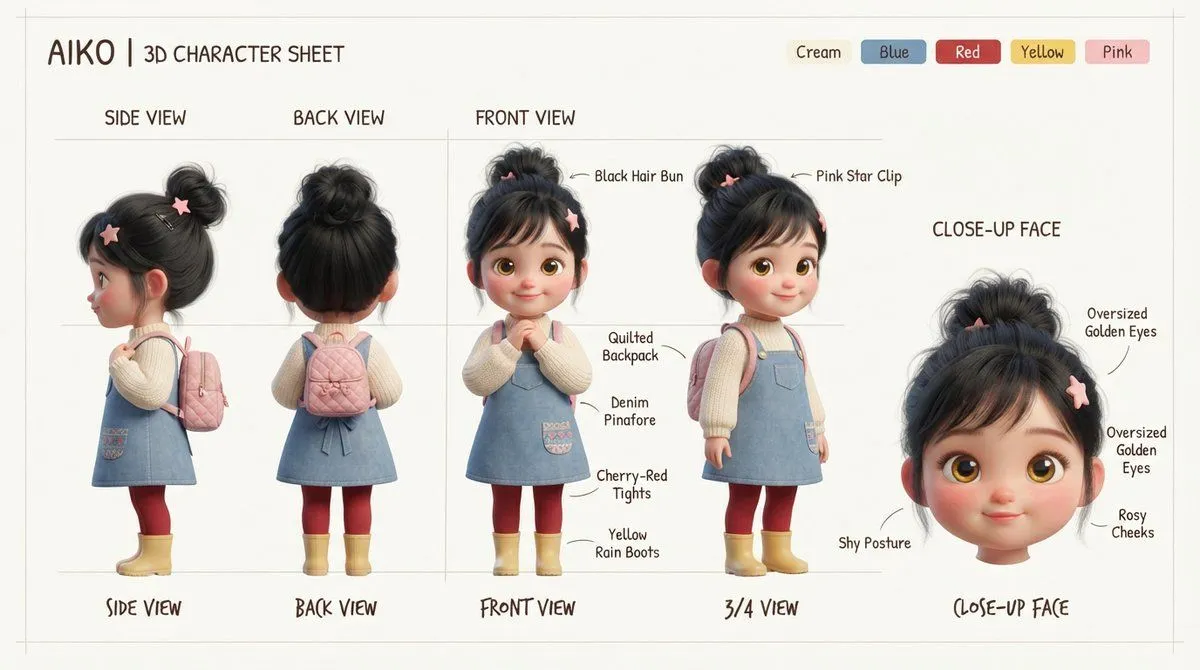
    • Aiko 3D Character Sheet
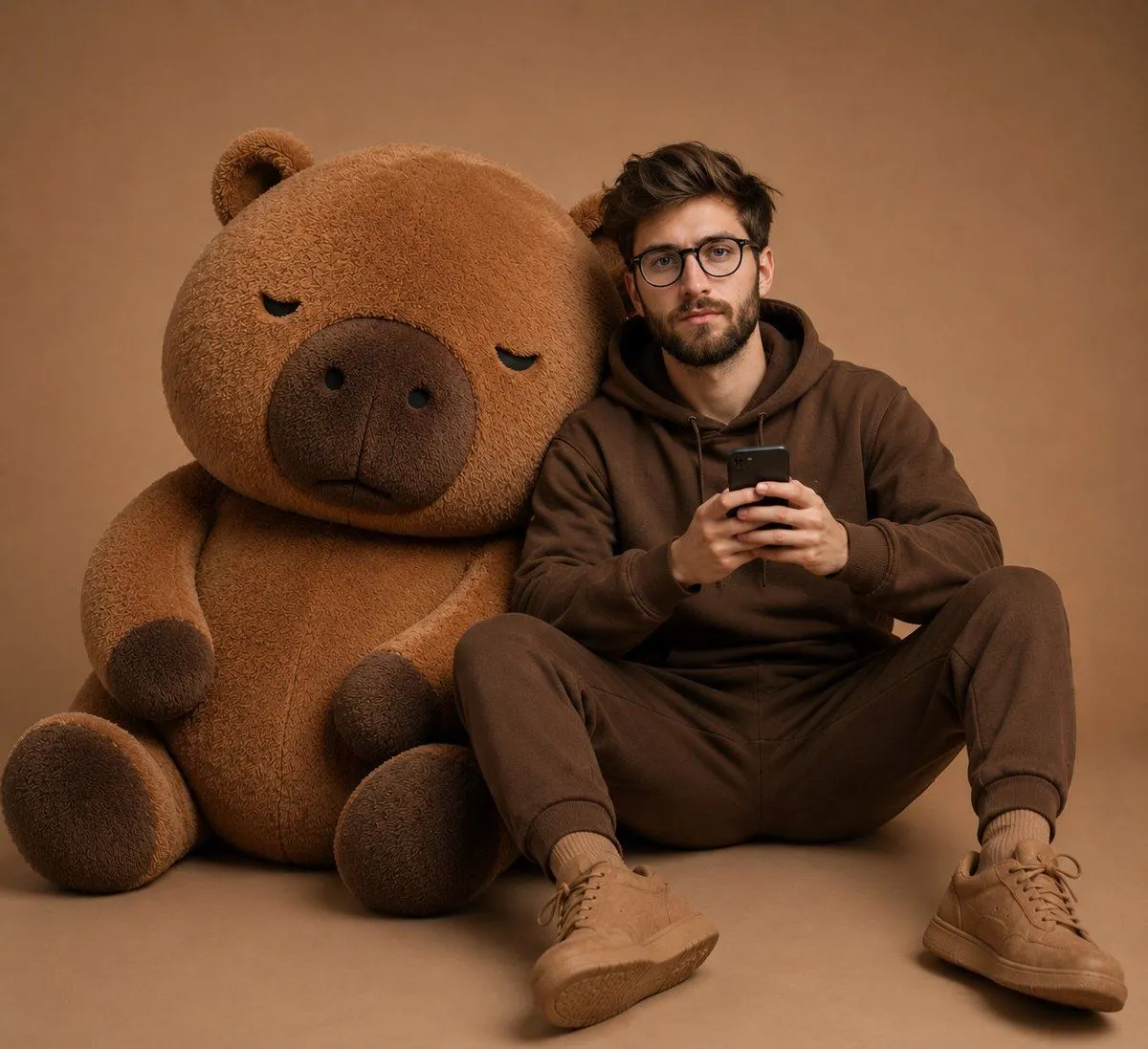
    • Cozy Monochromatic Studio Portrait
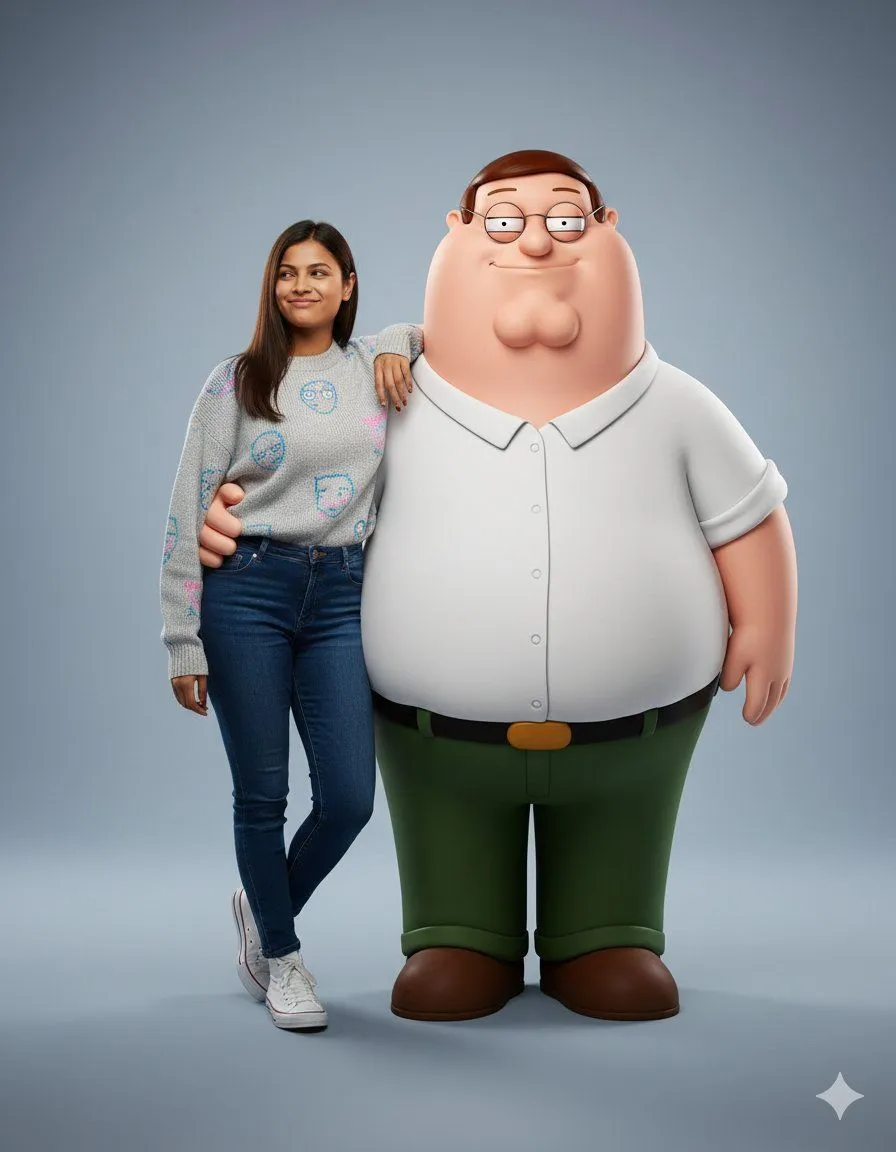
    • Hyper-realistic Portrait with Family Guy 3D Characters
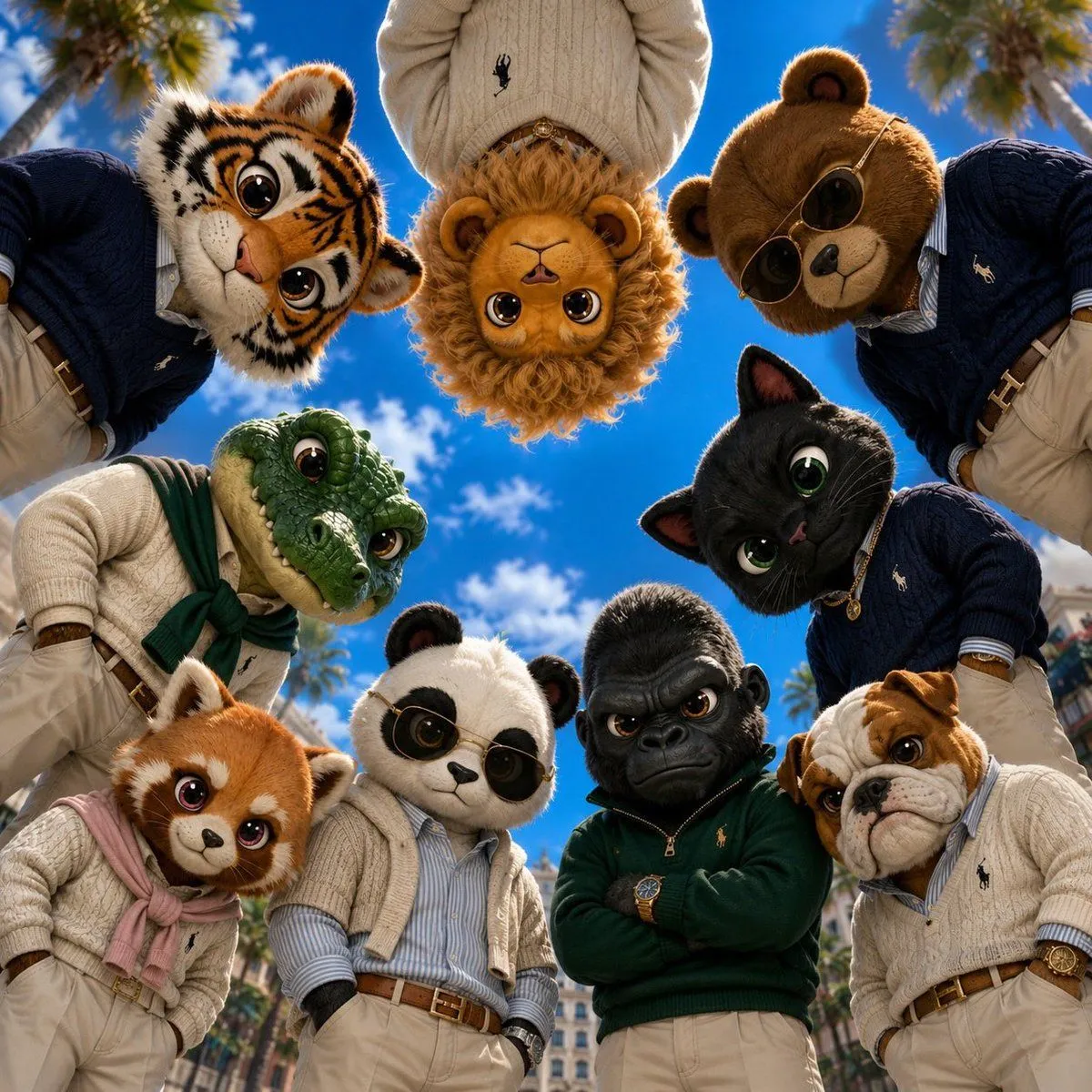
    • Old Money & Gangster Style Animal Squads
    • Man with Zootopia Characters in Alpine Cable Car
    • Cute Painted Black Bear Illustration

    Show more

    Run it on your phone

    1. Prompt copiedRead it

      Using the provided reference image, isolate the bear character and remove the entire background, replacing it with a fully transparent background. Keep the character’s pose, expression, glasses, clothing, proportions, lighting, fur detail, and crop essentially unchanged. Preserve delicate edge detail around the ears, fur, shoulders, apron straps, and glasses with a clean cutout suitable for use as a reusable PNG sticker or product-style asset. Do not add any new objects, text, shadows, borders, or background elements.

    2. Open your app

    3. Paste and run

      Press and hold the message box, then tap Paste. Add your photo first if the prompt uses one. You may need to sign in.

    Transparent Bear Character Cutout