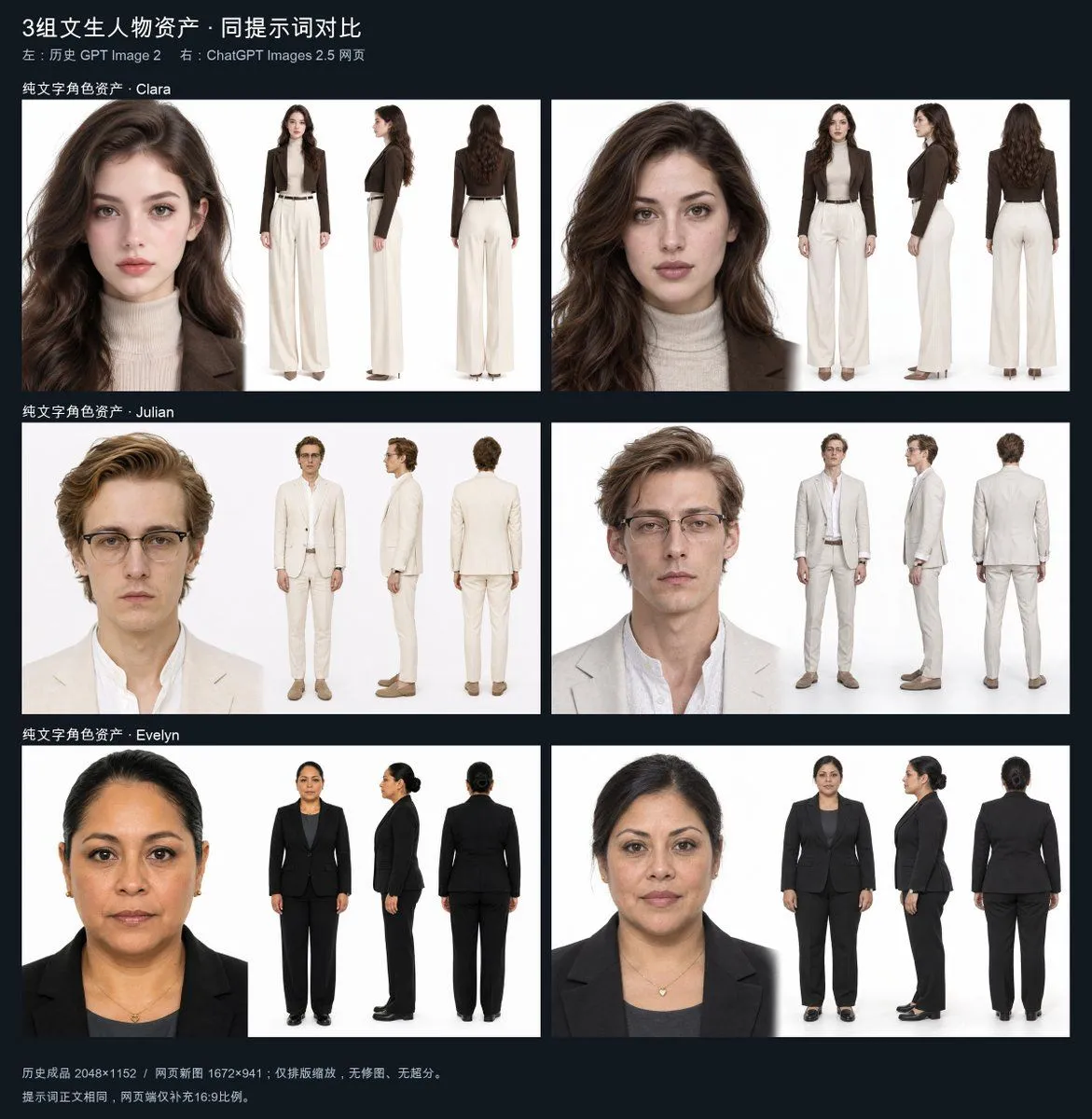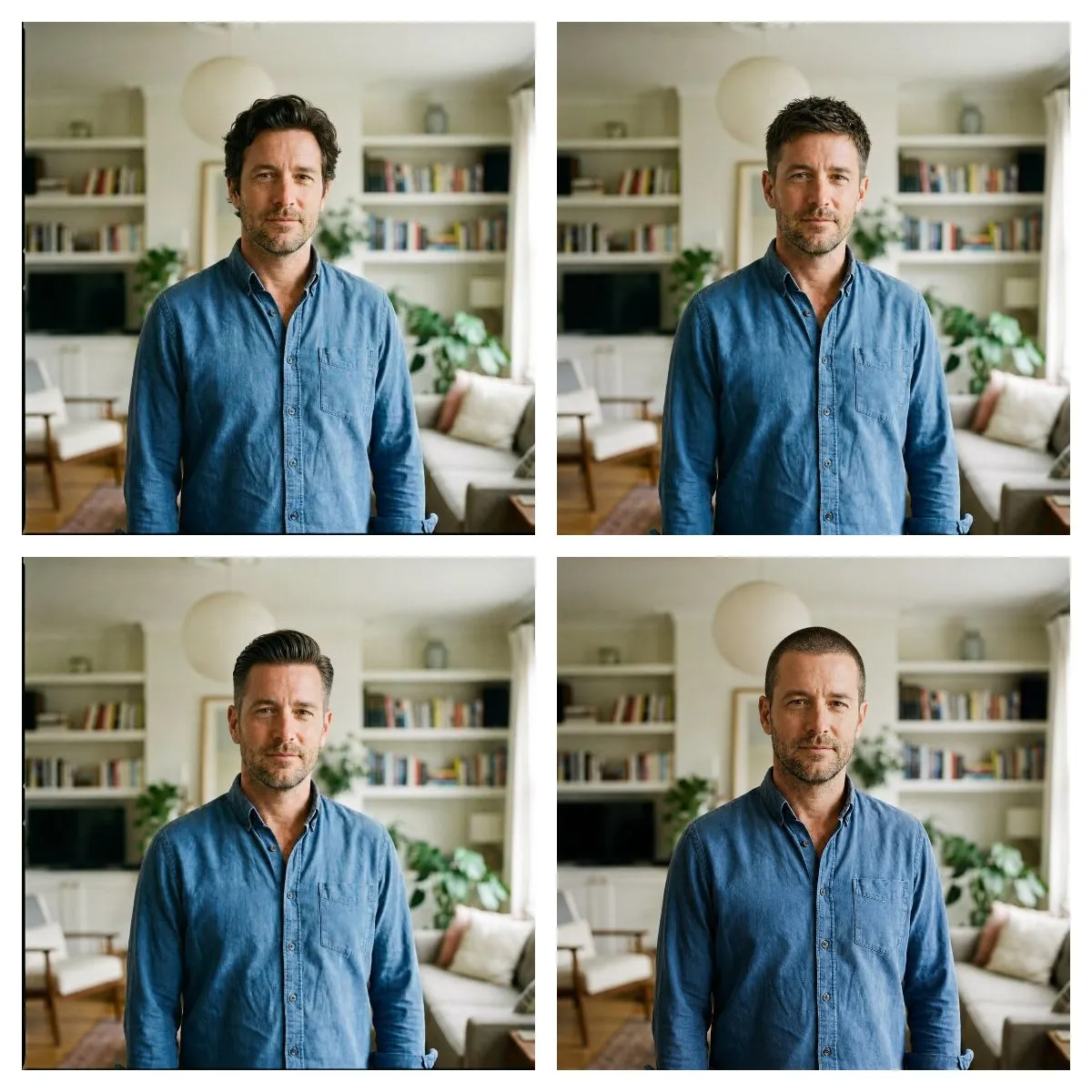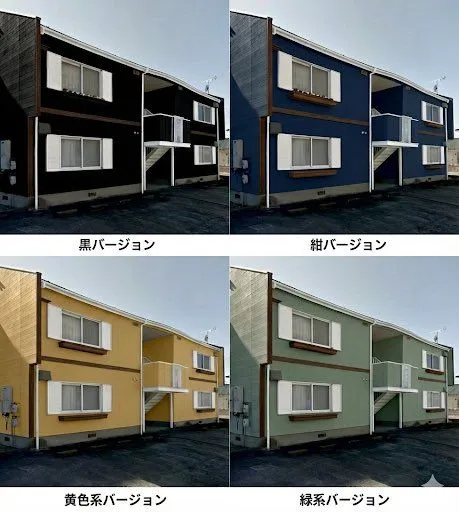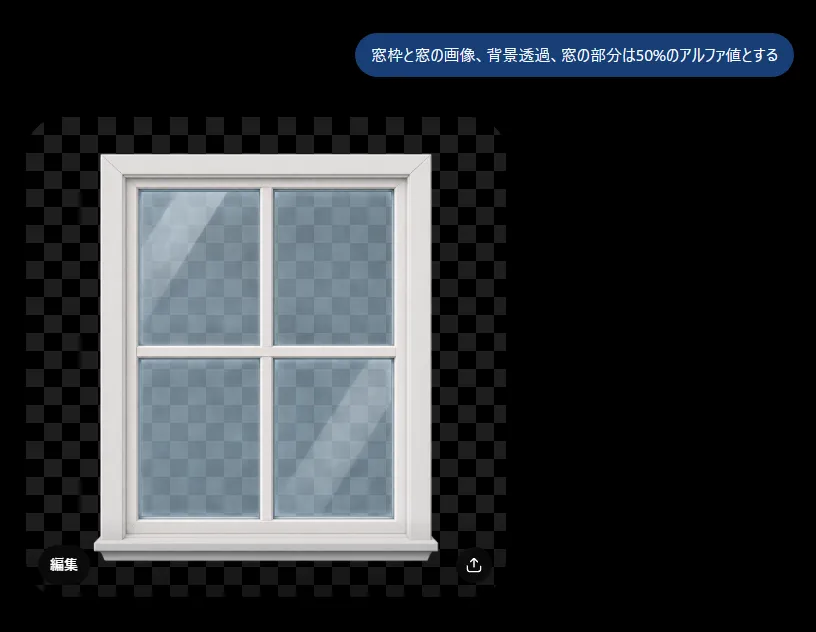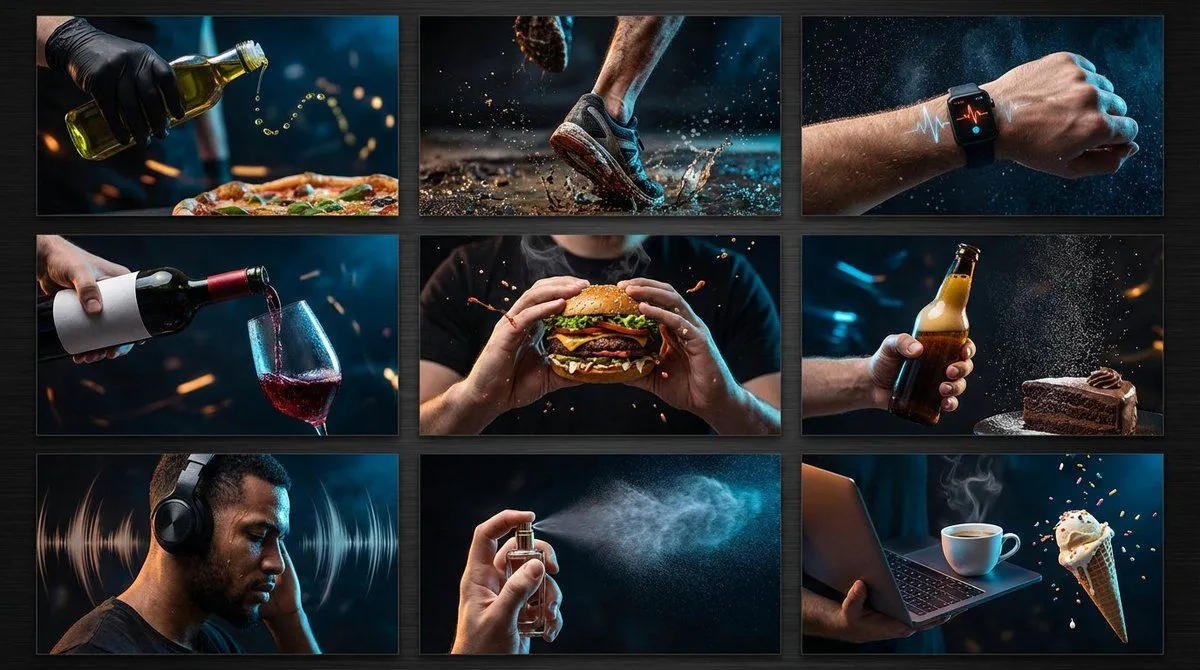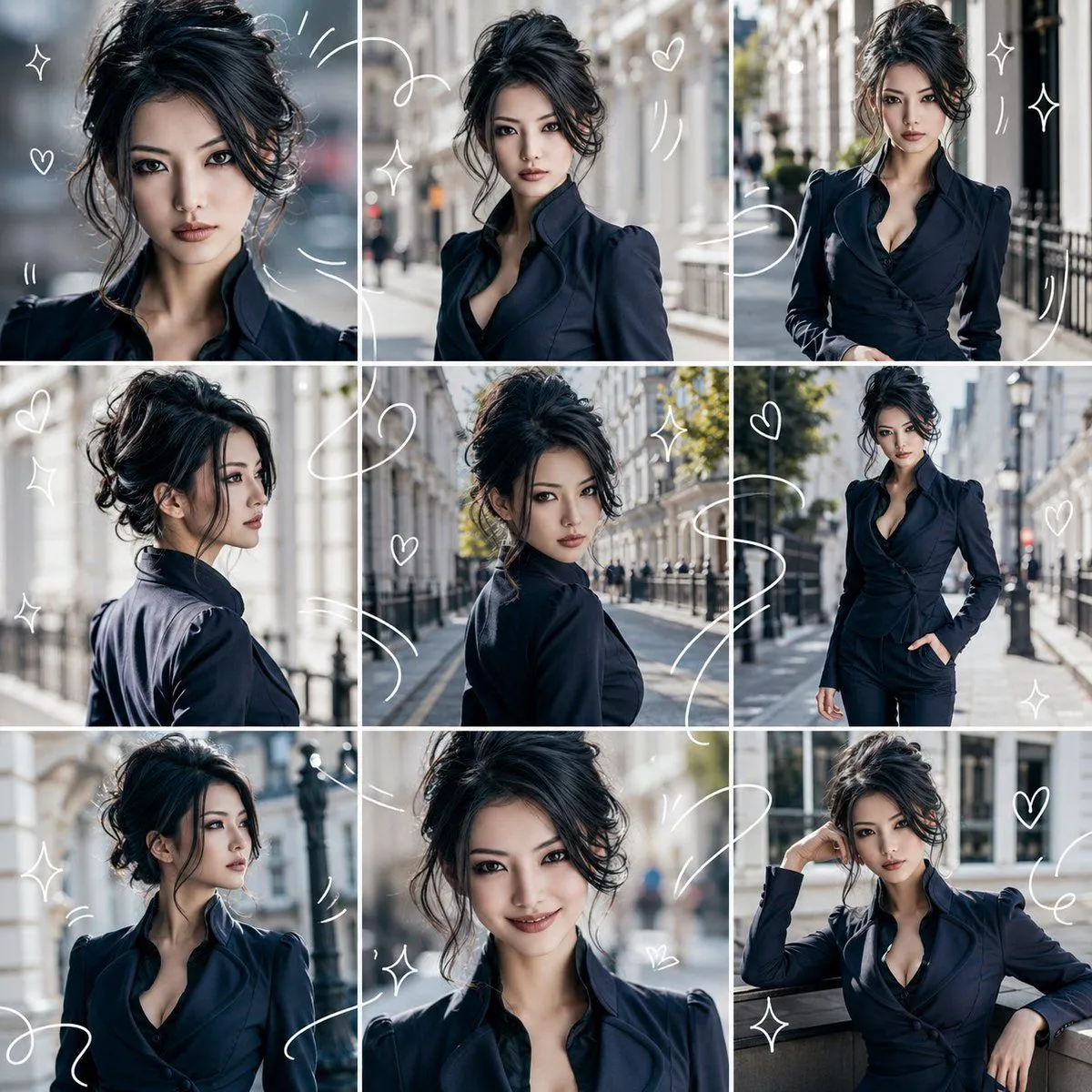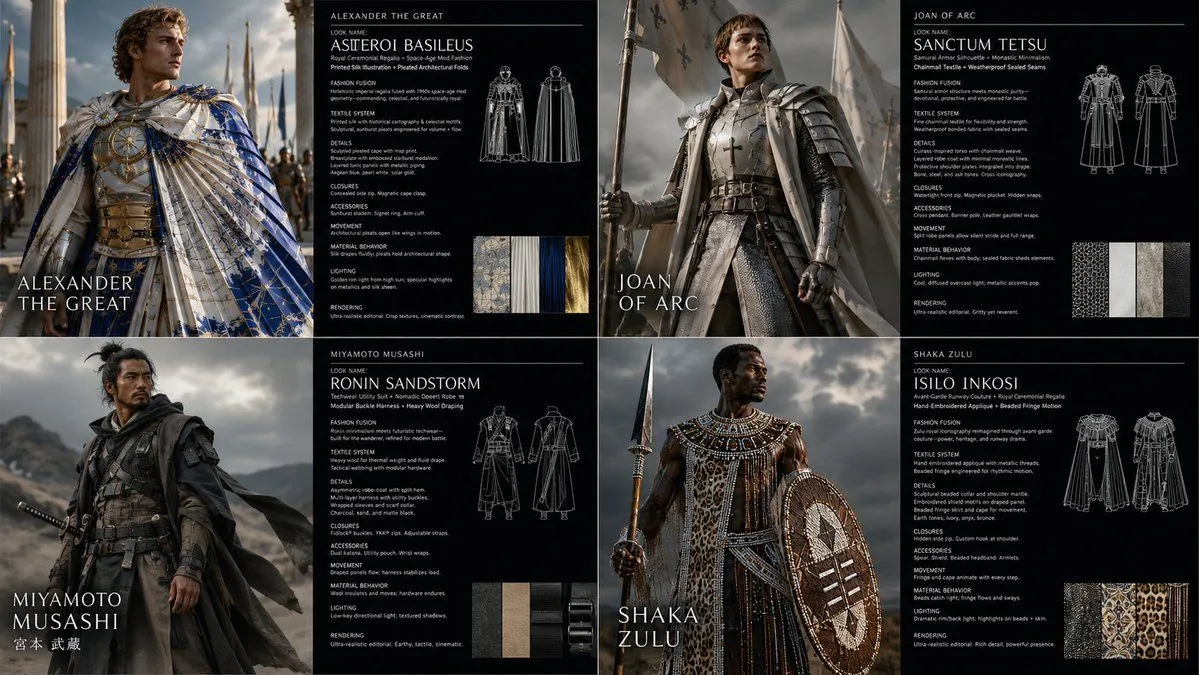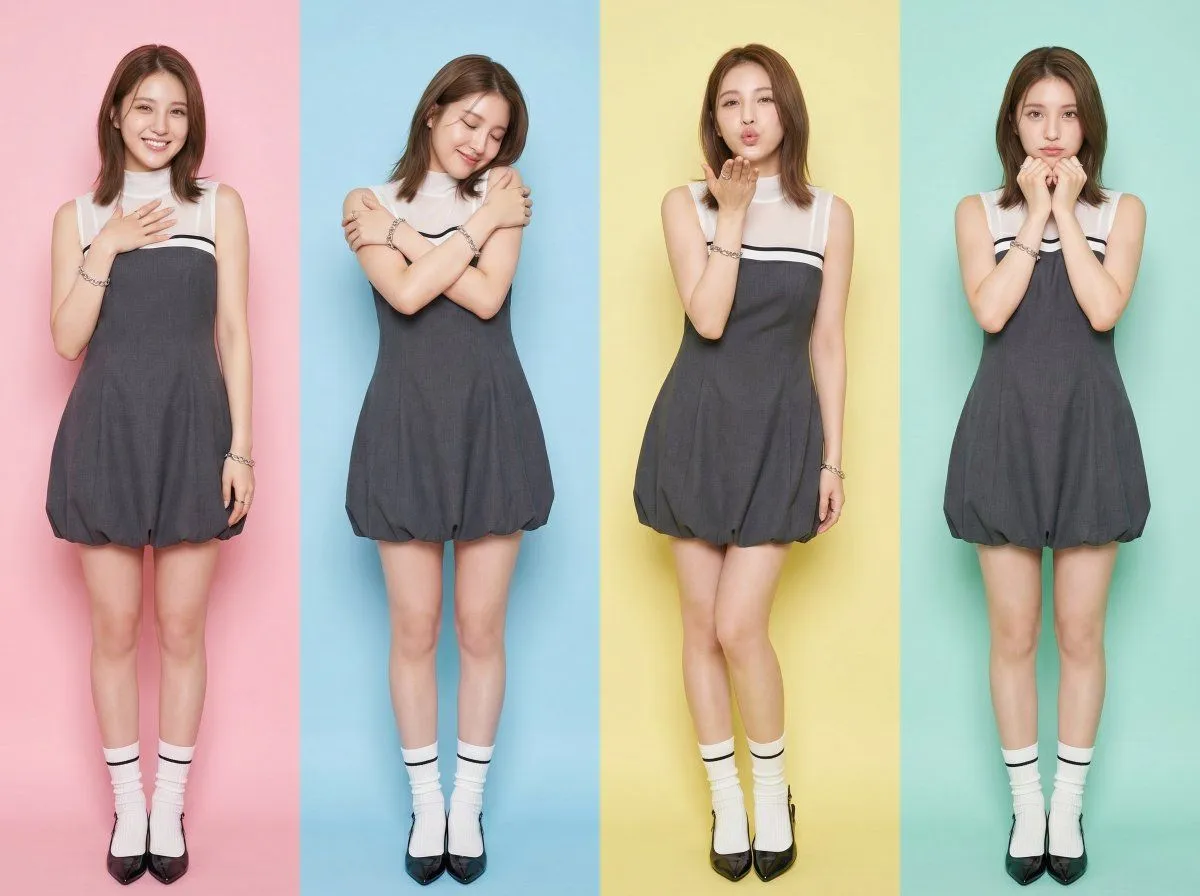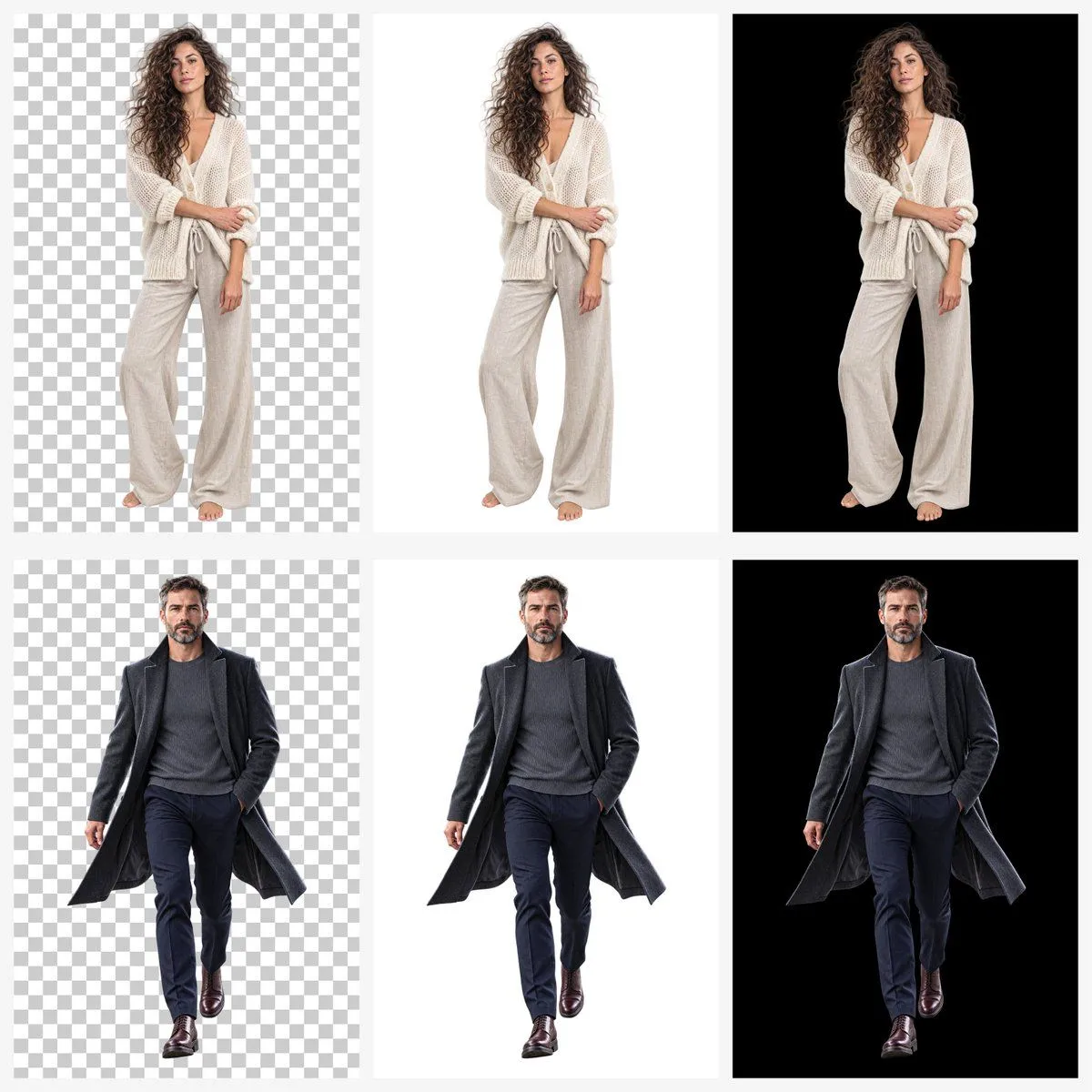
Made with GPT Image 2 in ChatGPT, collected by Library Explainers. Promptclay never generates images.
Did it work?
No reports yet. Tell others if it worked for you.
Transparent Background Comparison Grid
Prompt
3 blanks to fillGoal: Create a clean comparison grid demonstrating background handling for cutout portrait images generated by {image_model}. Canvas: Square 1:1 canvas, approximately 1200 x 1200 px, with a very light gray page background and narrow gutters between panels. Layout: Use exactly 6 rectangular panels arranged in a 2-row by 3-column grid. Each panel contains one full-body studio cutout subject centered vertically and horizontally with ample margin. The three columns compare background types: left column shows a gray-and-white checkerboard transparency pattern, middle column shows a plain white background, right column shows a solid black background. No captions, no logos, no text. Subjects: Use exactly 2 human models. Top row: a {female_model_description}. She stands front-facing in a relaxed fashion pose, one arm folded across her body and the other hanging down, soft studio lighting, realistic photographic detail. Bottom row: a {male_model_description}. He appears mid-stride with one hand in his trouser pocket and the coat slightly flaring outward. Panel details: Count of repeated elements is exactly 6 panels: 1) woman on checkerboard transparent-style background, 2) woman on white background, 3) woman on black background, 4) man on checkerboard transparent-style background, 5) man on white background, 6) man on black background. Keep the same subject pose, scale, lighting, and crop consistent across each row so only the background changes. Visual style: Hyperrealistic studio product-demo photography, crisp full-body cutouts, clean edges around hair and clothing, neutral soft shadows only if subtle, high contrast on black backgrounds, bright clean white backgrounds, and a standard transparency checkerboard pattern made of evenly sized alternating light gray and white squares. Constraints: Do not include any visible text, labels, watermark, interface chrome, decorative icons, or extra objects. Maintain realistic proportions, full bodies visible from head to feet, centered composition, and consistent spacing between all grid cells.
Preview of your prompt
Goal: Create a clean comparison grid demonstrating background handling for cutout portrait images generated by GPT Image 2. Canvas: Square 1:1 canvas, approximately 1200 x 1200 px, with a very light gray page background and narrow gutters between panels. Layout: Use exactly 6 rectangular panels arranged in a 2-row by 3-column grid. Each panel contains one full-body studio cutout subject centered vertically and horizontally with ample margin. The three columns compare background types: left column shows a gray-and-white checkerboard transparency pattern, middle column shows a plain white background, right column shows a solid black background. No captions, no logos, no text. Subjects: Use exactly 2 human models. Top row: a young woman with long voluminous curly brown hair, neutral expression, barefoot, wearing a loose cream chunky-knit cardi. She stands front-facing in a relaxed fashion pose, one arm folded across her body and the other hanging down, soft studio lighting, realistic photographic detail. Bottom row: a middle-aged man with short dark hair and salt-and-pepper beard, serious expression, walking toward camera, wearing a lon. He appears mid-stride with one hand in his trouser pocket and the coat slightly flaring outward. Panel details: Count of repeated elements is exactly 6 panels: 1) woman on checkerboard transparent-style background, 2) woman on white background, 3) woman on black background, 4) man on checkerboard transparent-style background, 5) man on white background, 6) man on black background. Keep the same subject pose, scale, lighting, and crop consistent across each row so only the background changes. Visual style: Hyperrealistic studio product-demo photography, crisp full-body cutouts, clean edges around hair and clothing, neutral soft shadows only if subtle, high contrast on black backgrounds, bright clean white backgrounds, and a standard transparency checkerboard pattern made of evenly sized alternating light gray and white squares. Constraints: Do not include any visible text, labels, watermark, interface chrome, decorative icons, or extra objects. Maintain realistic proportions, full bodies visible from head to feet, centered composition, and consistent spacing between all grid cells.
DetailsVersions, settings and questions
Written for
What's in the prompt
- Subject
- Model
- GPT Image 2
If your face changes
keep my face exactly the sameQuestions
- Does this work in the ChatGPT app?
- Yes. Paste the prompt and attach your photo if it uses one.
- It changed my face. What do I do?
- Add "keep my face exactly the same" to the end and run it again.
- Can I use the images I make?
- Check the terms of the app you use. Promptclay never generates images and claims nothing you make.