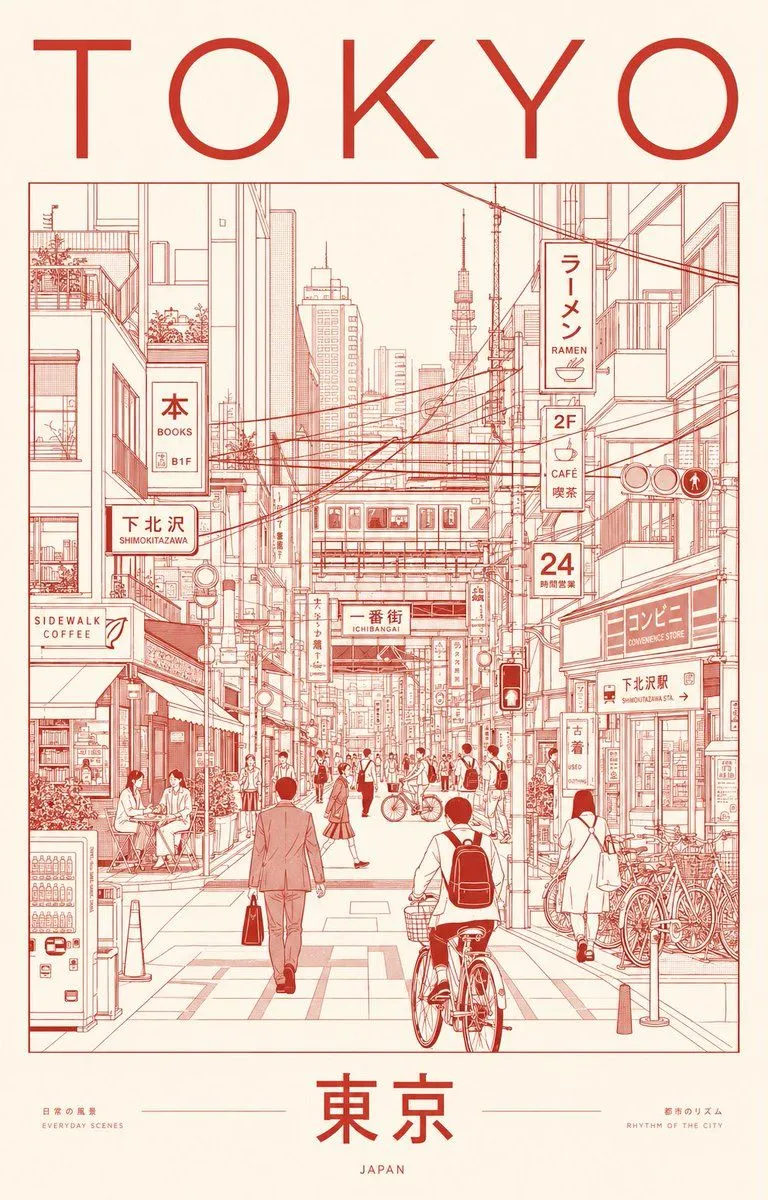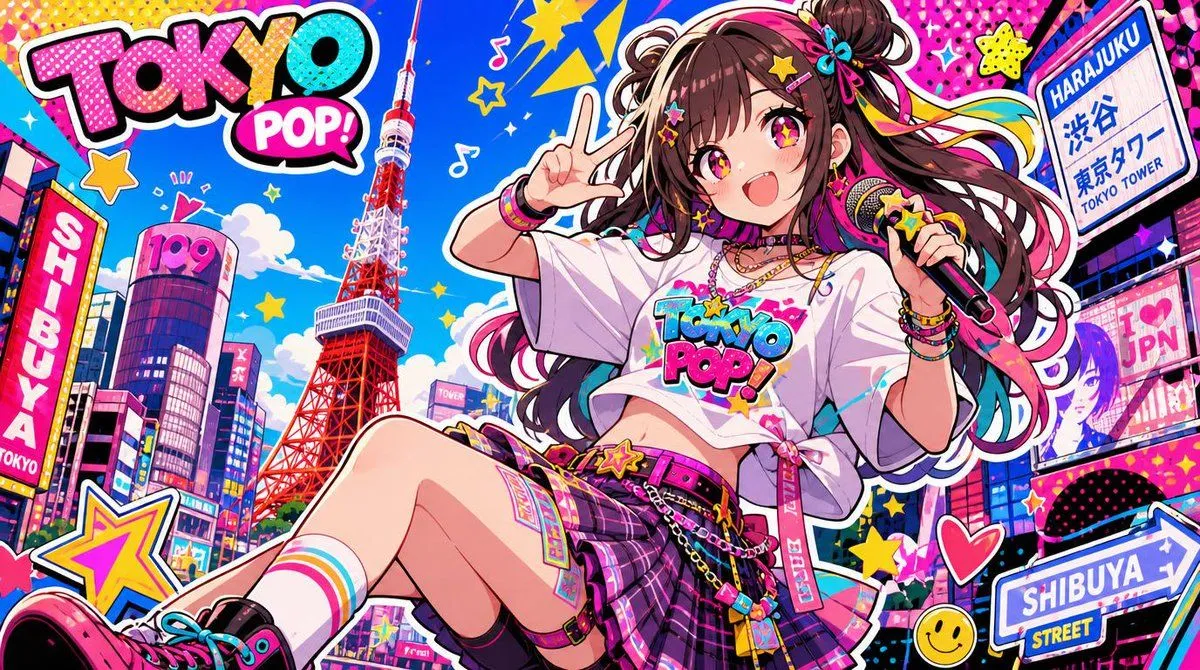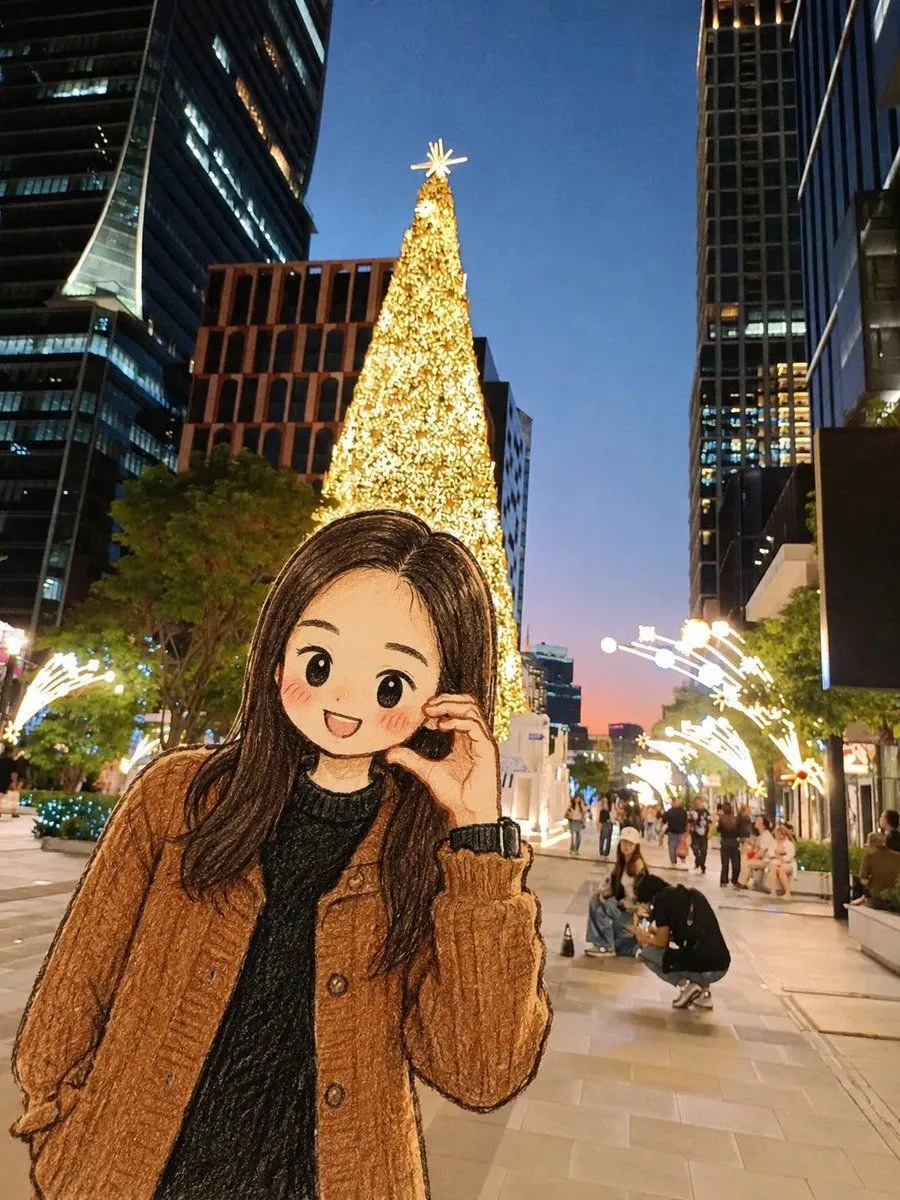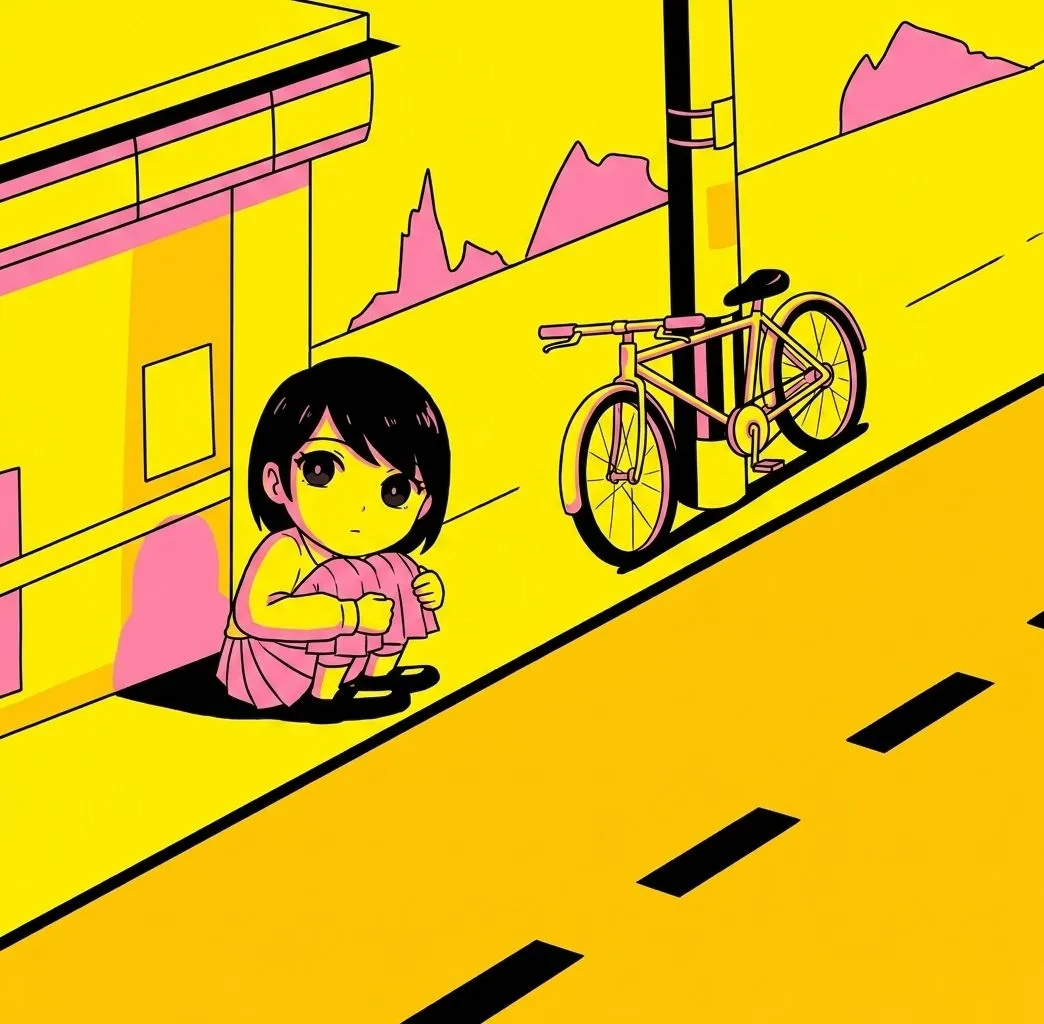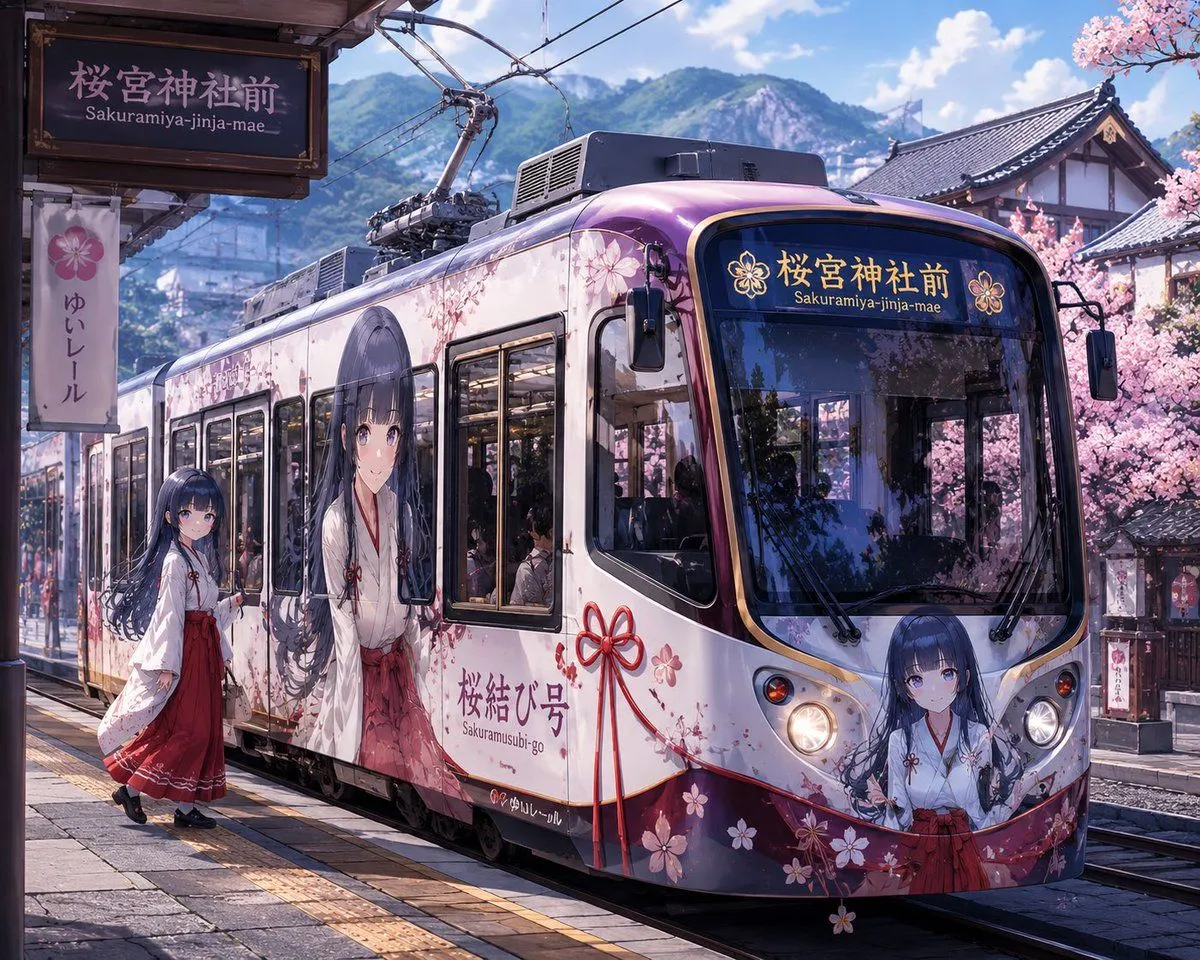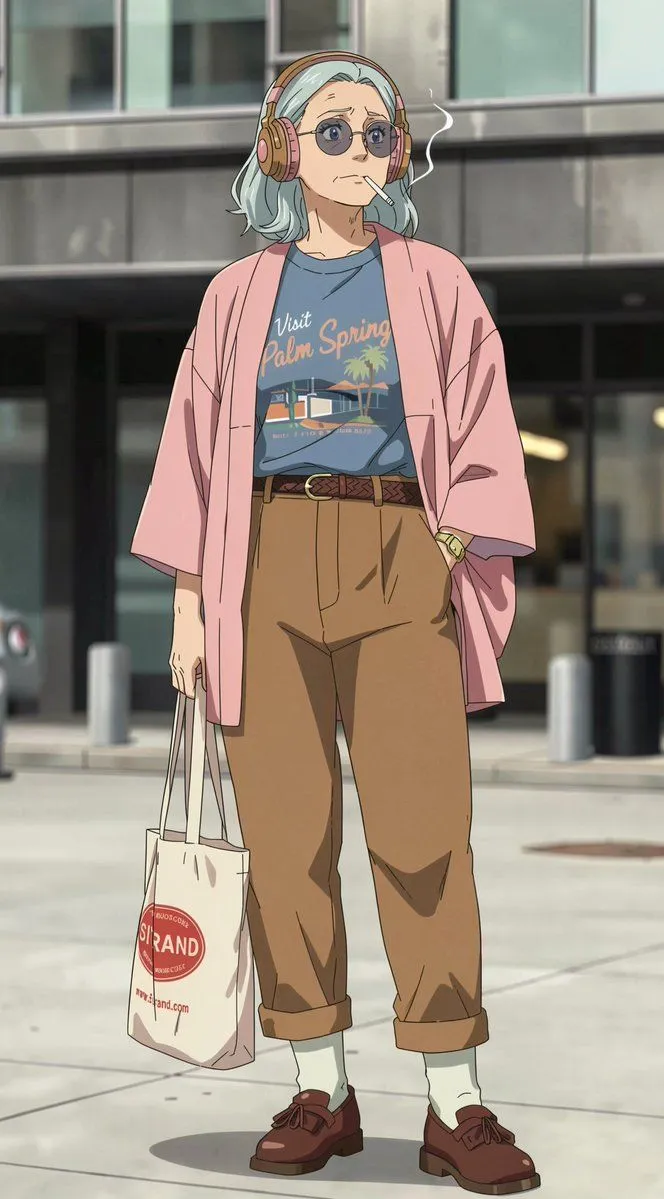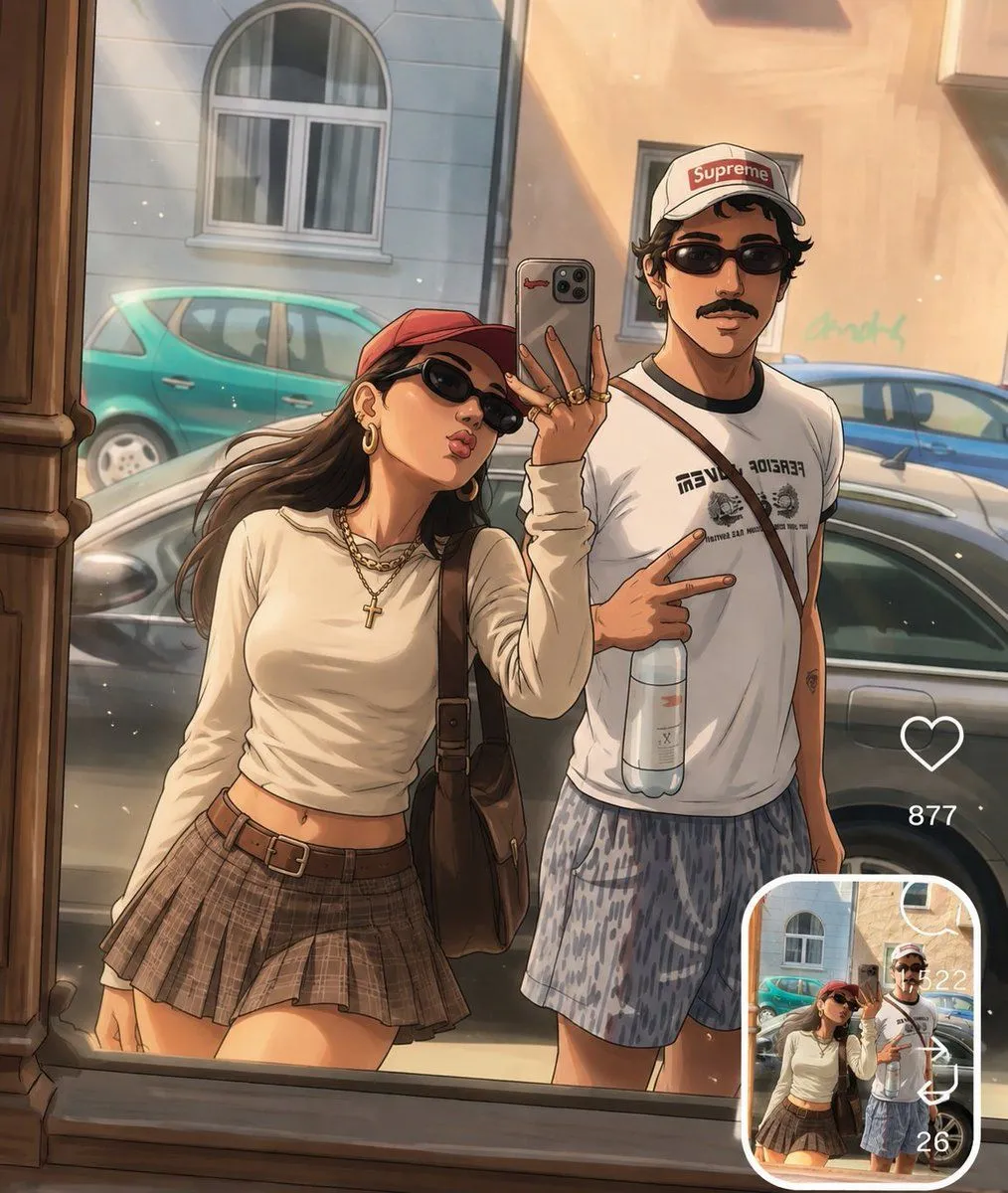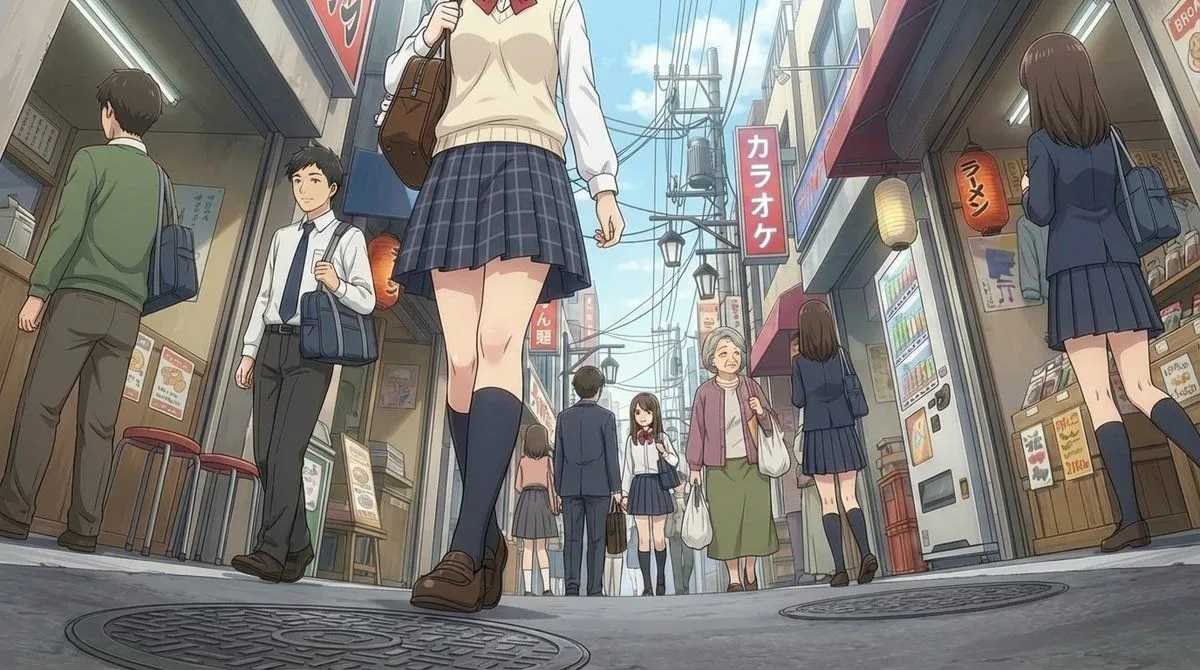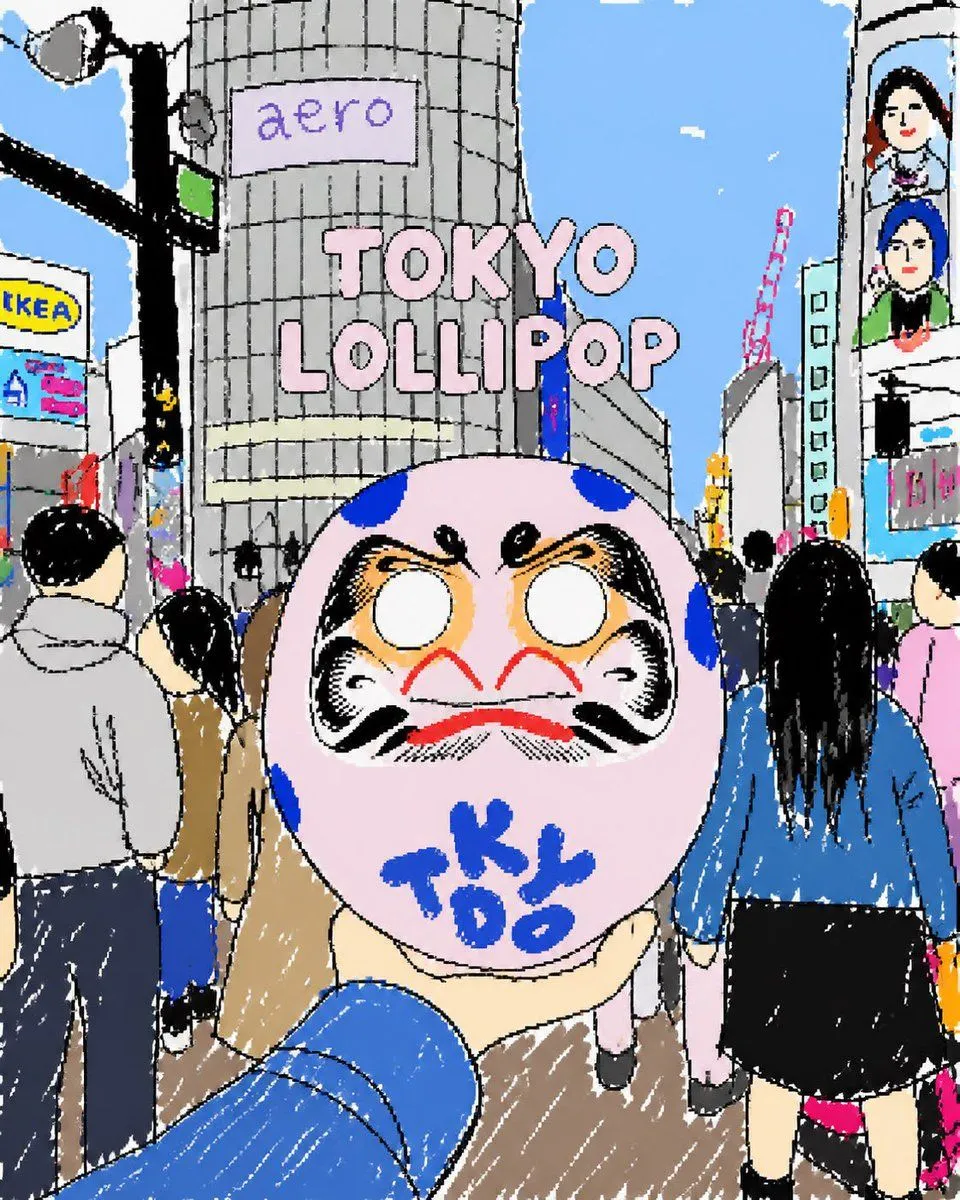
Made with GPT Image 2 in ChatGPT by Library Lifestyle. Promptclay never generates images.
Did it work?
No reports yet. Tell others if it worked for you.
Tokyo Lollipop Street Sketch
Prompt
4 blanks to fillCreate a cute, rough hand-drawn digital illustration in a playful sketchbook style, as if drawn with a thick black marker and quickly colored with flat pastel fills and scratchy white crayon highlights. The scene is a busy Tokyo street crossing from a first-person tourist viewpoint, with a blue-sleeved arm extending from the bottom foreground holding up a large round pink daruma-like lollipop or candy mask. The candy has a dramatic daruma face with blank white eyes, heavy black eyebrows and cheeks, orange shading, a red moustache-like mouth, blue spots, and blue handwritten letters reading {candy_text} across the lower face. Center the composition around the candy, making it oversized and close to the camera. Behind it, show crowds of pedestrians from the back and side, including exactly 7 prominent visible people: a gray-hoodie man on the left, a black-haired person in a tan coat near left center, a partial person in dark blue at far left bottom, a small distant person in pale pink pants under the candy, a long-black-haired woman in a blue jacket and black skirt on the right, a partial pink-shirt person at far right, and a cropped person displayed on a vertical screen in the upper right. Set the background in a whimsical Shibuya-style urban cityscape under a bright blue sky with tiny white clouds, tall gray buildings, a traffic light and streetlight pole on the left, overhead wires, a red construction crane in the distance, and storefront billboards. Include exactly 4 readable text elements: a lavender sign on the central cylindrical building reading {building_sign_text}, large pink bubble title text floating in the sky reading {headline_text}, a yellow-and-blue billboard on the left reading {left_billboard_text}, and the blue writing on the candy reading {candy_text}. Use intentionally imperfect perspective, wobbly outlines, naive proportions, dense city details, a cheerful tourist snapshot mood, and a square composition.
Preview of your prompt
Create a cute, rough hand-drawn digital illustration in a playful sketchbook style, as if drawn with a thick black marker and quickly colored with flat pastel fills and scratchy white crayon highlights. The scene is a busy Tokyo street crossing from a first-person tourist viewpoint, with a blue-sleeved arm extending from the bottom foreground holding up a large round pink daruma-like lollipop or candy mask. The candy has a dramatic daruma face with blank white eyes, heavy black eyebrows and cheeks, orange shading, a red moustache-like mouth, blue spots, and blue handwritten letters reading TOKYO across the lower face. Center the composition around the candy, making it oversized and close to the camera. Behind it, show crowds of pedestrians from the back and side, including exactly 7 prominent visible people: a gray-hoodie man on the left, a black-haired person in a tan coat near left center, a partial person in dark blue at far left bottom, a small distant person in pale pink pants under the candy, a long-black-haired woman in a blue jacket and black skirt on the right, a partial pink-shirt person at far right, and a cropped person displayed on a vertical screen in the upper right. Set the background in a whimsical Shibuya-style urban cityscape under a bright blue sky with tiny white clouds, tall gray buildings, a traffic light and streetlight pole on the left, overhead wires, a red construction crane in the distance, and storefront billboards. Include exactly 4 readable text elements: a lavender sign on the central cylindrical building reading aero, large pink bubble title text floating in the sky reading TOKYO LOLLIPOP, a yellow-and-blue billboard on the left reading tKEA, and the blue writing on the candy reading TOKYO. Use intentionally imperfect perspective, wobbly outlines, naive proportions, dense city details, a cheerful tourist snapshot mood, and a square composition.
DetailsVersions, settings and questions
Written for
What's in the prompt
- Subject
- Model
- GPT Image 2
If your face changes
keep my face exactly the sameQuestions
- Does this work in the ChatGPT app?
- Yes. Paste the prompt and attach your photo if it uses one.
- It changed my face. What do I do?
- Add "keep my face exactly the same" to the end and run it again.
- Can I use the images I make?
- Check the terms of the app you use. Promptclay never generates images and claims nothing you make.